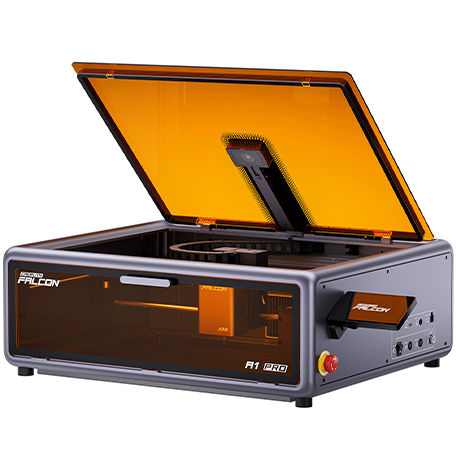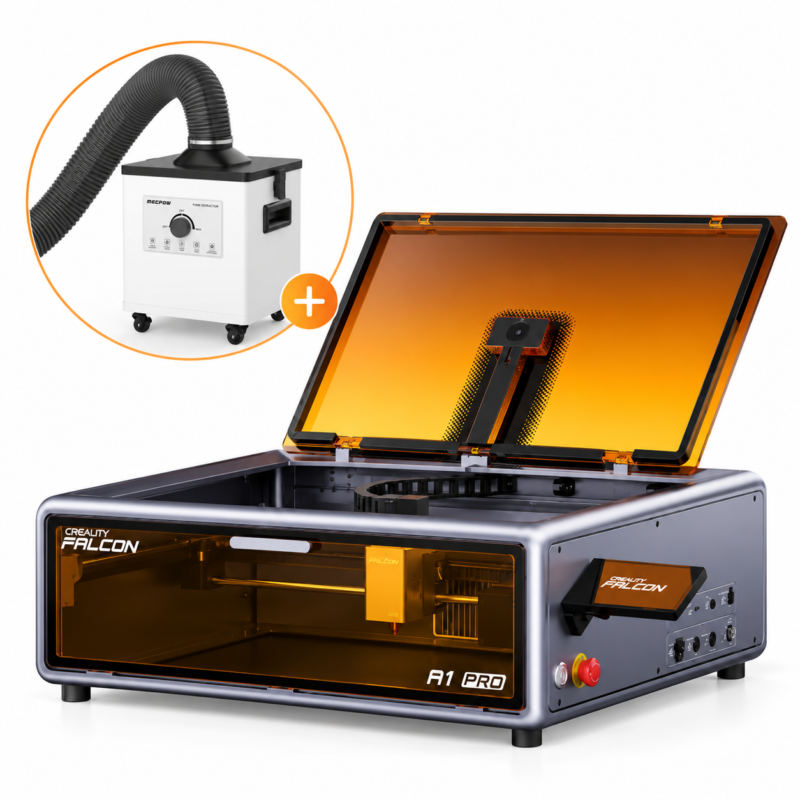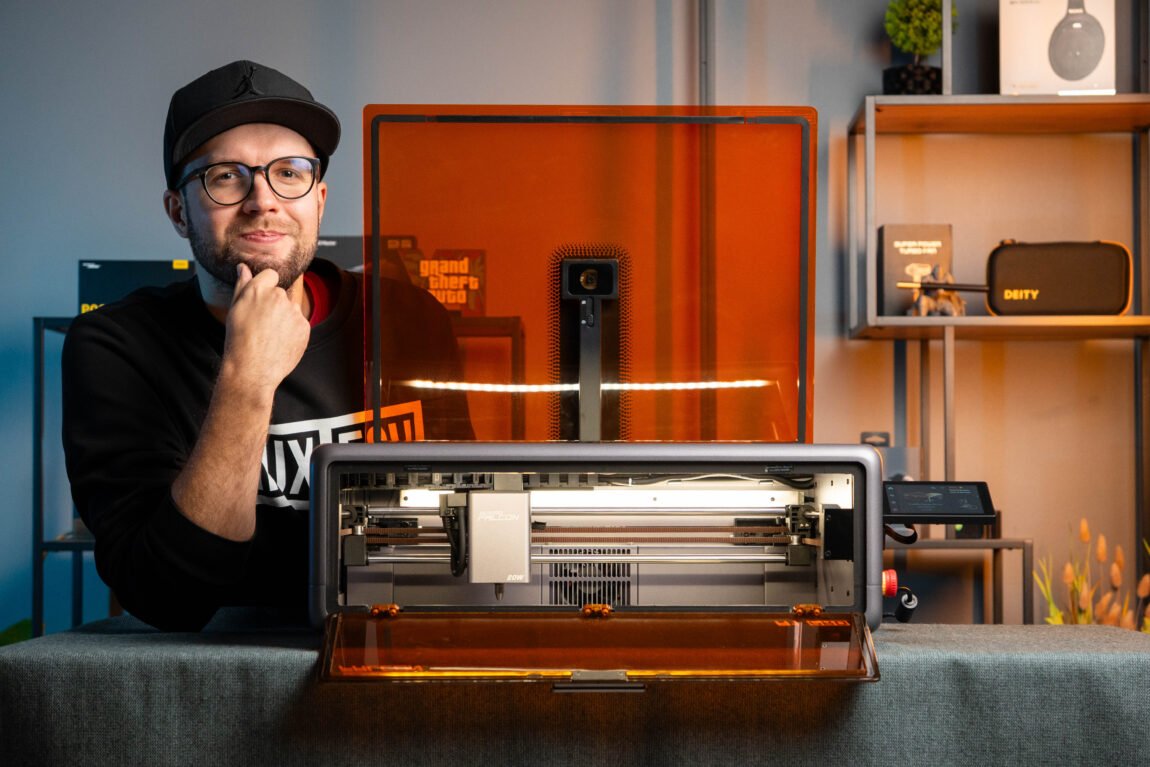
Some time ago, I had the opportunity to try out the Creality Falcon A1 - a laser engraver that left a really good impression on me. It was quite easy to use, had a closed structure, a camera and a 10W laser, so even without much experience with laser engraving, you could start producing various projects quite quickly.
Creality Falcon A1 Pro
Assessment:
What did we like?
What didn't we like?
Now I have an improved version of this engraver - the Creality Falcon A1 Pro. At first glance, it looks very similar, but there are several important things that have changed. Since I have already talked about the Falcon A1 itself, its software and basic working principles in the previous review, I will not repeat everything again this time. After all, it is much more interesting to see what those changes are, what they change and is this model really worthy of being called Pro?
Unpacking
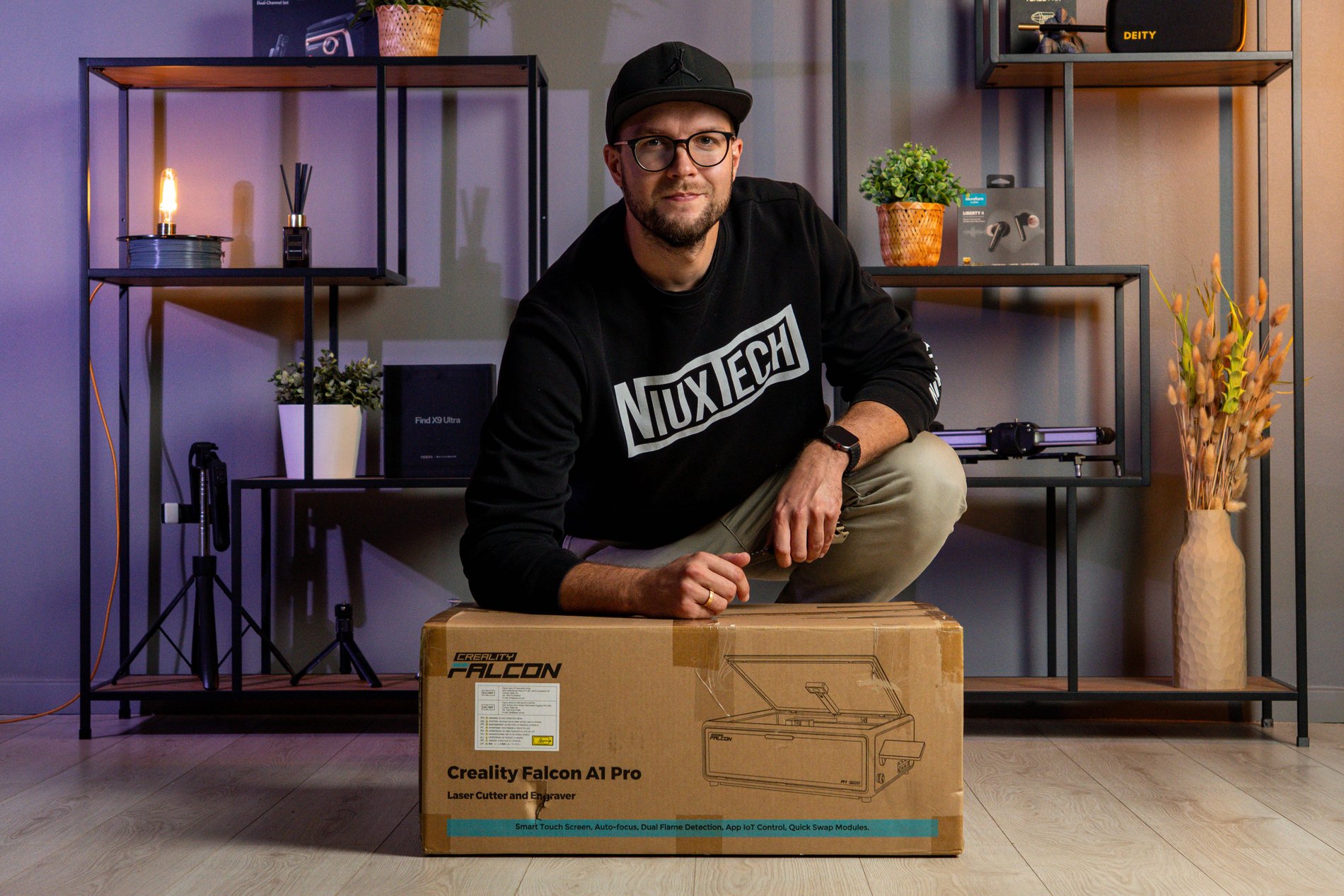
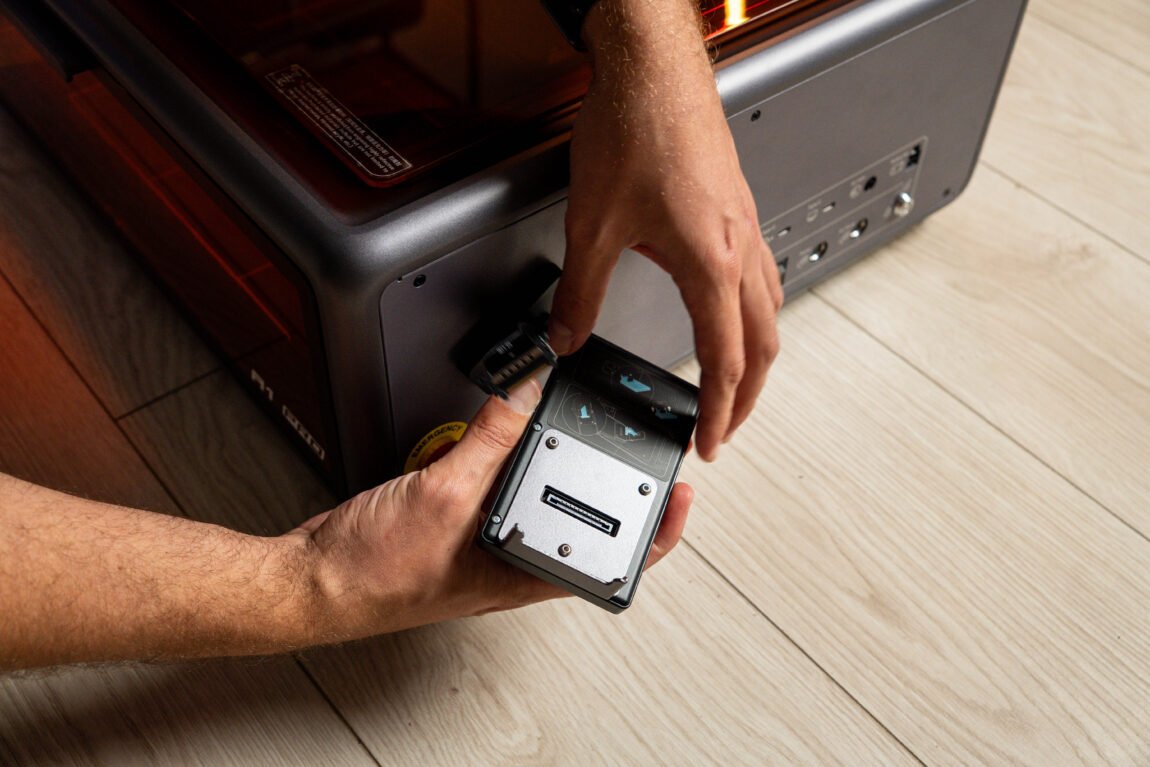
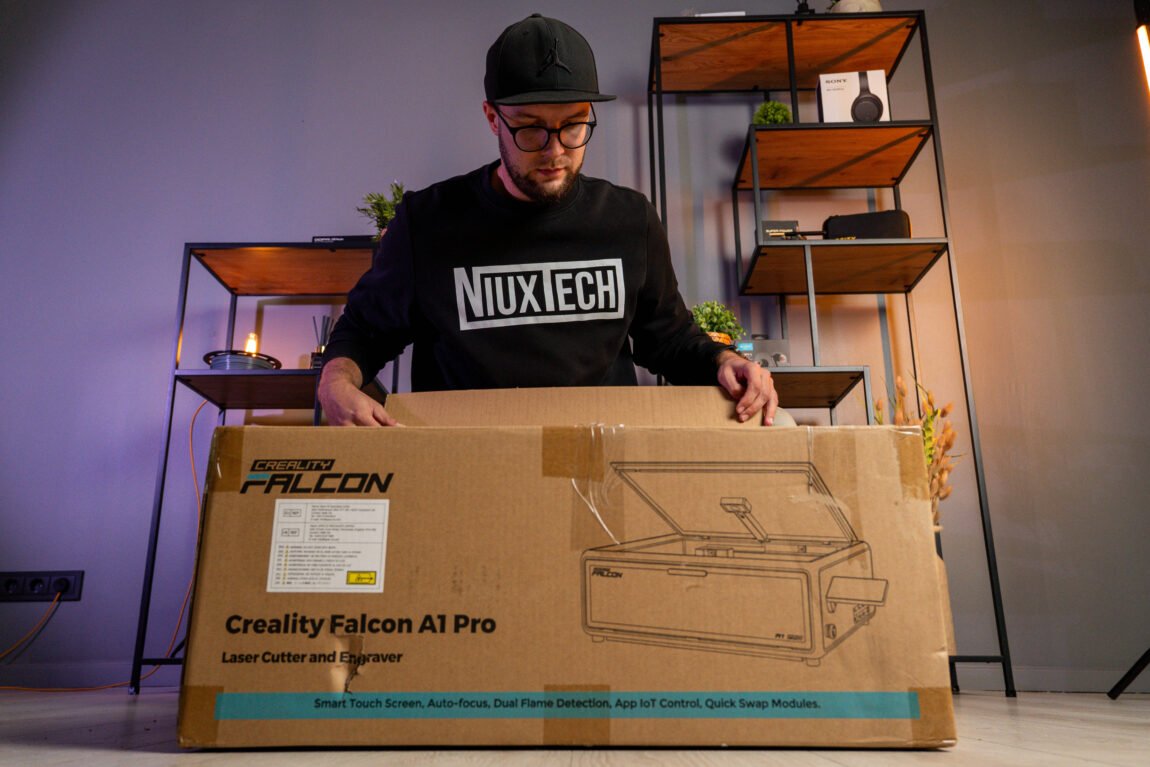
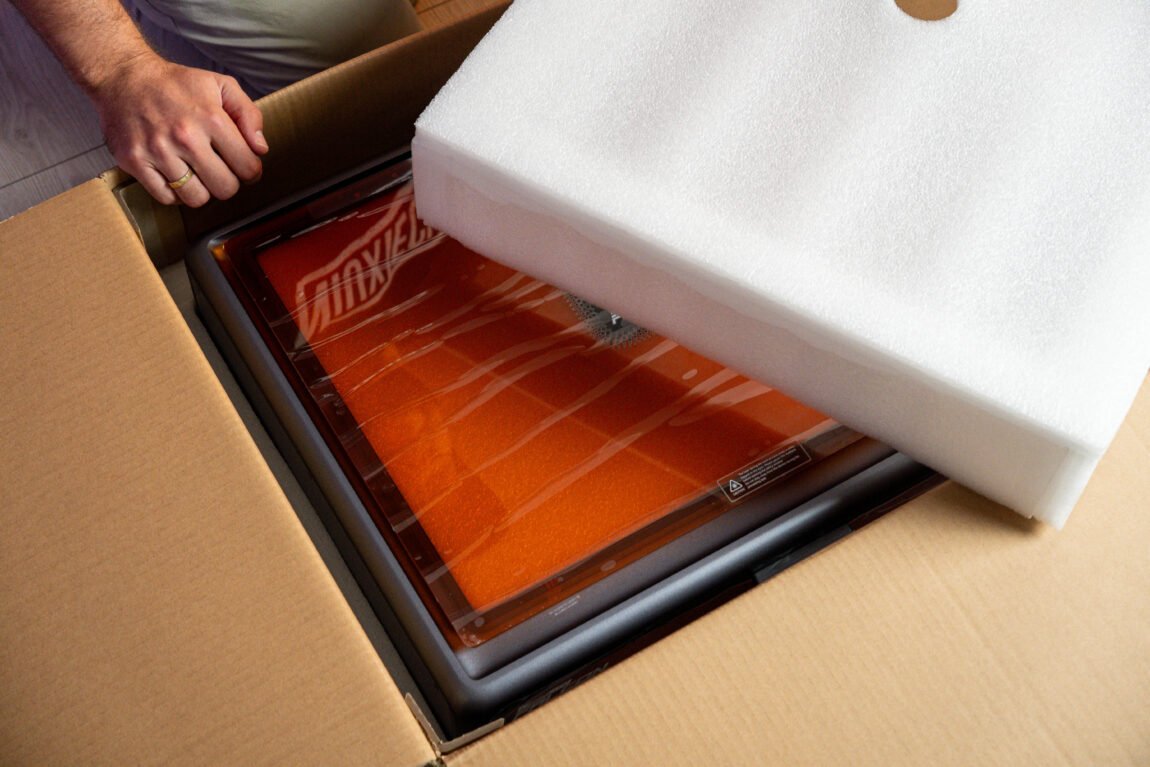
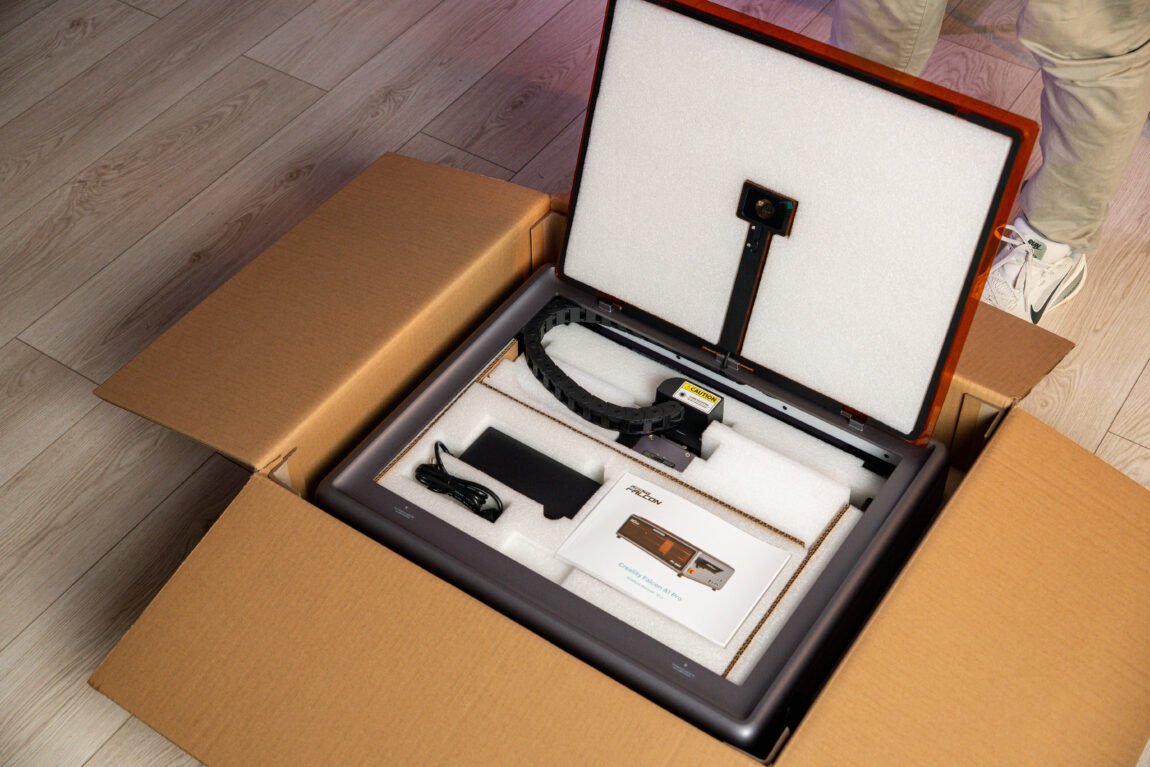
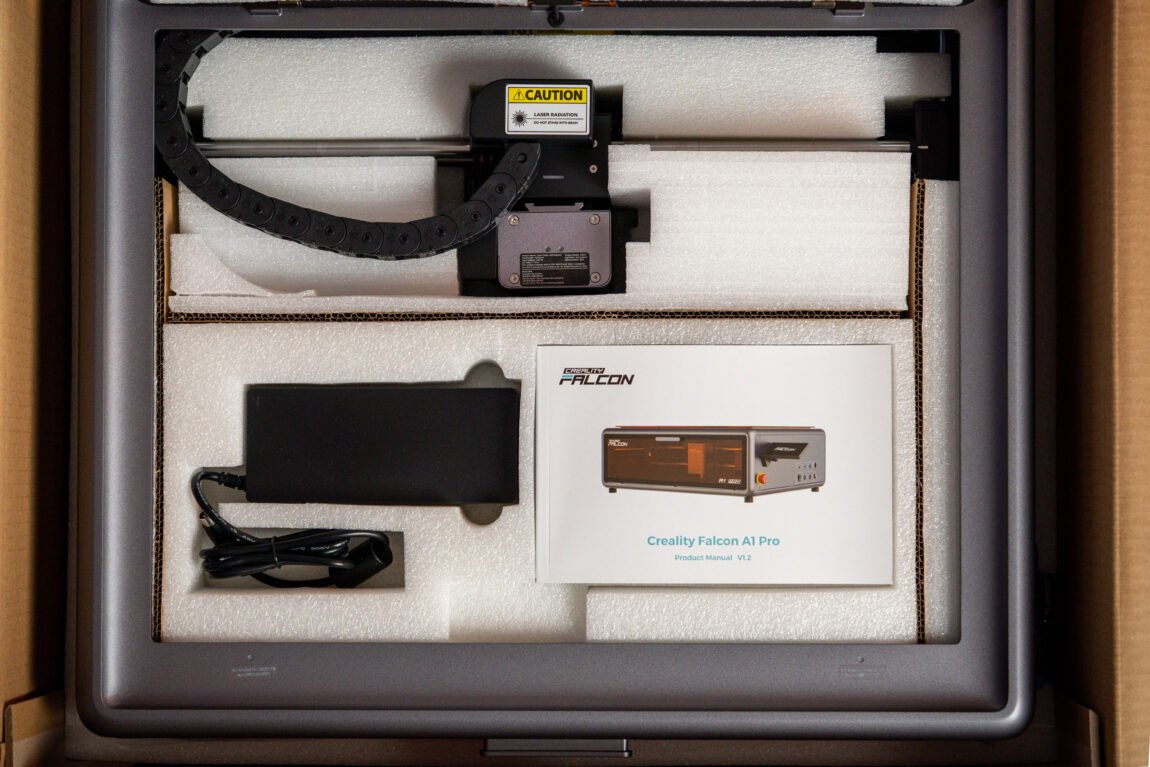
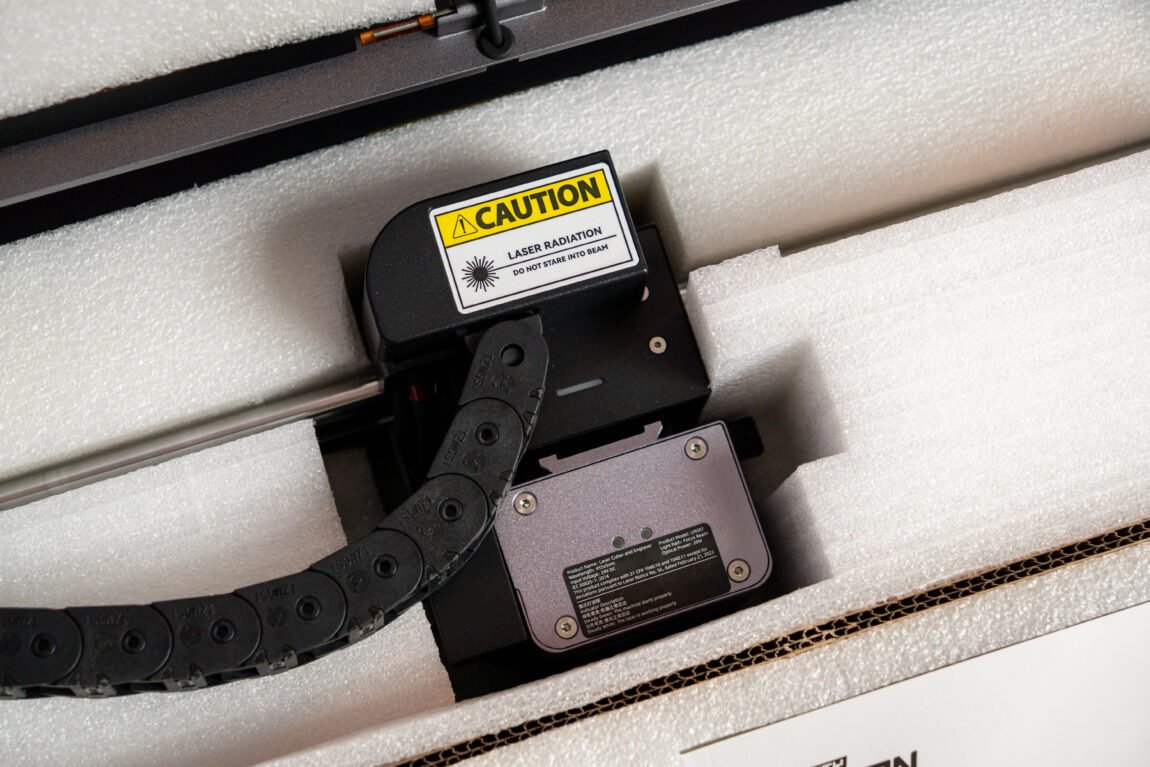
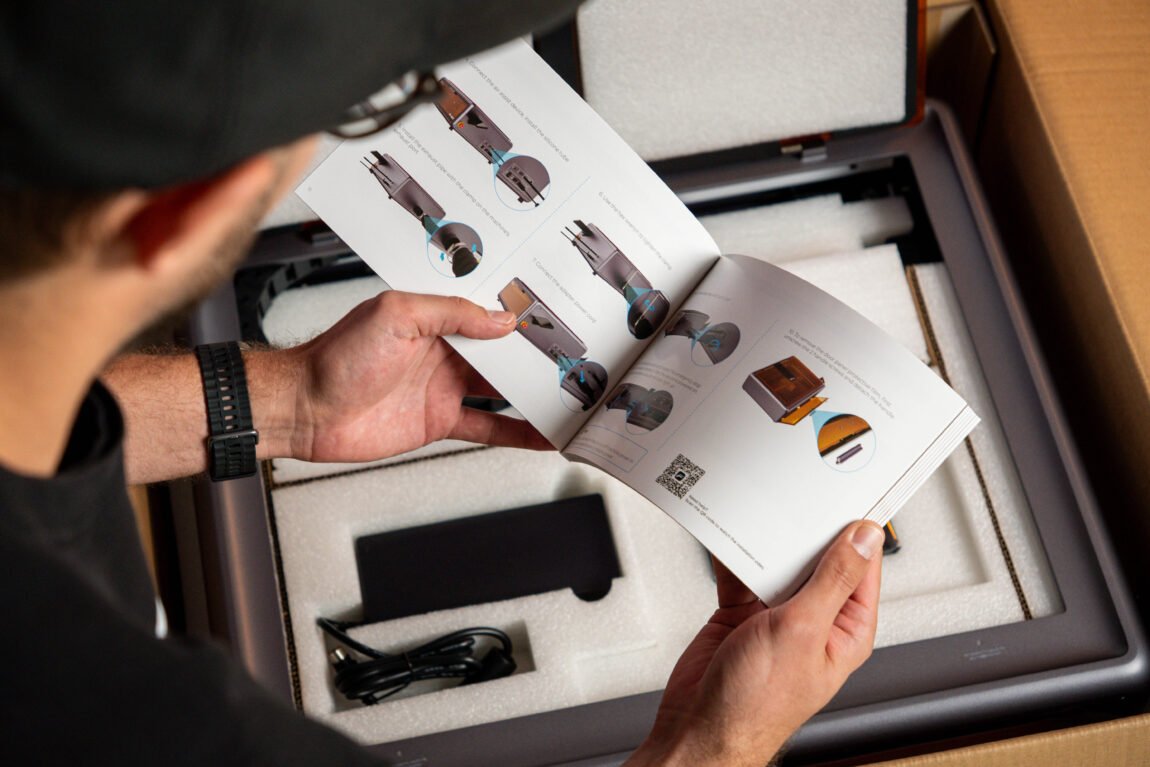
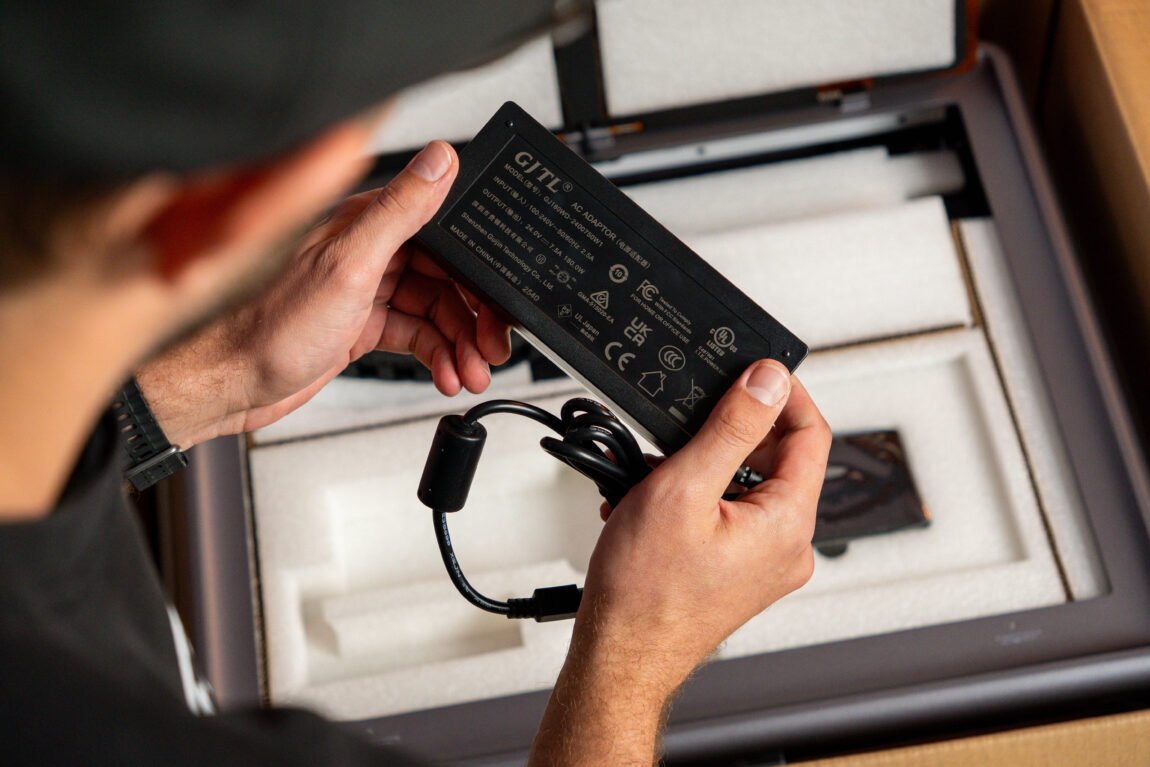
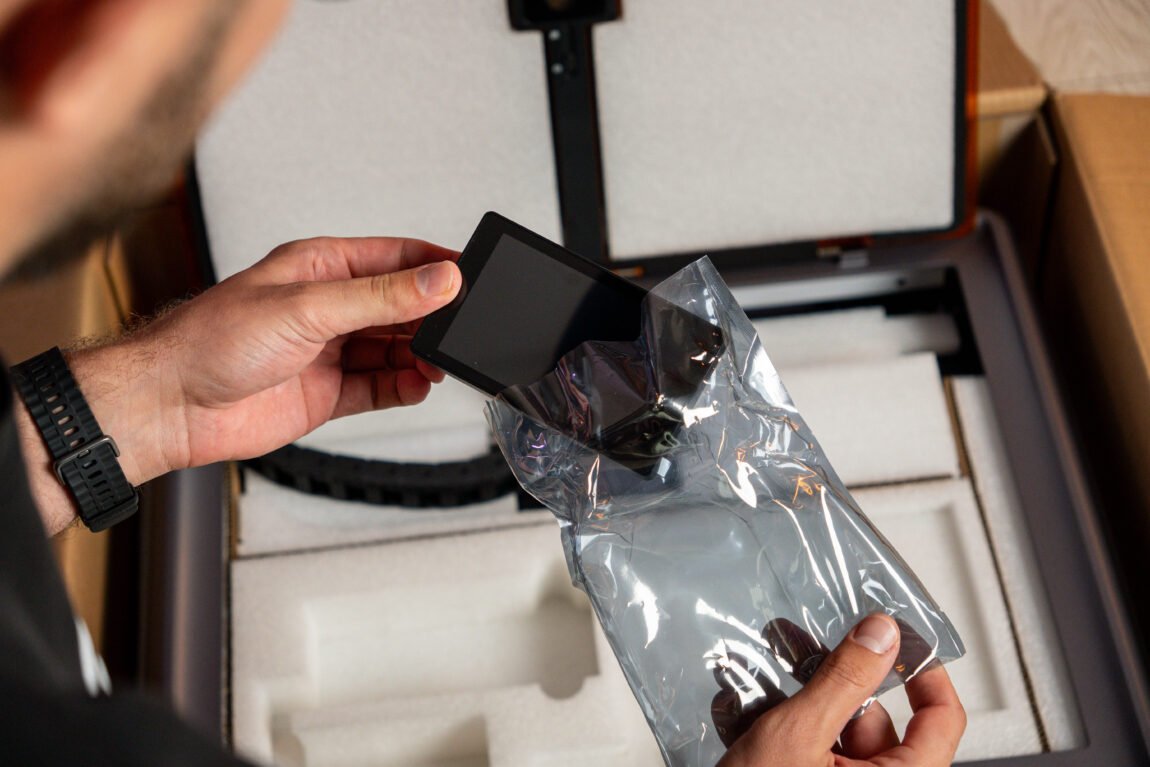
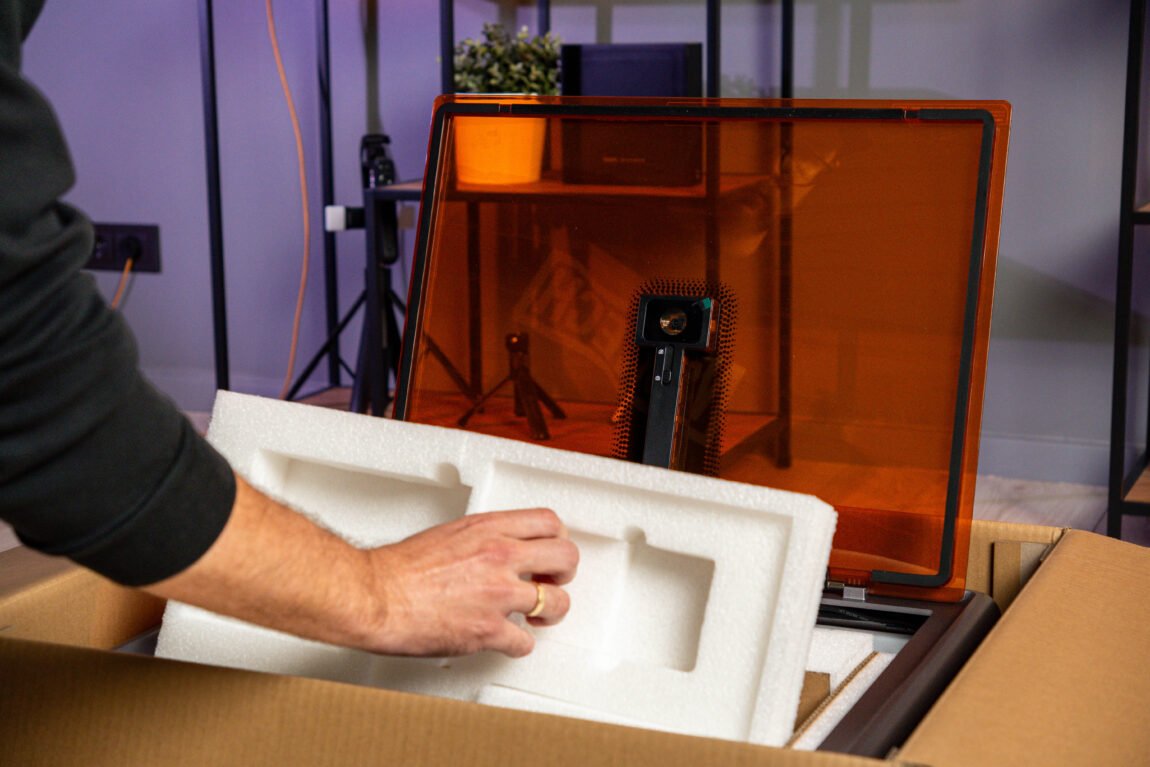
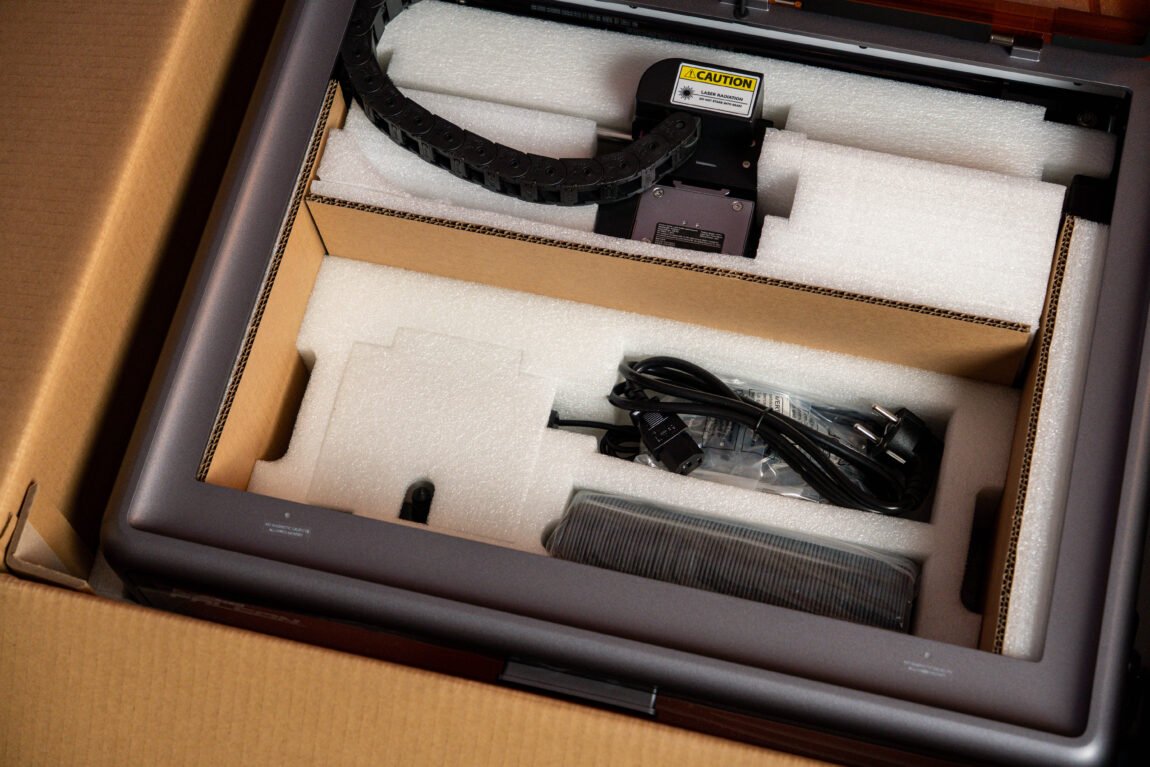
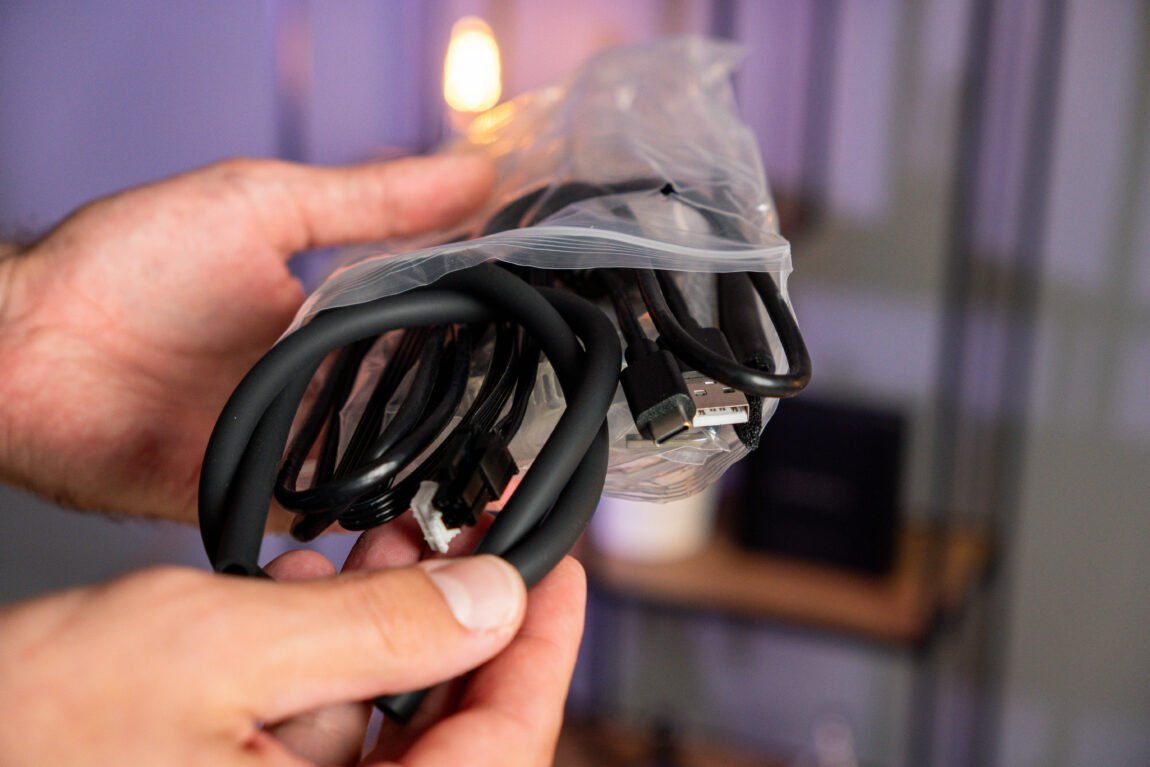
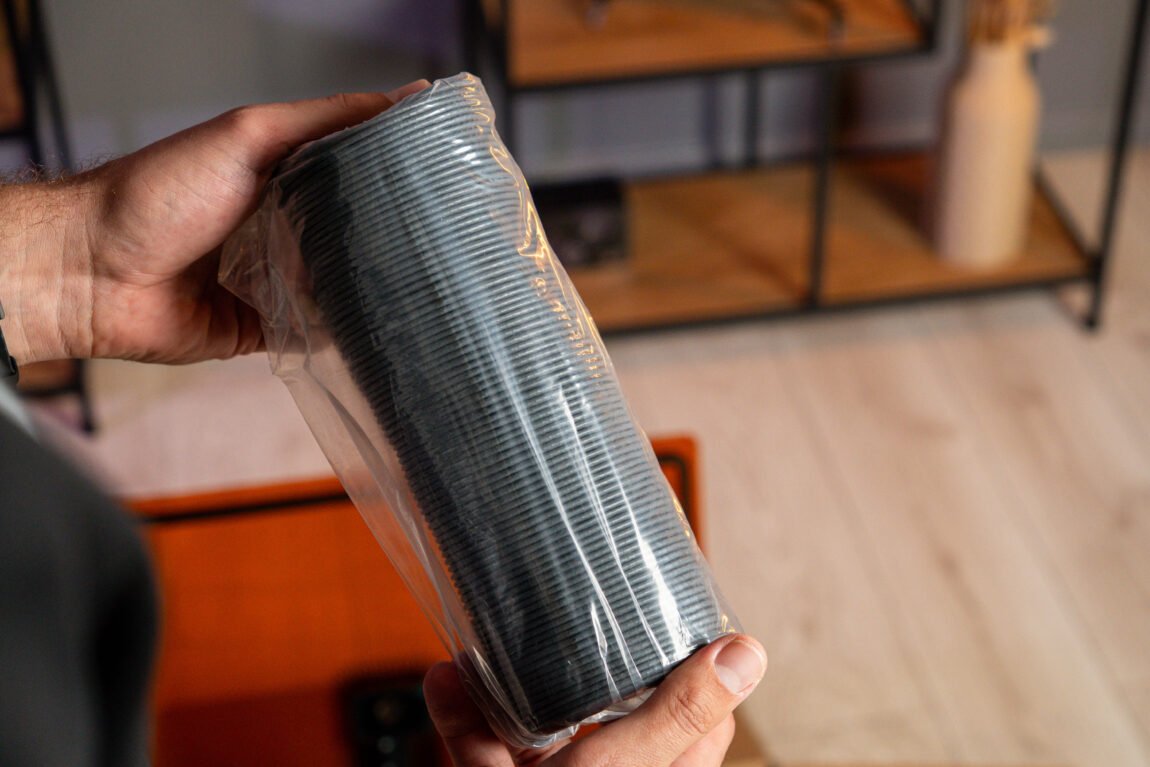
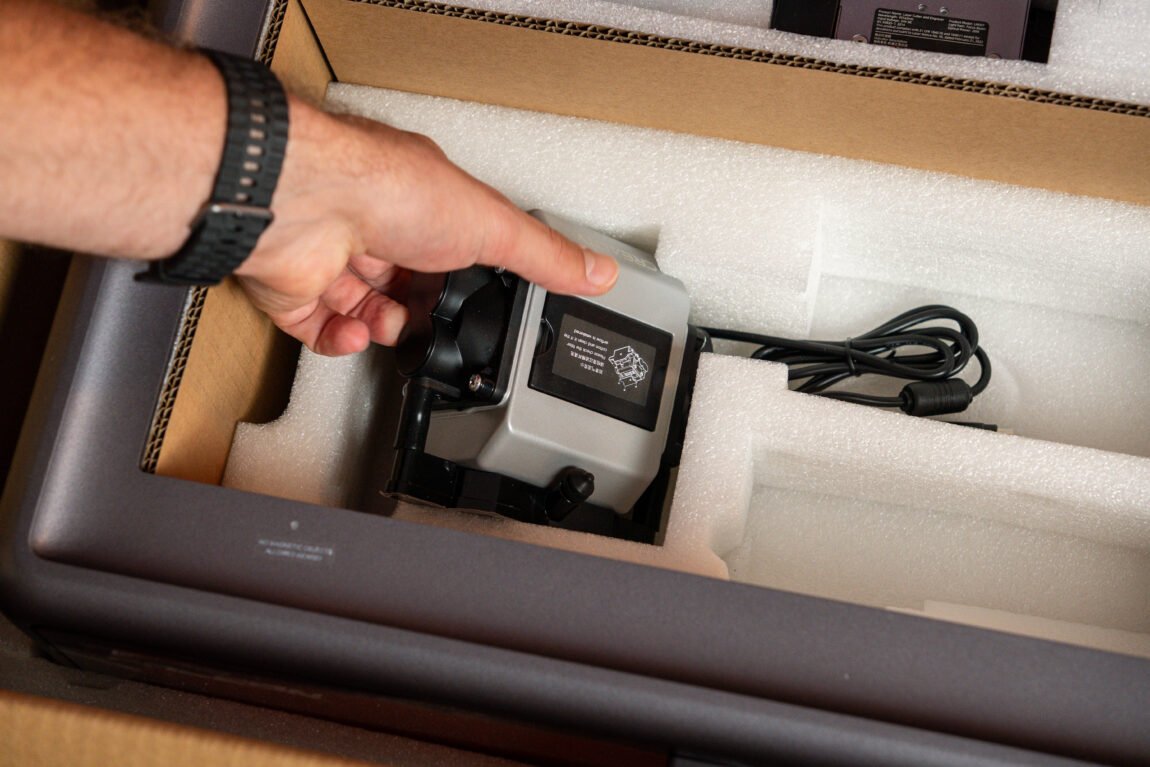
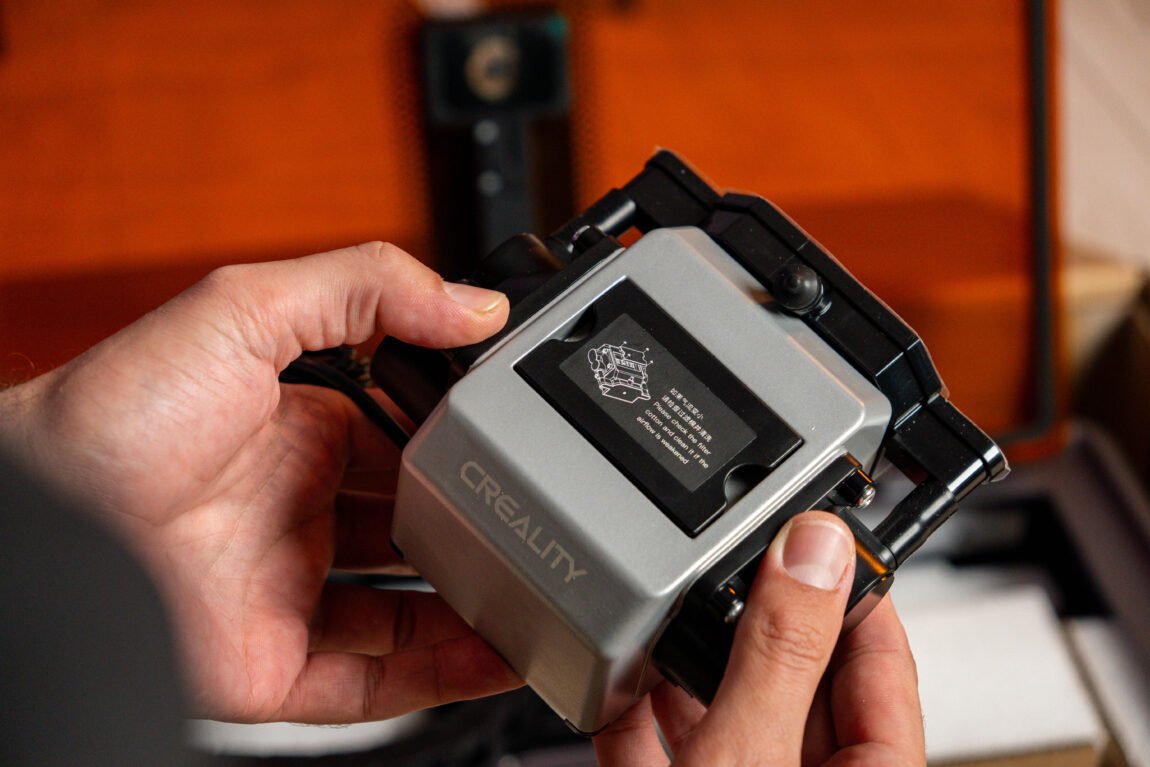
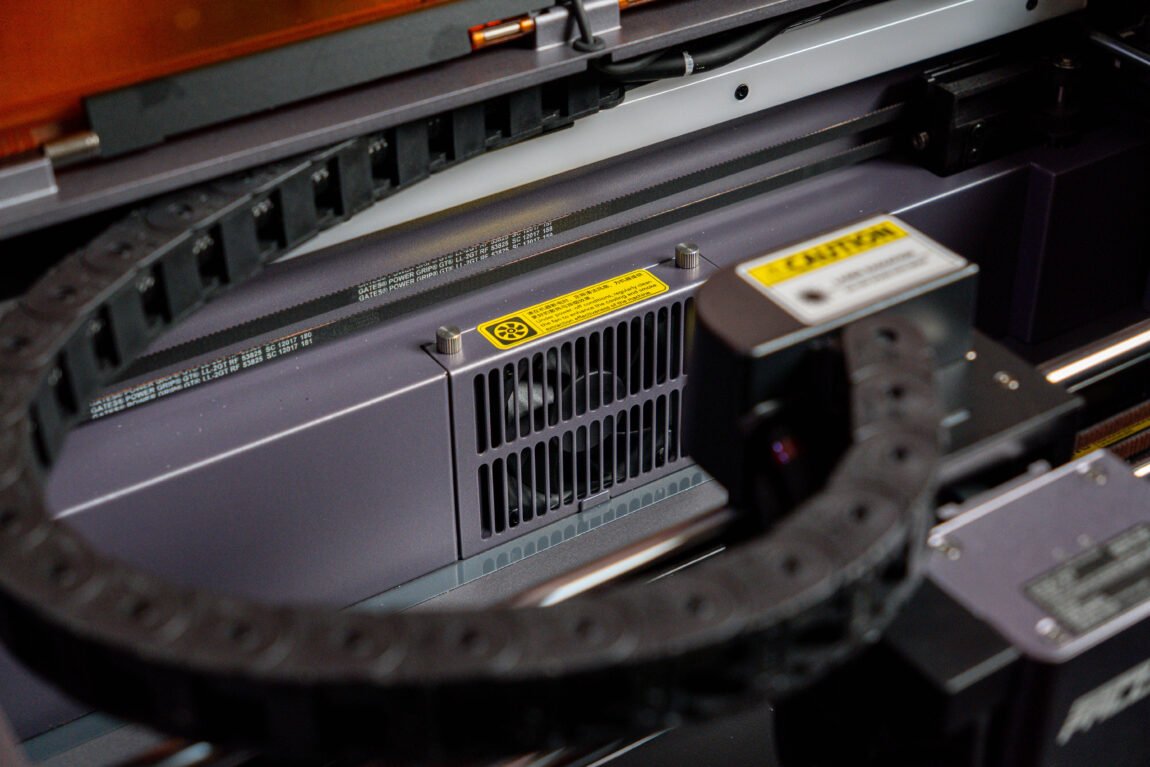
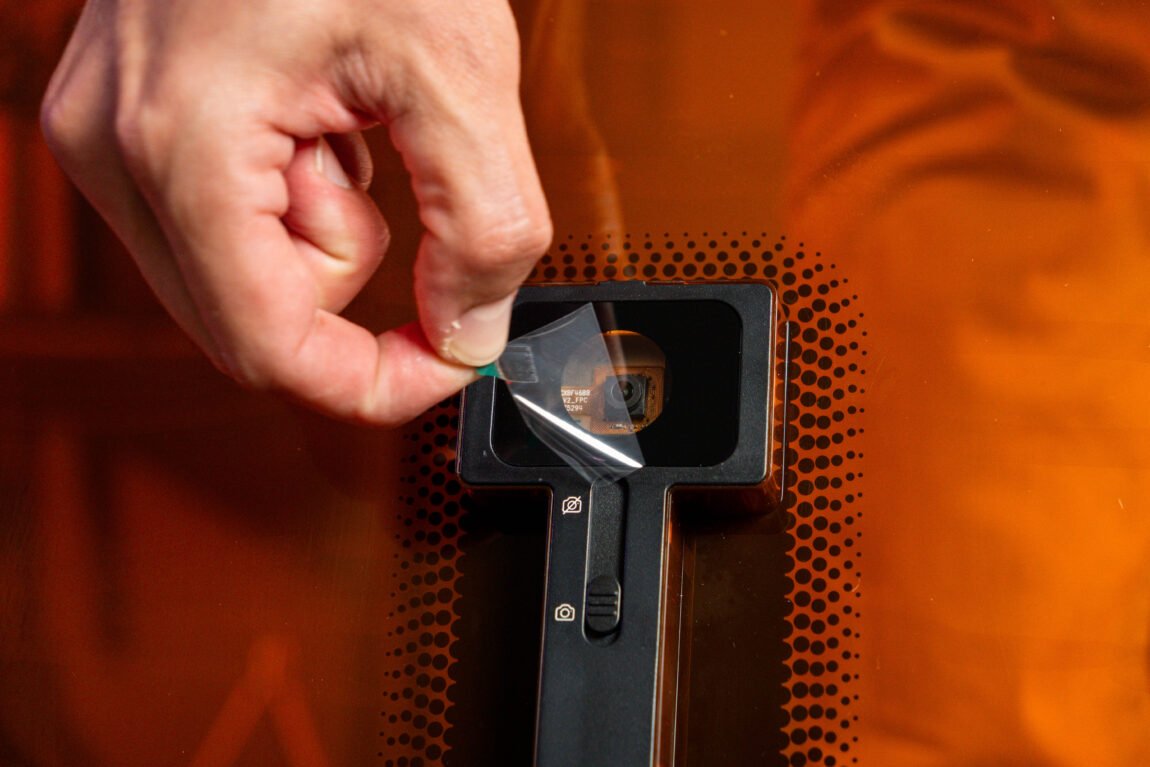
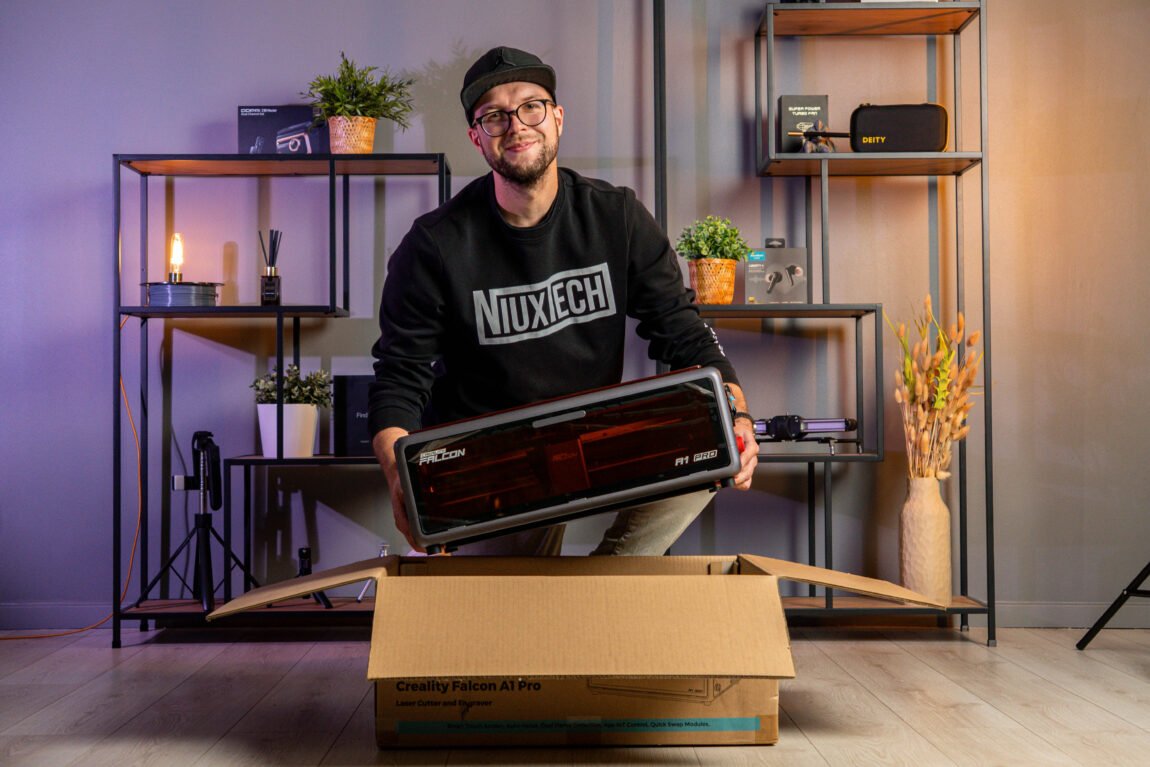
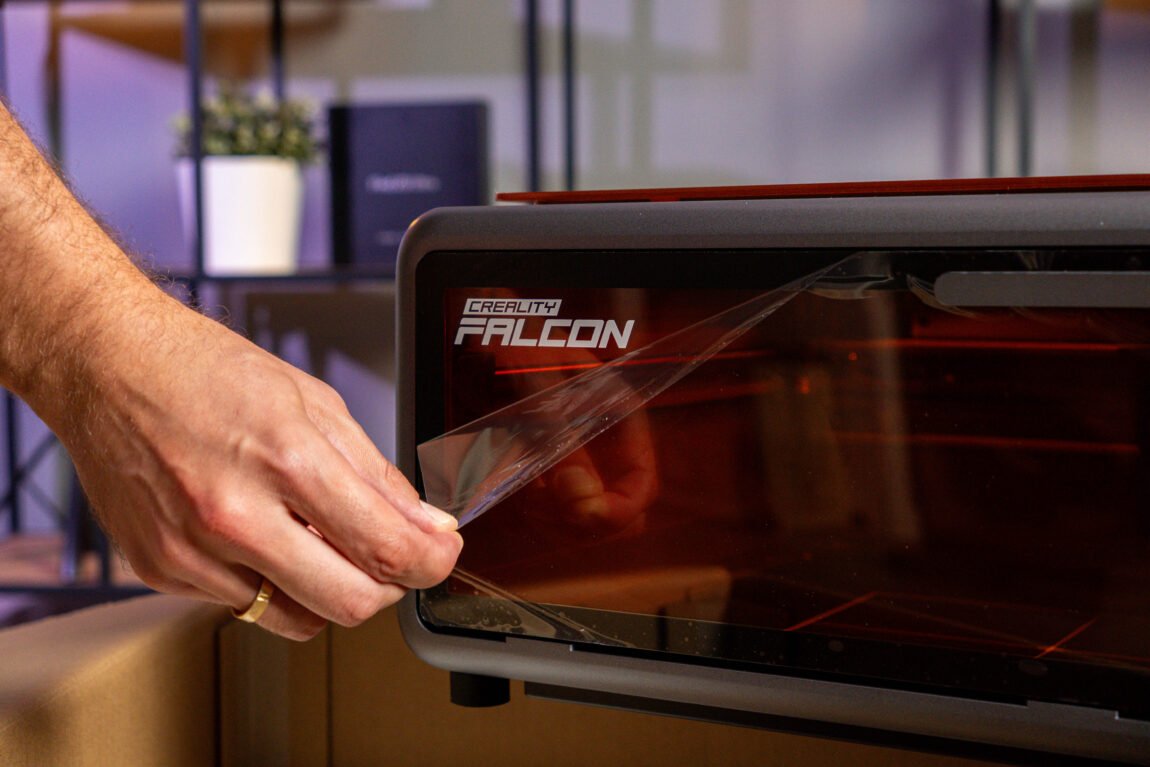
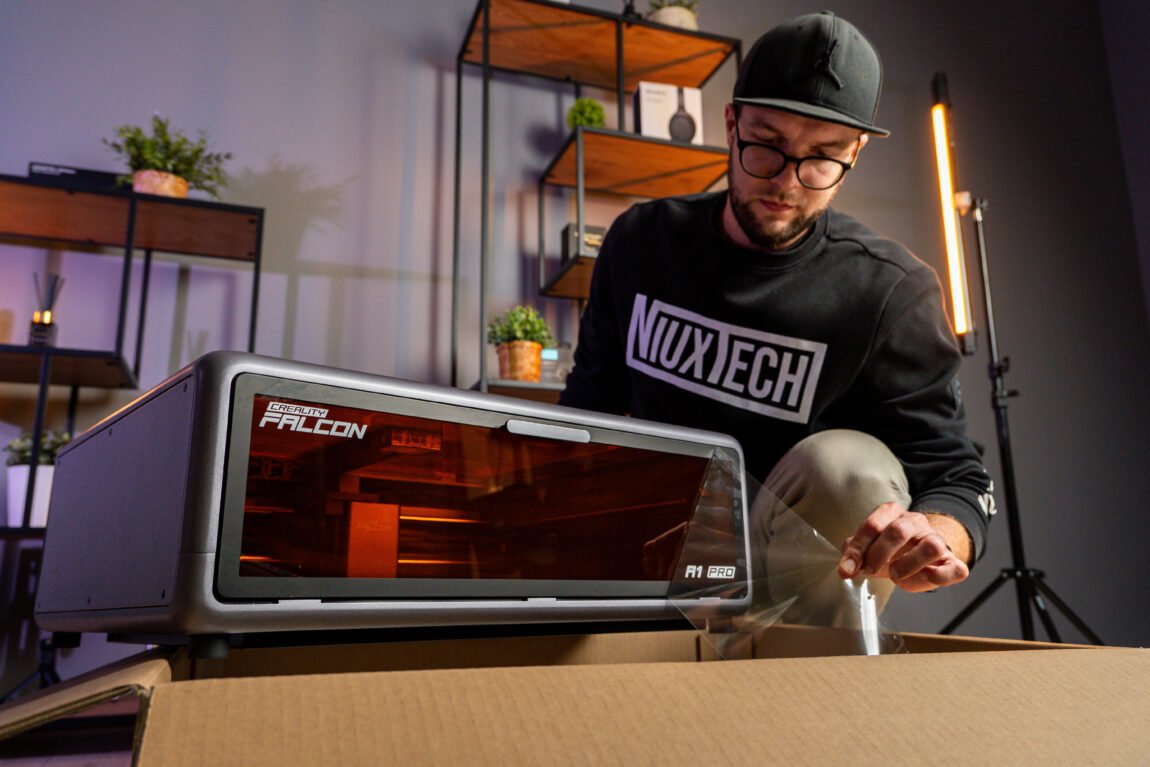
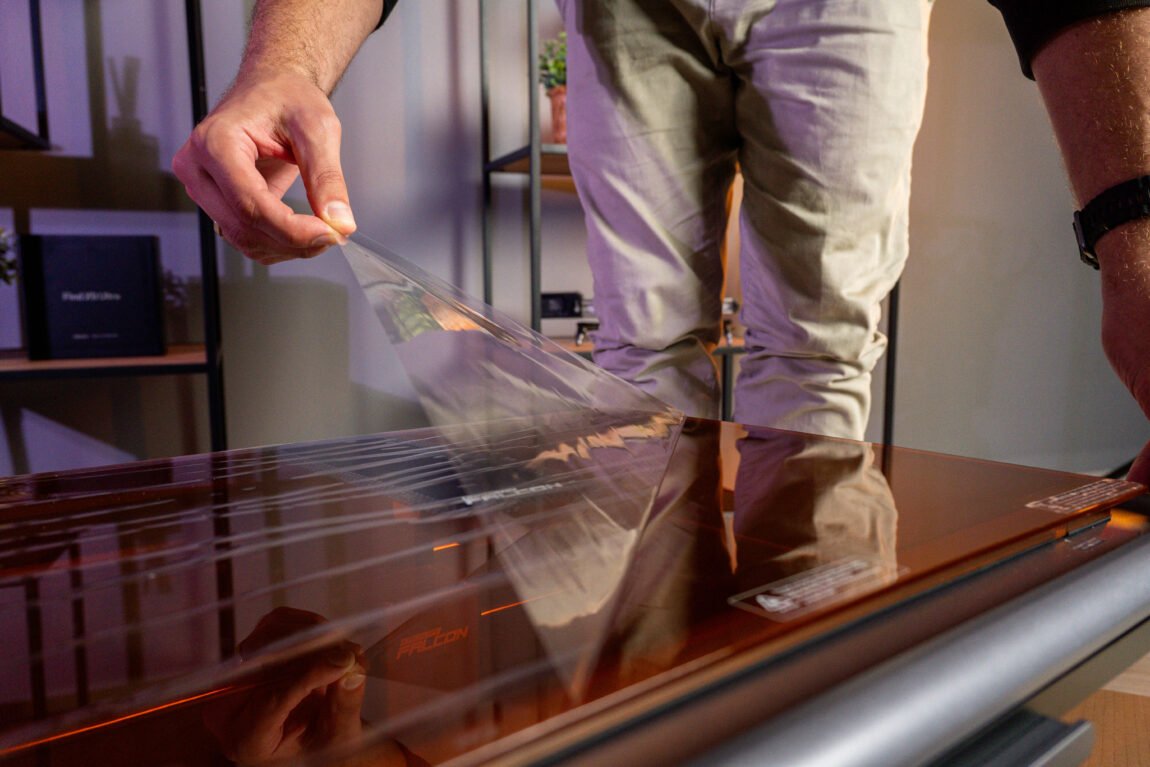
Unpacking it gives me a sense of déjà vu. The contents of the box are basically the same as the A1, and I find everything I need to get started. Similarly, I just need to connect a few wires and hoses, install the display, and the A1 Pro is ready to go. In fact, I want to praise Creality for its simplicity - both in terms of packaging and the time saved in preparing the engraver for work.
At first glance
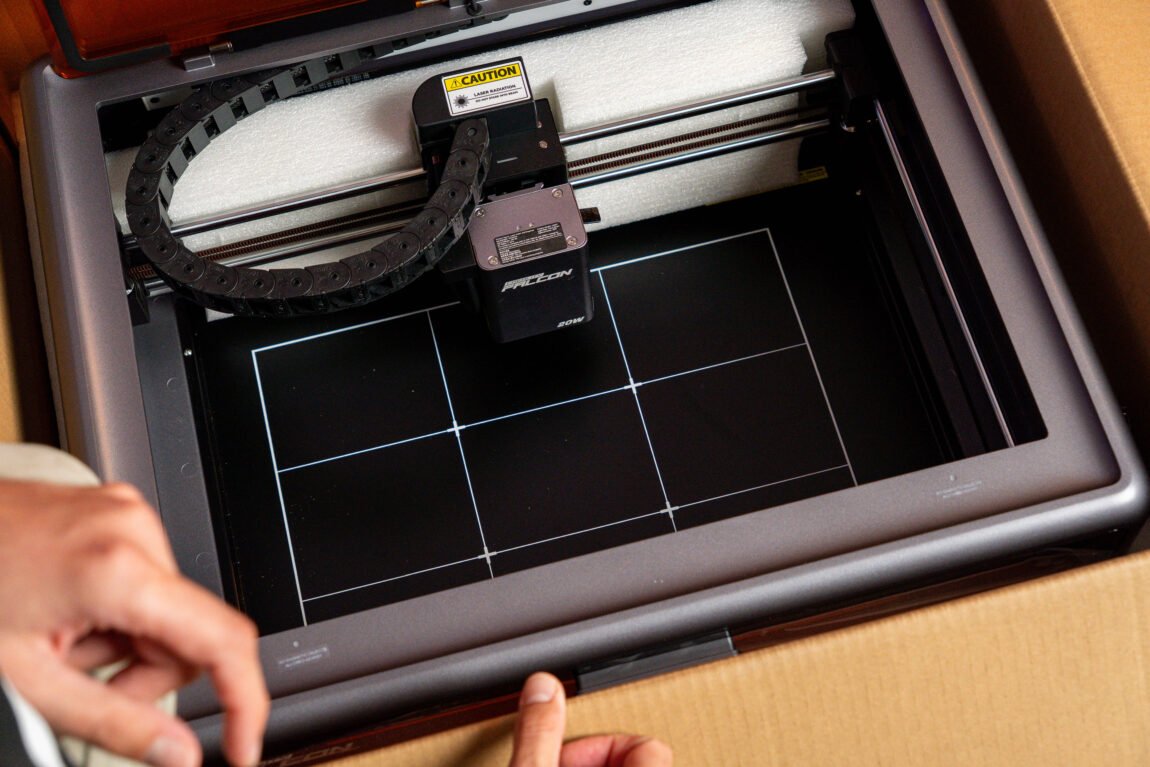
If we were to place the Falcon A1 and A1 Pro side by side, it wouldn't be so easy to immediately notice the differences. The overall design of the device remains virtually identical - it is still a closed laser engraver, with which much of the work can be done practically without knowing anything.
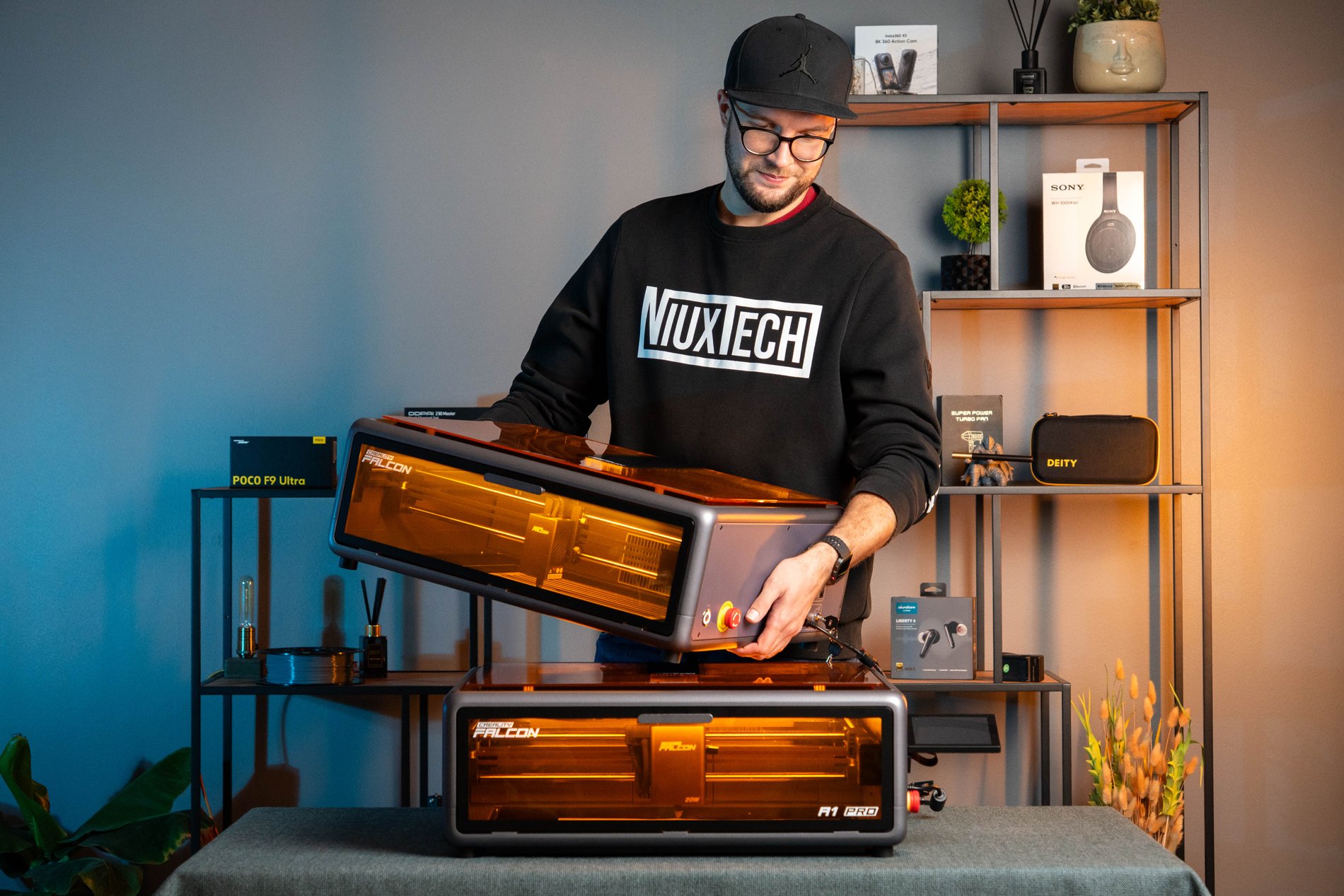
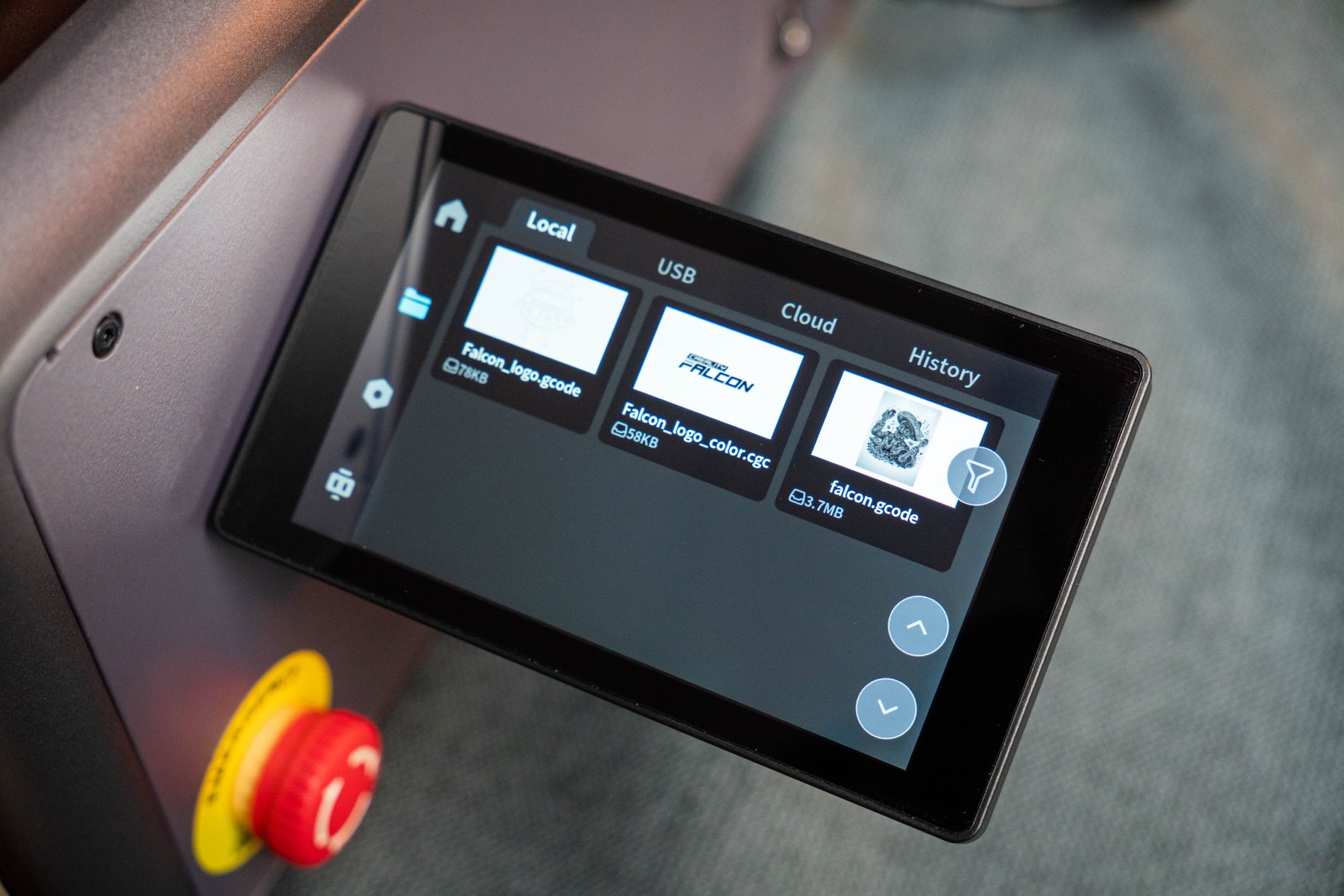
However, there are differences here. First of all, the screen that has appeared on the side allows you to control the device with it. Here you can find the history of completed tasks, an additional option to run a task from a USB key, see error messages, etc. Although the screen seems useful at first glance, after a week of use I realize that I rarely have to access it, because this change is overshadowed by another, one of the best changes - the Wi-Fi module.
The most memorable thing about the A1 was that I felt constantly tethered to the engraver, so the ability to run a project wirelessly seems like a godsend to me. And the best part is that it's not just limited to connecting to a computer and running work remotely - it turns out that all the functions that can be performed on a computer can also be performed from a phone using the mobile version of Falcon.
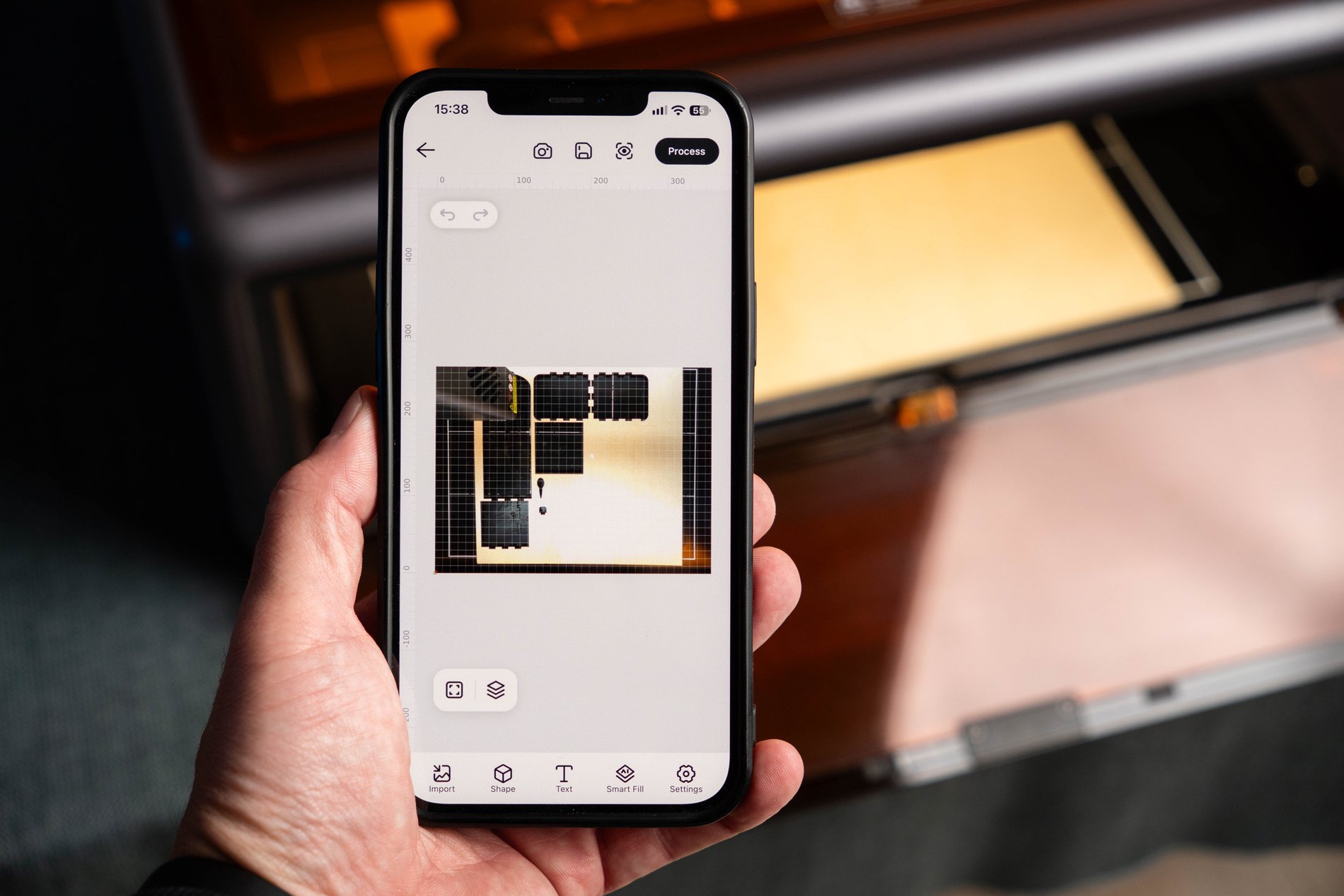
Falcon app
Yes, with the app on your phone you can perform practically all the same functions that you can perform on your computer. But there is also the possibility of monitoring the engraving via the camera, which works much more stably than on Creality 3D printers. However, you still need to confirm the start of engraving by pressing the screen on the side of the engraver - this ensures that everything is safe and checked before starting.
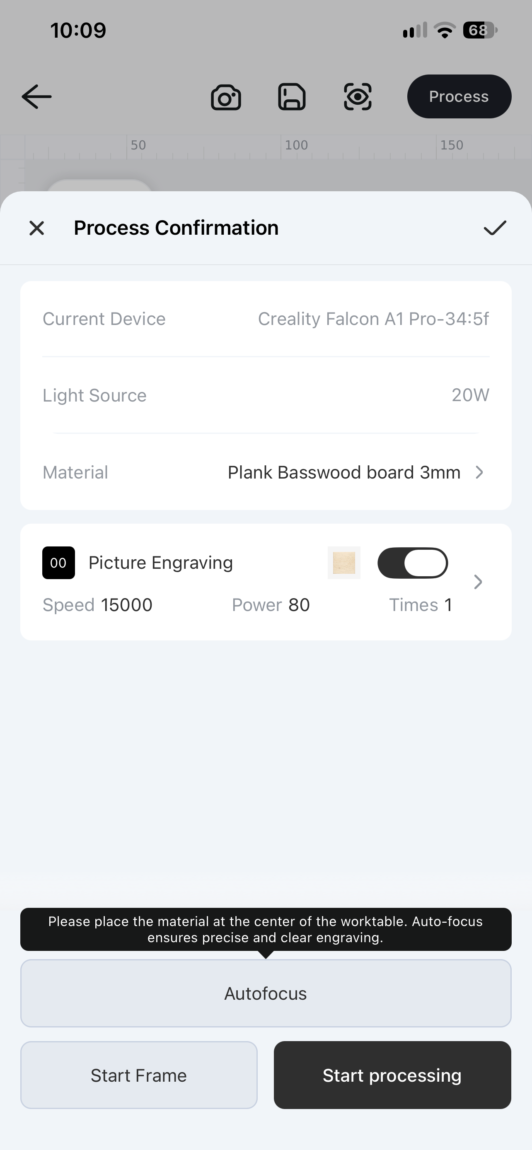
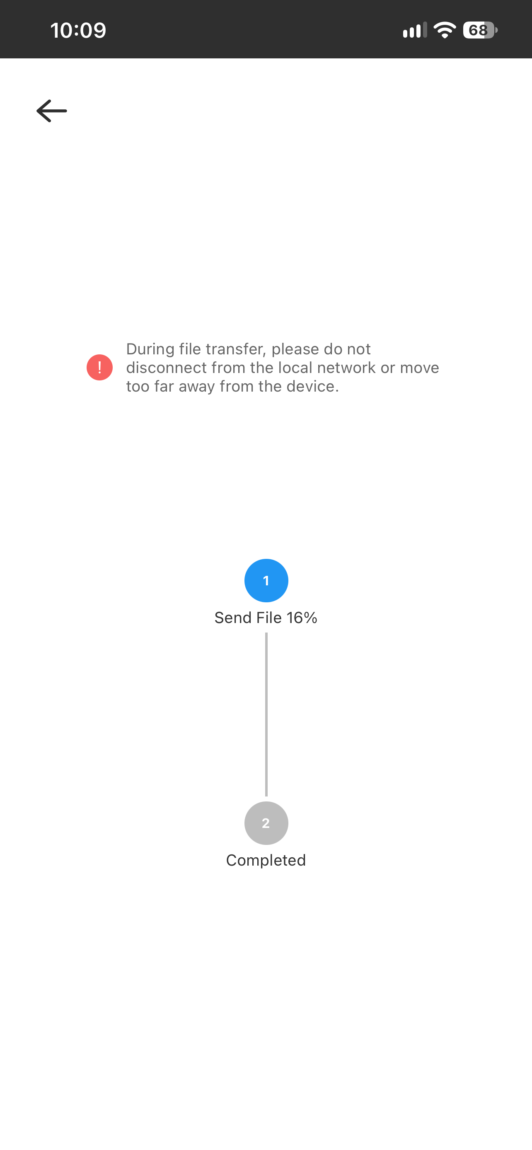
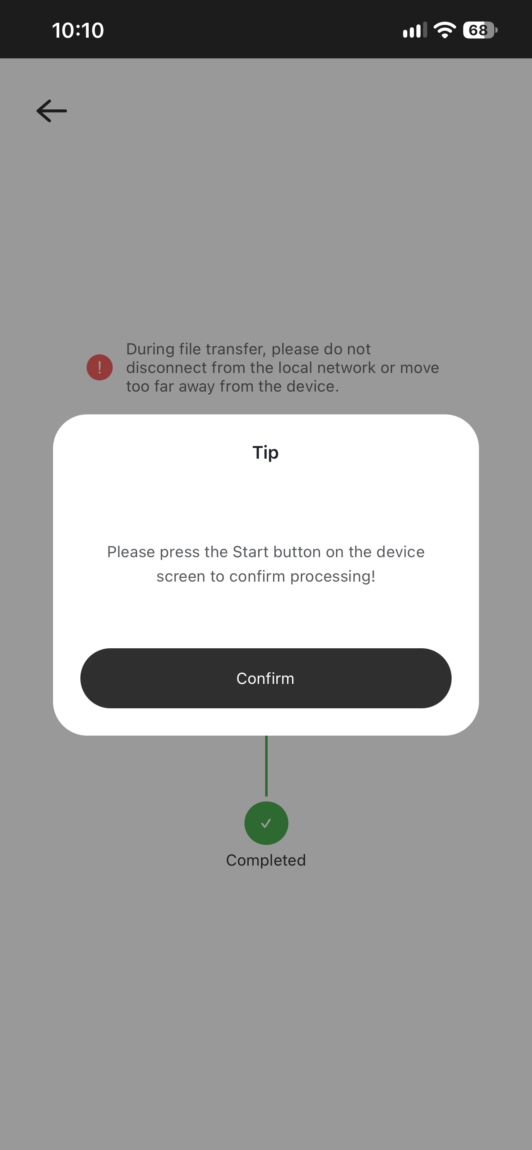
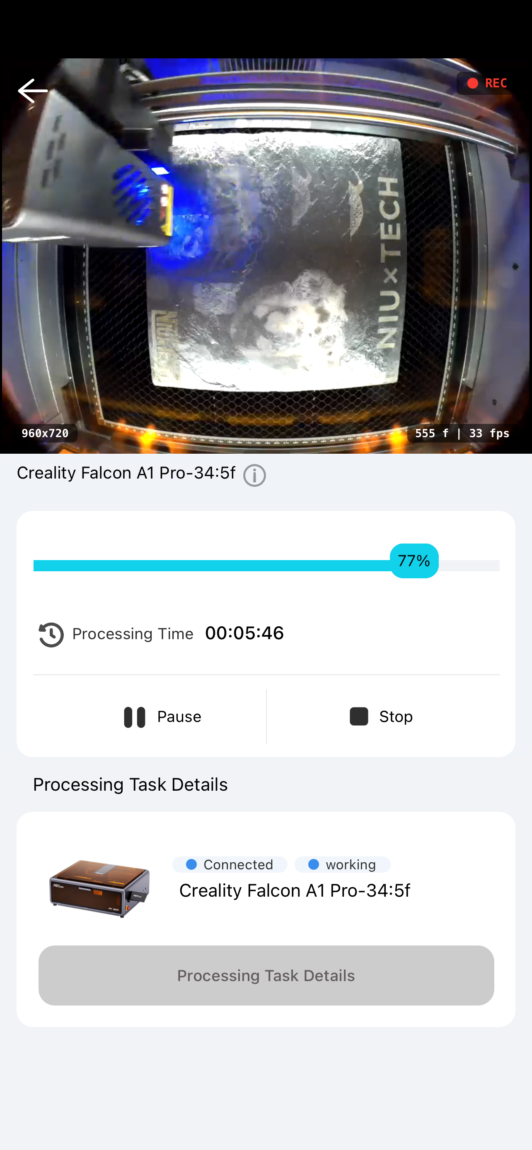
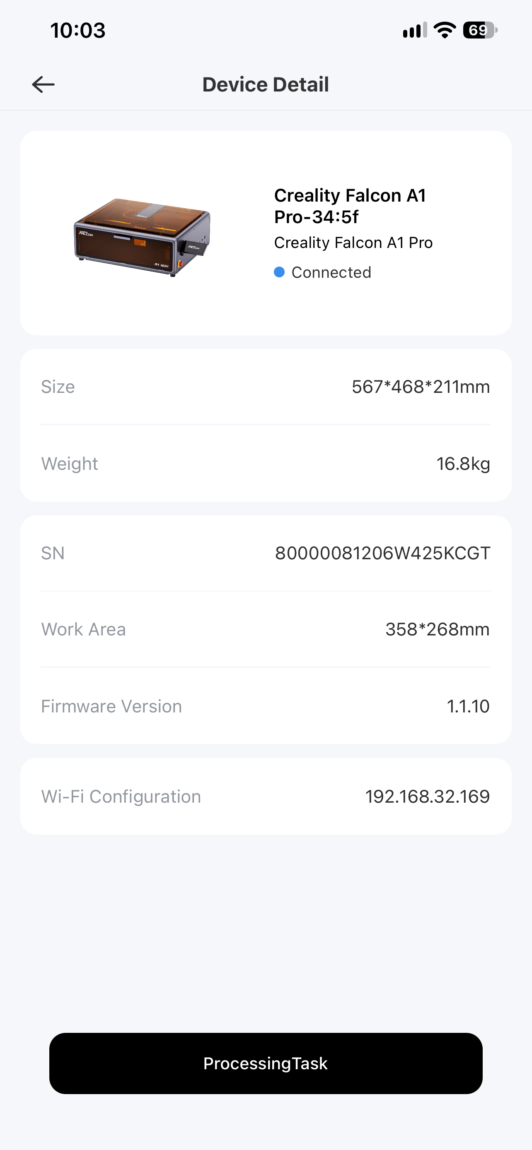
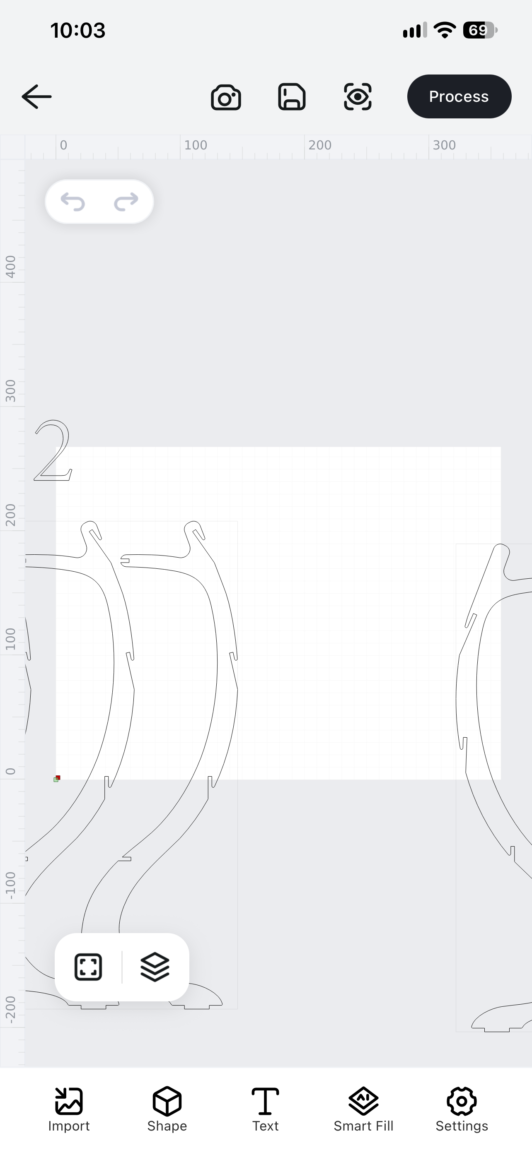
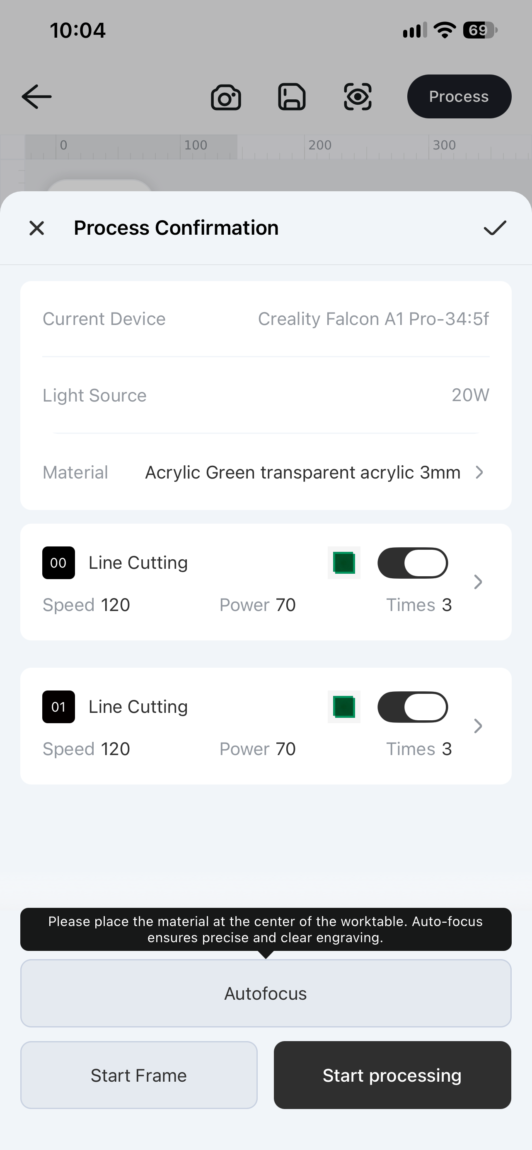
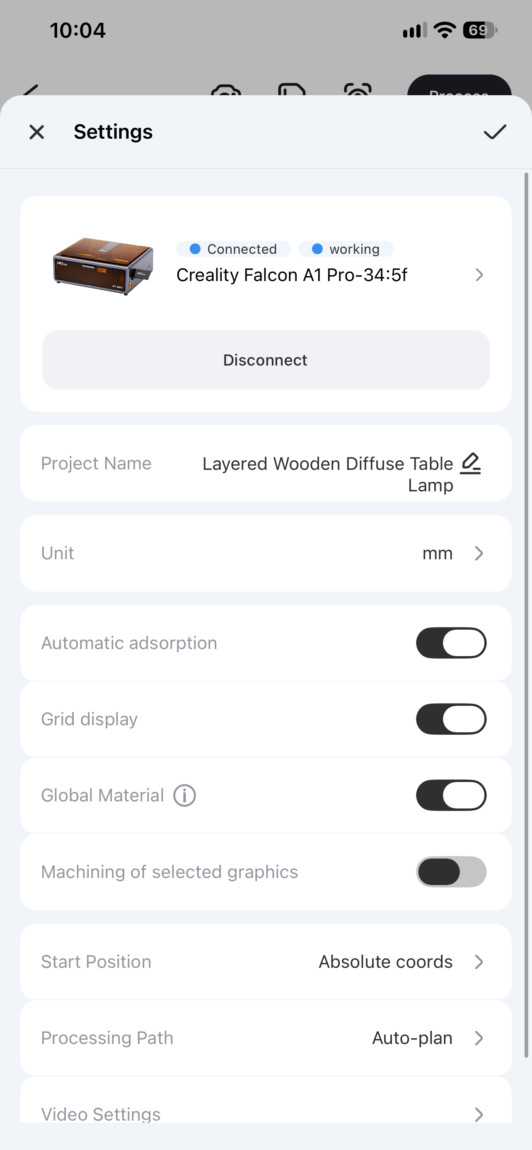
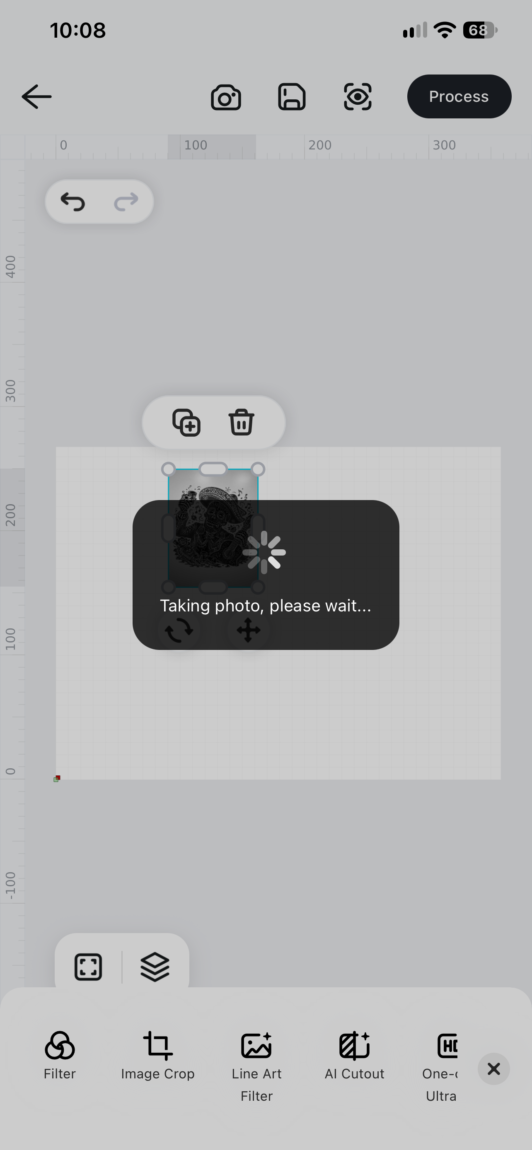
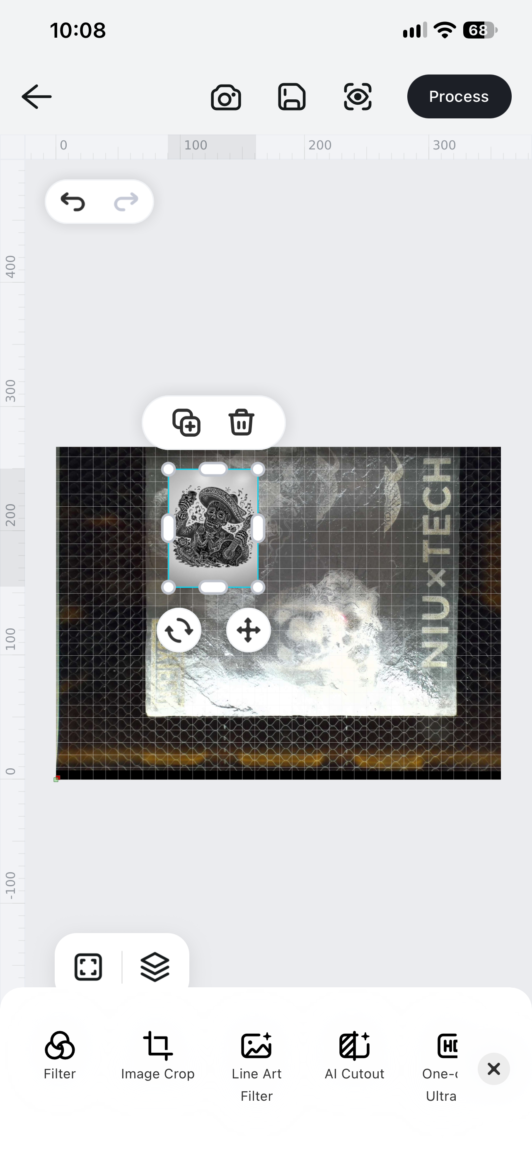
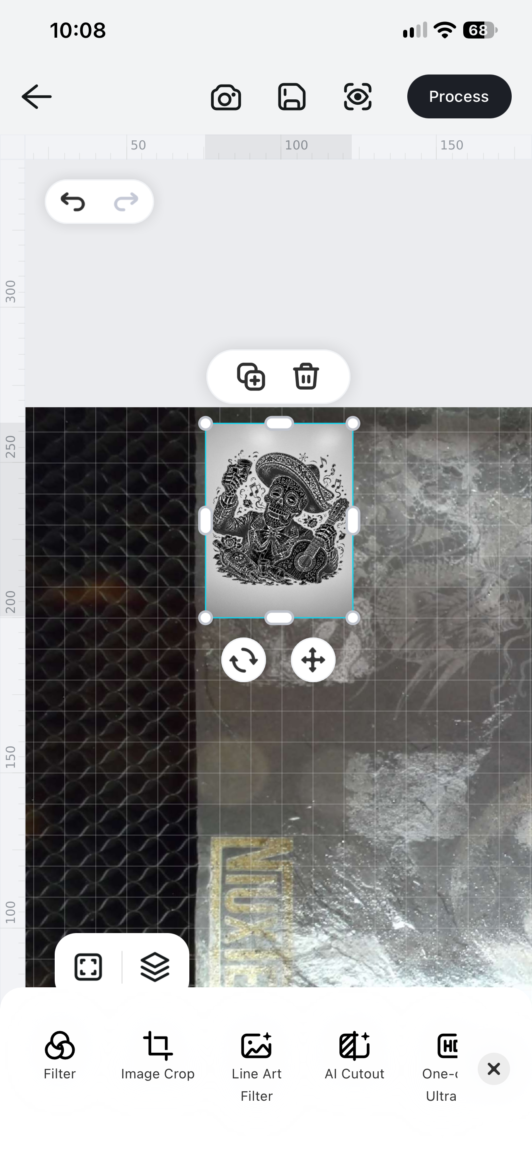
With the A1, I liked the LightBurn program better, which has much more capabilities than the Falcon. True, 4 months after the last review, Falcon has a lot of new, positive features and capabilities, and the program is much more stable than before. Unfortunately, LightBurn only works with the A1 Pro wired, and the camera was never able to connect normally.
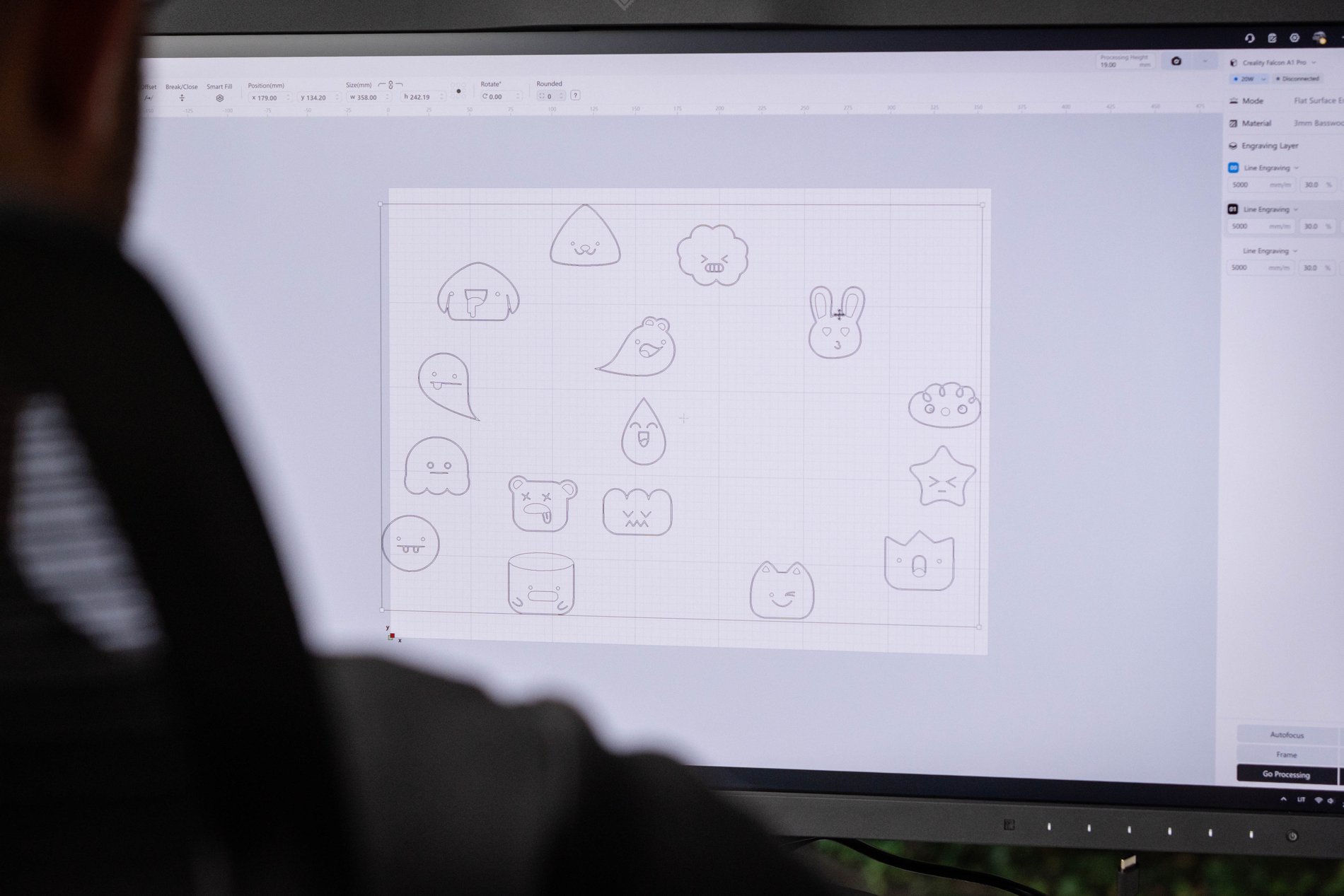
Autofocus
Another big change that distinguishes the Pro version from the regular one is focusing. While with the latter you had to constantly use the focusing block and fix everything manually when changing materials, in the Pro version it is much easier to do this. Basically, before starting work, you just need to click Autofocus and that's it - the system works quickly, and during testing it never disappointed. True, only the center is focused, so you don't have to place the object being engraved too far to the side.
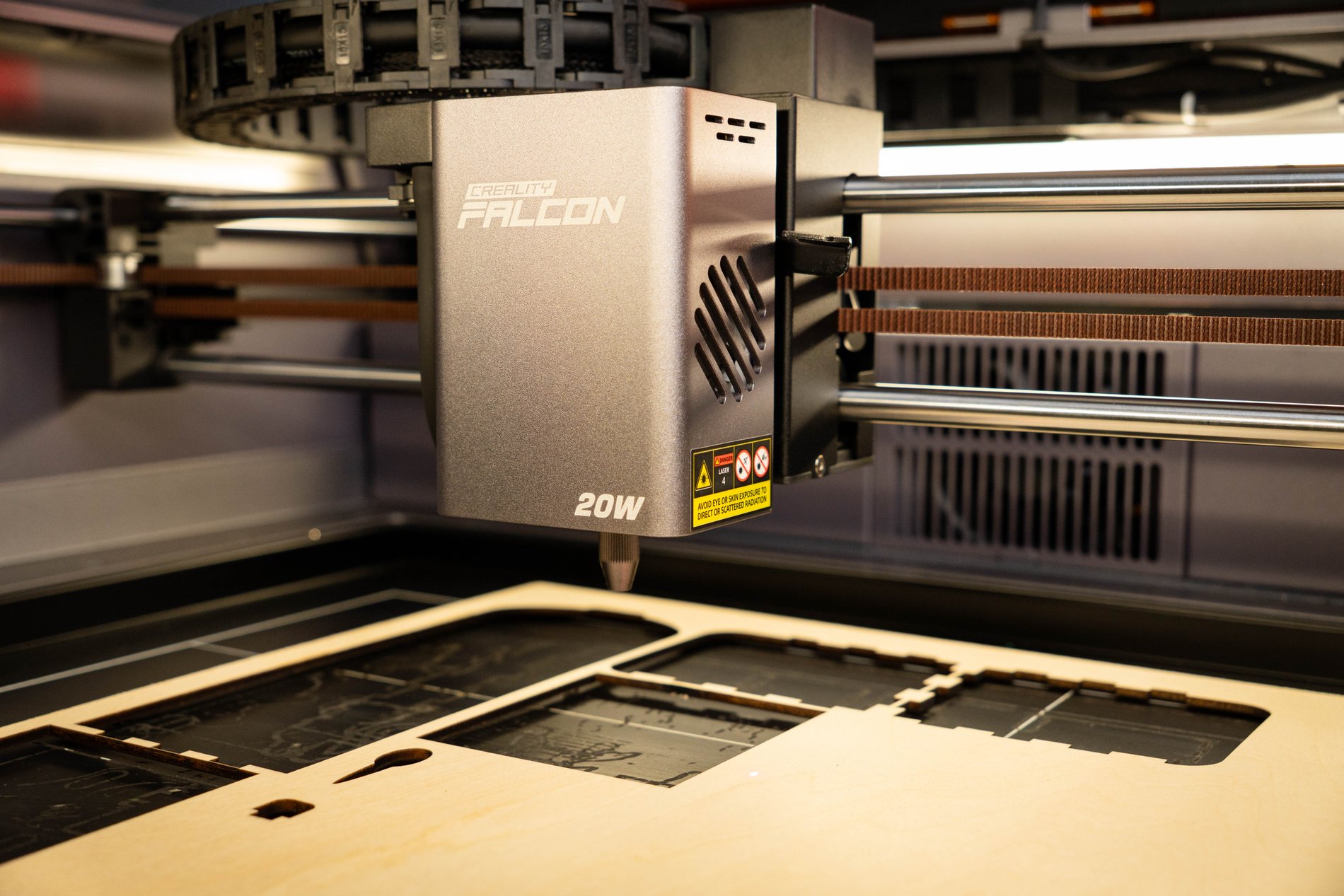
Laser
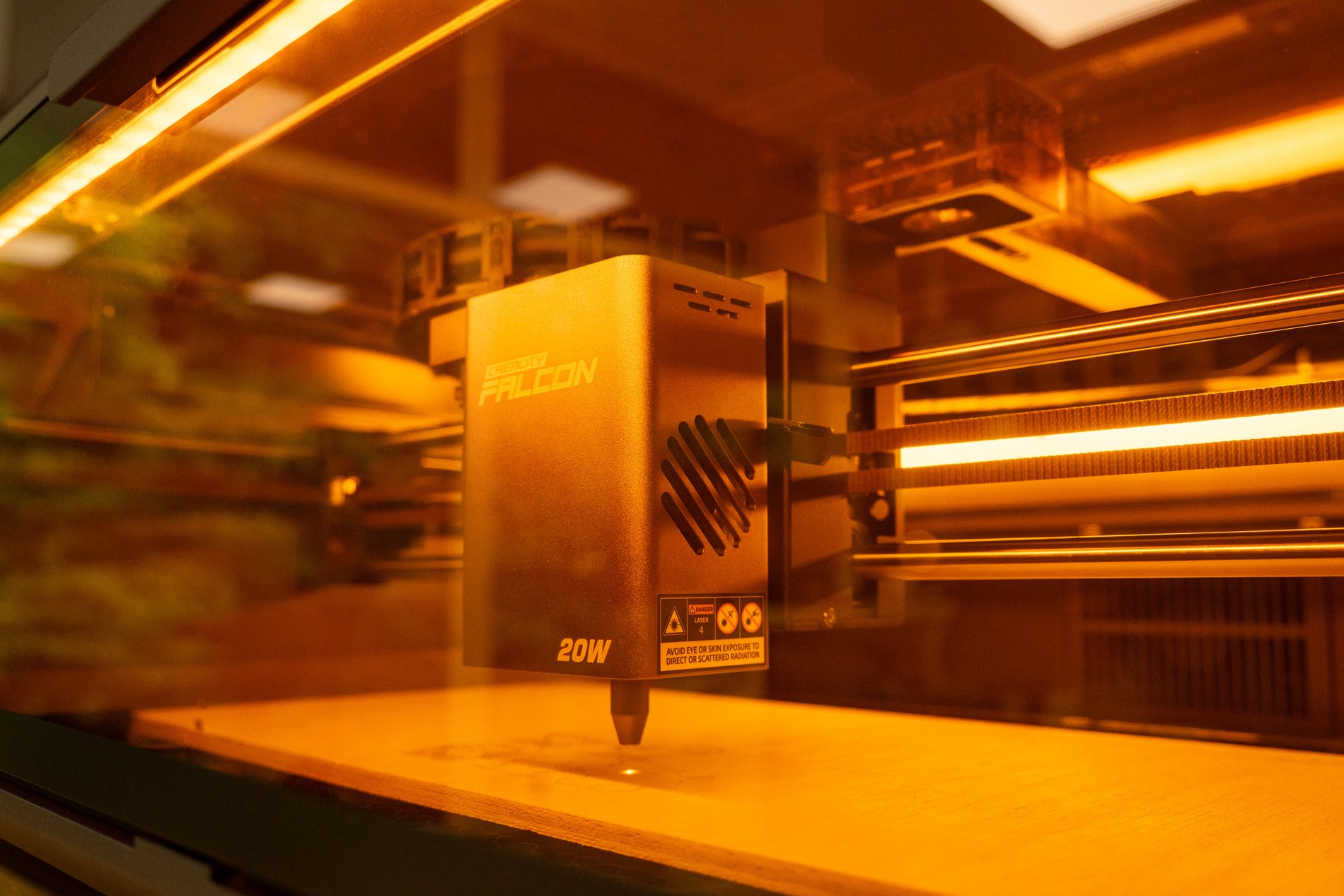
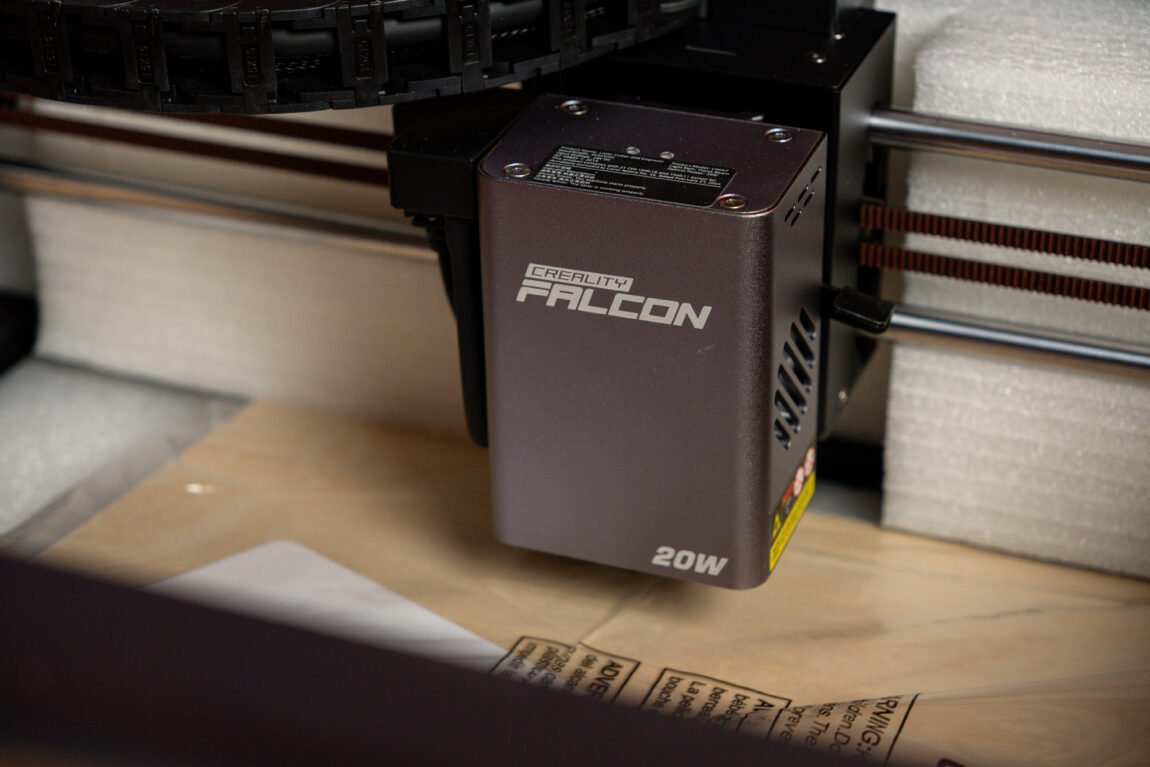
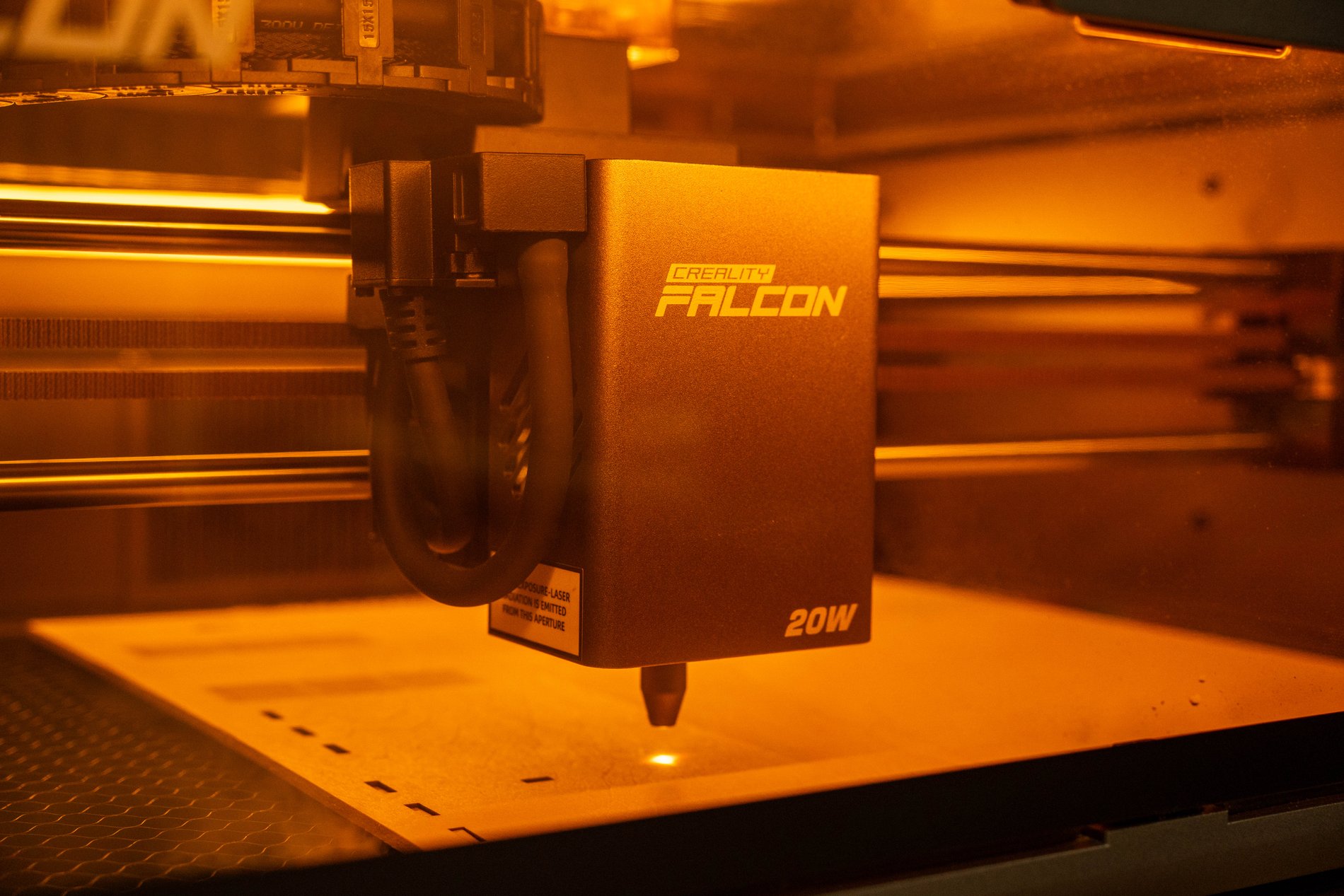
Instead of the 10W A1, the Pro version boasts a twice as powerful 20W laser module. Although it may not seem impressive when looking at the number alone, the power is really felt in practice. True, here twice as much power does not mean twice as much cutting speed or twice as much material thickness. Here everything still depends on the material itself, its thickness and composition.
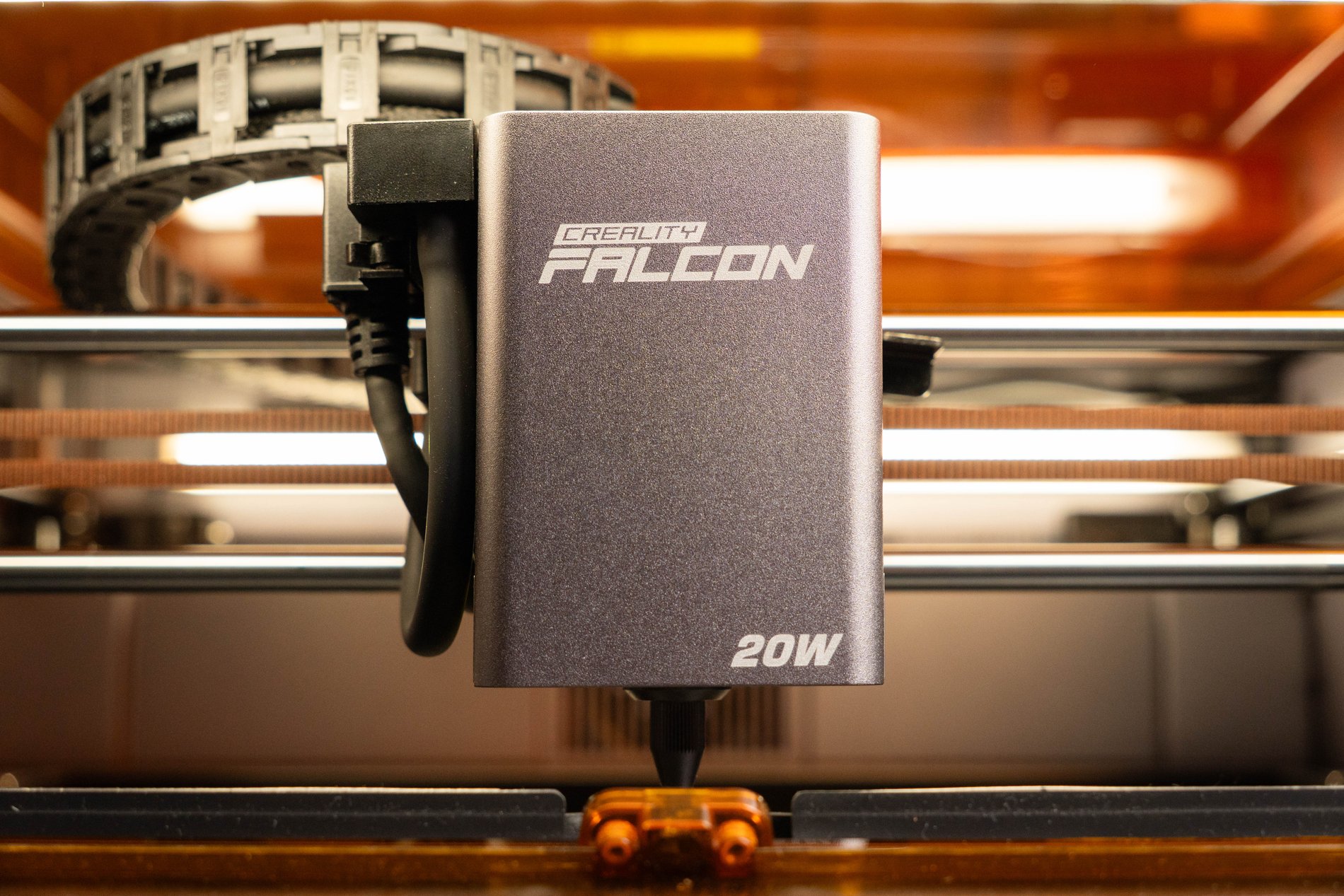
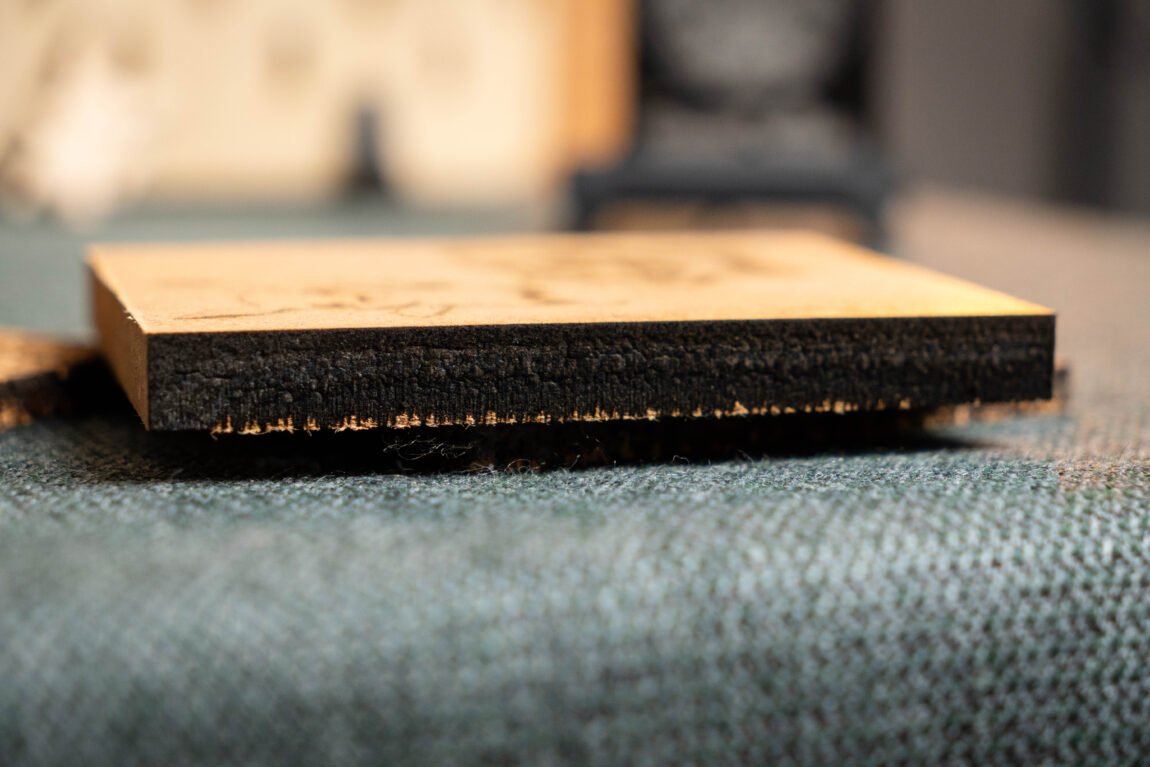
However, the higher power gives you a lot more freedom to experiment with the power and speed you use, and some jobs can now be done in a single pass. The number of passes and speed greatly affect the final cutting result - the fewer passes and the faster, the less scorched everything looks. So how did the Falcon A1 Pro perform on the job?
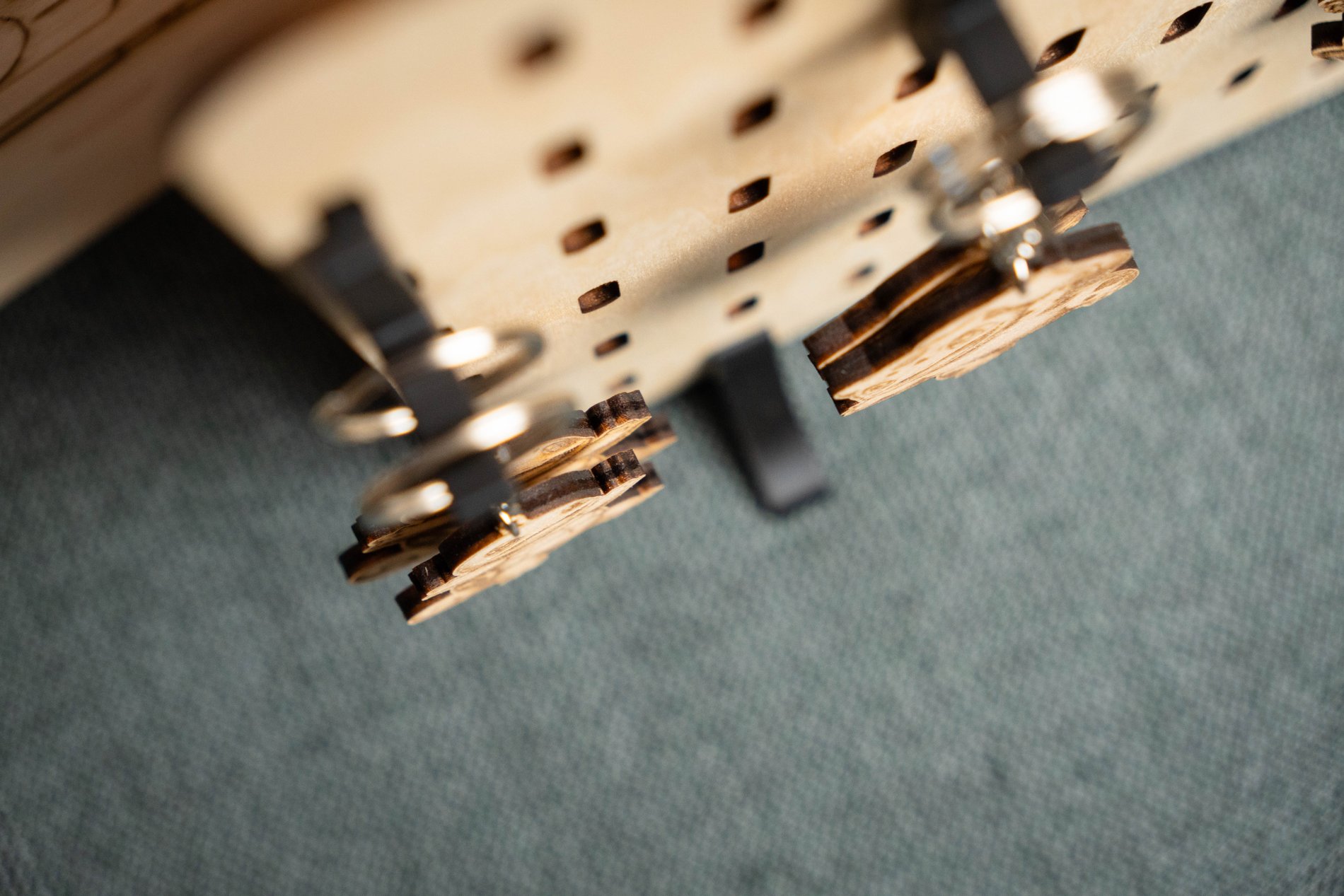
Engraving
More powerful diode lasers also have trade-offs. Typically, higher power is achieved by combining multiple diode laser beams, so theoretically one would expect the final laser spot to be thicker, thus losing fine engraving detail. However, the A1 Pro disproved my concerns and all the fine engraving jobs were completed flawlessly.
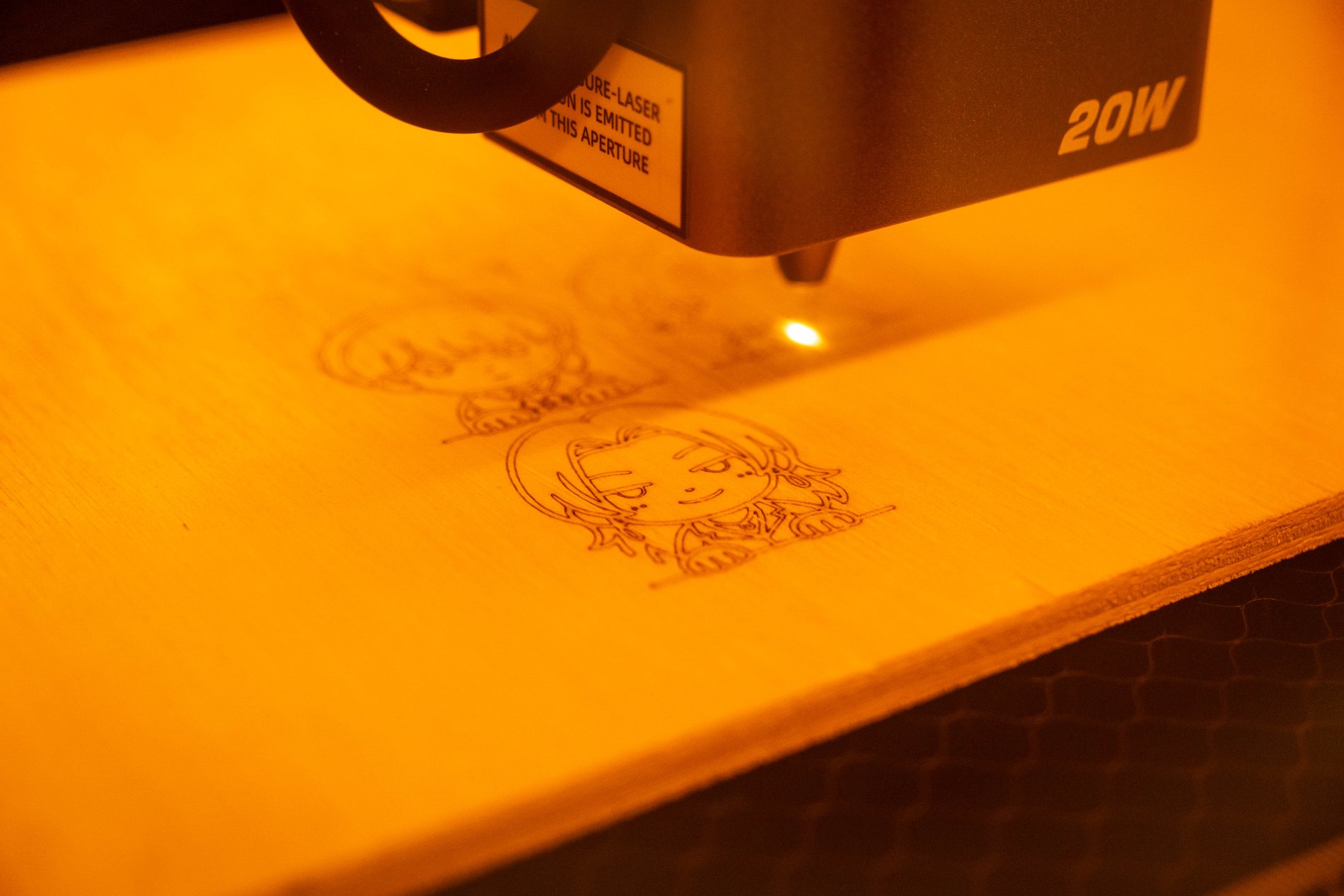
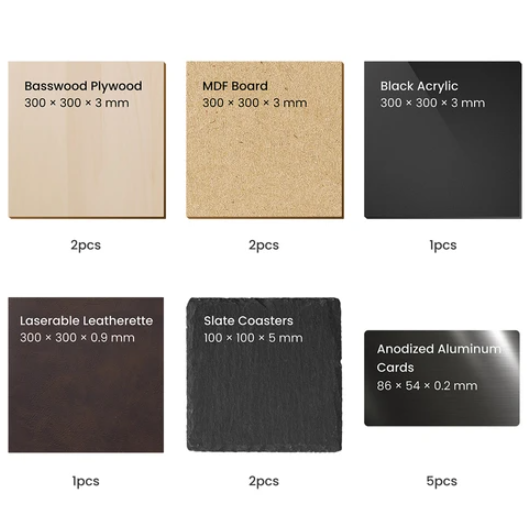
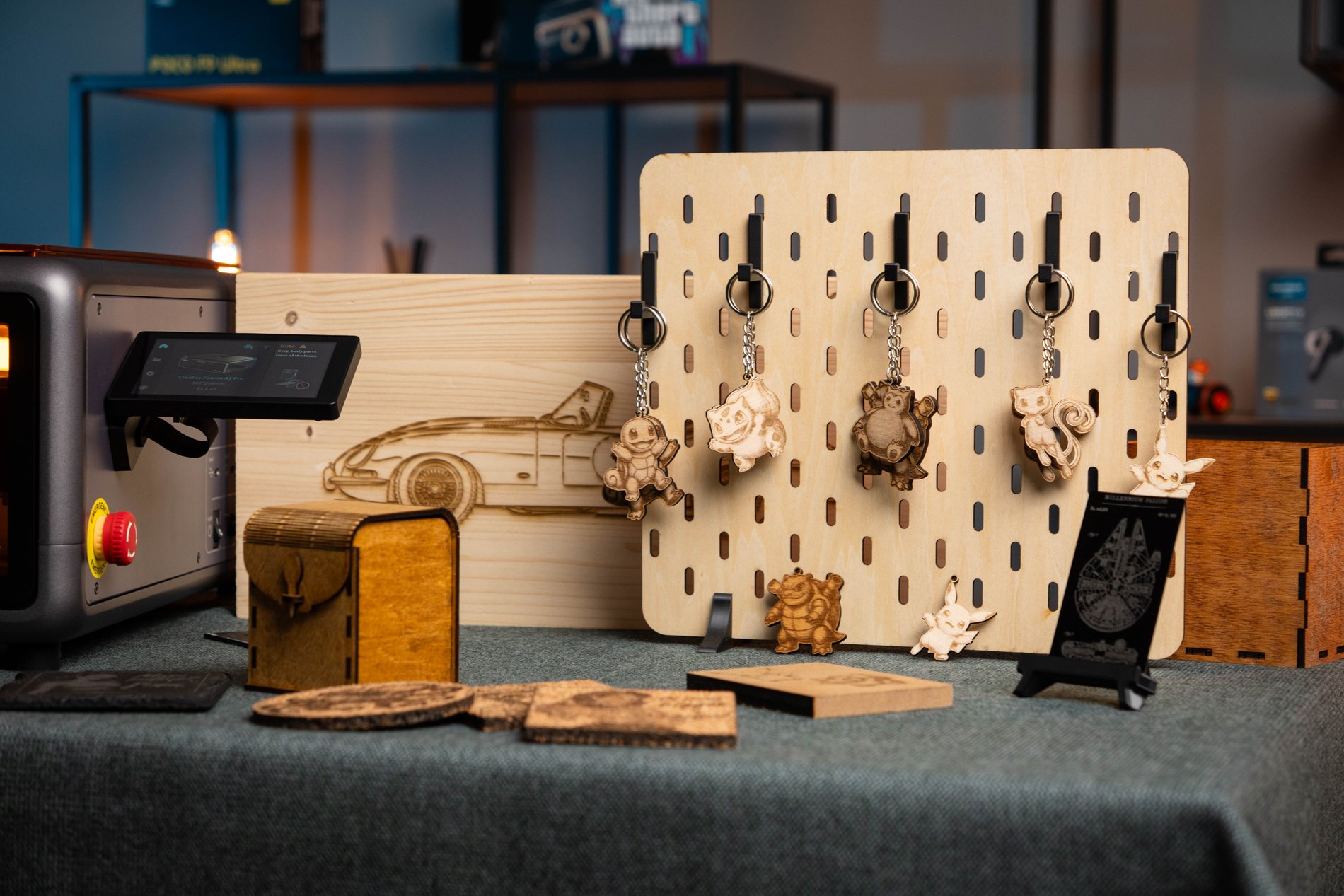
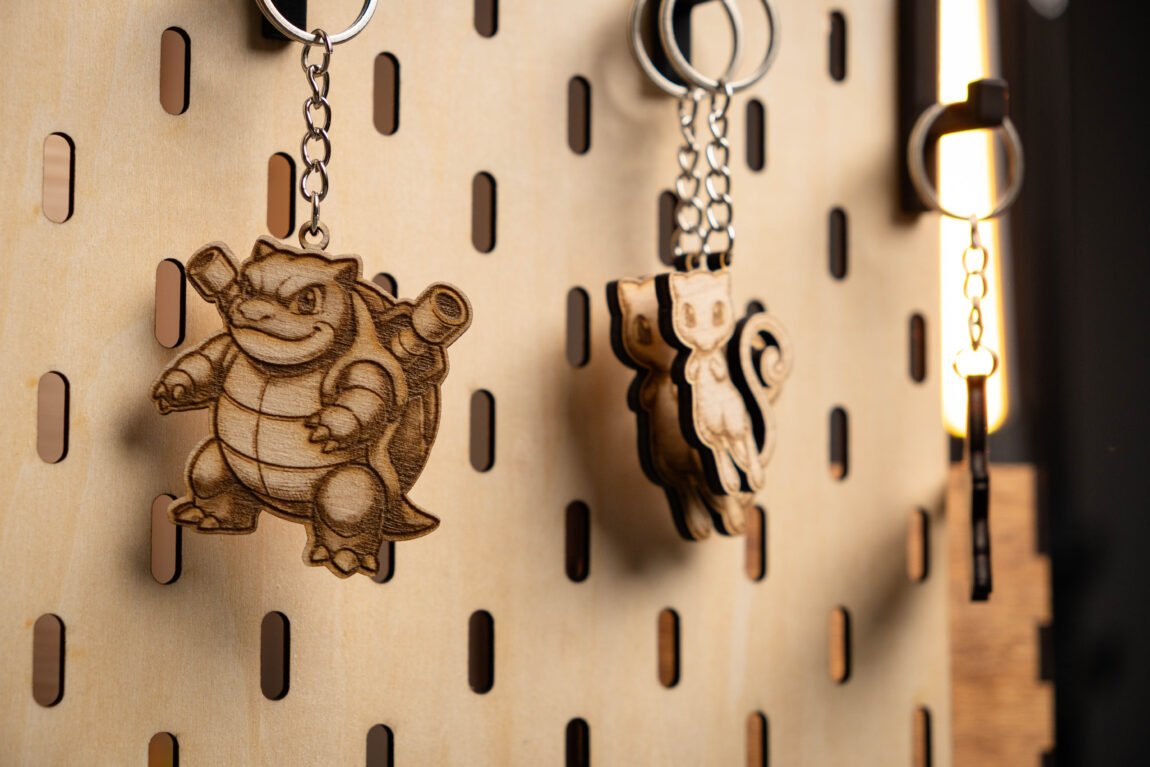
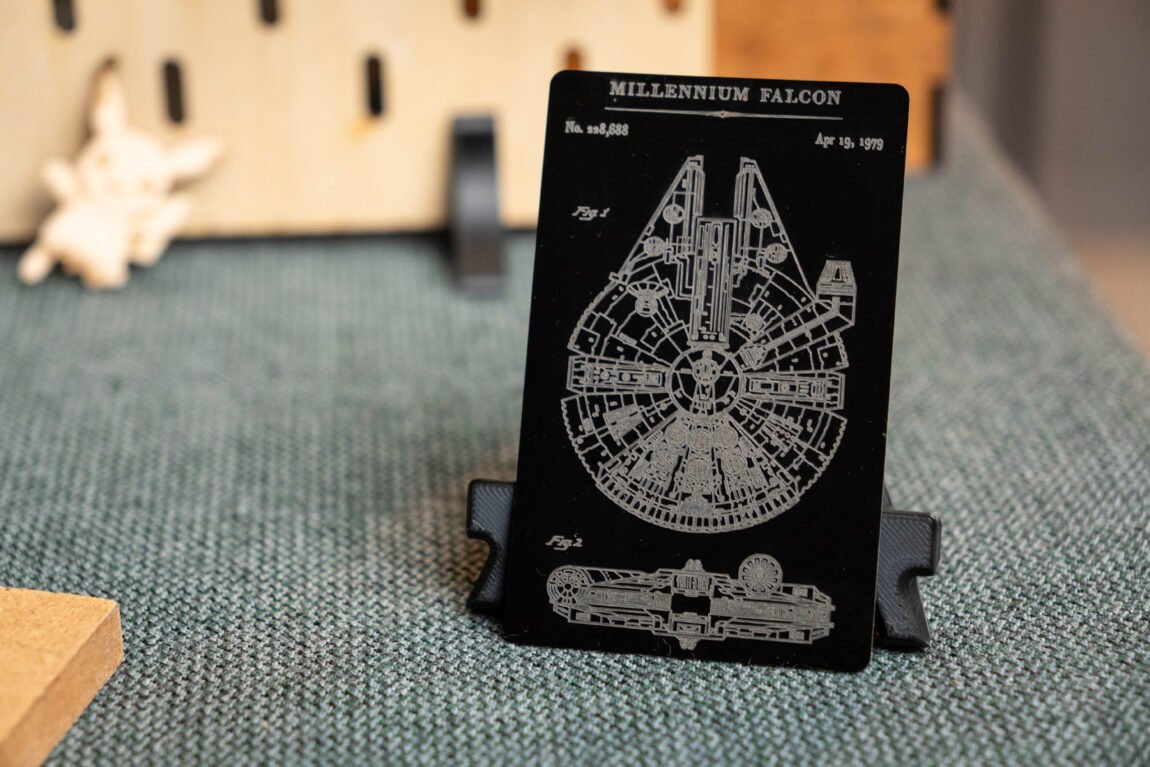
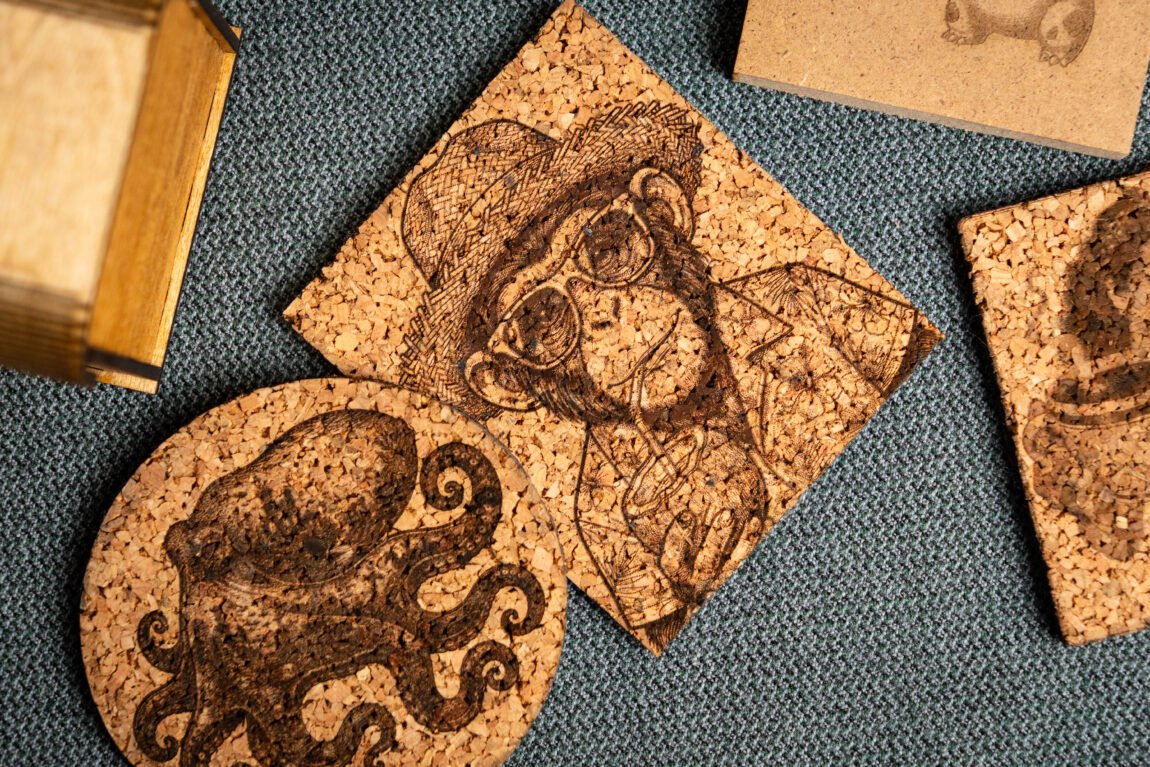
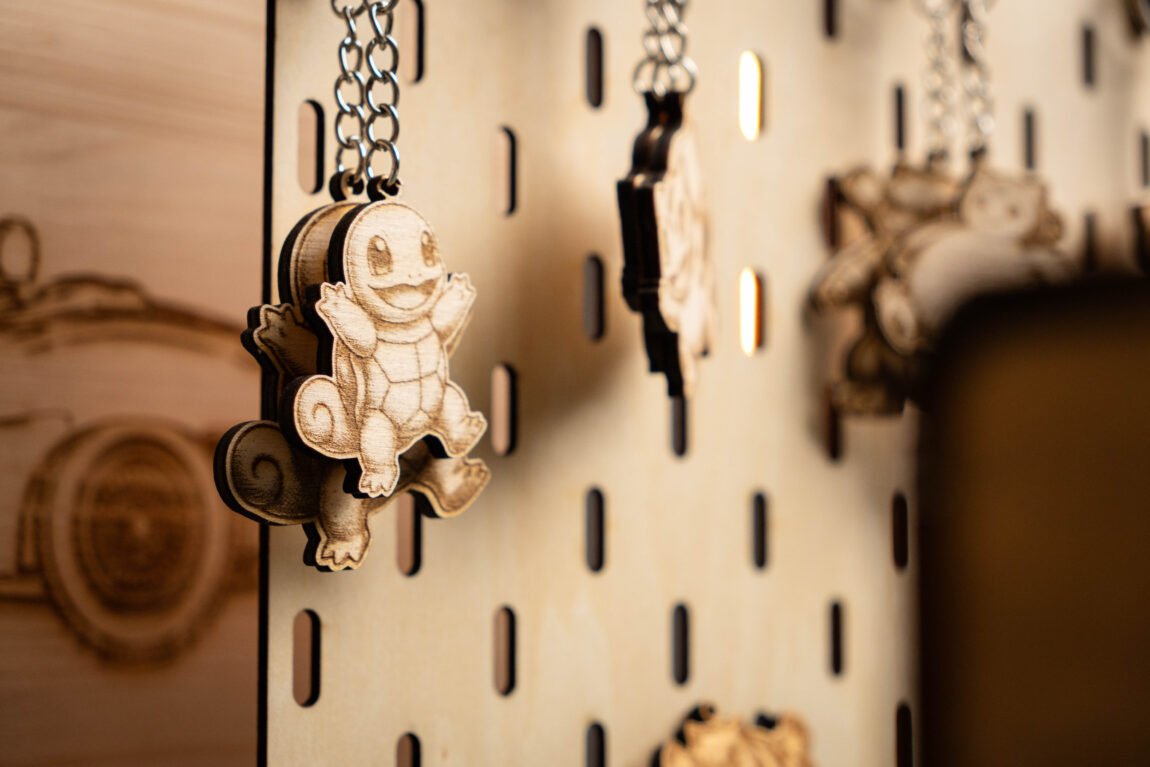
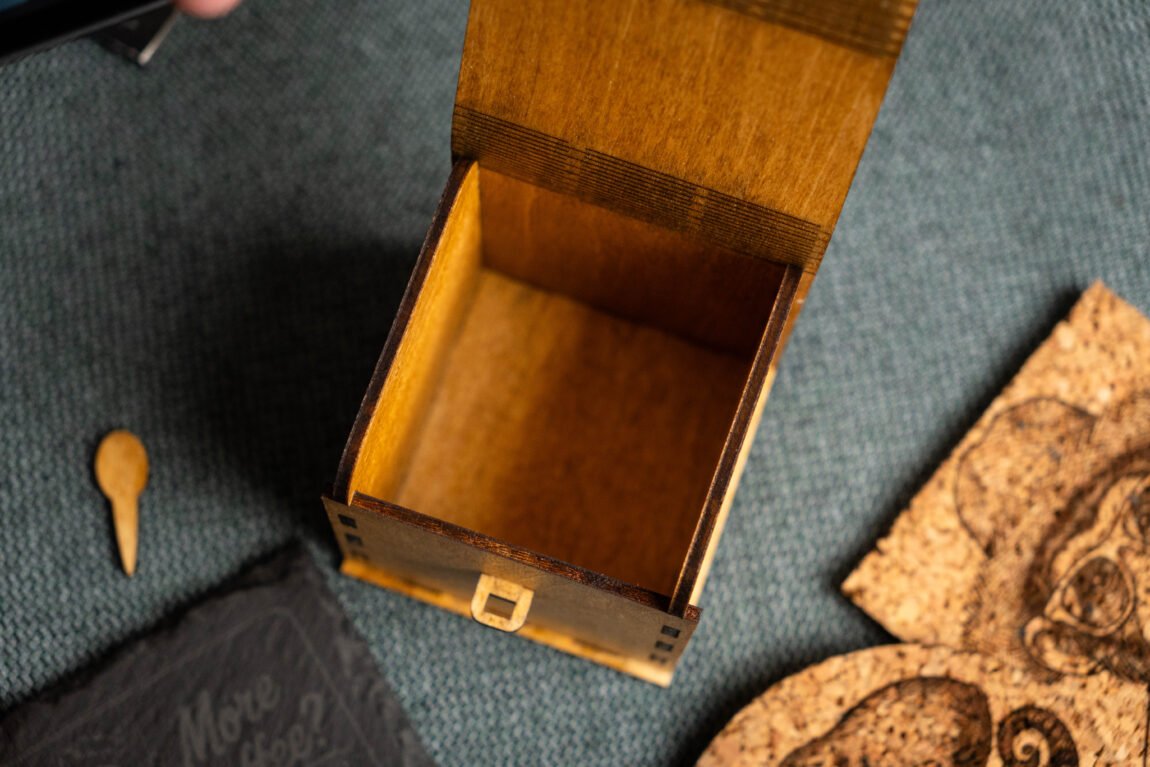
During my tests, I engraved on various thicknesses and types of plywood, MDF, wood, slate, painted steel and aluminum - in all cases the results were very good. I was especially surprised by the engraving of an aluminum card, because even very thin lines are clearly visible. Also, what I failed to achieve with the A1, I succeeded with the Pro version - engraving on powder-coated steel.

Cutting
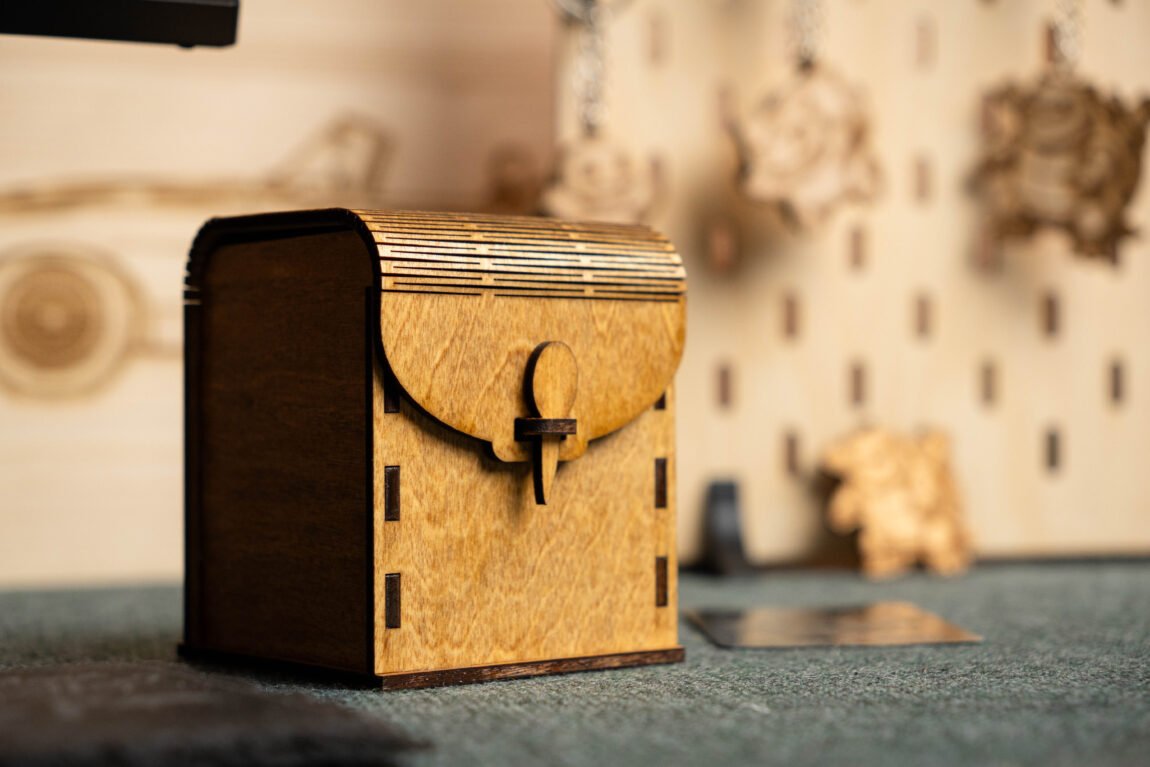
It is when cutting that the more powerful laser feels its best. While the 3mm linden plywood intended for laser cutting does not cause any complaints from either the A1 or the A1 Pro, the difference is more noticeable in the usual 4 - 6 mm plywood, where there are significantly more layers of wood. Here the Pro version simply shines and all cuts can be made using less power and higher speeds. As a result, the edges look much less burnt than with the A1.
The Pro version also managed to cut through 10mm MDF, which the A1 couldn't. When it comes to acrylic, the results are pretty similar, and overall, I can definitely see that this improved version handles materials of various thicknesses much better. It does so faster, more reliably, and with better quality.
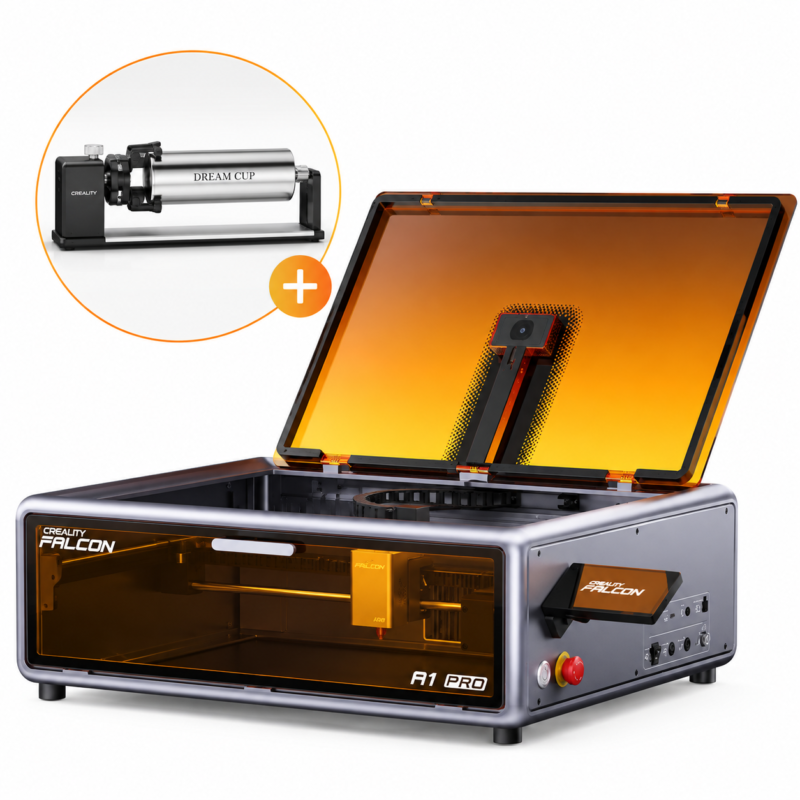
Rotary Kit
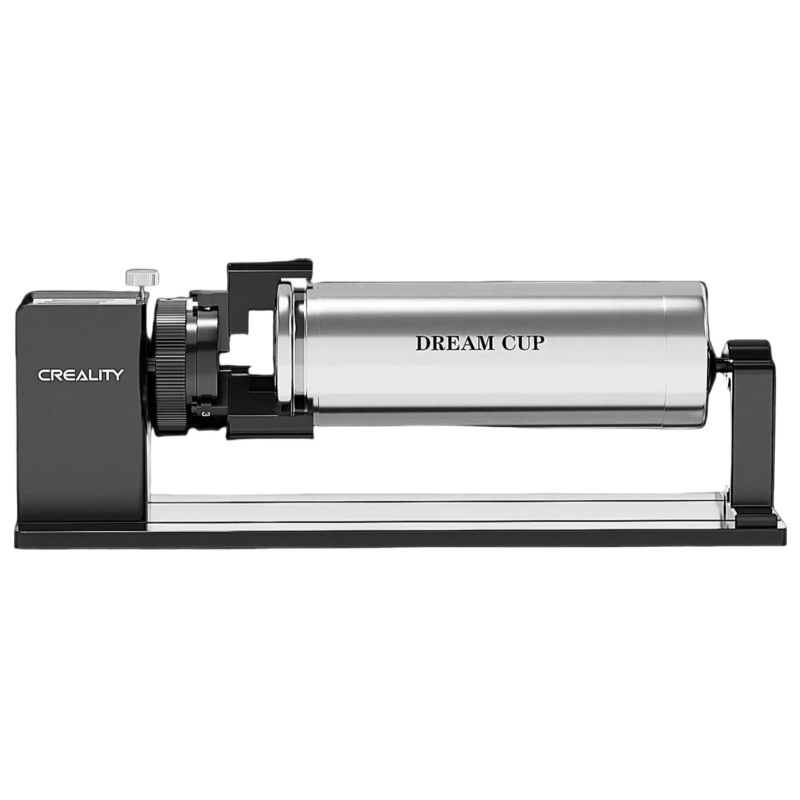
I also tried the Creality Rotary Kit, which turned out to be very simple to prepare for work. You just need to remove the lower part of the engraver, screw on the legs included in the kit, connect the Rotary Kit with a cable and insert the desired object. True, the first attempt ended with the laser starting to engrave the table. It turns out that using the Rotary Kit changes the operation of the XY axes - the Y axis becomes the Rotary Kit's rotation axis, so the laser must be guided to the right place manually. It's a pity that there is no information about this nuance in the instructions, so for the first time I had to rack my brains a lot to figure out why I wasn't getting the desired result.
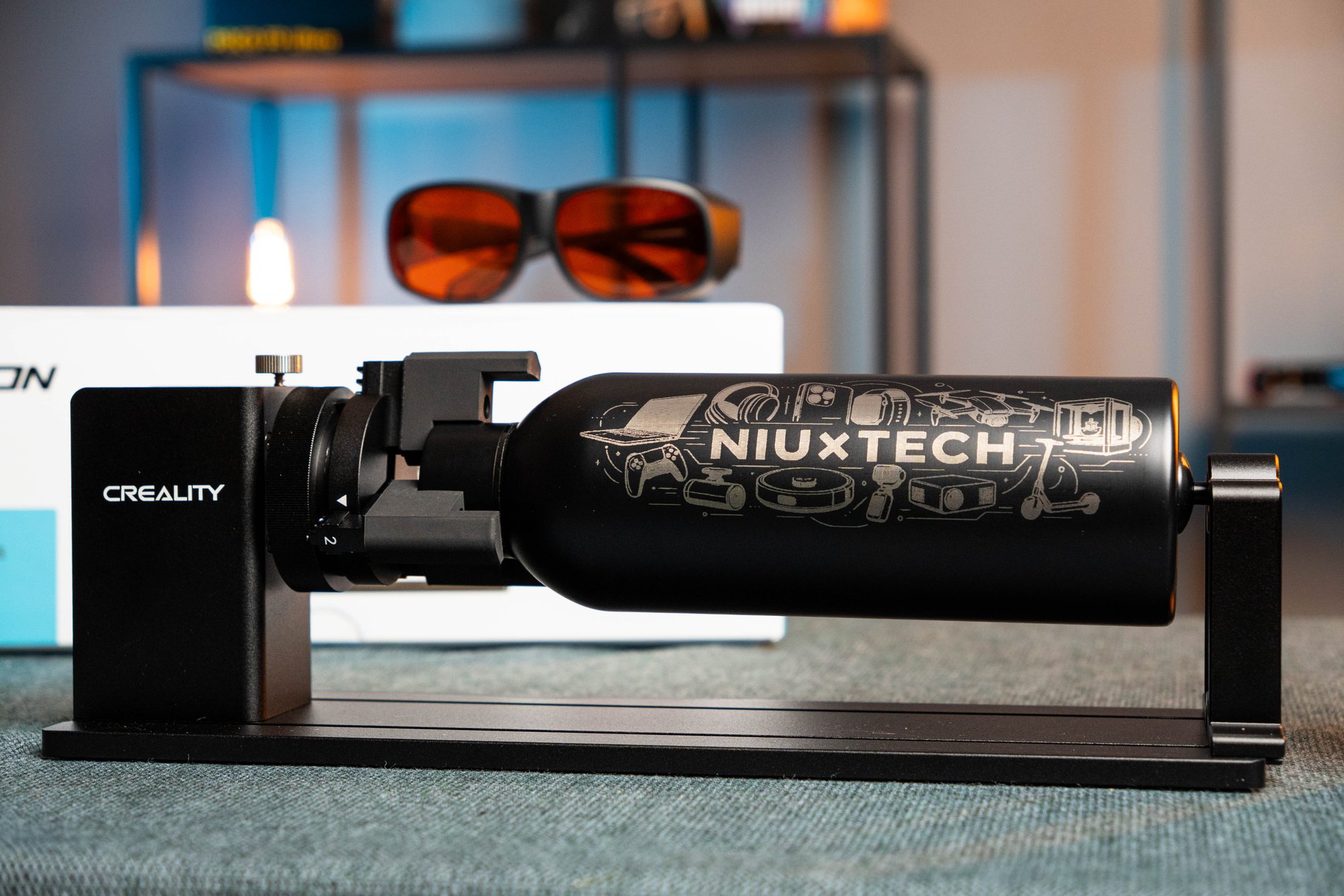
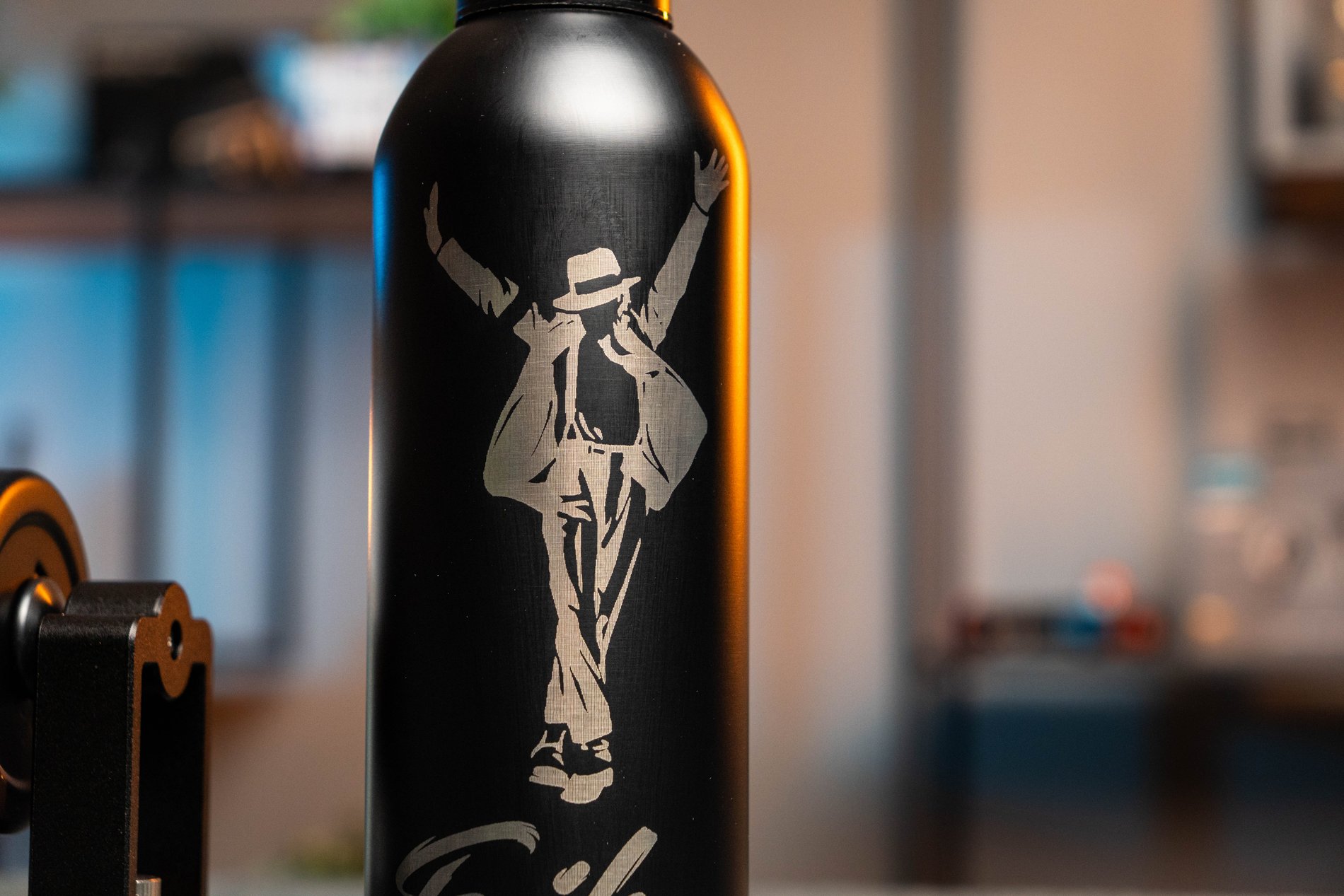
Once I got the hang of it, the whole engraving process from start to finish was fascinating to me. And most importantly, the end result is simply amazing. Overall, once you get the hang of how the axes work, the Rotary Kit becomes a very handy accessory and I can definitely see where it could be useful for engraving various cylindrical objects.
What could be better?
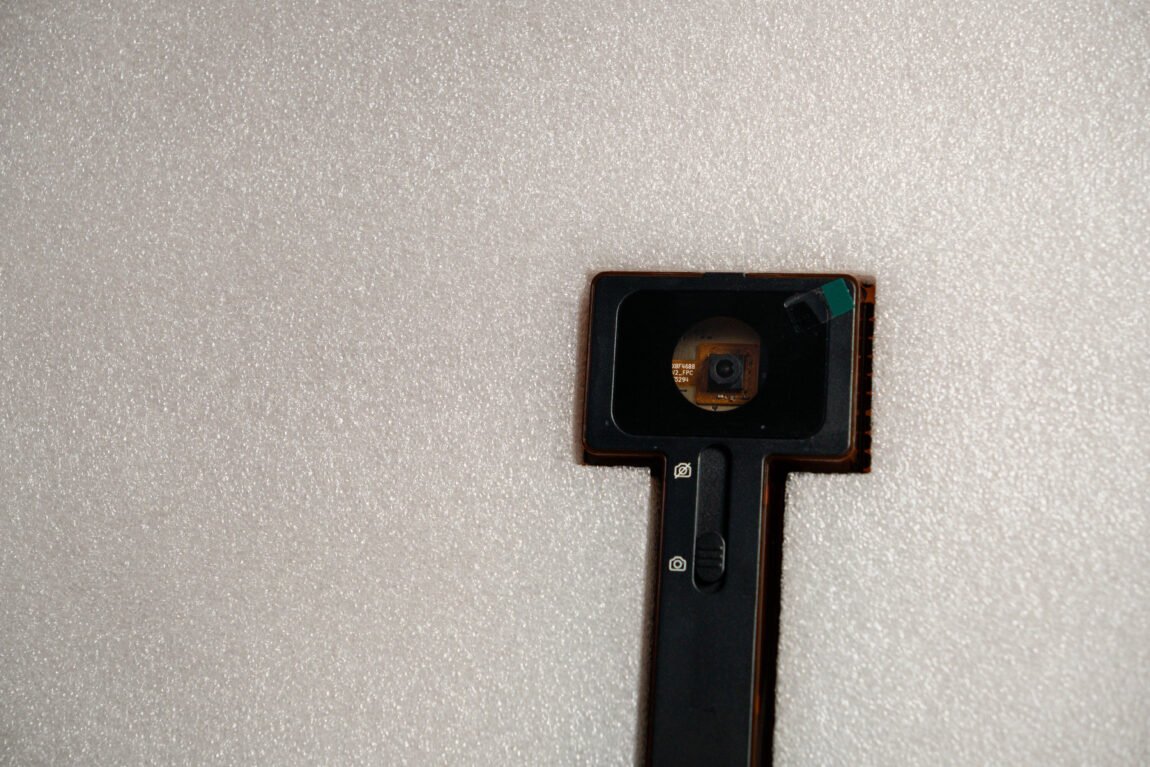
Although almost all the changes in the Pro version are positive, it is a pity that Creality did not pay more attention to the camera. The image still does not quite correspond to reality even after numerous calibrations. Therefore, it is still difficult to rely on the camera before performing work - you have to drag the model in different directions until the required position is found. Considering that the camera is one of the more important convenience features of this engraver, I wanted it to finally be fixed in the Pro version.
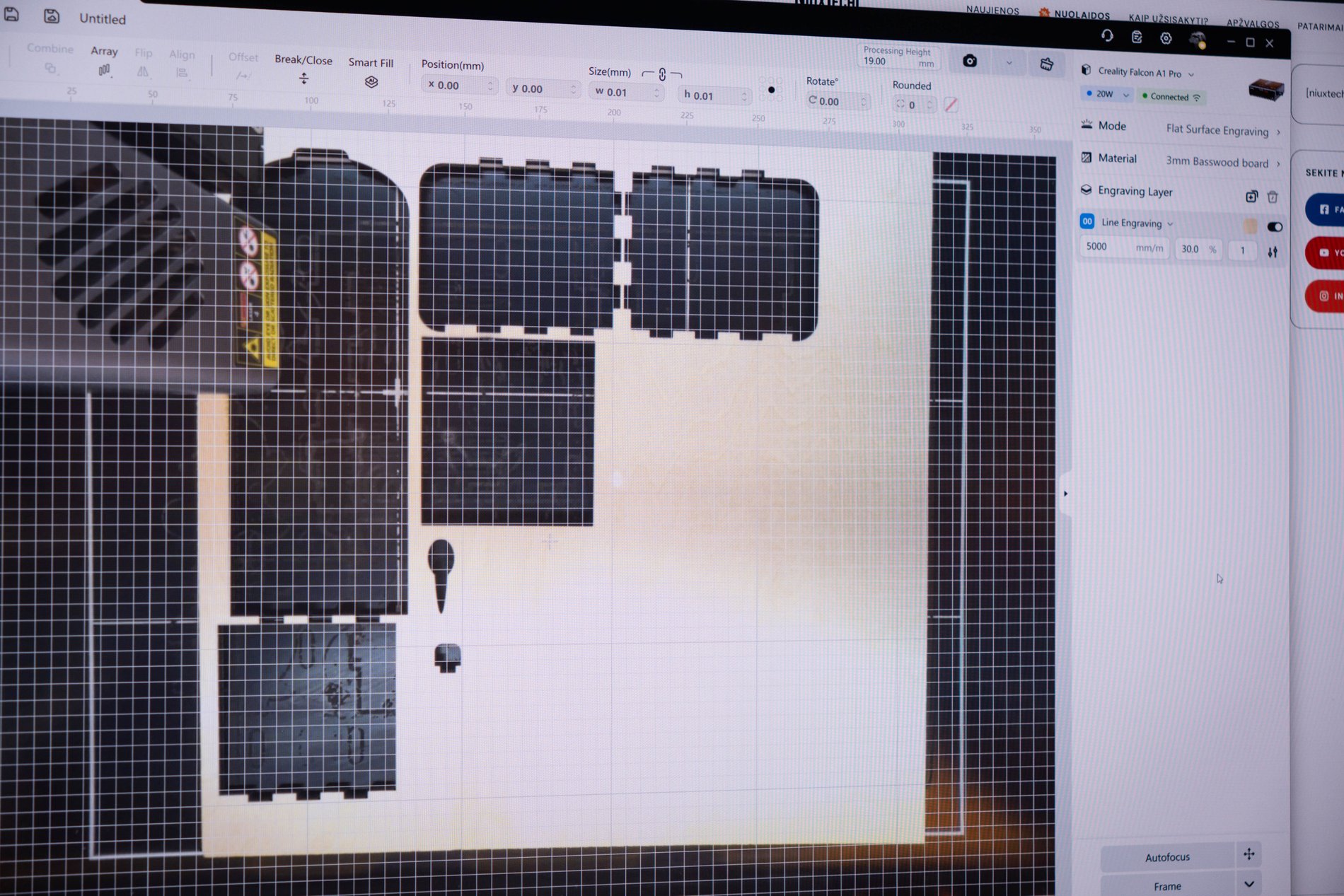
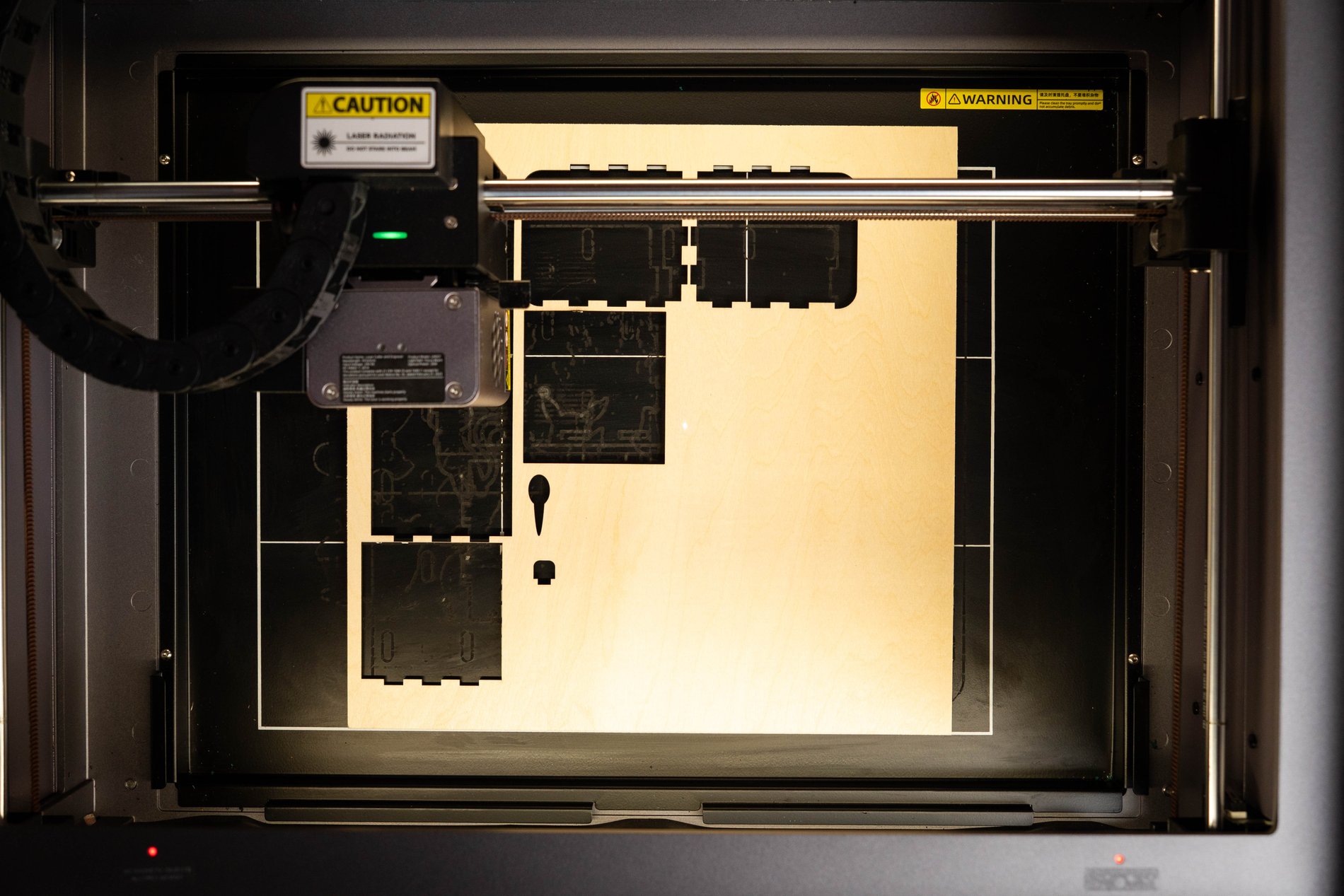
Another thing I would call a step back is the reduced working area. The Falcon A1 has a working area of 381 × 305mm, while the A1 Pro has 358 × 268 mm, so the total area has decreased by about 17.4 %. This may not seem like much, but it should be remembered that a significant part of the materials for laser cutting and engraving are sold in the size of 300 × 300 mm, so it will not be possible to fully use such materials in one go.
Verdict
Perhaps the most natural question is which one to choose? The A1 Pro with valuable features or the much cheaper A1? The answer depends mostly on what you plan to do with it. When engraving, the difference is not much, except for more complex materials, such as powder-coated steel. However, when cutting, the situation is completely different - here the 20W laser provides a clear advantage, allowing you to easily overcome thicker materials, use higher speeds and obtain less scorched edges.
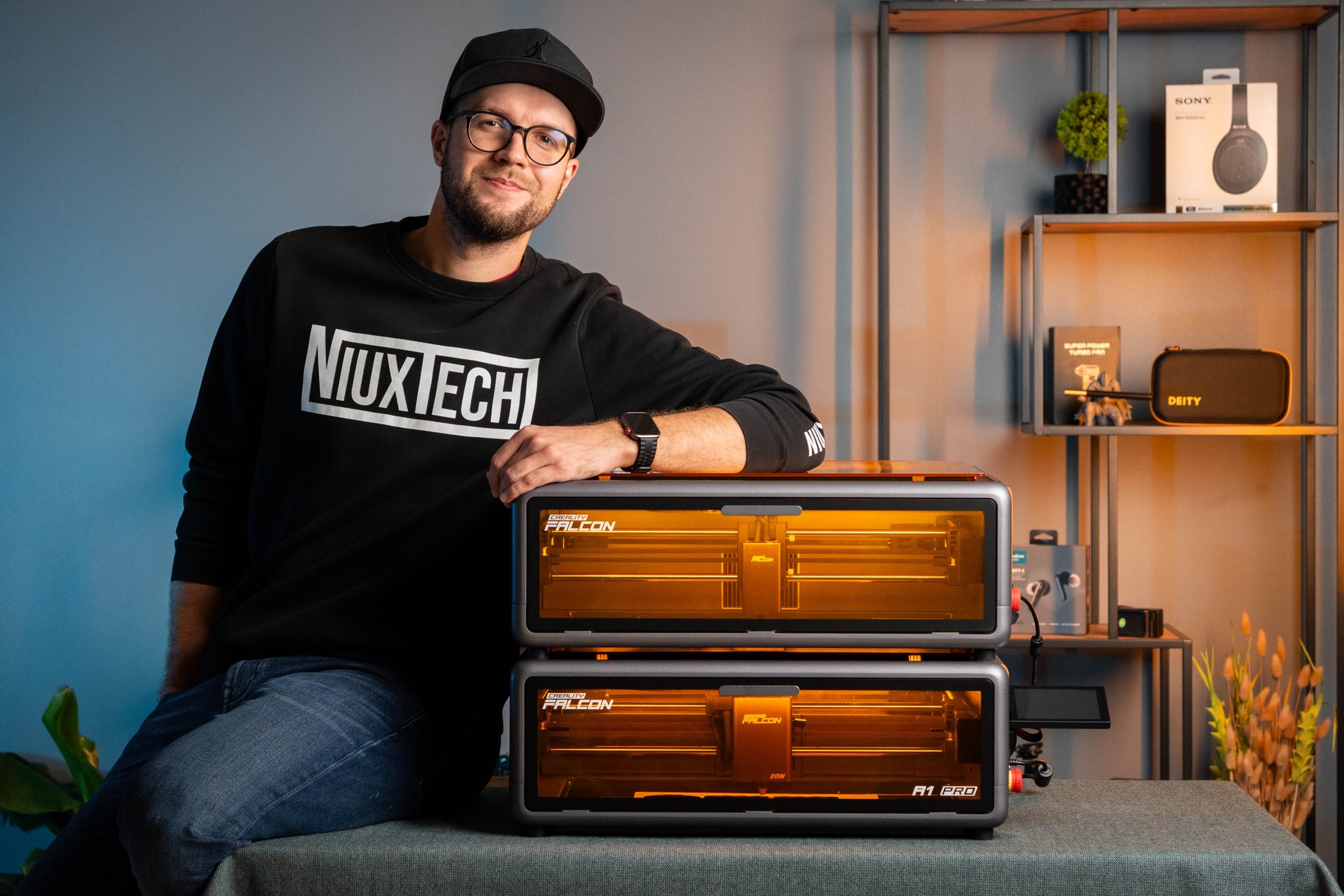
Autofocus and Wi-Fi are also worth considering. If you're going to be using the engraver frequently, producing large quantities of work, or simply want to minimize the hassle of preparing each project, these features can really make your day. Meanwhile, if you only need the engraver for occasional personal projects, the A1 can still offer a lot of the same functionality, and you may simply not need the extra power of the Pro.