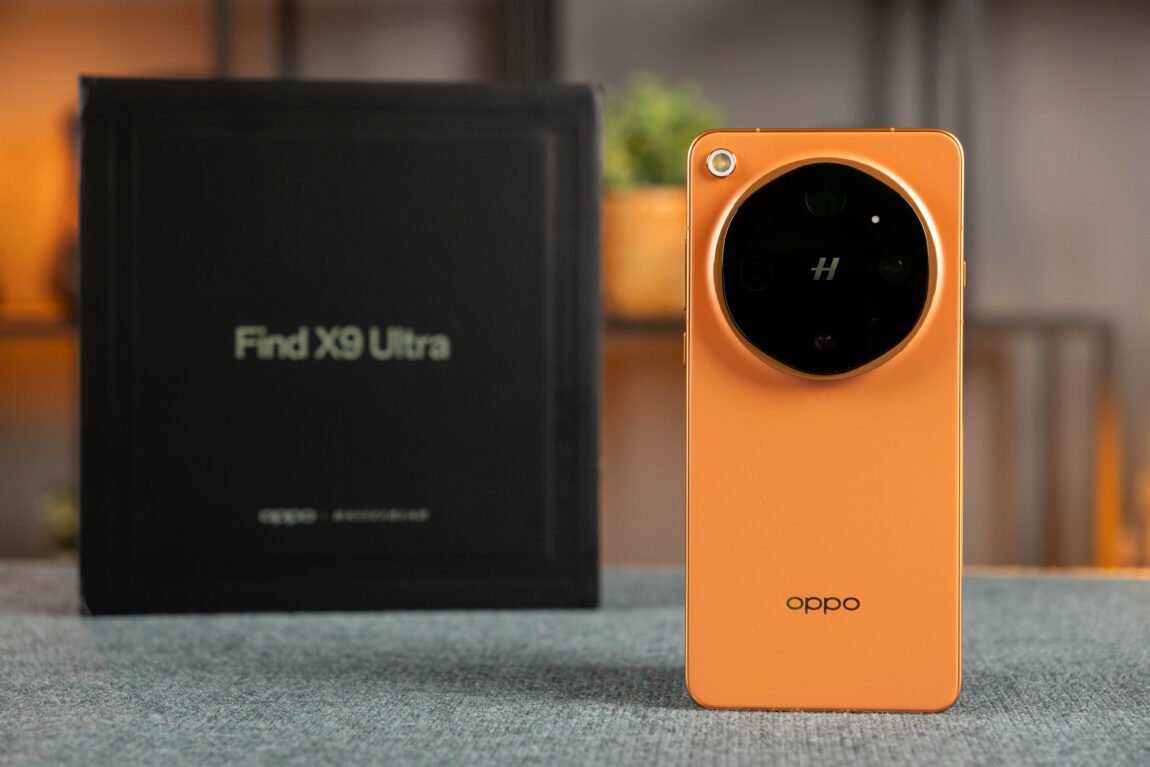
For several weeks, I have been taking photos of my travels, walks, and everything that happened along the way with the OPPO Find X9 Ultra. And more than once, reviewing the shot I had just taken, I said to myself - "oh, good!". Even before unpacking it, I had a pretty good feeling that I would like this phone - I recently tried the vivo X300 Ultra, which left one of the strongest impressions of the "camera phones" I have tested so far, so OPPO had something to compete with.
OPPO Find X9 Ultra
Assessment:
What did we like?
What didn't we like?
Find X9 Ultra is a true flagship that is not afraid of challenges. And what matters to me here is not only the four cameras or their impressive numbers, but how this entire system works every day. Therefore, in this review I will focus mainly on photography and video - from colors and detail to how much artificial intelligence and the phone's image processing contribute to the final result.
Unpacking
This phone came to us from the Gshopper online store. I found everything I needed in the package, and it was especially nice to see the included 100 W charger. More about the package and first impressions - in the video.
Design and first impressions
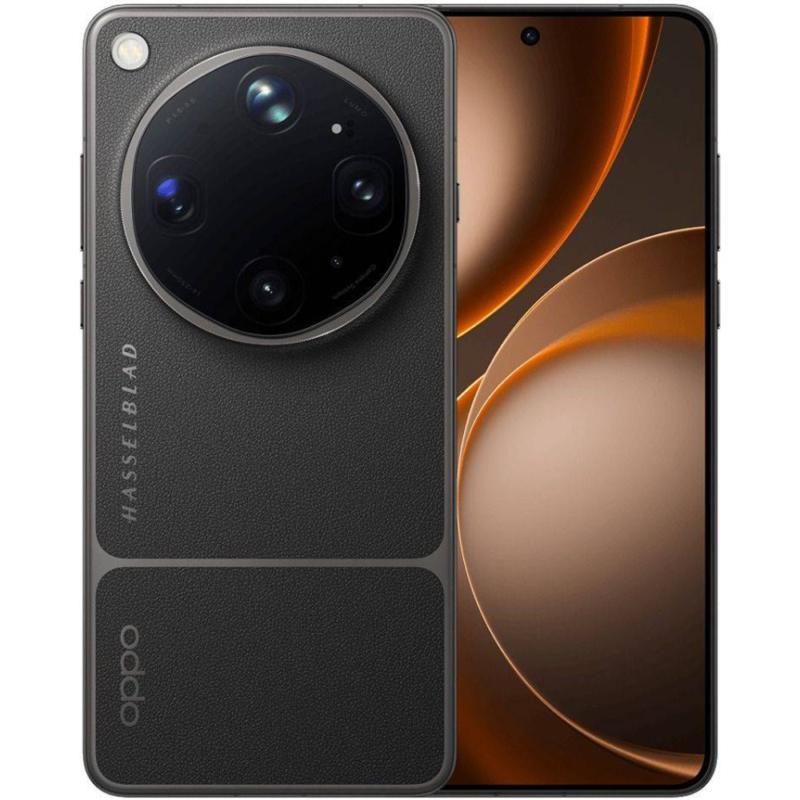
The Find X9 Ultra is one of the more interesting-looking phones I've ever used. I especially like that OPPO clearly designed the design with photography in mind - the large camera module, its finish, and the additional camera button immediately remind me of a small camera. Admittedly, the orange version of the phone I had wasn't particularly impressed - I much preferred the gray version from the photos, which looks more restrained and, in my opinion, more suitable for such a photography phone.
The overall build quality is definitely on par with the flagship. The phone feels massive and solid in the hand, and the huge camera module here is not just for looks - its size is determined by the cameras themselves and their optics. When taking pictures, it is convenient that there is an additional camera control button on the side, which can be used when shooting horizontally. True, although the overall design resembles the vivo X300 Ultra, the X9 Ultra is much more comfortable to hold with one hand due to its center of gravity.
Find X9 Ultra everyday
In everyday life, the Find X9 Ultra performs exactly as you would expect from a modern flagship. ColorOS 16 with Android 16 runs smoothly, apps open quickly, and the Snapdragon 8 Elite Gen 5 has enough power reserves for both everyday tasks and games. The 6.82-inch QHD+ LTPO AMOLED display is also great for viewing photos and videos - the image is very detailed, colors are rich, and the 120 Hz refresh rate provides a pleasant feeling of smoothness. True, in some games the screen can reach 144 Hz. The screen brightness is also not lacking - it is easy to enjoy the desired content on the screen even in bright sunlight.
The battery seems to me to be a particularly important part of a modern flagship - especially on a phone that I use a lot for photography and filming. The Find X9 Ultra certainly did not disappoint here - the 7050 mAh battery is more than enough for 1.5 - 2 days during my use, and such endurance is still not common among powerful flagships. Even on a more intense day, I did not have to think about the charger, although the battery, of course, runs out faster when taking photos and filming. And when you do need to charge, it does not take long - 100W SUPERVOOC and 50W AIRVOOC wireless charging allows you to not be without your phone for a long time.
Photography
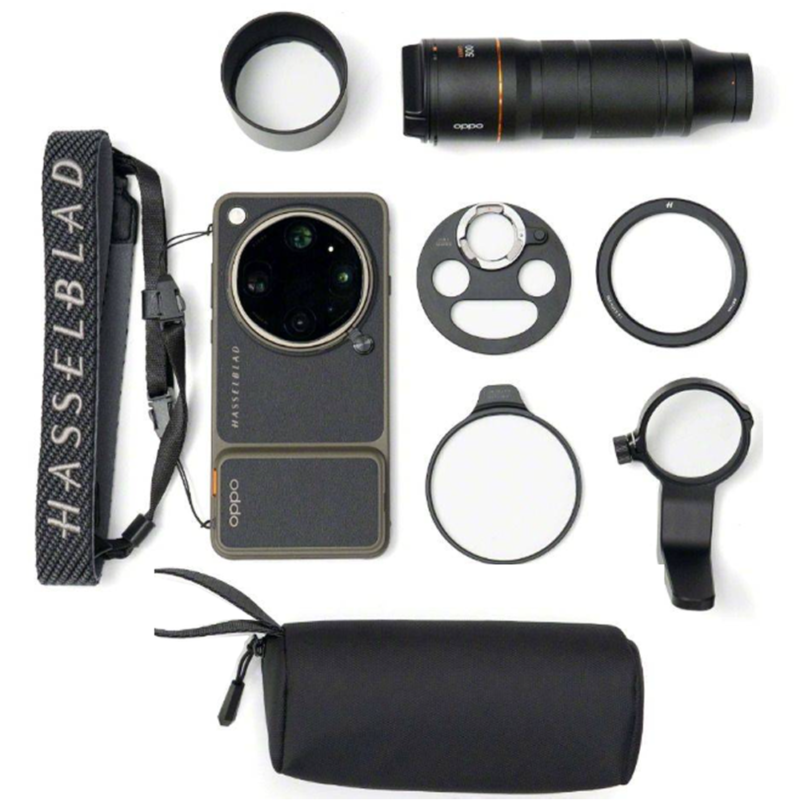
Knowing that the Find X9 Ultra can handle everyday tasks like a squirrel, you're probably wondering what these cameras can do? The camera system here is truly impressive - four cameras allow you to shoot from 14 to 230 mm focal lengths. The main and 3x telephoto have 200 MP each, and the wide-angle and 10x telephoto - 50 MP each. But even more importantly, the 10x here is not just digital zoom - the phone has a real 10x optical telephoto camera.
While testing the phone, I switched cameras quite often, rather than shooting almost everything with the main camera, as is typical with phones. The 3x telephoto became my favorite for everyday shots, the 10x allowed me to capture what would otherwise be too far away, and the main camera often surprised me with its results. So let's take a look at what each of them can do.
Main camera
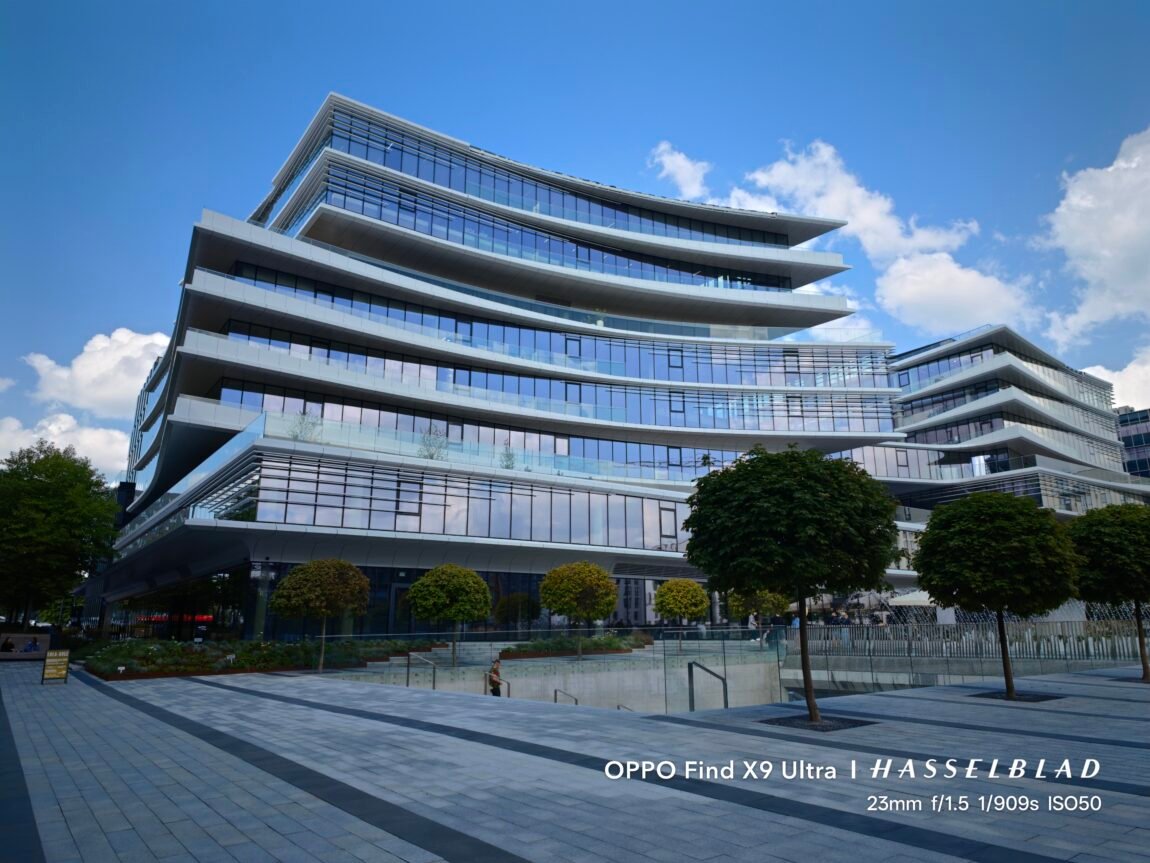
The main camera is one of the strongest parts of the Find X9 Ultra. It uses a 200 MP 1/1.12-inch sensor with bright f/1.5 optics, which allows you to get a very natural-looking background blur when shooting close-up. It was this one that left a very good impression on me - there were practically no situations where the phone would incorrectly separate the subject from the background.
True, I missed the variable aperture here. f/1.5 is great when you want a nice blurred background, but when photographing larger groups of people or objects that cannot be placed on one plane, the depth of field can be too shallow. In such situations, you have to rely more on the phone's processing and AI, which tries to keep more objects sharp.
In standard shooting mode, the phone also processes photos quite actively. HDR helps preserve a lot of detail in shadows and highlights, but at the same time the image sometimes looks a little over-processed, and the colors seemed a little too saturated to me. This is not bad - many people probably expect such a result, when they immediately get a bright and effective photo. However, I wanted a slightly more natural image.





Hasselblad Master Mode
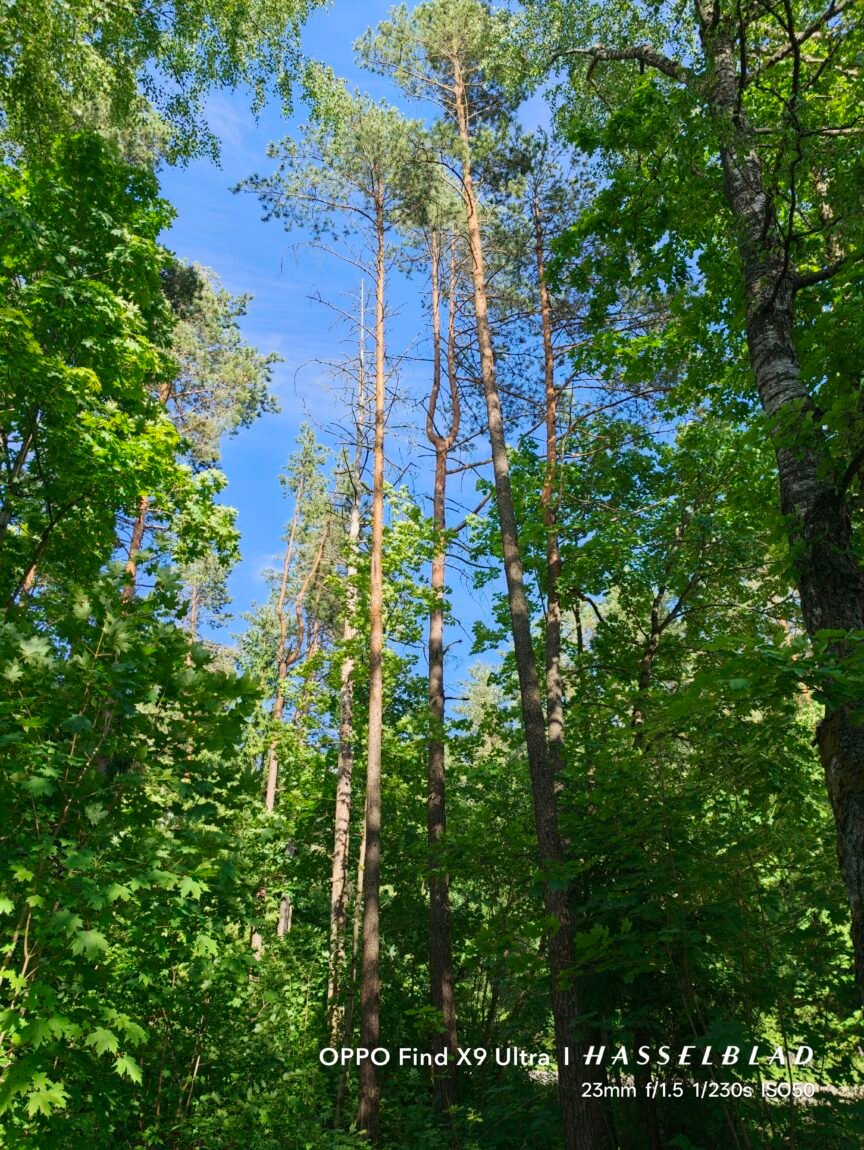
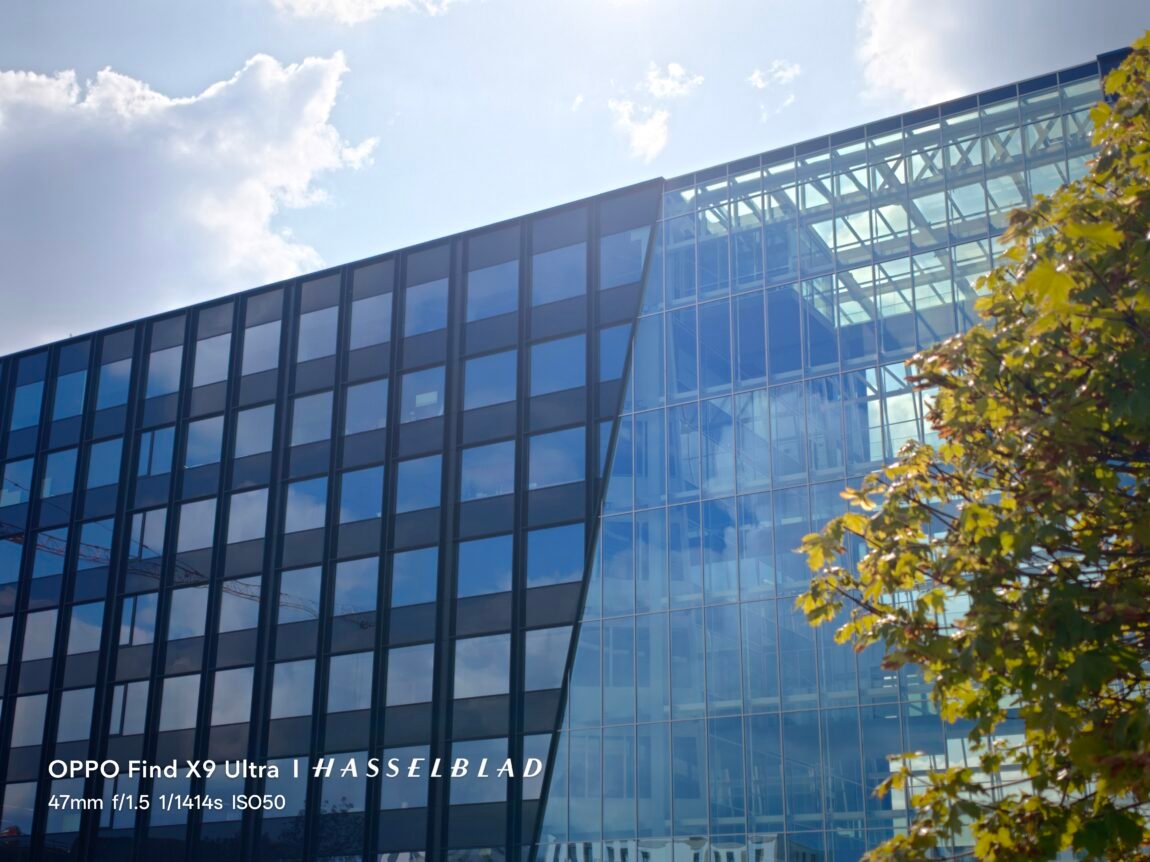
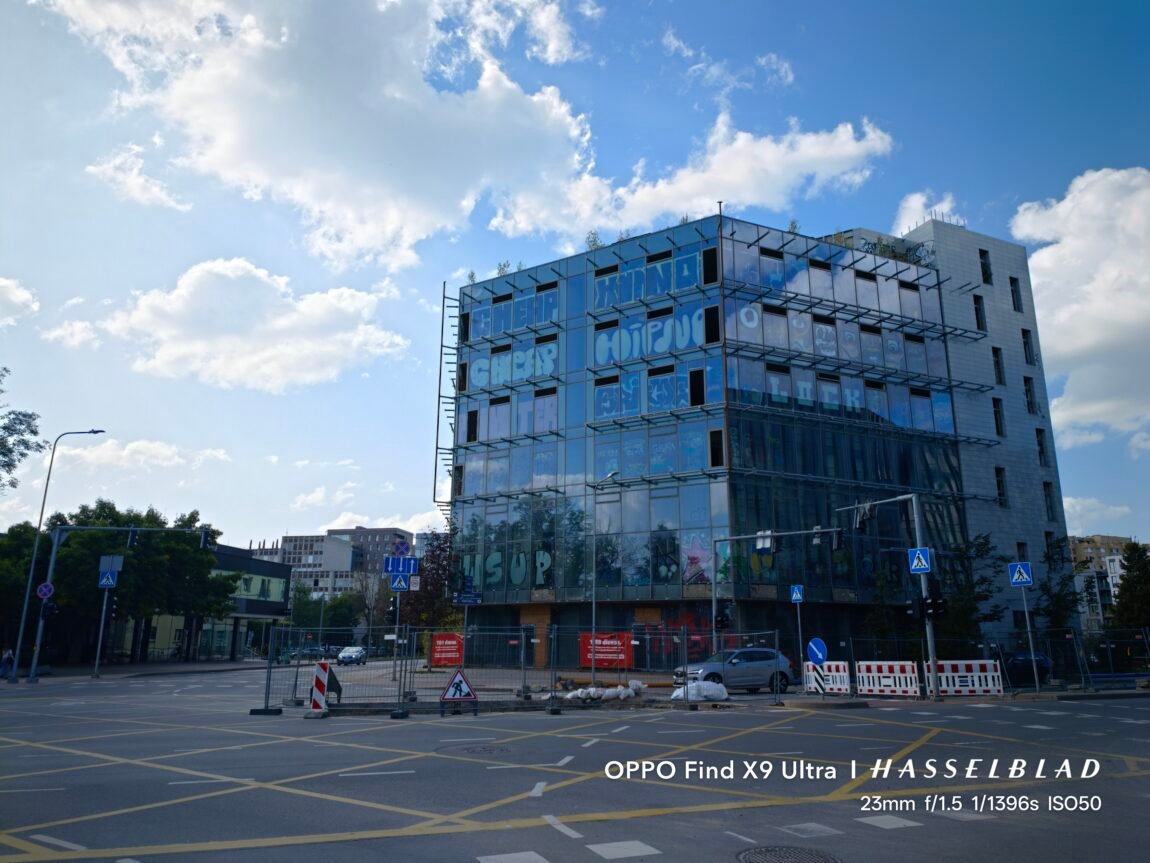
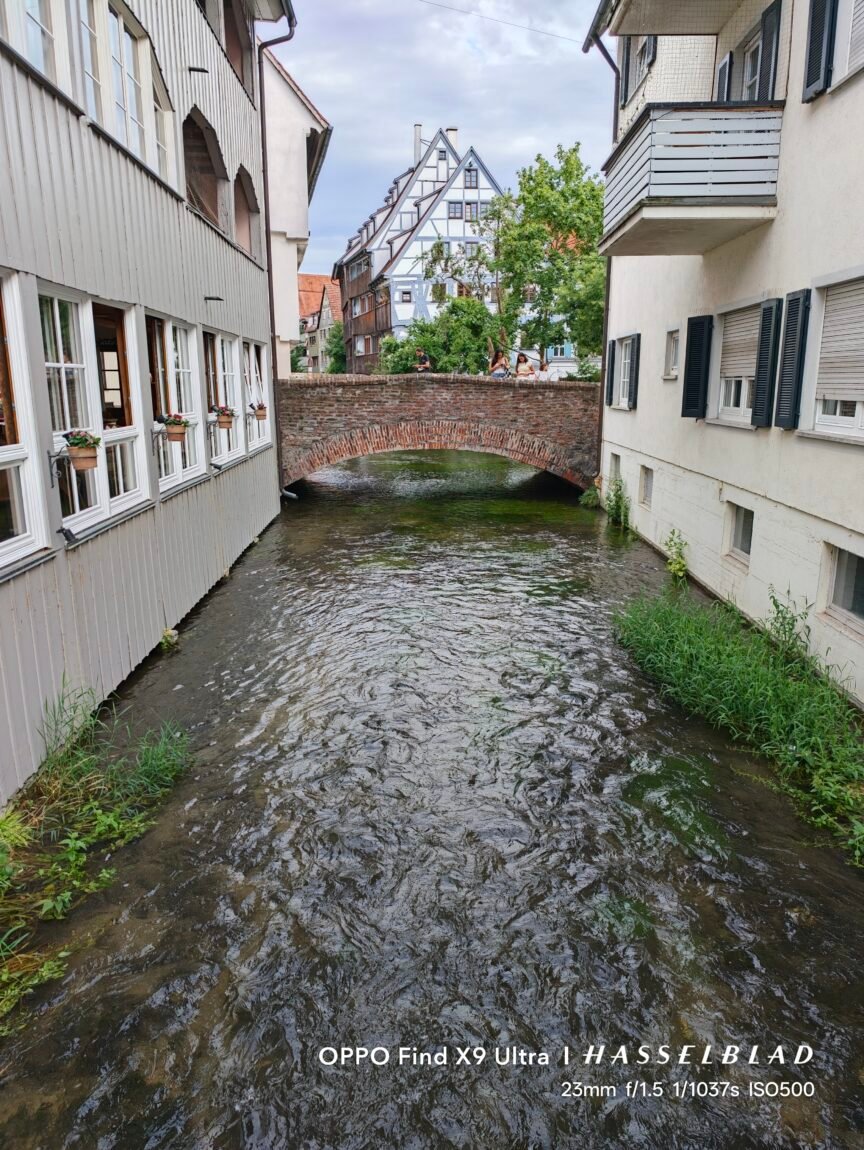
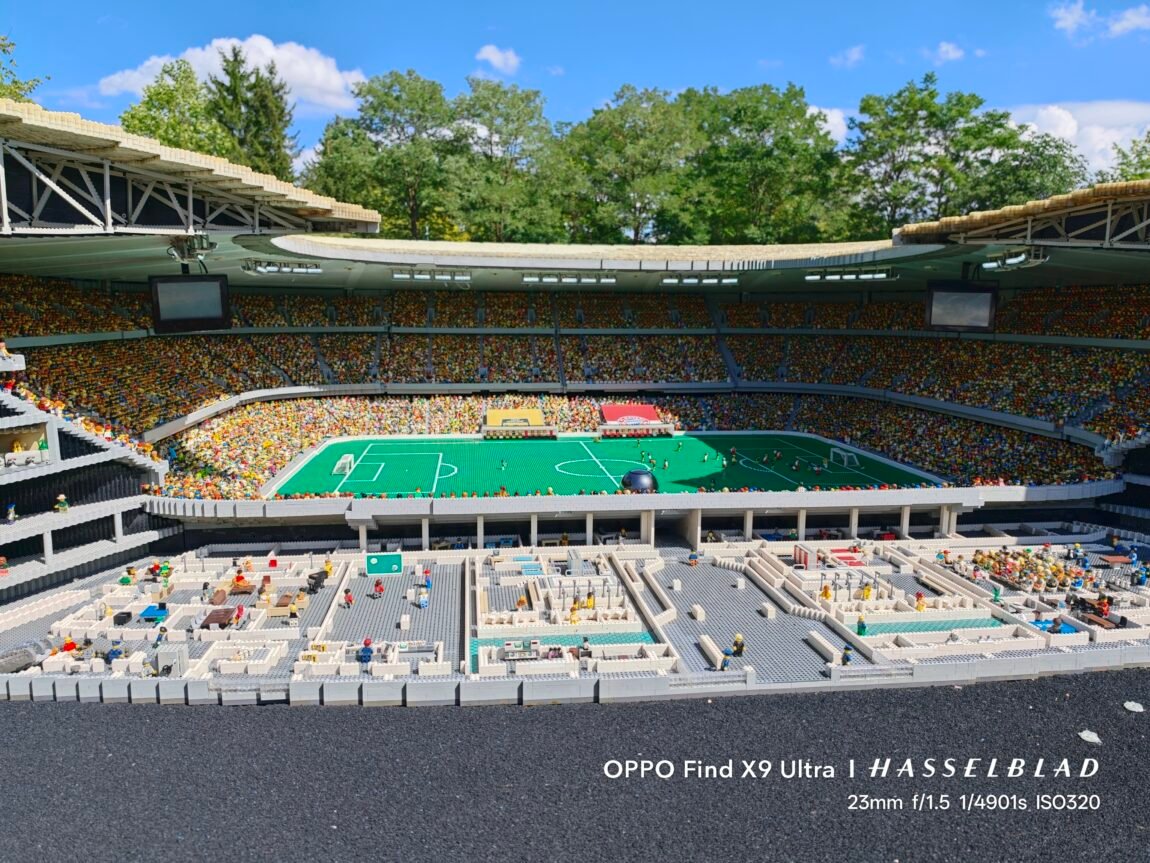
This is where the most interesting part of photography on the Find X9 Ultra begins. Hasselblad Master Mode allows you to step back from the usual smartphone photo processing and get a more natural result, more reminiscent of a shot taken with a real camera. This mode has become one of my favorite ways to shoot, as the photos have less aggressive sharpening, more natural shadows, and generally feel less like the phone's software contributed heavily to the shot.
OPPO also offers a lot of creative control here. You can manually adjust ISO, shutter speed, white balance and focus distance, so if you want to take your photography a little more seriously, there is definitely no shortage of options. But what I liked most were the different color and tone profiles, including Hasselblad-inspired options. They are not just simple filters - they change not only the colors, but also the overall mood of the frame, so you can instantly get a warmer, colder or softer result. I especially liked the fact that these profiles, combined with the more natural Master Mode processing, allow you to get photos that look more like shots taken with a camera, rather than regular phone photos.


However, I would like OPPO to have developed this mode a little more. For example, it would be very convenient to save both a stylized JPEG and a RAW file at the same time - now there is an additional step to have RAW and then make the desired JPEG from it. I would also like more control over autofocus. The focus point is quite large, so in more complex situations the phone does not always select the exact object I want to photograph. Manual focus solves the problem, but a small, precise autofocus point would be much more convenient.
3x telephoto
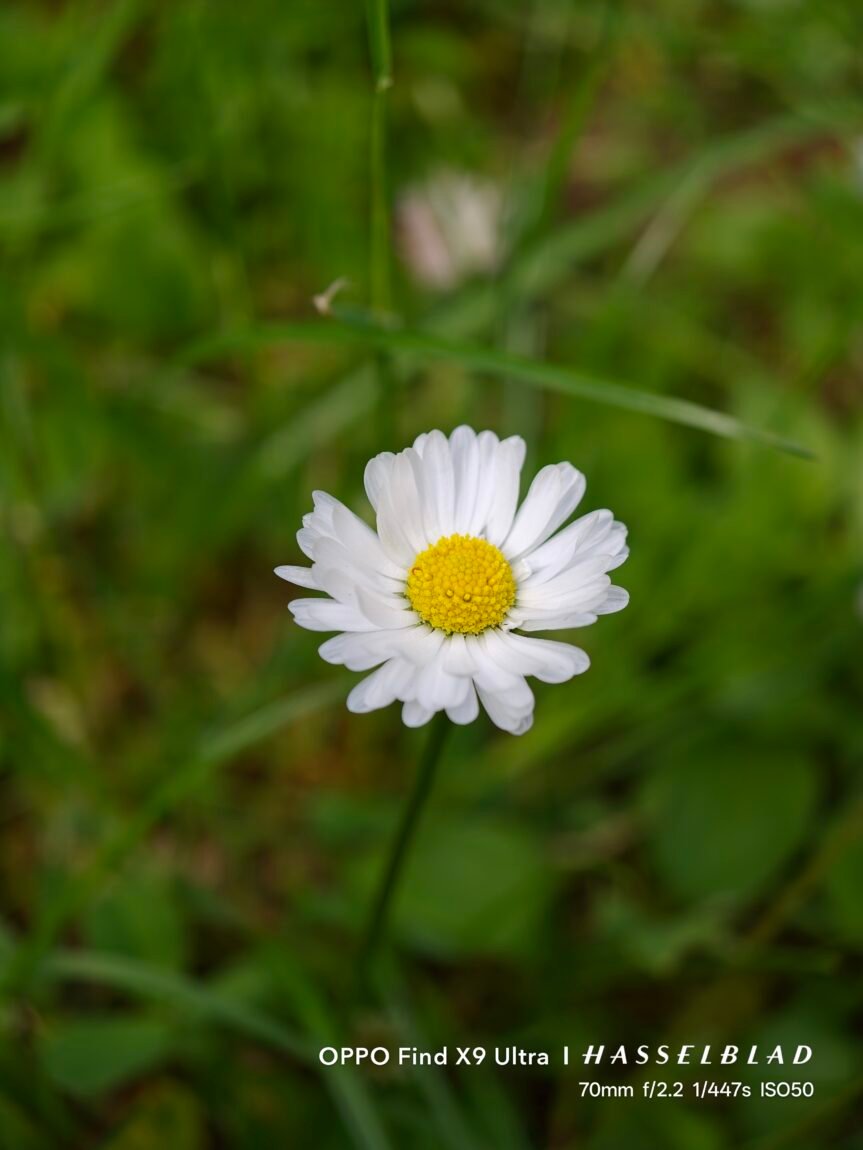
If I had to choose one favorite camera on the Find X9 Ultra, I would probably choose the 3x telephoto. It corresponds to a focal length of about 70 mm, so the perspective here is very natural - the camera is perfect for portraits, people, travel details, or simply situations where the main camera covers a little too much. The 200 MP resolution and large sensor allow you to extract a lot of detail, and I liked the background blur here more than when shooting with the main camera. The photos not only look technically good, but also have that peculiar "photographic" quality that made me want to return to this camera again and again.
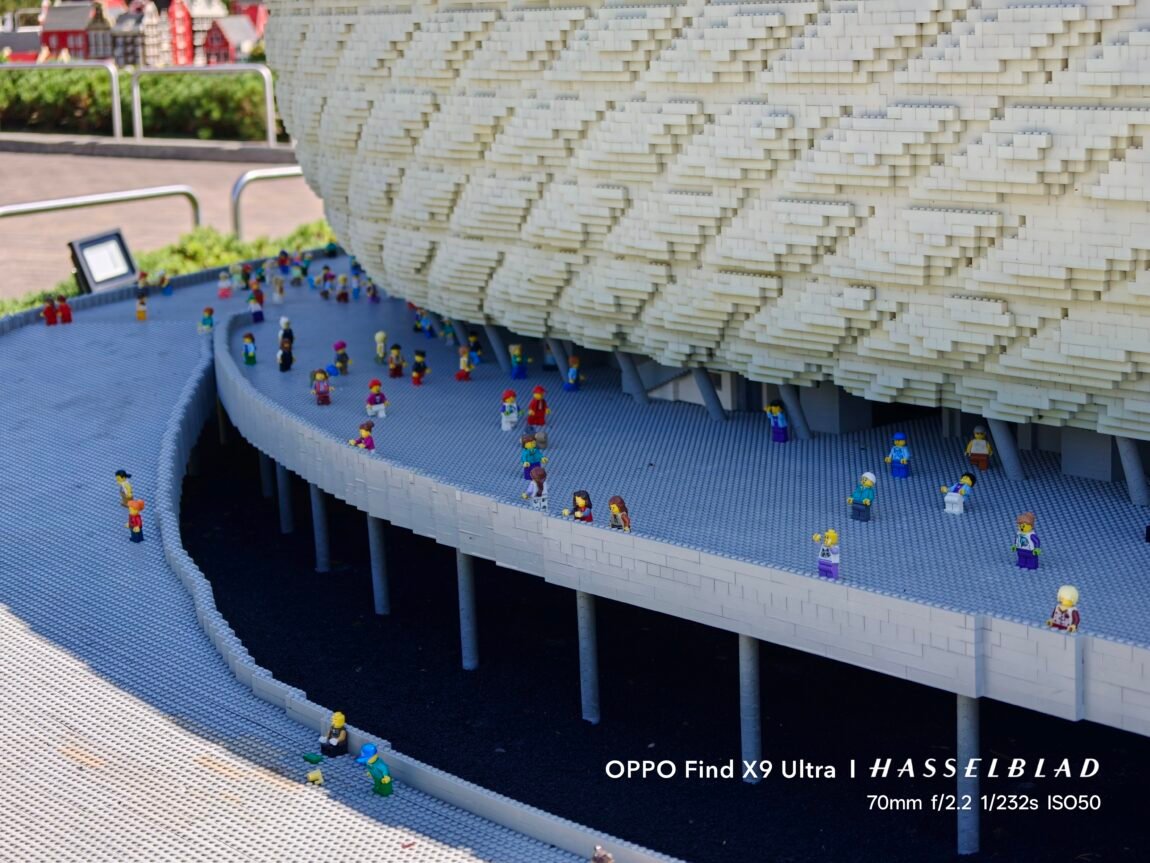





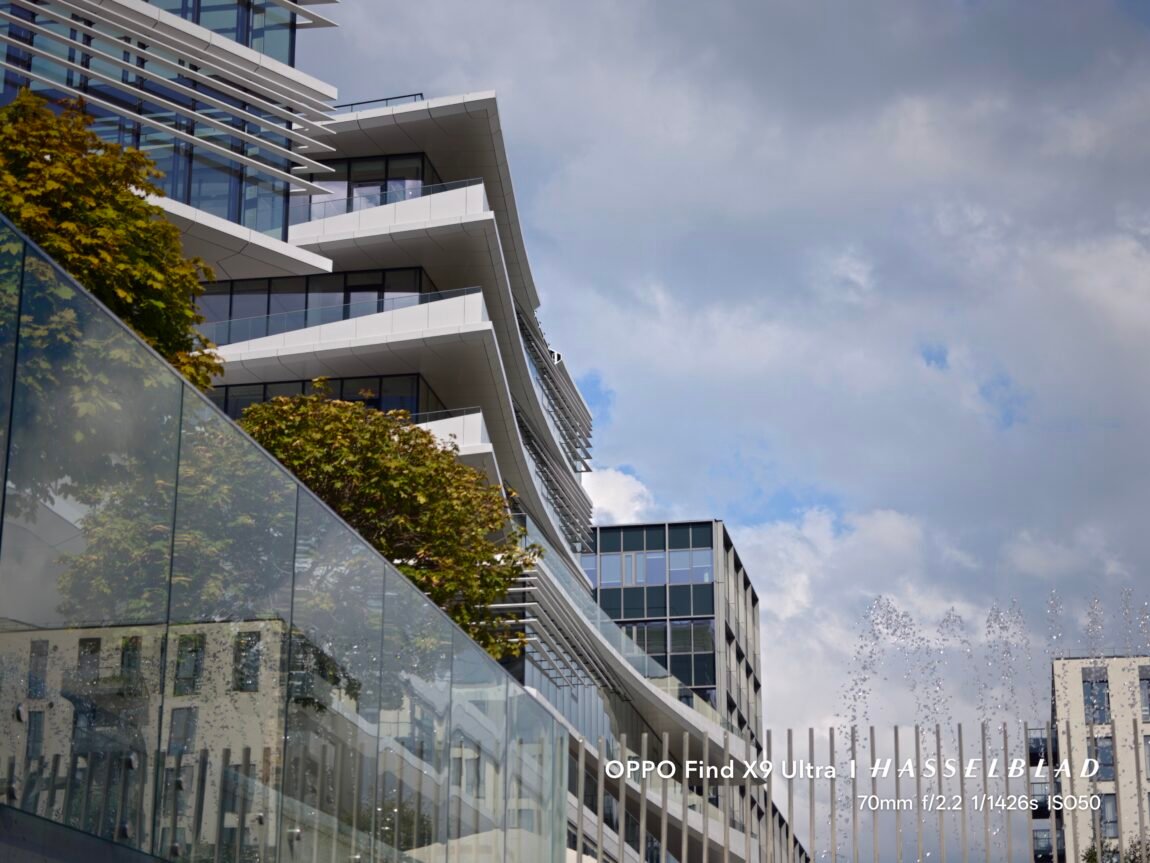
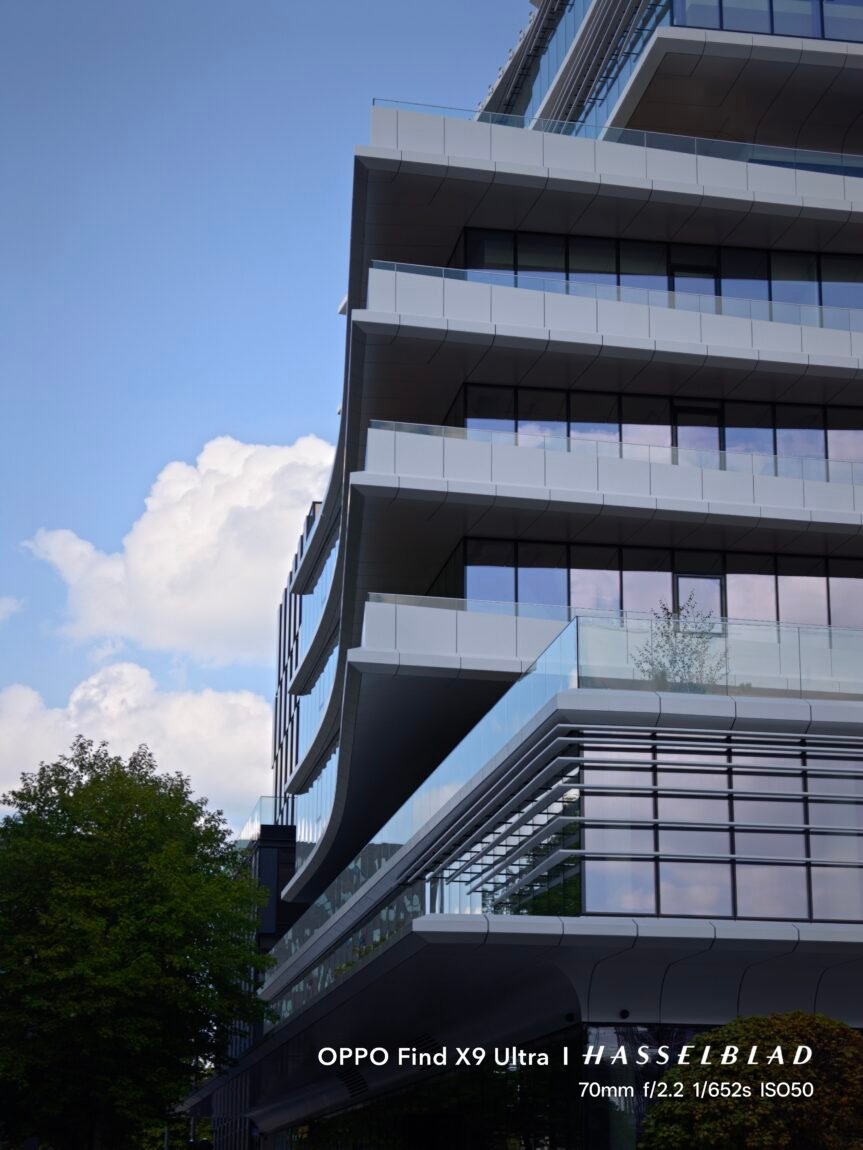
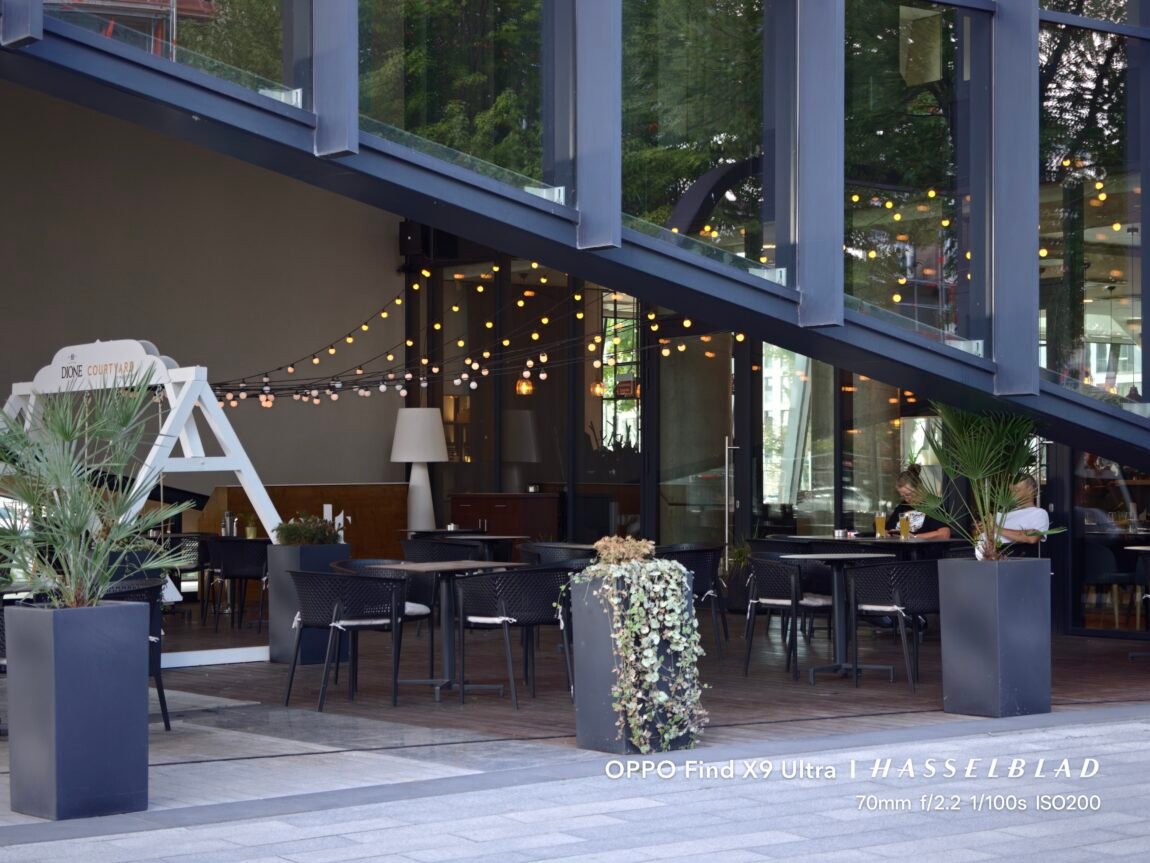







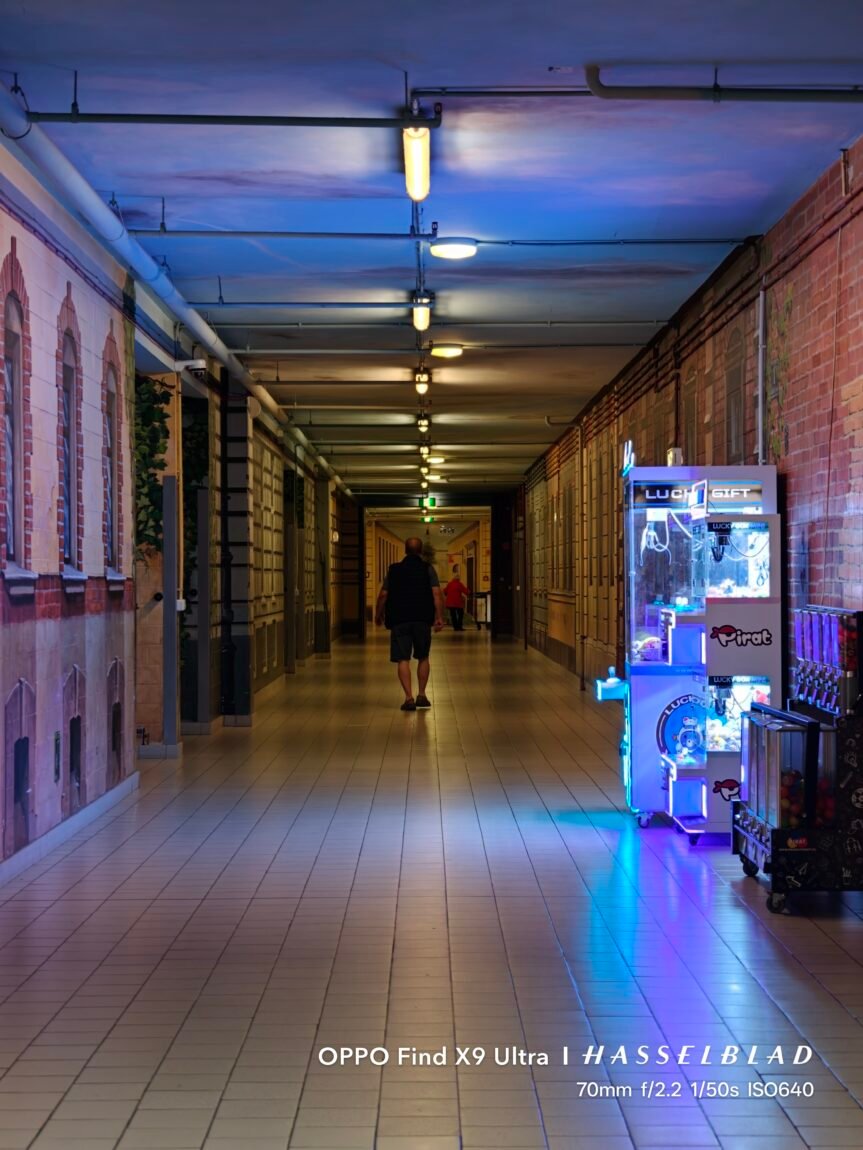















High resolution has another advantage - from a 3x camera you can achieve a fairly high-quality 6x zoom. The phone simply uses the central part of the sensor, but in daylight the difference in quality from 3x is not large, so such a zoom is practically very useful. In poor lighting, the detail decreases slightly, and the phone's processing becomes more noticeable, but the result still remains very good. It is precisely because of this versatility, good performance in poor lighting and very pleasant background blur that this camera became the most used during my tests.
10x telephoto camera
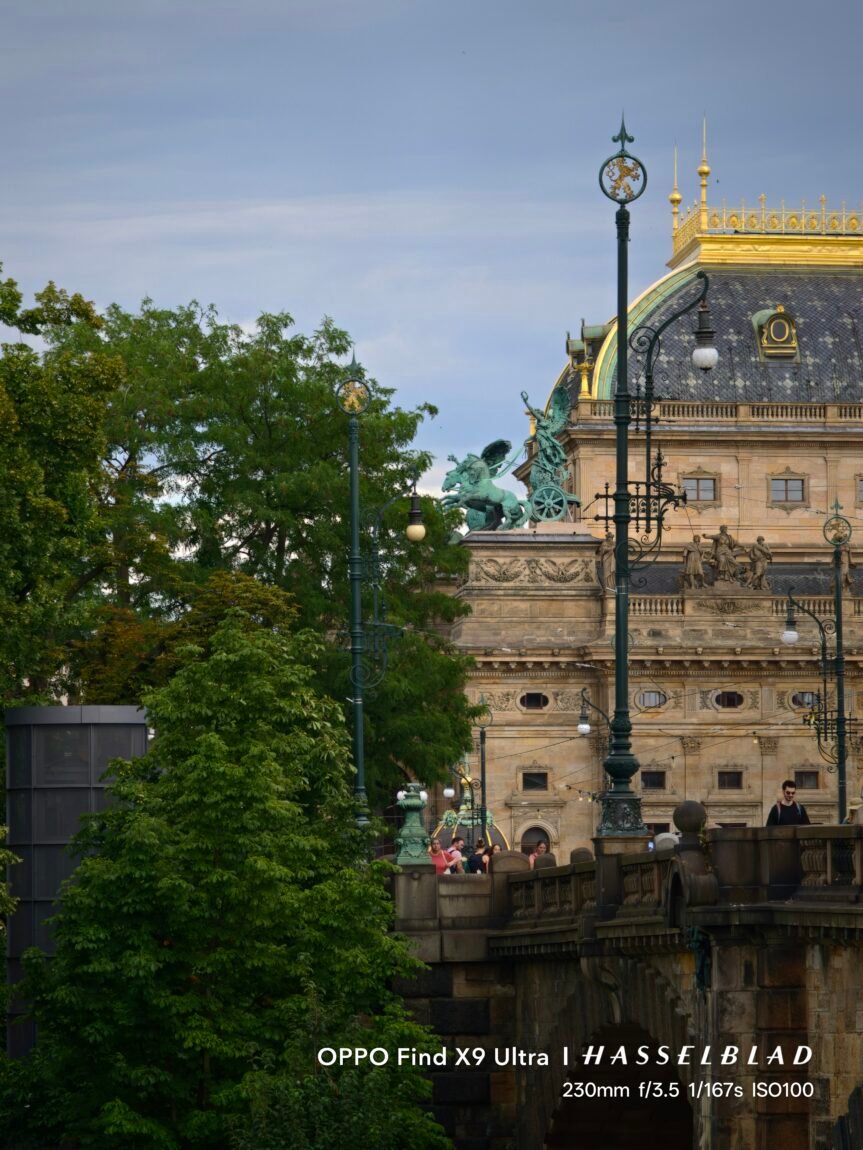
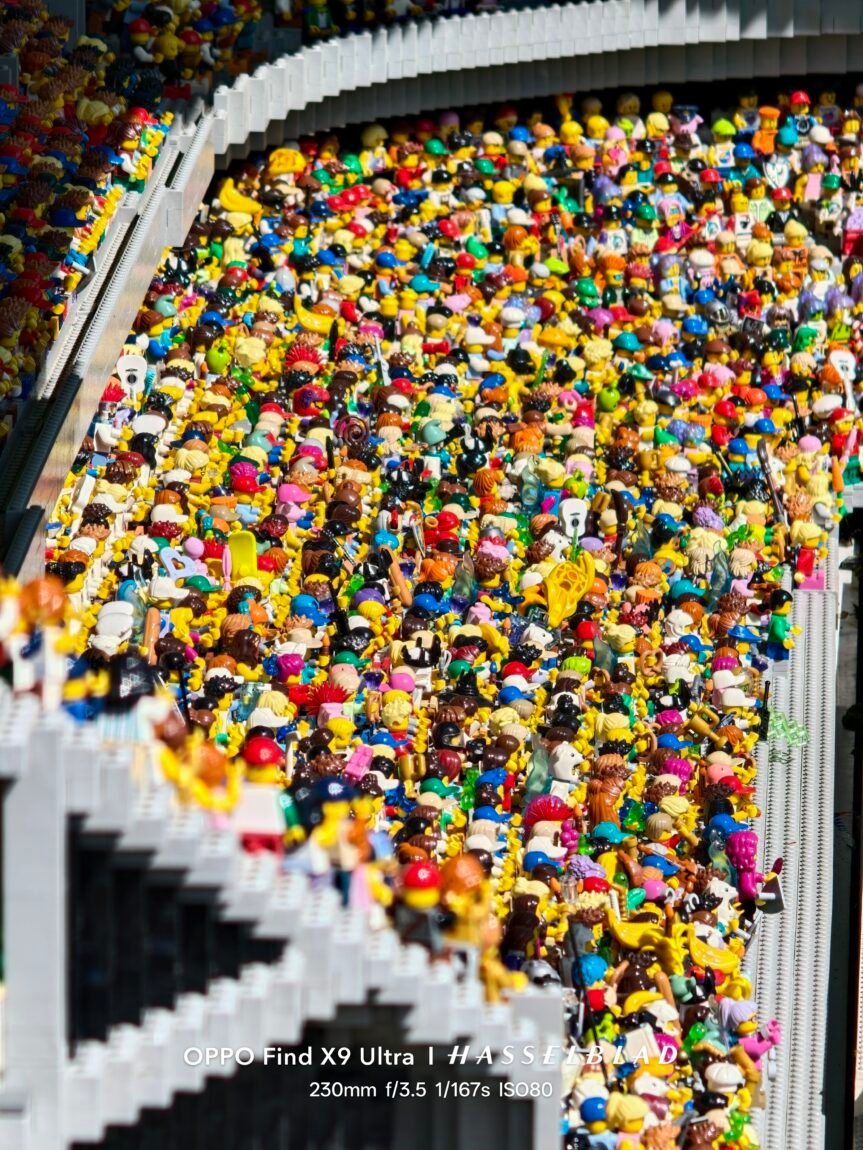
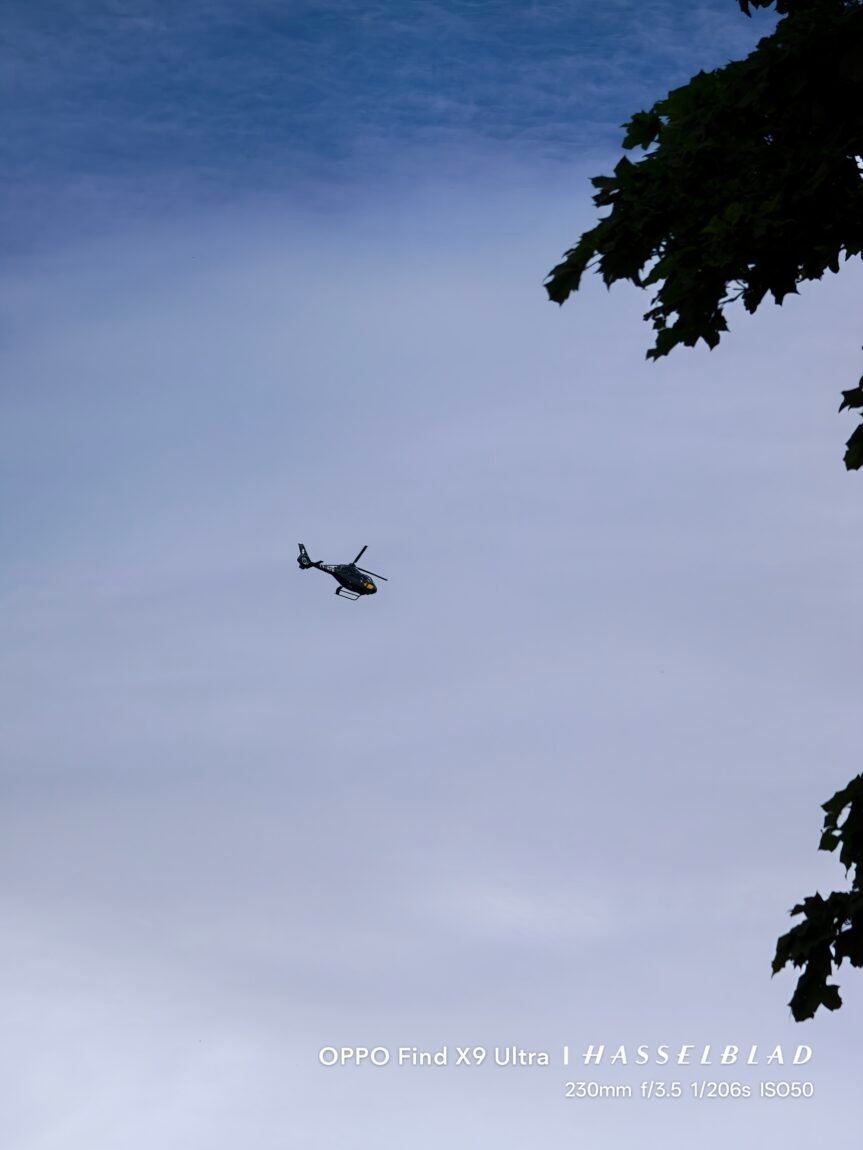
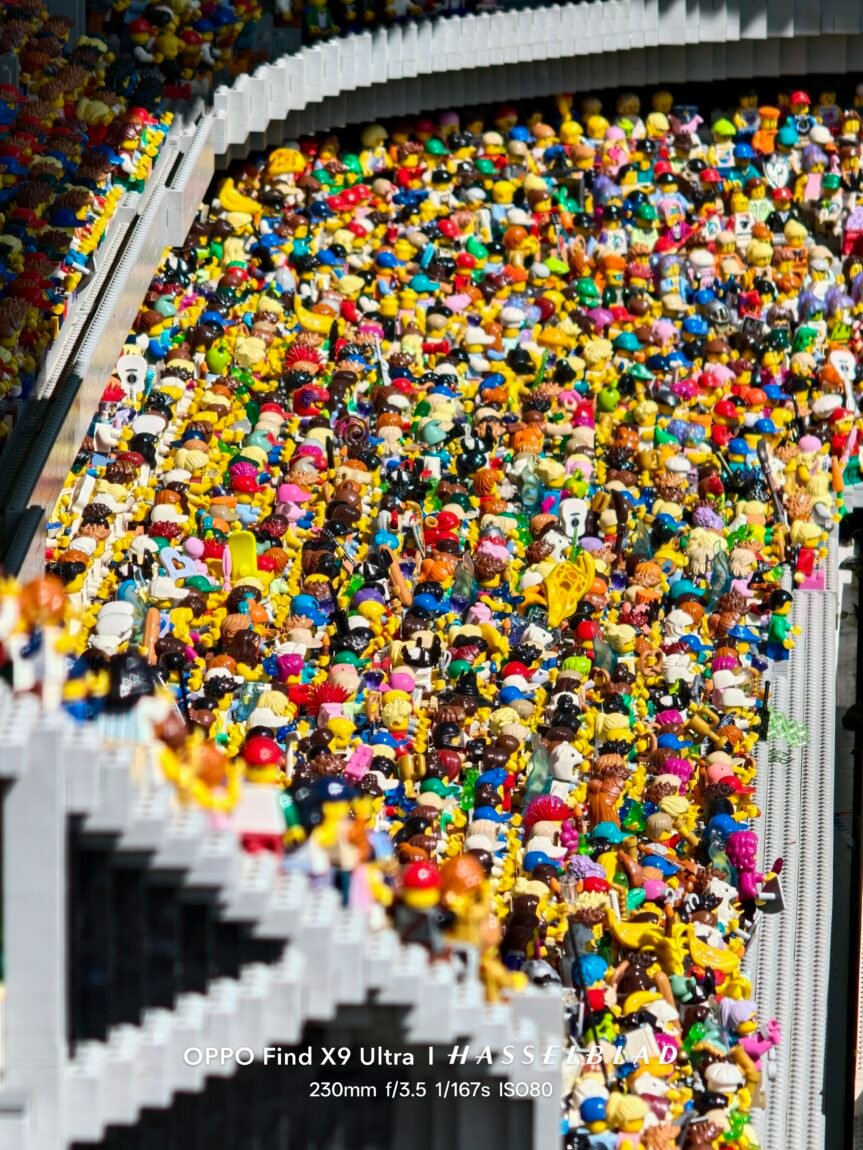
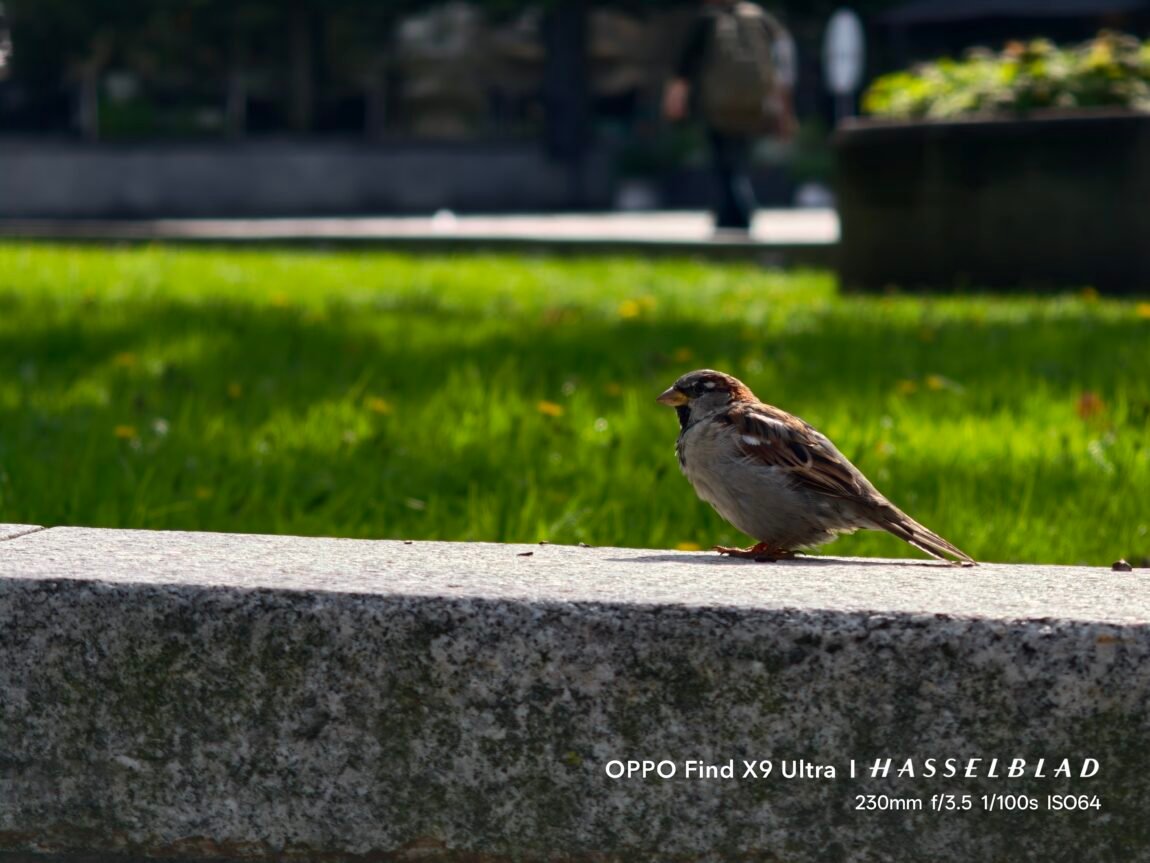
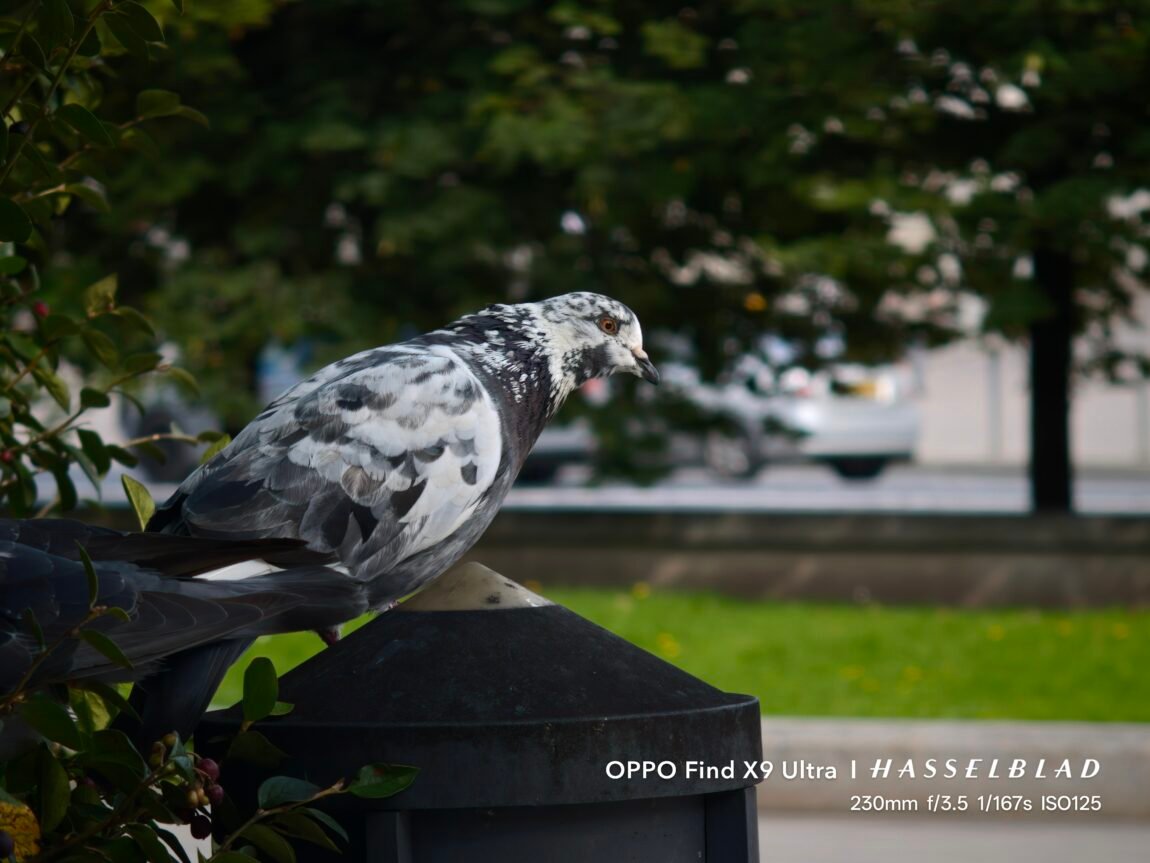
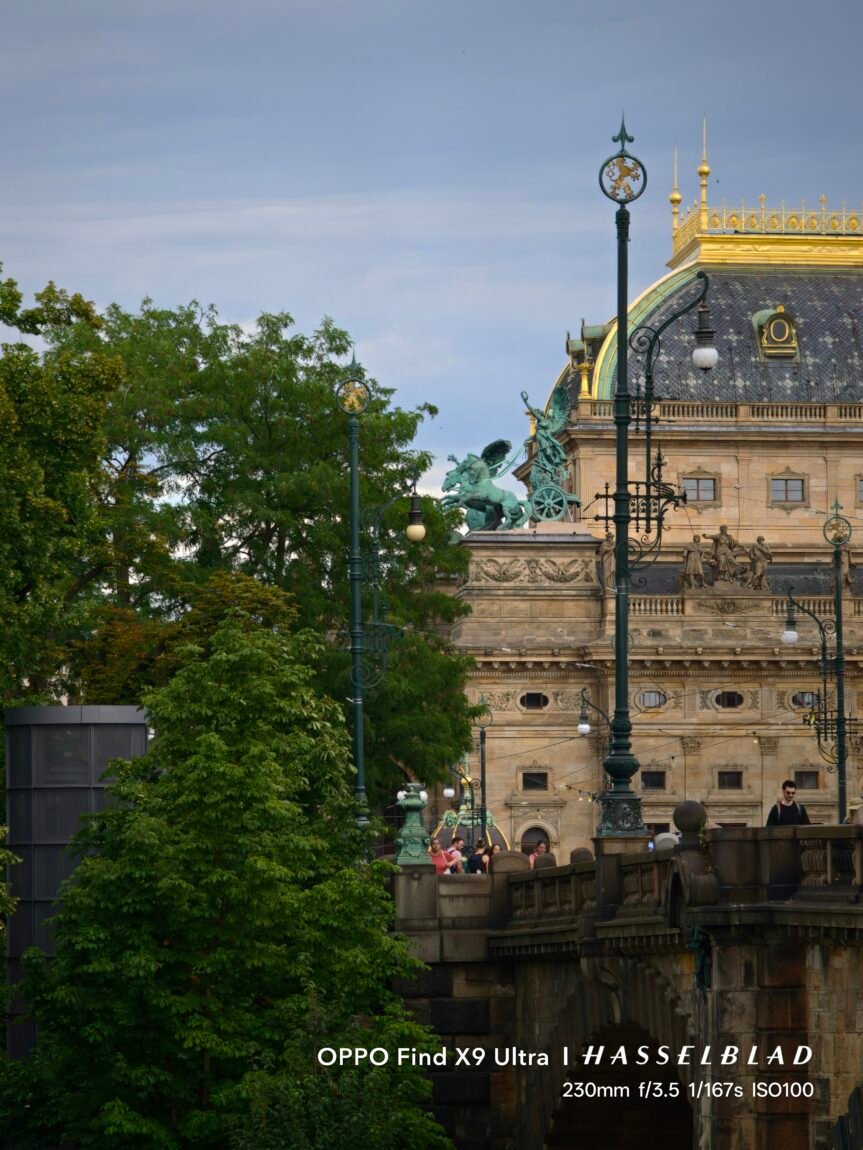
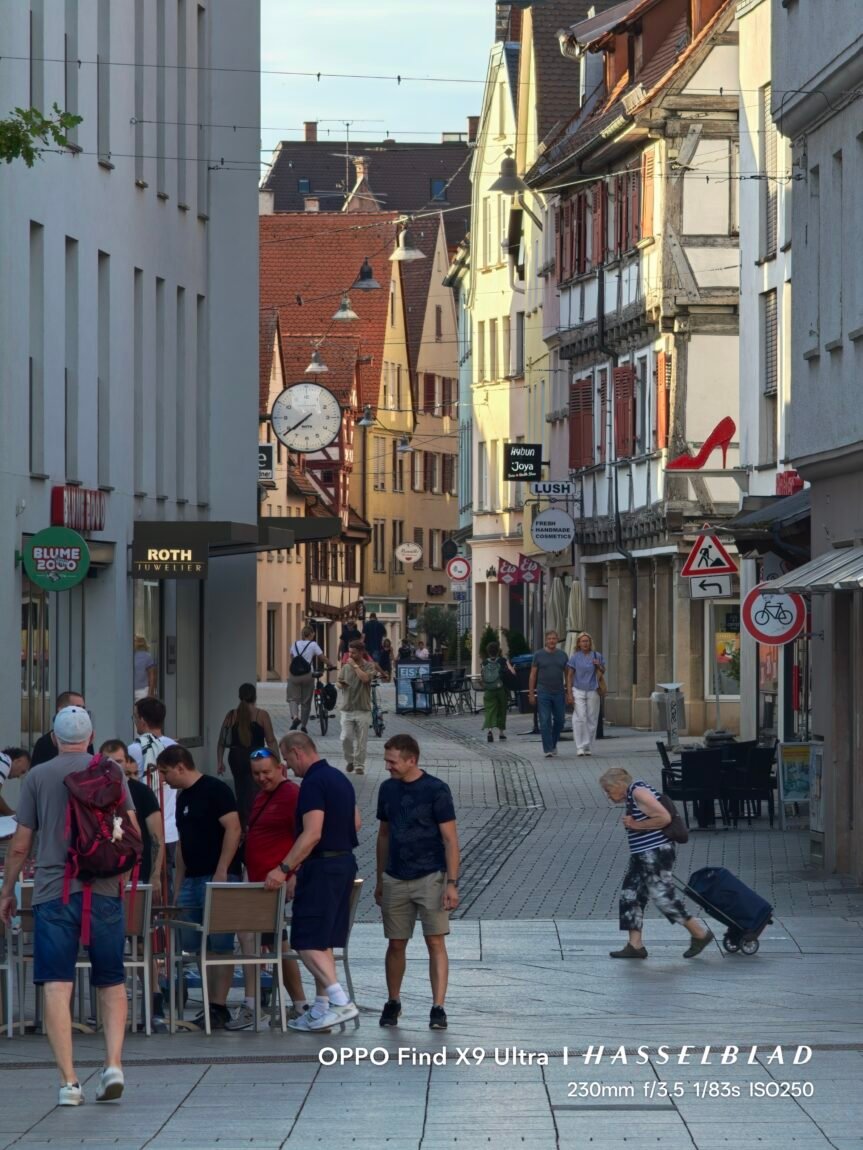
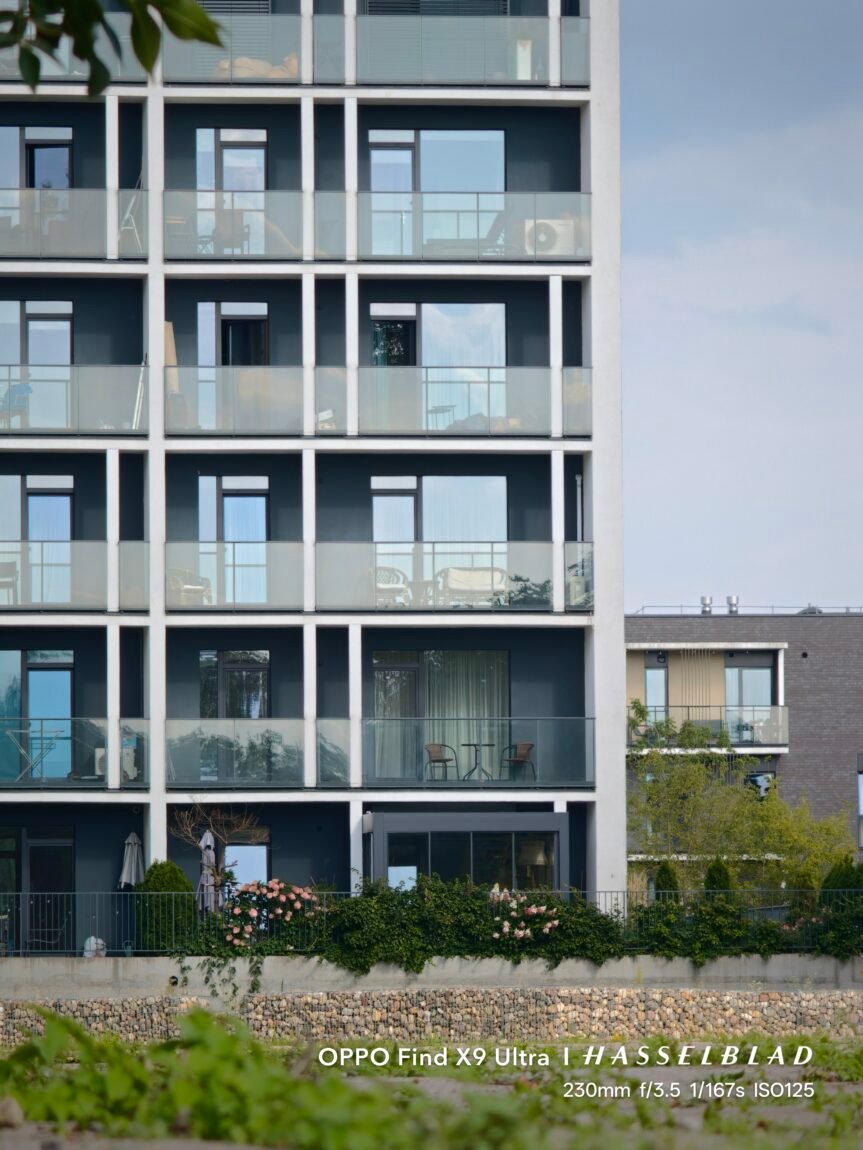
If the 3x telephoto is my favorite everyday camera, the 10x telephoto is what sets the Find X9 Ultra apart from other phones. Here we get a true 230mm equivalent 10x optical zoom, which allows us to photograph objects that would simply be too far away with a regular telephoto lens. This camera turned out to be especially fun when traveling - you can photograph building details, people or various objects from afar and get shots that you simply wouldn't be able to get with the 3x camera.
The image quality really surprised me here. In daylight, the photos remain very detailed, and even with additional zooming in, you can extract a surprising amount of detail. Of course, when you zoom in on a photo you've already taken, the processing done by the phone becomes more visible - small details are sometimes overexposed, and in more complex shots, the AI can try to recreate what the sensor didn't actually capture. However, when looking at the whole frame, these problems are mostly invisible, and the 10x result itself is much more impressive than I expected from such a zoom.


This camera surprised me in low light as well. Although the sensor here is smaller than the main or 3x cameras, the results are still really good, but the long focal length means you need to be more careful when shooting handheld - even the slightest hand movement becomes noticeable. However, when there is enough light, the 10x allows you to get shots that you simply wouldn't expect from most other smartphones.




















Wide-angle camera
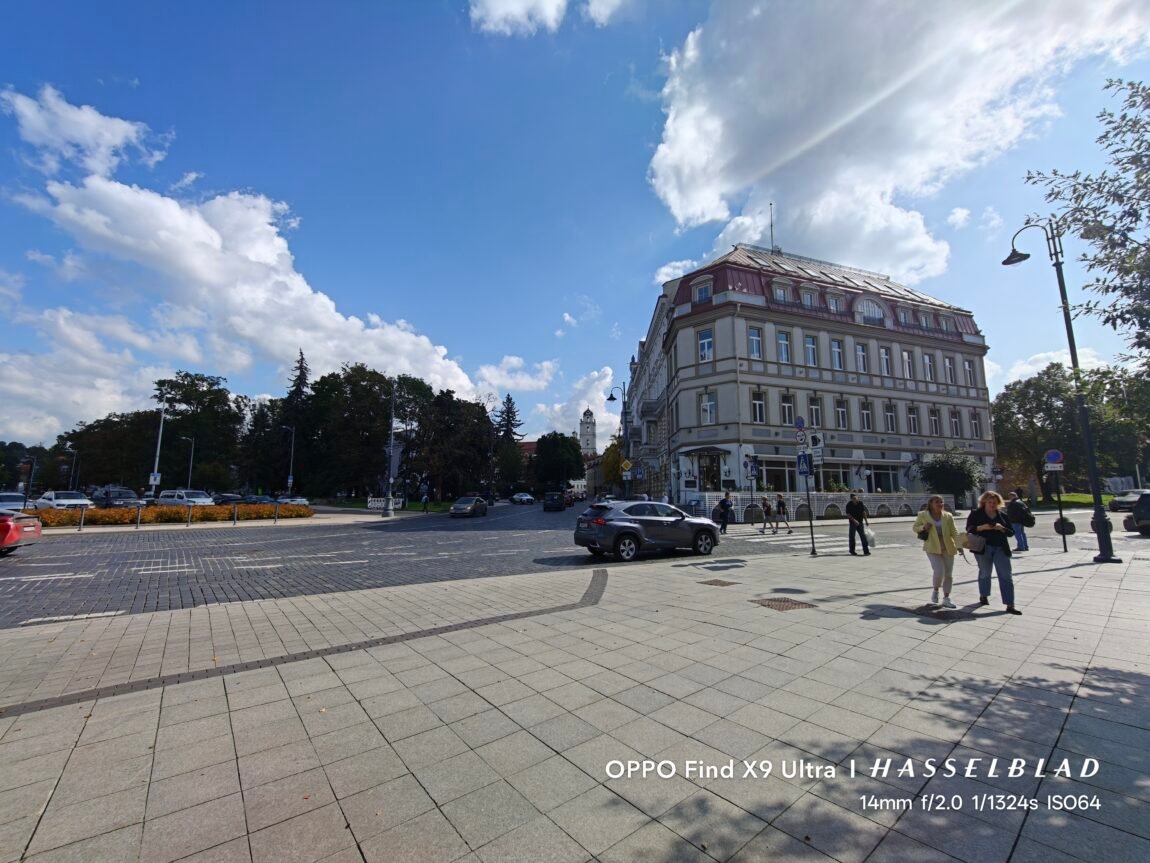
The wide-angle camera didn't surprise me much. Yes, it takes really good shots in daylight, and the colors and overall exposure are usually in line with other cameras. However, as soon as you zoom in on the photo, you feel that there is less detail here - this is especially noticeable at the edges of the frame. However, the results are certainly sufficient for everyday photos, but this camera is already inferior to all three others in terms of image quality.

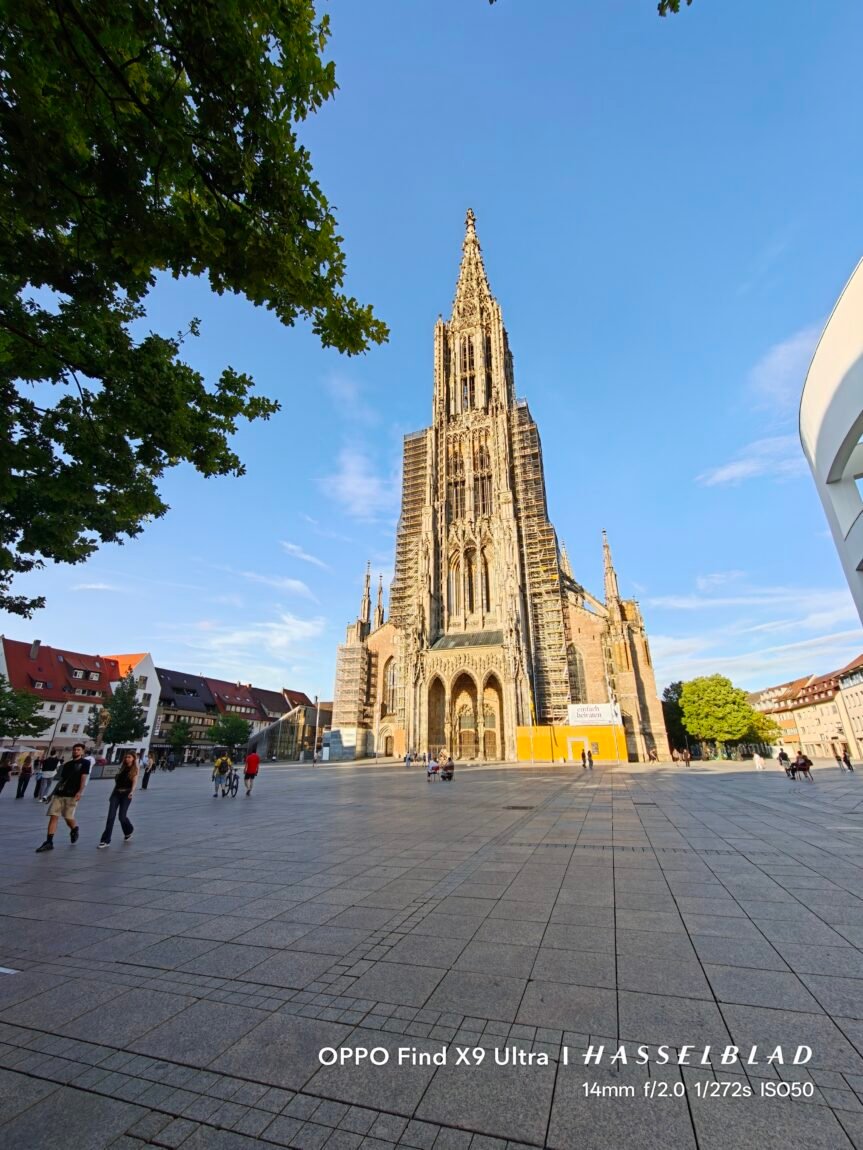
By the way, this camera has one practical problem (or maybe it's just my problem?) - its position in the camera module. When shooting vertically and holding the phone the way I usually do, my finger almost always gets into the frame. In fact, at least 90 percent of the first shots I tried were with the lower part covered. When shooting horizontally, such problems do not arise.
Macro photos
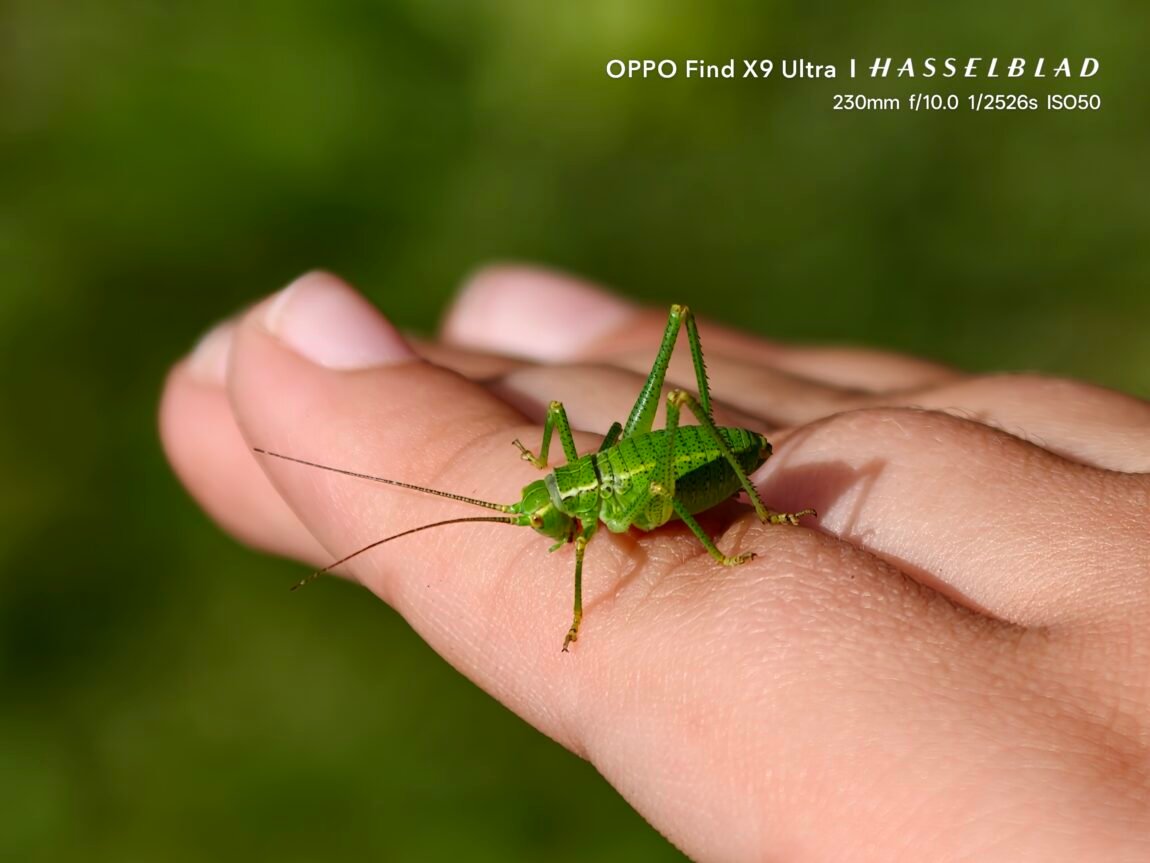
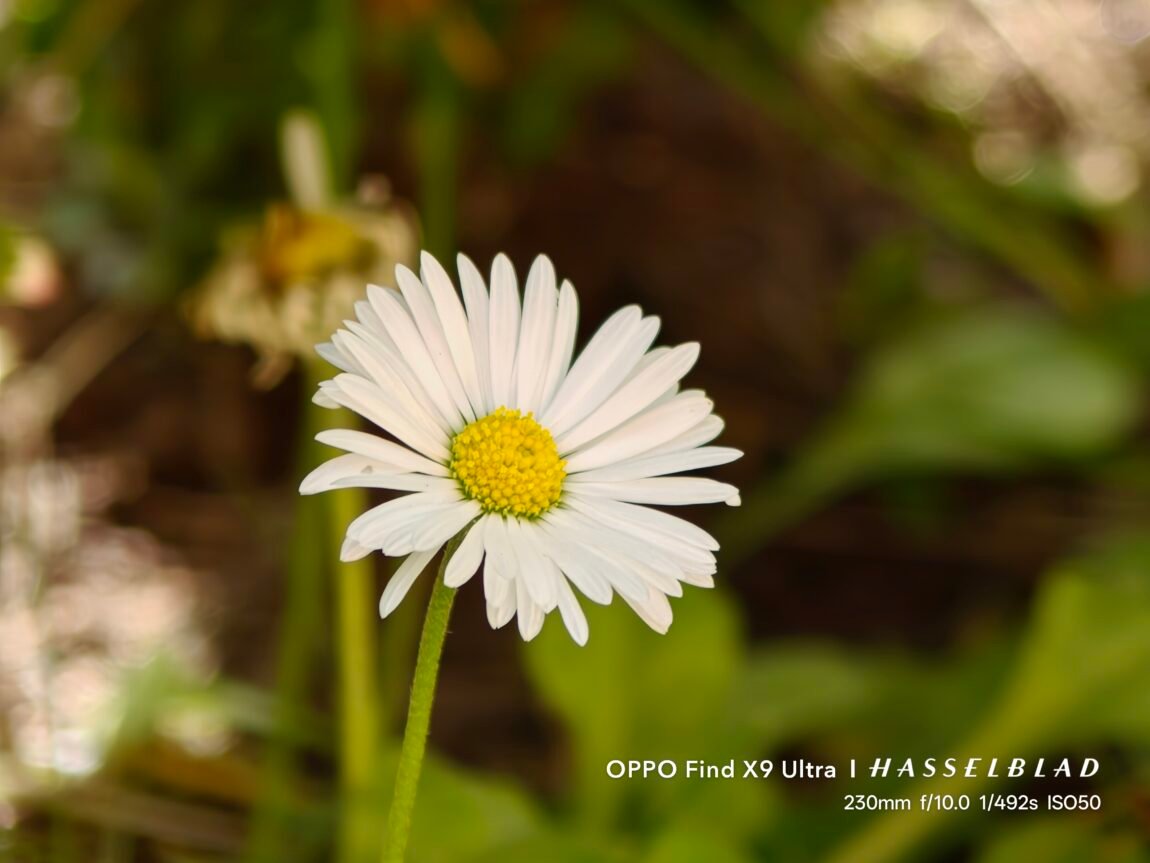
Macro photography didn't impress me much. Although the phone allows you to get really impressive-looking close-up shots, focusing on the desired area is not always easy - as soon as you move the phone, the area of focus changes, so sometimes you have to play around a lot until you get the desired result. Also, in some photos, small macro details look quite artificial, as if they were "created" more by the phone's processing than by the camera. In this area, I much preferred the vivo X300 Ultra - it was easier to take macro photos with it, and the final result looked more natural.








Portrait photos
In portrait mode, the Find X9 Ultra offers the default 3x camera, which seems to have a very good focal length for portraits, but interesting results can also be achieved by selecting 10x zoom. In both cases, the background is blurred very naturally, and the photos do not look as if the person was simply cut out and placed on a blurred background.
More importantly, throughout the entire testing period, there were practically no situations where the phone incorrectly separated the subject from the environment. Hair, edges of clothing, or other small details usually remained sharp, and the blurring began naturally and gradually. It was also pleasantly surprising that good results were obtained even when photographing moving objects - portrait mode does not seem to be intended only for a person standing still, so it can be used in more spontaneous situations. And if the natural background blur is not enough, you can significantly reduce the aperture number and create a completely absurdly strong bokeh effect - perhaps not always natural, but sometimes a really fun creative tool.


Front camera
The front camera, compared to the entire rear camera system, did not leave much of an impression. During the day, the results are good, with sufficient detail, but the colors and skin tones of faces sometimes look a bit over-processed. On the other hand, the fairly wide viewing angle allows you to easily fit more people in, so this camera's capabilities are definitely sufficient for selfies or group photos.
Videos
The Find X9 Ultra also performed very well with video. All four rear cameras can shoot 4K 60 frames per second, while the main and both telephoto cameras can even reach 4K 120 fps and 8K 30 fps. The image is very detailed during the day, the stabilization works great, and thanks to the true 10x optical zoom, you can easily film even very distant objects.
However, as with stills, I was particularly pleased with the Pro Video mode. It allows you to shoot using OPPO's O-Log2 profile and immediately see what the selected LUT will look like. You can use not only the profiles on the phone, but also upload your own LUT files, so the X9 Ultra makes it quite easy to adapt the video mode to the color processing process you already use.
True, not everything is perfect here either. When switching between different cameras, you can notice quite noticeable changes in the image - the perspective changes, and in some cases, the color rendering. In poor lighting, the wide-angle camera suffers the most, and the telephoto image can shake a little. However, the overall video system is one of the strongest I've seen on a phone, especially if you're not just capturing memories, but also creating more serious video content on the phone.
The front camera can record 4K video at 60 frames per second, and you can see how it handles video in the example below.
Artificial intelligence and photo processing
As with the vivo X300 Ultra, I have questions about how much of my captured image actually remains in the final frame. The phone processes the image very actively and tries especially hard to highlight distant objects. As long as you don't zoom in, the result usually looks really good - the frame is sharp, detailed and pleasing to the eye. The problems start when you start looking at those details up close.
For example, when taking pictures of people from a greater distance, even with the 3x camera, faces from about 15 meters away sometimes look quite strange - the phone tries to guess the missing details, but the result is not always similar to reality. This is even more pronounced when taking pictures of buildings or other small details. When you zoom in on such a photo, you can see not so much what the camera captured, but what the AI decided should be there.
This isn't a big problem for me as long as I'm viewing the photos on my phone and not trying to crop them too much. But when taking photos on my phone, I want to know that the details were actually captured, and not just created by software. Fortunately, Master Mode is a great help here - it allows you to step back from such aggressive processing and get a more natural result. Therefore, I find the AI overactivity in standard mode much more relaxed - I have the ability to choose how much artificial processing I actually want.

What could be better?
Even though I really like the camera system, I have a few observations. When shooting in Master Mode, the photos appear to have a certain softness - the contours are not so aggressively sharp, and the small details look a bit softer. This is what gives the photos that slightly soft, "creamy" or "dreamy" look, which I really like, because the shots are more reminiscent of photos taken with a real camera. However, this may not be to everyone's liking, so it's worth assessing whether you like this look before buying.
I would also like more functionality from the dedicated camera button. It currently allows you to quickly launch the camera, take a photo, and control the zoom, but I would love to see more ways to use it. For example, it would be very convenient to use the same button to control the focus or perform other Pro mode actions when recording videos. Such an option would bring the phone's control even closer to a real camera.
Verdict
OPPO Find X9 Ultra left a very strong impression on me and became one of the most interesting "camera phones" that I have ever tested. It is not one specific camera that is important here, but the whole system - from the excellent main camera and my favorite 3x telephoto to a real 10x optical zoom. What I liked most is that the phone allows you to choose how much you want to rely on automatic processing - the standard mode quickly prepares an effective shot, and the Master Mode gives more control and allows you to get more natural, camera-like photos. Add very strong video capabilities, O-Log2 with LUT support and excellent battery life, and we get a phone that is interesting not only for photographers, but also for those who create video content.
Of course, the Find X9 Ultra is not perfect - the wide-angle camera could be better, the AI sometimes fantasizes too much, and the macro mode seemed to me much less successful than the vivo X300 Ultra. In some places, I would like more consistency between different cameras when filming or more opportunities to use physical camera controls. However, these shortcomings do not overshadow what is done very well here. If you are just looking for a good flagship, the Find X9 Ultra will not disappoint, but if photography and video are the most important thing, this is one of those rare phones that after testing it made me want to go out and take pictures even more often.