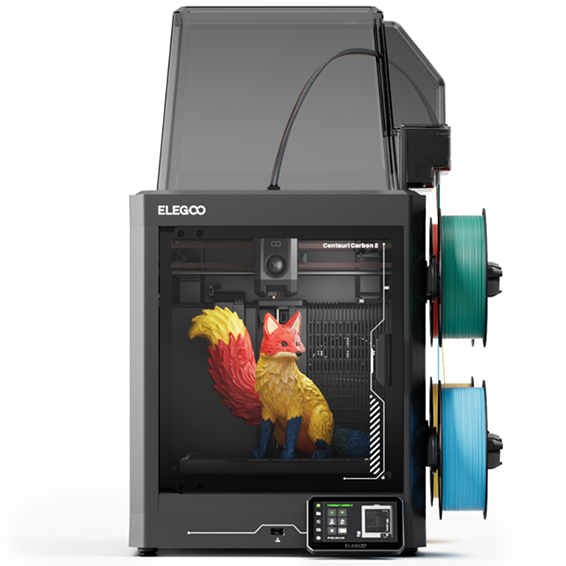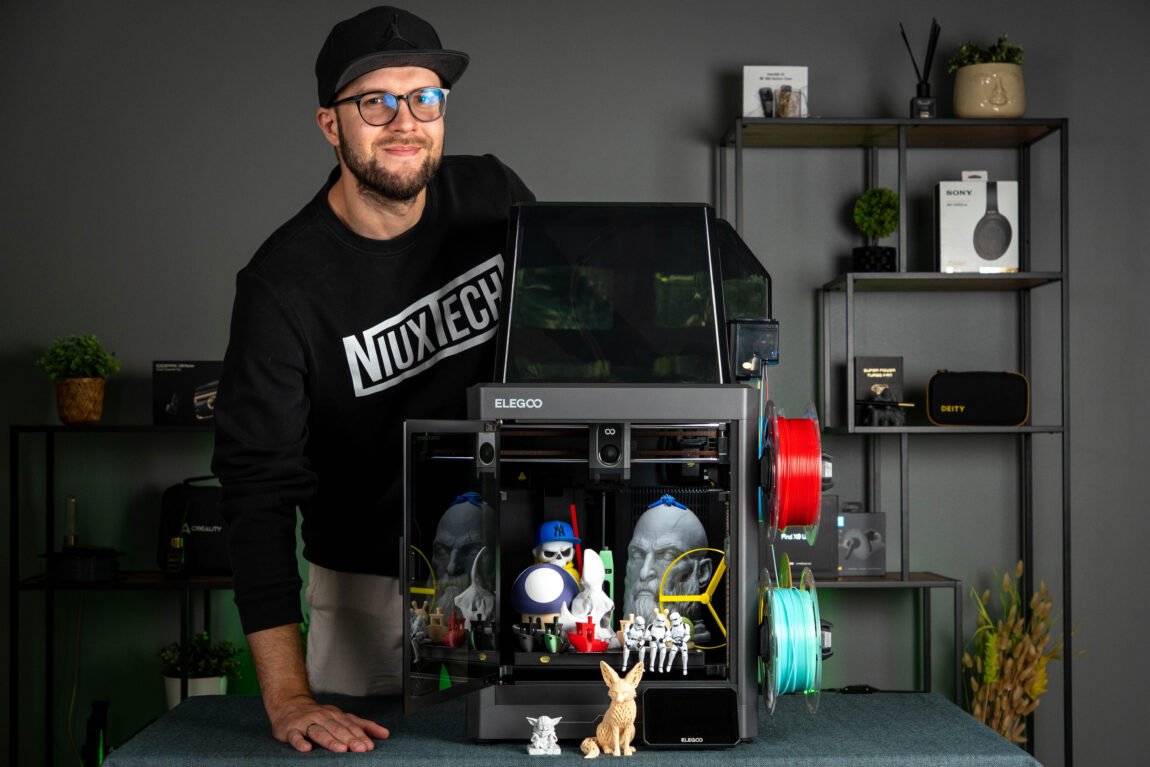
Elegoo Centauri Carbon 2 - a 3D printer that offers almost everything a hobbyist might need. It's a closed design, high print speeds, and the ability to automatically print in multiple colors. Of course, everything is always presented beautifully in advertisements, but what is this printer really like? I spent several weeks testing various plastics, different print speeds, and prints that lasted more than a day. Let's see if the Centauri Carbon 2 could become the only 3D printer you need.
Elegoo Centauri Carbon 2
Assessment:
What did we like?
What didn't we like?
Unpacking
You can see the entire unpacking and assembly process of the Elegoo Centauri Carbon 2 in the video below, so I won't dwell on it for long. If you've ever assembled at least one more modern 3D printer before, there won't be any big surprises here.
First impressions
The first impression of the Elegoo Centauri Carbon 2 is really good. The case looks solid, and the entire closed structure immediately creates the feeling of a higher-end device. I especially liked the glass door - it looks much more solid than plastic solutions and gives the printer a more premium impression.
True, not all design details seemed equally attractive to me. The CANVAS module at the top provides functionality, but its design itself is quite unusual. When you look at it, it really reminds me of the Dark Helmet from the movie Spaceballs. Of course, this does not affect the usability, but I would like this solution to be integrated a little more nicely into the overall design.
The CANVAS system is also one of the biggest advantages of this model - it allows you to have four plastics at the same time and automatically change them during printing. This is especially useful when printing in multiple colors or frequently changing the plastic used. The most important thing is that all this is already integrated into the printer itself - there is no need to buy additional modules such as Bambu AMS or Anycubic ACE Pro.
Overall, the Centauri Carbon 2 left a very good impression when it comes to build quality and price. The only thing that caught my eye was the rear housing filter. While the solution itself is welcome and the manufacturer states that it is designed to reduce particles and odors, the filter placement seems less than optimal. The filter section does not cover the entire fan area, which raises the question of whether all the extracted air actually passes through the filter material. This does not necessarily mean that the system is not working, but the solution could have been better thought out.
ElegooSlicer
Elegoo Centauri Carbon 2 uses the ElegooSlicer program, which is based on the OrcaSlicer framework. If you have already used this slicer, switching to the Elegoo solution will be very easy - most of the functions, settings and control principles are immediately familiar. This is not a simplified program with limited capabilities - here I find practically all the tools that both beginners and more experienced users may need.
Connecting to the printer via WiFi is also very simple. After adding the device in the program, you can send models to the printer directly from your computer, monitor the printing progress, see temperatures, and control basic functions. During the few weeks of use, I had no major problems with the connection - everything worked as I would expect from a modern printer.
It is also convenient that the manufacturer has a mobile app. It allows you to monitor the printing process on your phone, see the remaining time, receive notifications, and start a new print remotely. The functionality is not exceptional - other manufacturers offer similar solutions, but most importantly, it works stably and complements the overall user experience.
True, I also encountered one more strange solution here. ElegooSlicer has a heated bed leveling function, which in theory should help compensate for small changes in the printing platform and ensure a more stable first layer. However, its operation is not entirely clear - during my use, this procedure did not start at the beginning of each new print, but appeared only in some cases, for example, when choosing to print the same model again. Since the function is there, I would like its use to be more automated and more clearly integrated into the regular printing process.
Daily printing
I spent most of my time with the Elegoo Centauri Carbon 2 printing PLA plastic, so that's where I'll start. Over the course of a few weeks, I've tested different brands of plastic, printing both small models and long projects, so I've got a pretty good idea of how the printer performs in everyday use.
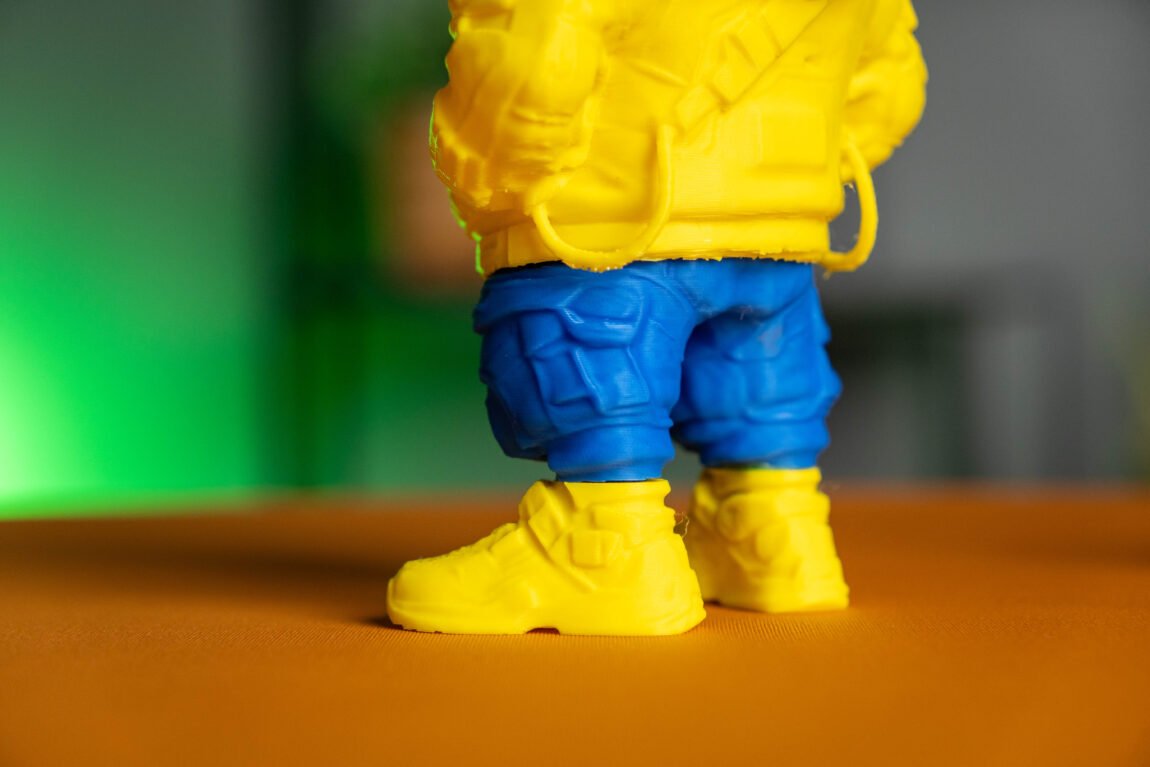
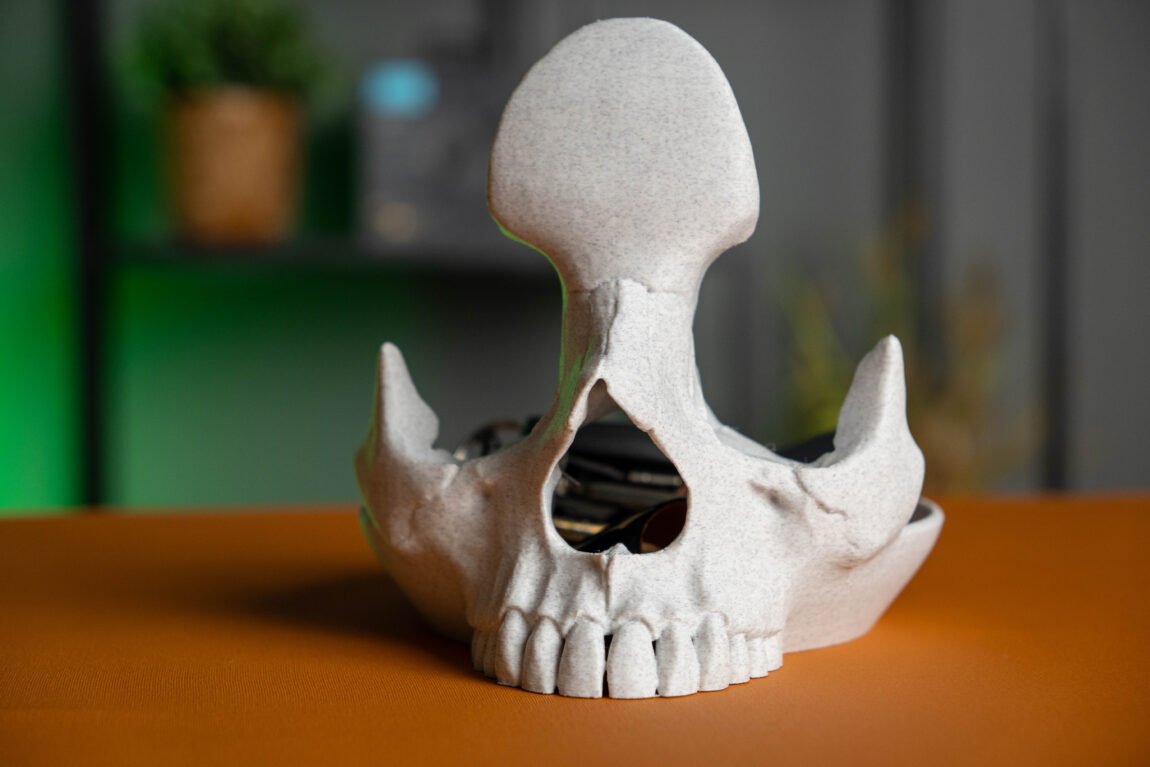
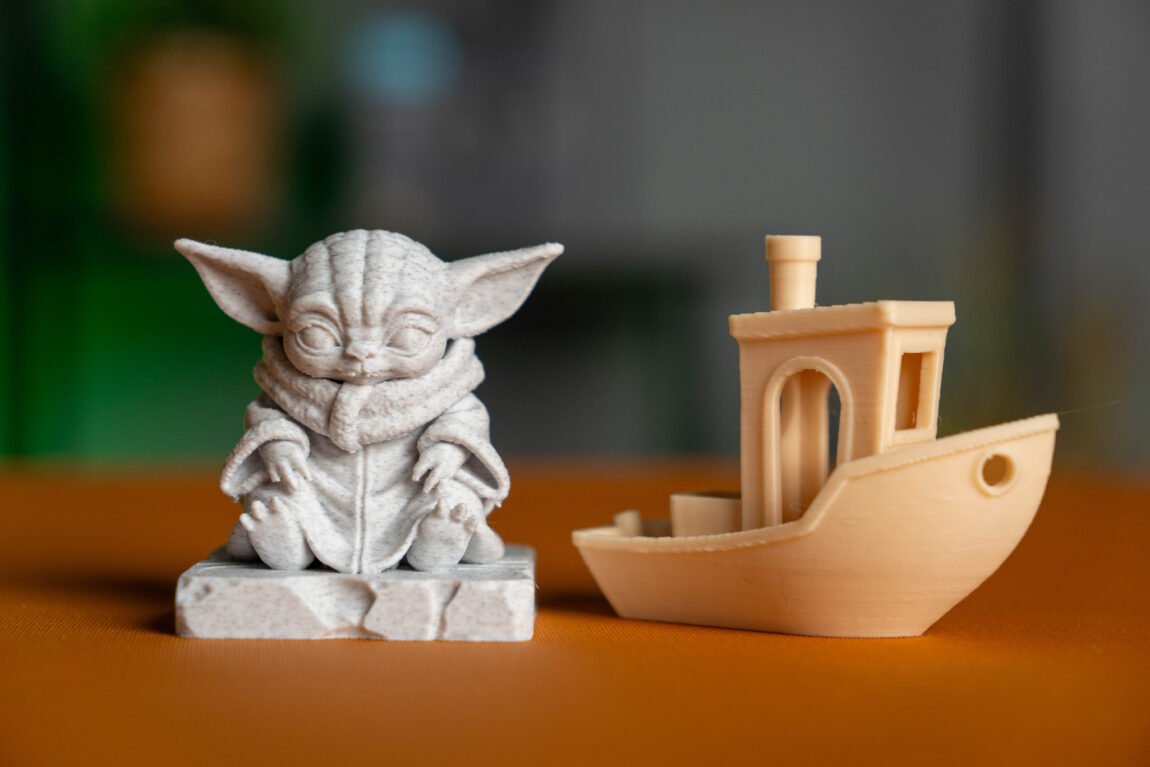
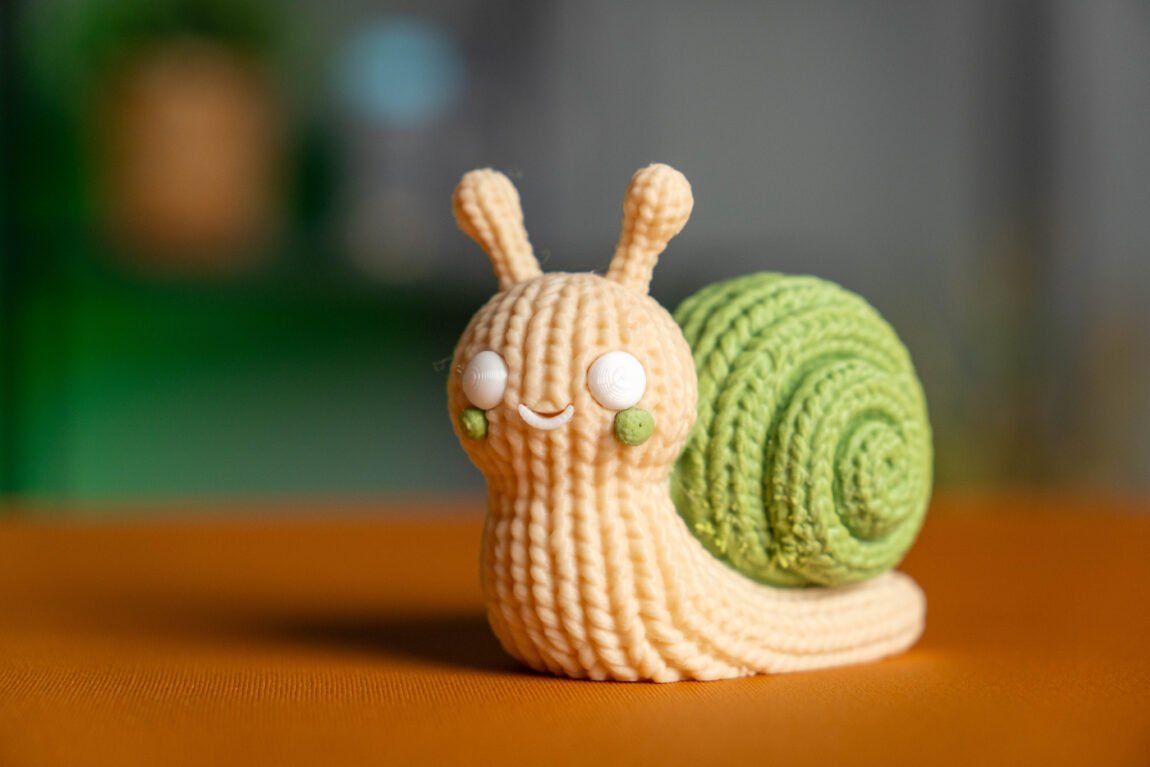
First impressions were very good. Most of the models were printed using factory profiles and almost no additional settings were needed. Benchy immediately looked neat, small details were sharp, and layers were smooth. It was just as good when printing larger models or using multiple colors - I had no major complaints about the quality.
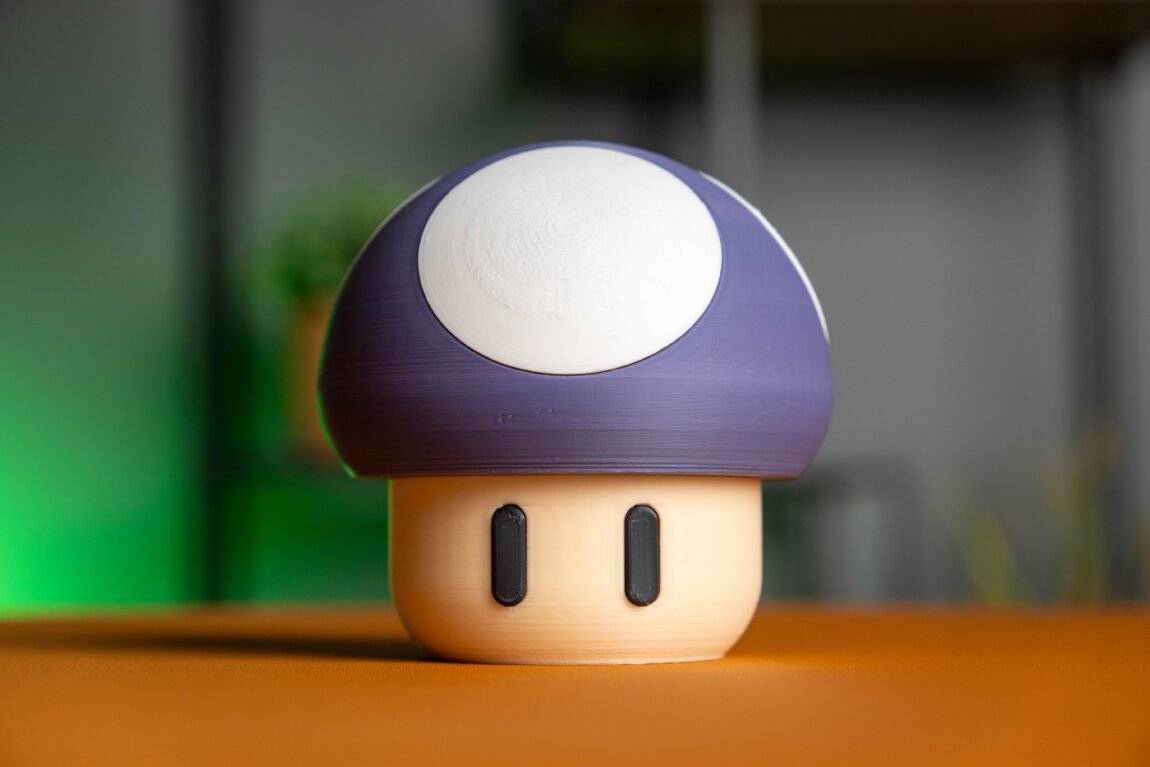
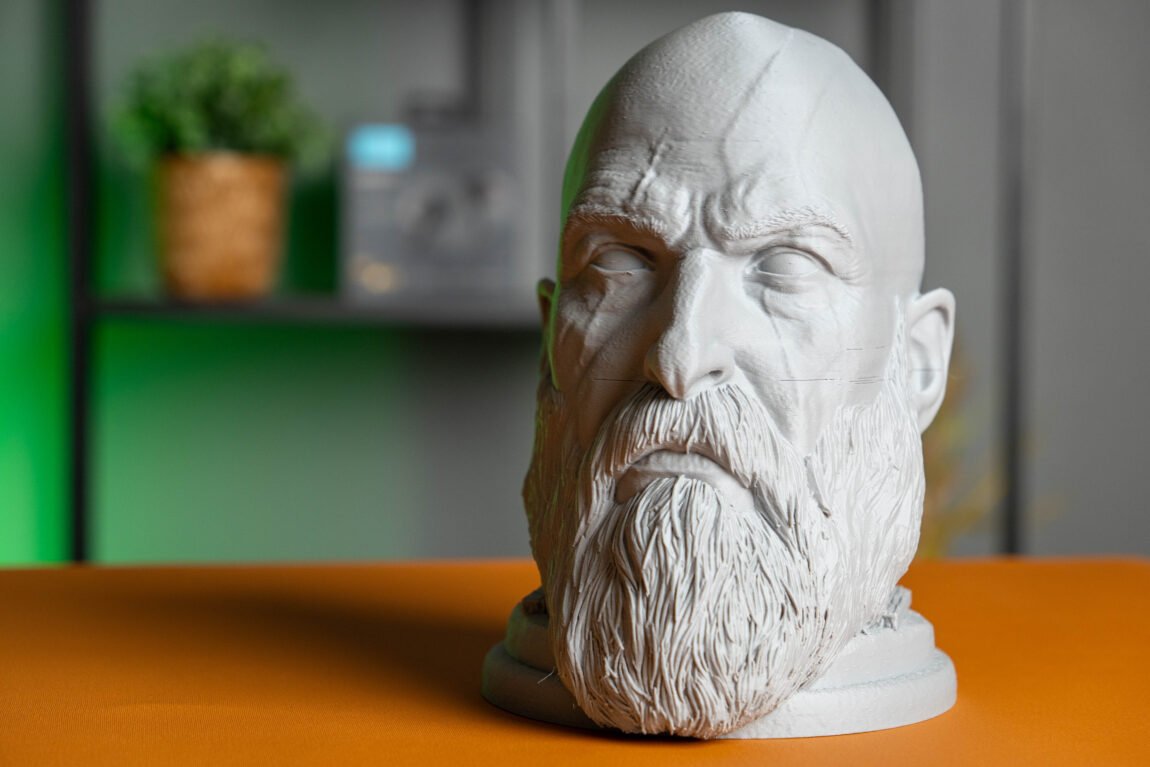
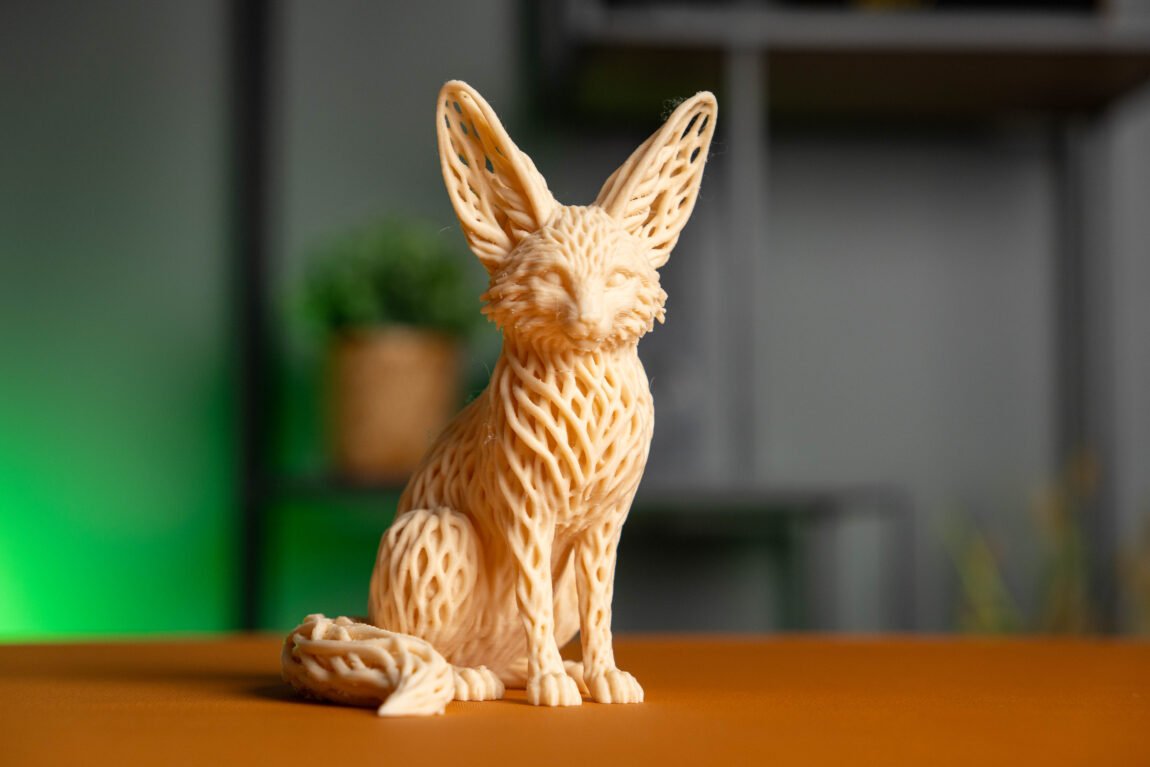
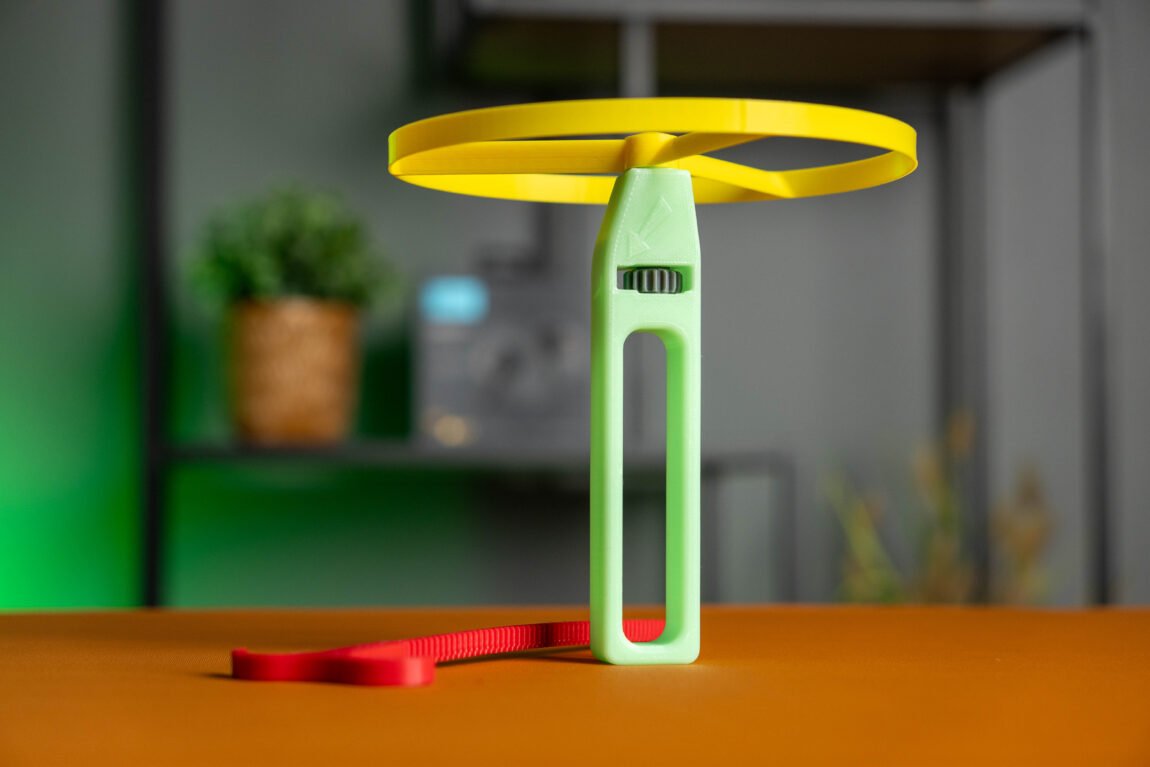
I also liked the build platform. It has two different sides, marked A and B. One is better suited for PLA plastic, so you can choose the most suitable surface for your material. The automatic leveling of the platform also worked reliably, and the first layer was of very high quality in most tests.
Reliability was also not lacking during longer prints. The longest single-color model was printed for 22 hours and 8 minutes, and using the CANVAS system - almost 55 hours. Both prints were completed successfully, so longer projects do not pose major problems for this printer.
However, I did encounter one situation where I had to adjust the Z Offset value. After printing a multi-color TPU, the extruder clogged, so I had to remove and clean the print head. After this process, the first layer was no longer as good as before - the automatic platform leveling and calibration do not solve this problem as well as I would like, so I had to slightly lower the Z Offset value and update the profile.
Various plastics
PLA was just the beginning of my testing. I also printed quite a bit with PETG, PETG GF, ABS, ABS CF, and TPU plastics. I was pleasantly surprised that in most cases the factory profiles were sufficient - I didn't have to search for the right settings or do additional testing.
PETG, PETG GF and ABS did not cause any major problems. Meanwhile, the results with ABS CF were not so stable - some models turned out great, but there were also those in which the adhesion of the layers was not sufficient. It seems that this particular plastic still needs a little more profile optimization.
TPU also printed surprisingly well, but only as long as I used a single color. When I tried to print with multiple colors, I encountered a clogged extruder. However, it's hard to blame the printer itself here - even Elegoo itself does not recommend using the CANVAS system for multi-color TPU printing, so this result was not too surprising.
CANVAS system
After extended use, the CANVAS system left a good impression. The plastic changes are automatic, full-color models are printed without additional user intervention, and the system itself simply works as you expect. That's exactly what you want from multi-color printing - not to have to think about it.
However, I noticed one thing I didn’t expect. The Centauri Carbon 2 feels noticeably more vibrating during printing than the Creality K2 Pro or Anycubic Kobra S1 I’ve used. This vibration caused plastic spools to fall off the CANVAS system holders during almost all longer prints. Fortunately, I was able to successfully complete the prints after putting the spool back in place. However, I wish the spool storage solution had been a little more thoughtful.
Despite these observations, the overall impression remains very good. The Centauri Carbon 2 performed most of the tests without additional tuning, which is exactly what I expect from a modern 3D printer.
Verdict
After using the Elegoo Centauri Carbon 2 for a few weeks, I can say that it is a very strong choice in its price category. It does not try to be the absolute best in all areas, but it provides many features that were previously only available in more expensive models. The closed design, good print quality and integrated CANVAS system allow you to spend more time creating models, rather than constantly adjusting the printer.
The most surprising thing was that most of the tests were successful using factory profiles. PLA, PETG and even some more complex plastics were printed without any major problems, and the multi-color printing option is integrated here much more conveniently than using separate additional modules. Of course, not everything is perfect - more vibrations than in some competitors, a few strange software solutions and less stable results with some composite plastics remind us that this is still not a top-end device.
However, when it comes to the overall price-to-features and user experience, the Elegoo Centauri Carbon 2 leaves a very good impression. It is a printer that I would definitely recommend to both beginners who want more options right away and experienced users looking for a more convenient everyday tool. It is not perfect, but it offers a lot for its price and could become the one 3D printer that will actually be enough for many hobbyists.