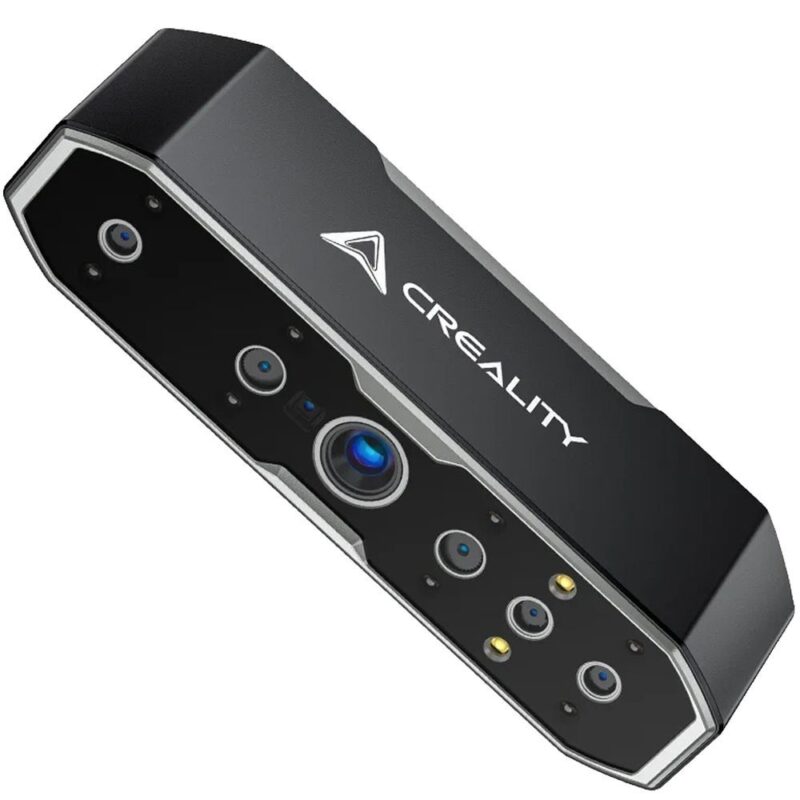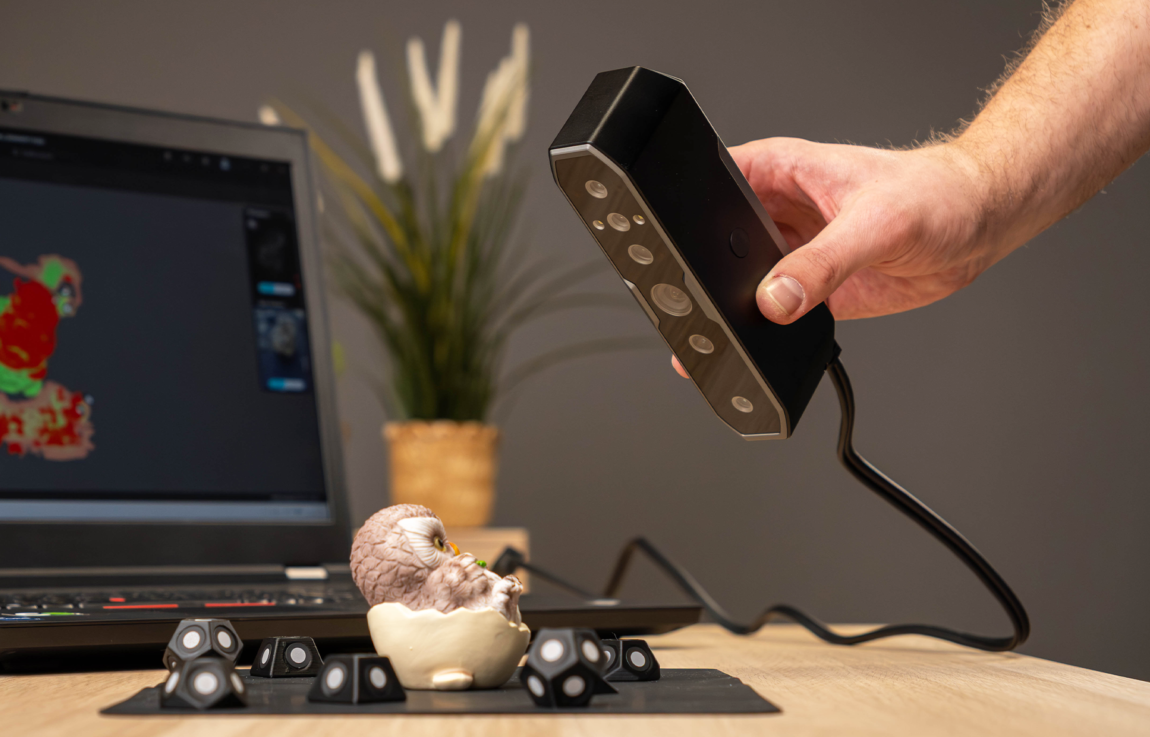
3D scanners still sound like a pretty futuristic thing. You scan an object, transfer it to digital space, and then, basically, only your imagination can stop you. You can use such a model for 3D printing, apply it to creating games or visualizations, restore a broken part, etc. In theory, everything is simple, but in practice it rarely happens.
Creality Otter
Assessment:
What did we like?
What didn't we like?
When testing the Creality Otter, I wanted to answer a few very simple questions - is it the right tool for a beginner or an enthusiast? Is it accurate enough for small models? Would it be possible to scan a broken part, or maybe even a person? Curious? Read about this and more in this review.
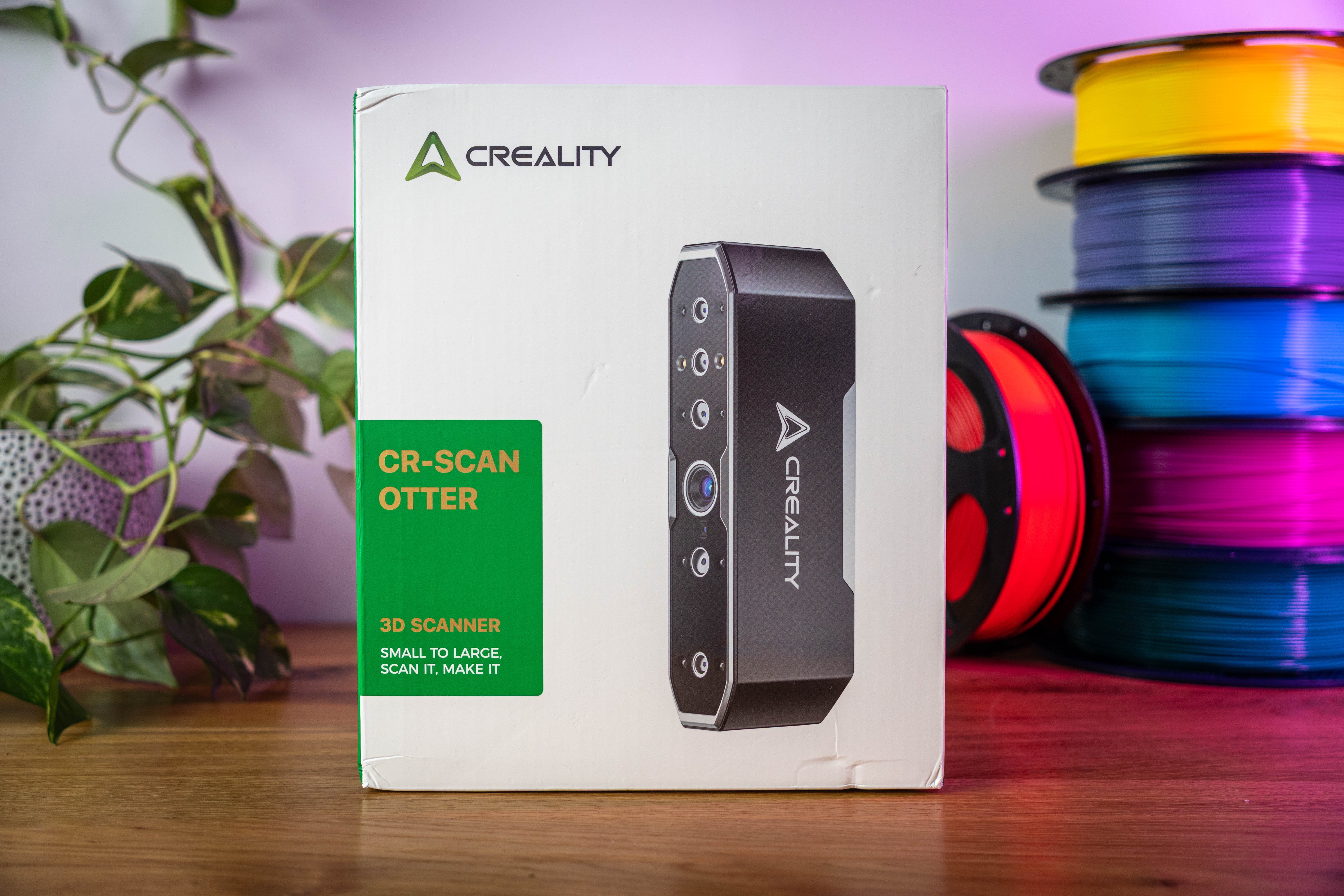
PS this is the first 3D scanner I've tried, so some of the results may depend not only on the device, but also on my lack of experience. 3D scanning has its own subtleties that a beginner may not necessarily be aware of right away, so this review reflects more of my experience as a newbie.
Unpacking
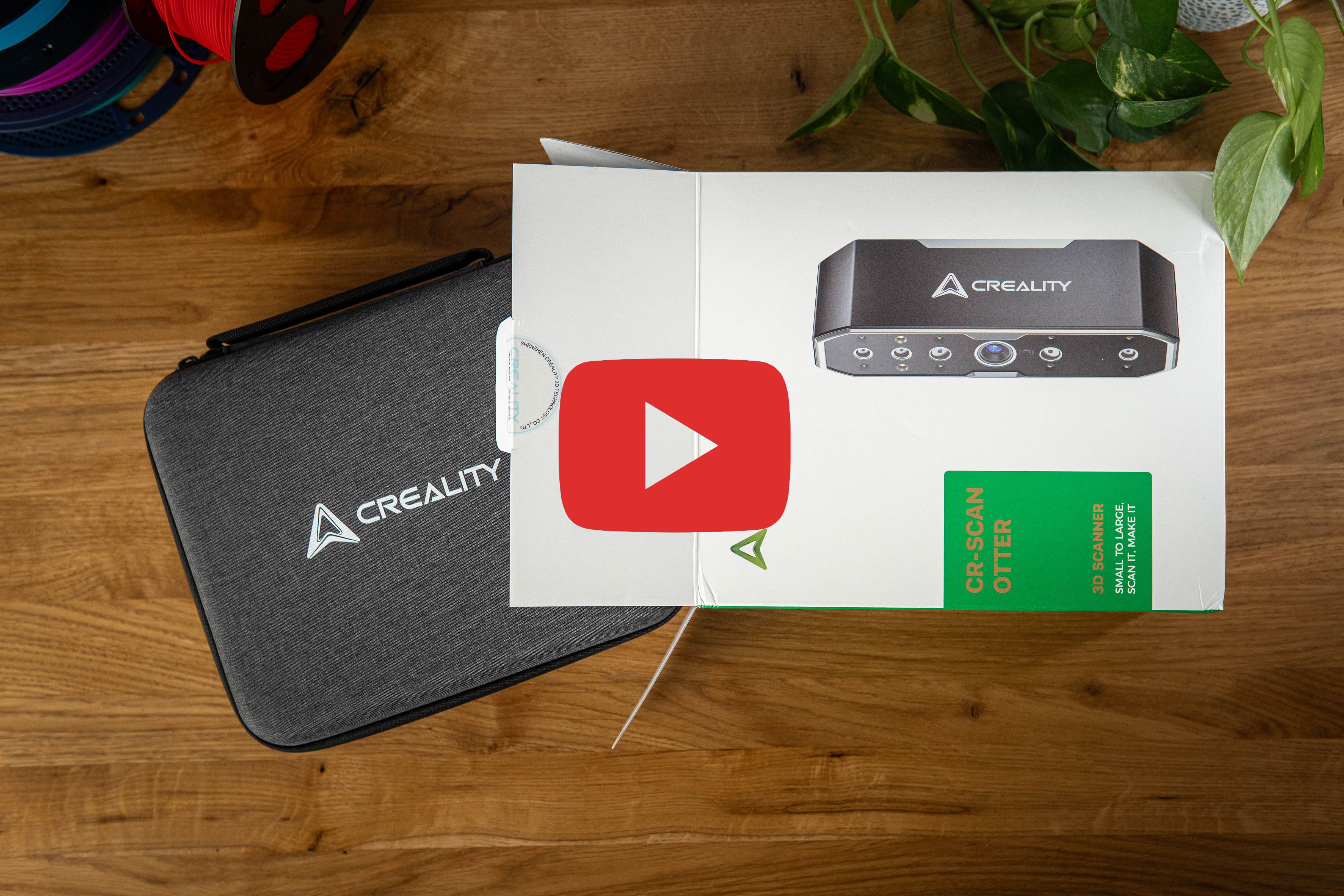
The Otter comes in a sturdy case that immediately gives the impression of a quality product. Inside, I find everything I need for my first scan, including a few accessories. The unpacking process is smooth - everything is neatly arranged and has its place. The scanner itself is pushed in too deep and tightly, because to pull it out I have to constantly touch the front glass.
First impressions
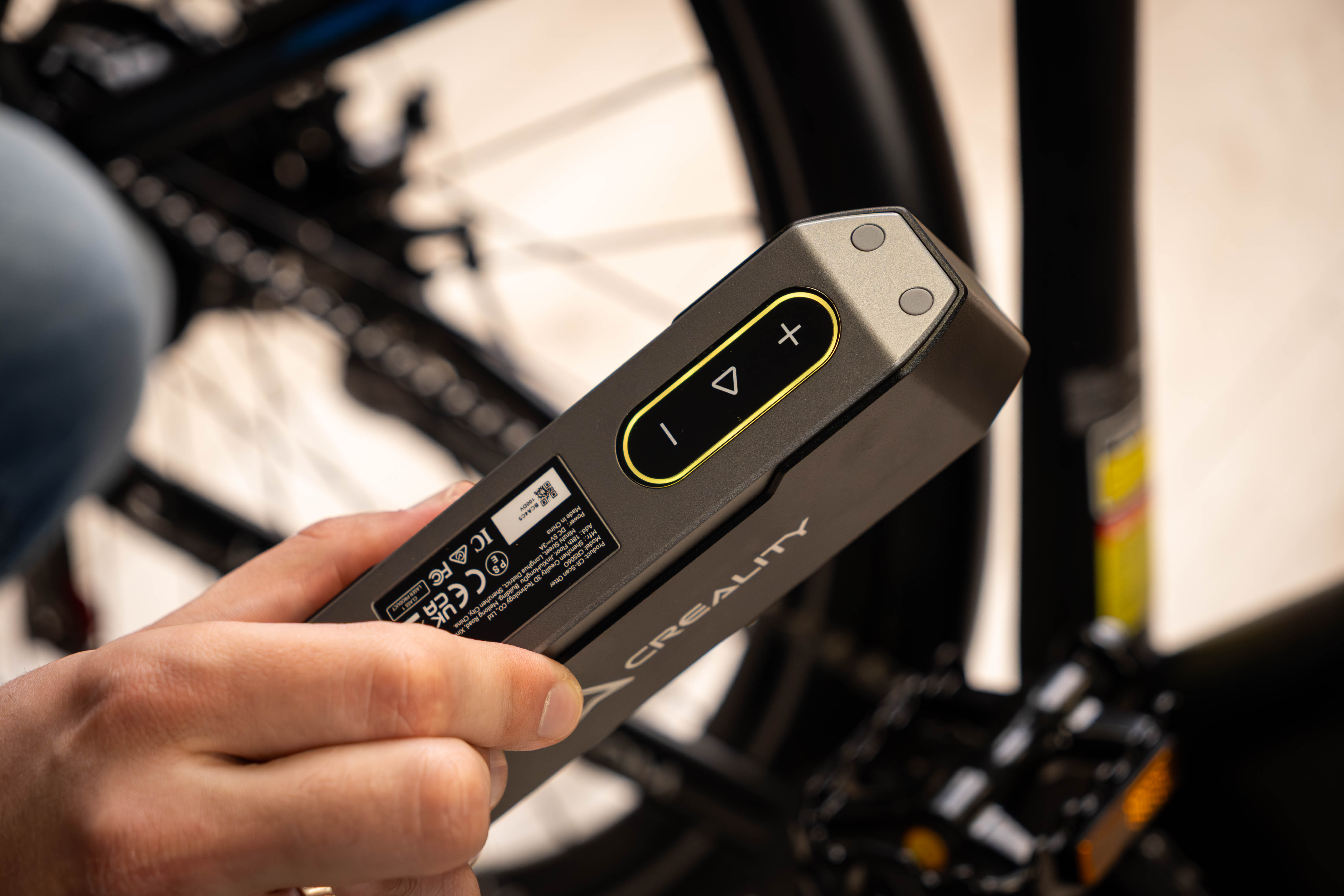
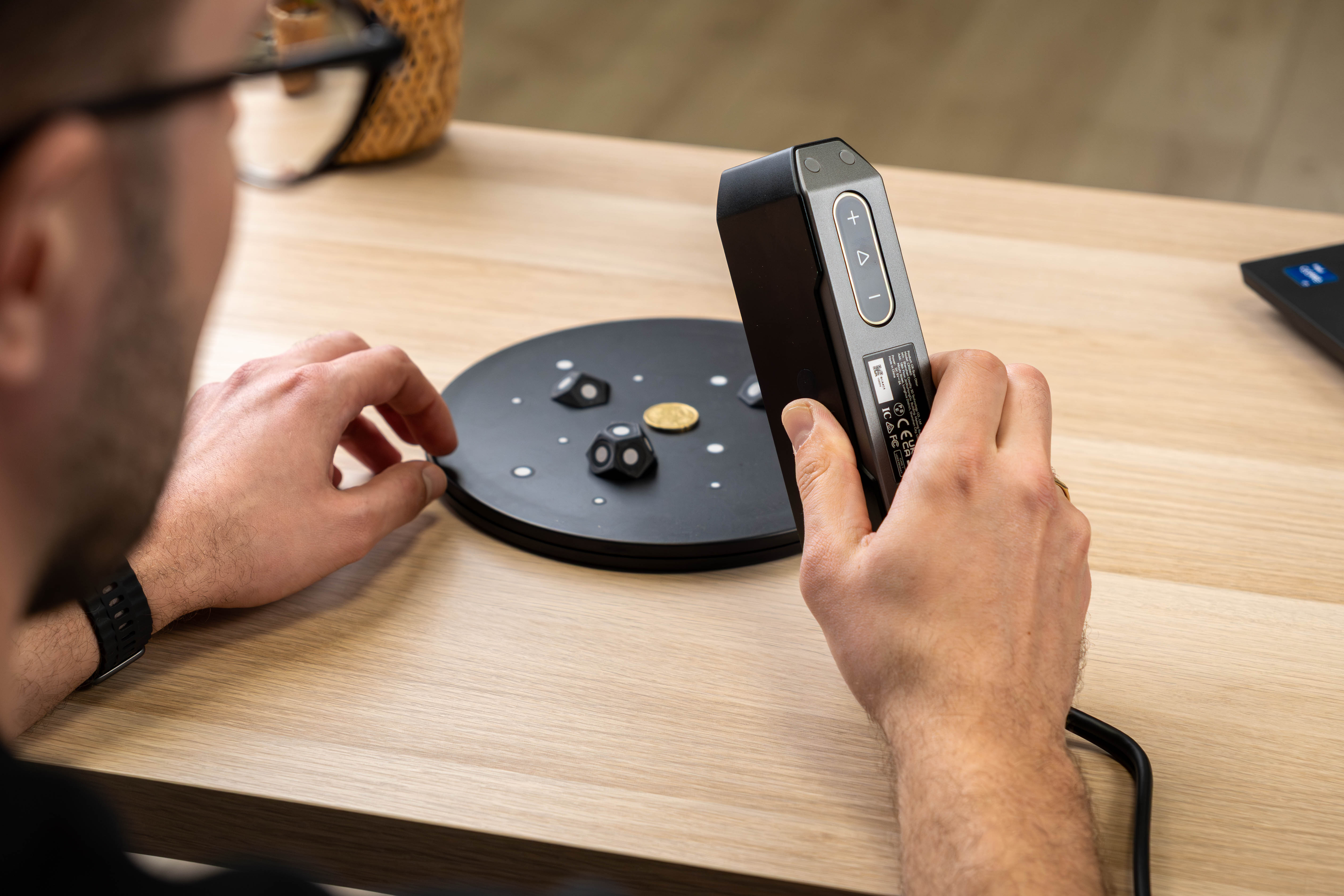
I have to commend the Creality team - the scanner looks solid and reliable, its body is metal, and the lens system is protected by solid glass. The buttons on the back are touch-sensitive, and the device itself feels quality in the hand.
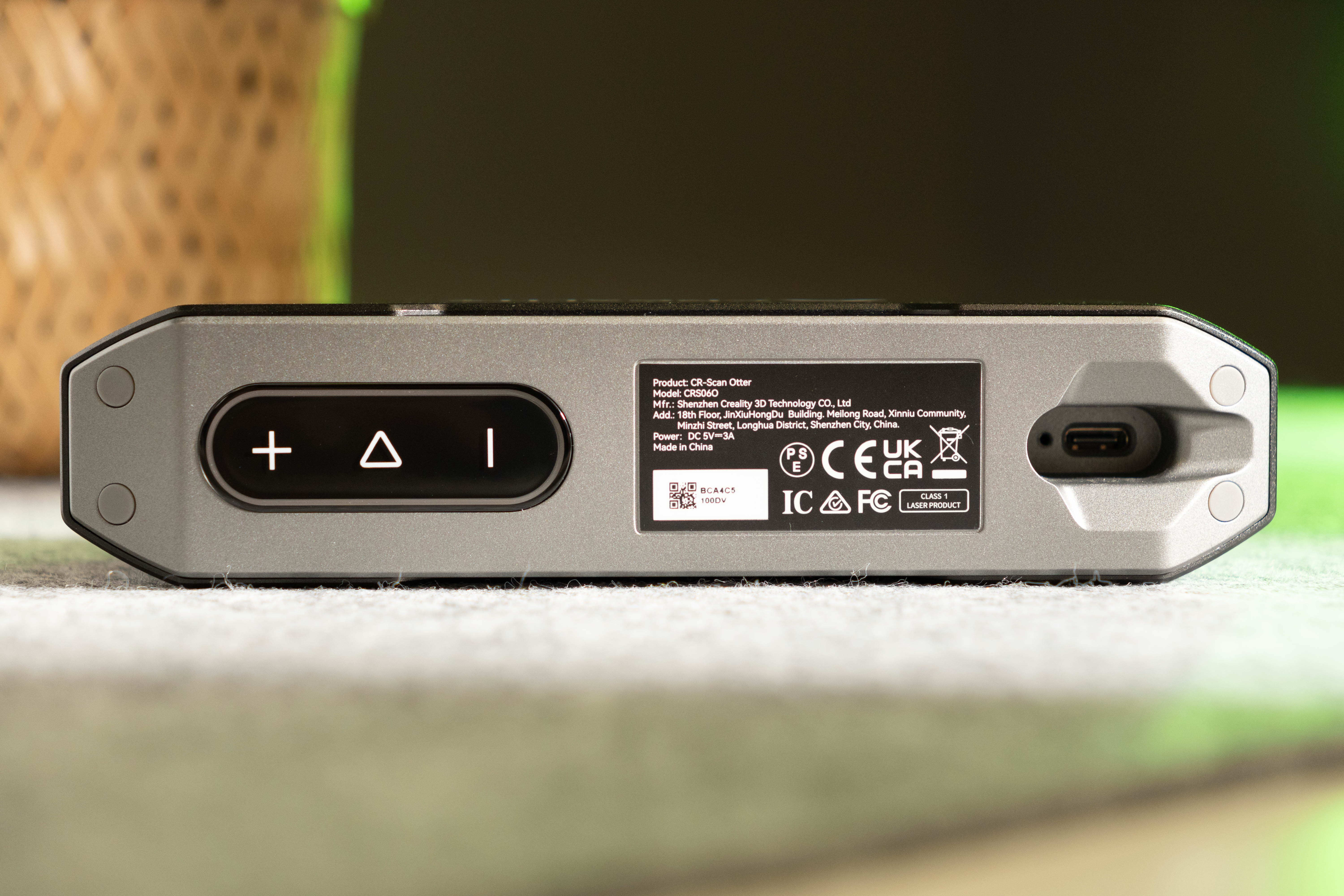
The USB-A / USB-C cable is secured with a screw, so it won't fall out when you walk with the scanner. Its length is 2 meters - enough to get around smaller objects, but it's more difficult to scan when walking around a person or other larger objects. Wireless functionality is only available with the Creality Scan Bridge accessory.
Creality Scan program
An integral part of Otter is the Creality Scan program installed on the computer. The latter seems to have received much less attention, as the window that does not even adapt to the screen resolution somewhat spoils the first impression. However, the program does what it is supposed to do.
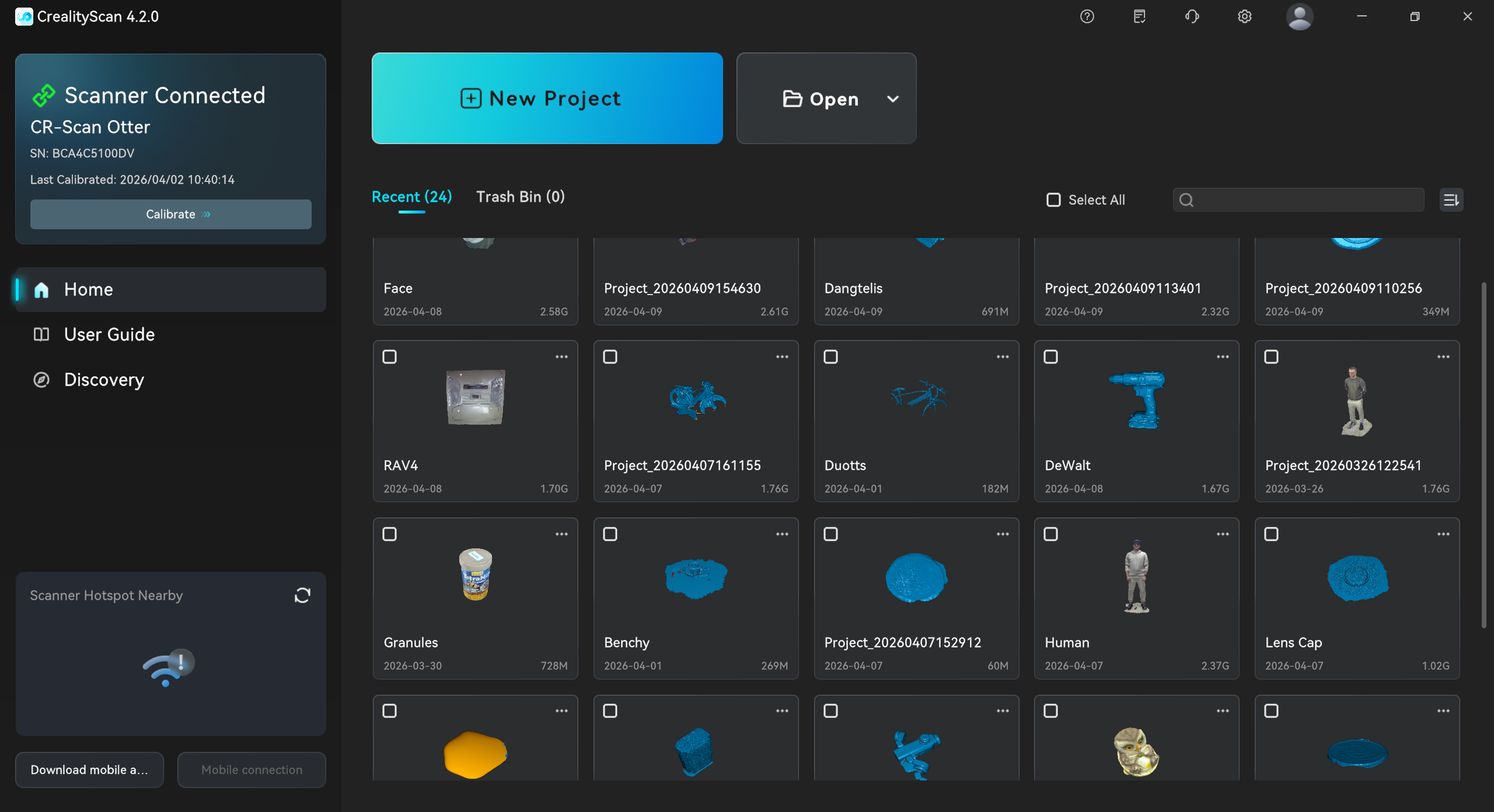
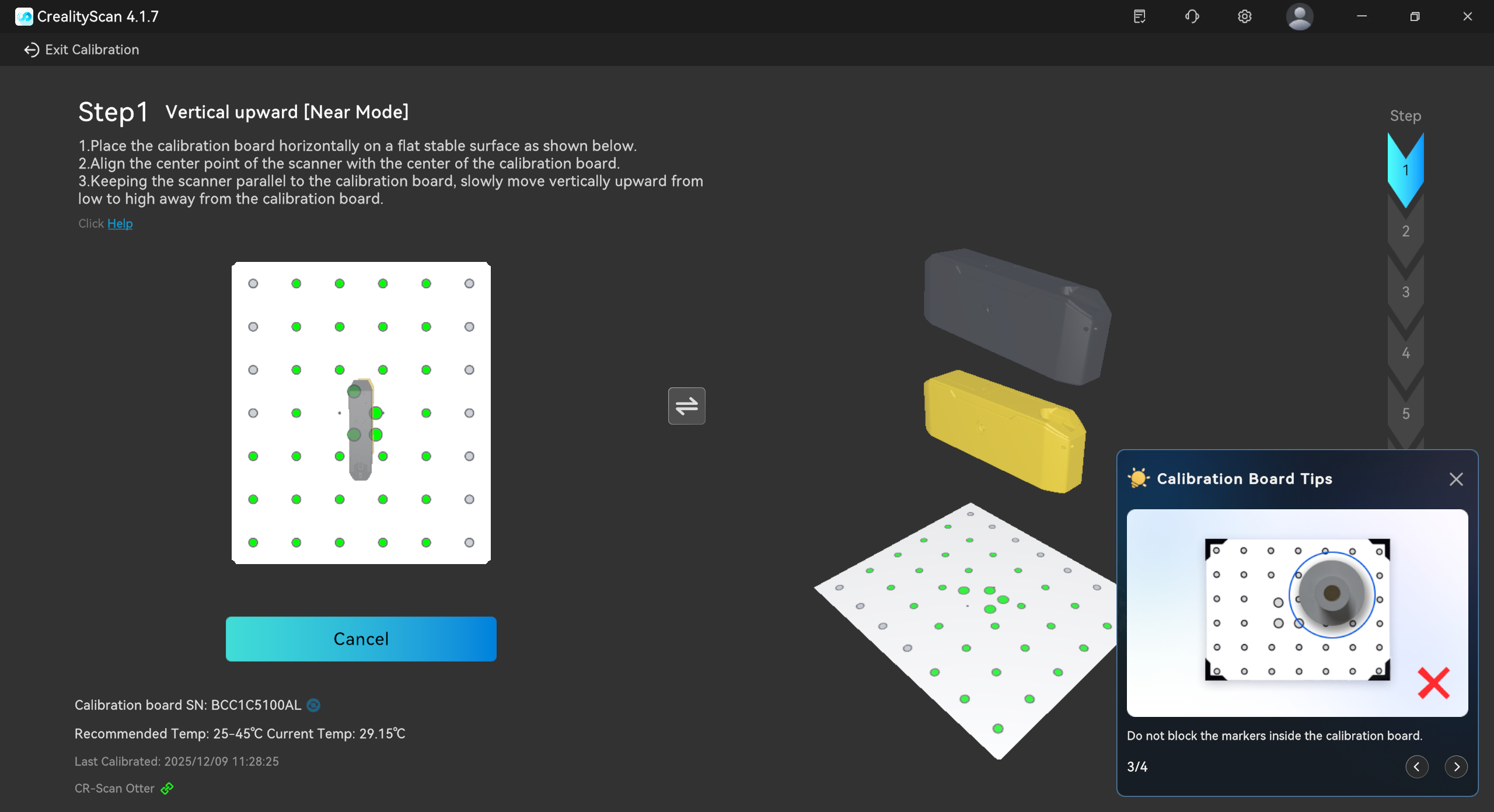
After connecting the scanner to the computer, I run the calibration tool in this program and calibrate the scanner with the included calibration chart. The process itself takes about a couple of minutes, and it needs to be repeated every month, after strong shaking or prolonged non-use.
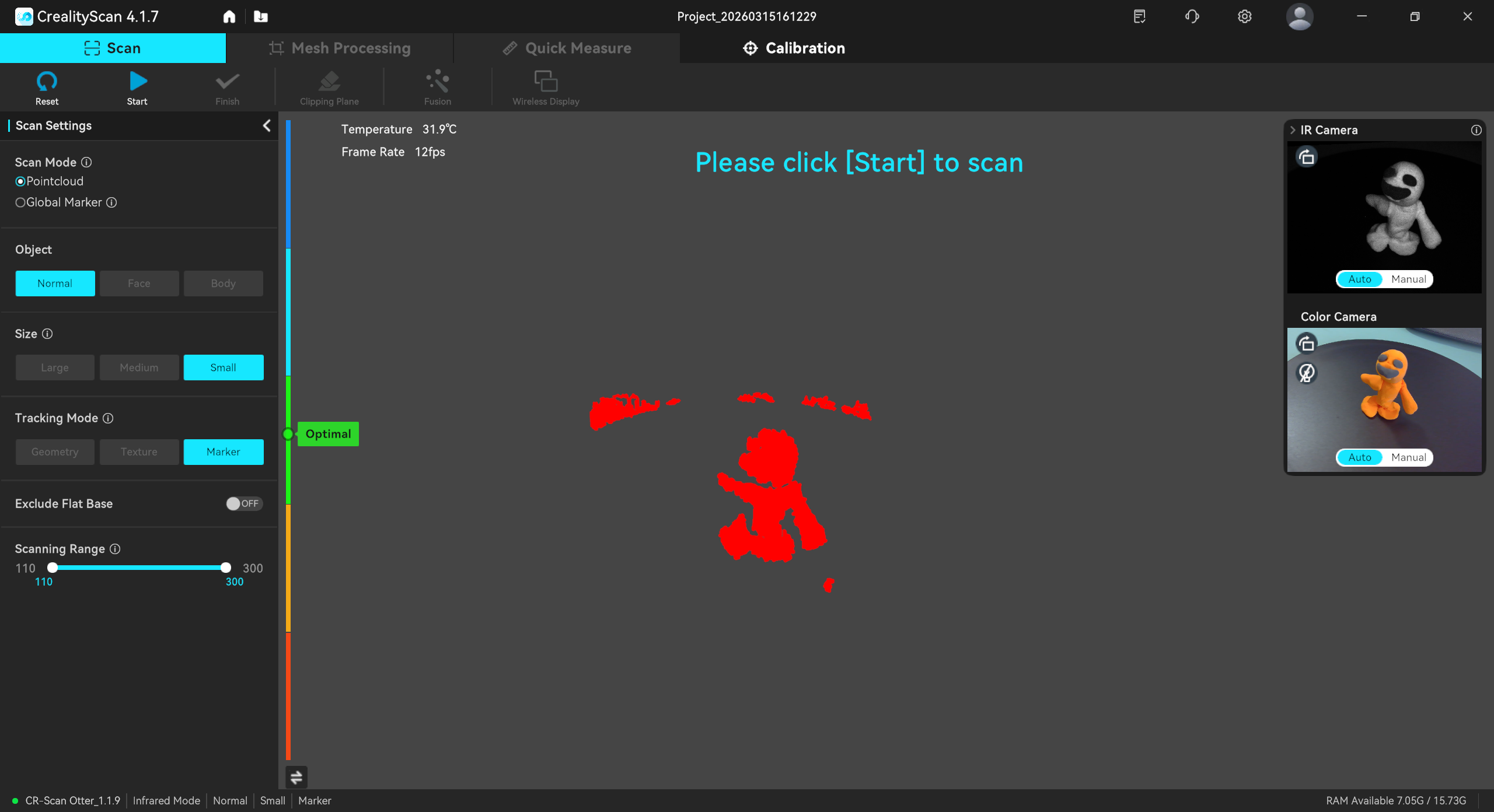
Once everything is ready, I move on to the most important part - scanning. I tried scanning objects of various colors, sizes, and levels of detail, and below I share my observations.
Scanning
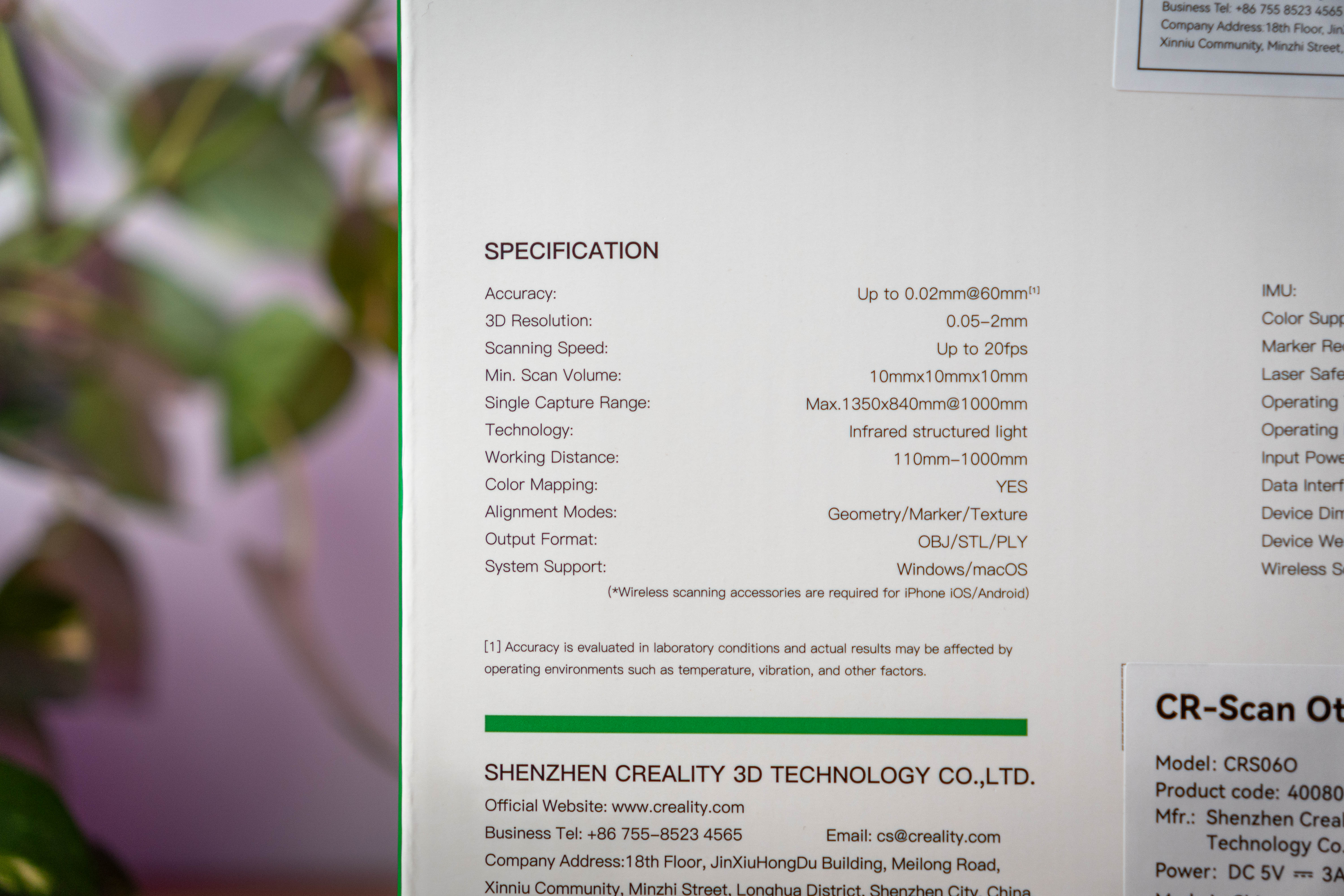
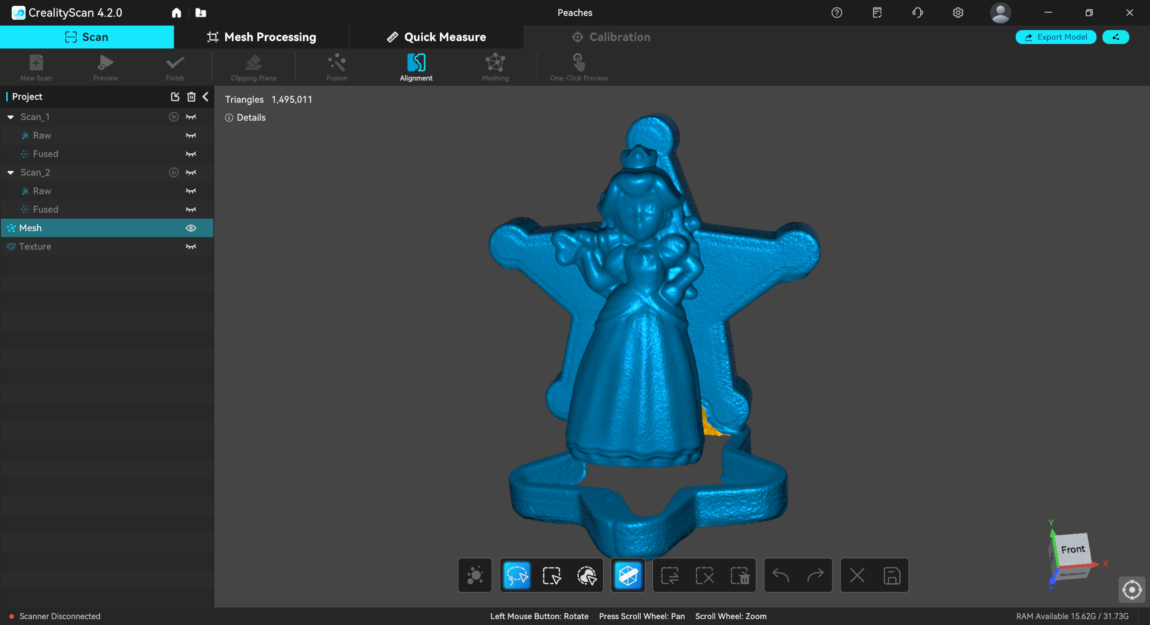
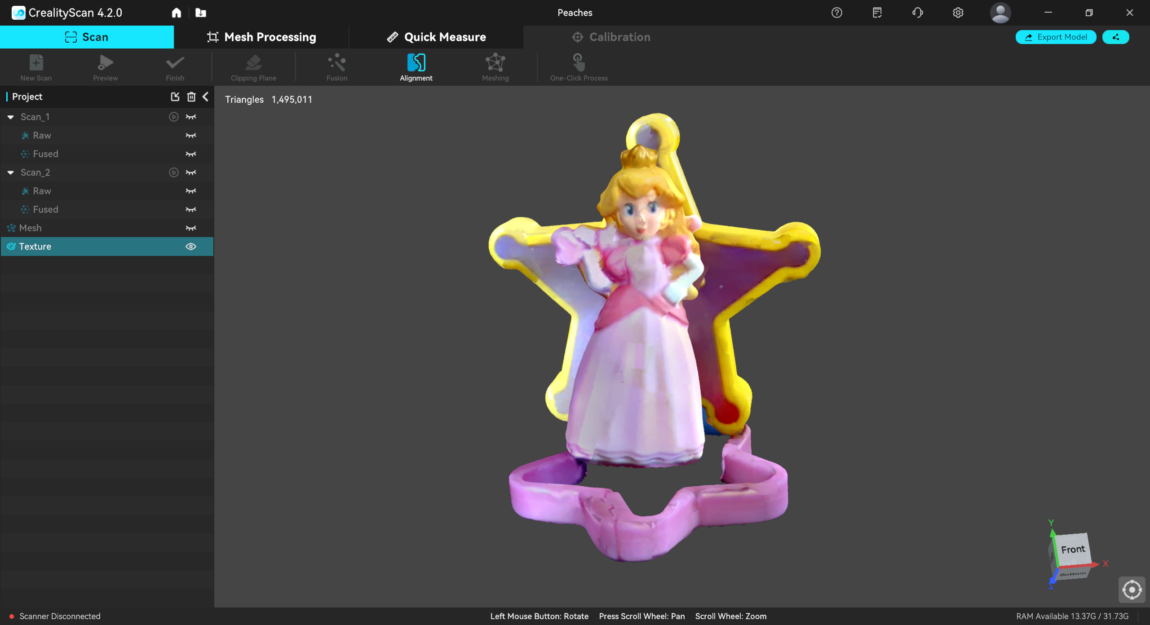
The manufacturer claims that the Otter's scanning accuracy can reach as low as 0.02 mm (the thickness of a human hair is approximately 0.04-0.12 mm). After testing a few small objects, I would have to partially disagree with this statement. For example, the scanned 0.20 € coin lacks some detail - the numbers are fine, but the text EURO blurs, and the outline of Europe is difficult to recognize.
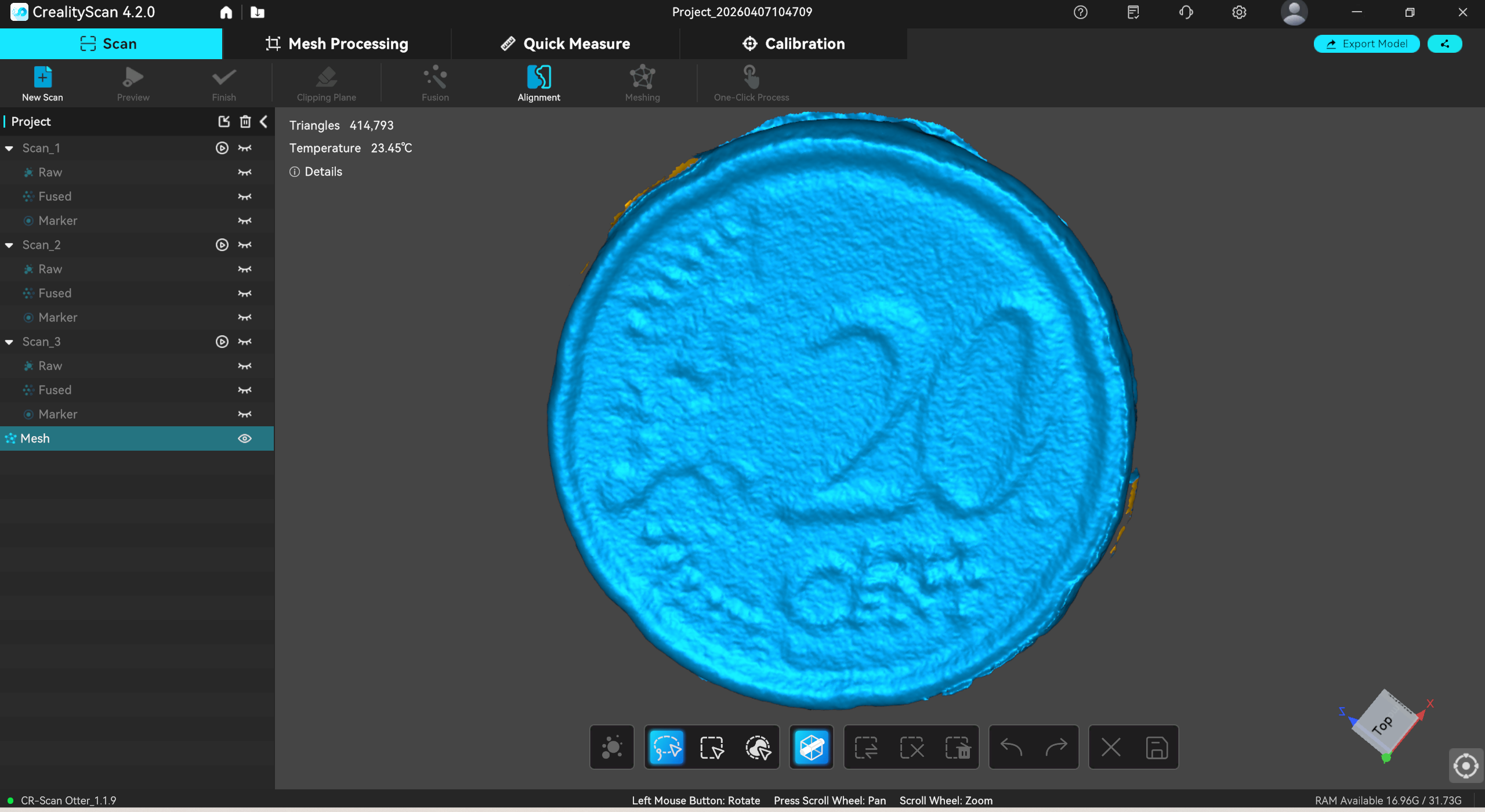
In fact, scanning small objects was quite difficult. Without markers placed on the base (stickers included in the kit), objects such as coins or corks become difficult for the scanner to "understand", and during scanning, geometry often escapes and ruins the entire model. A successful result is obtained only about once in a few, so there is a constant feeling that I am doing something wrong.
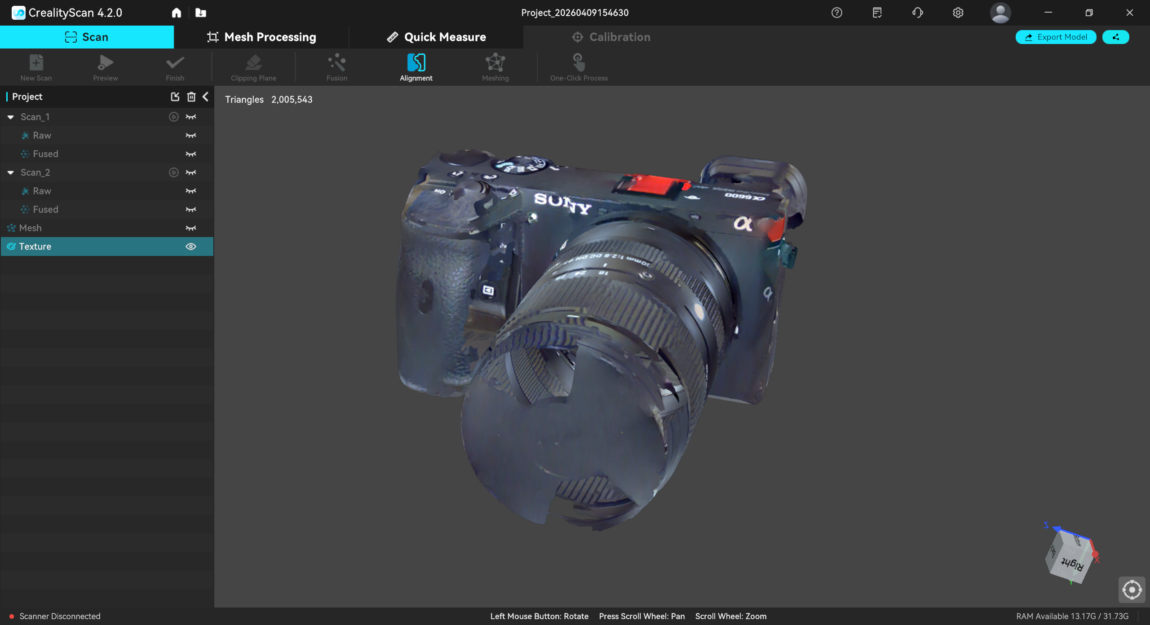
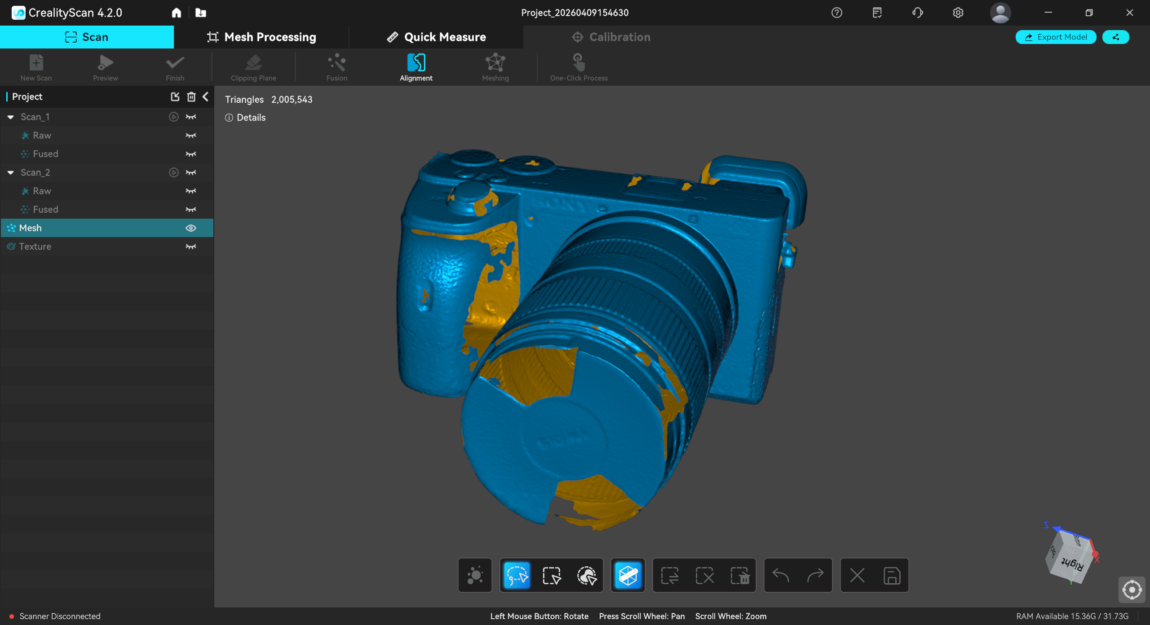
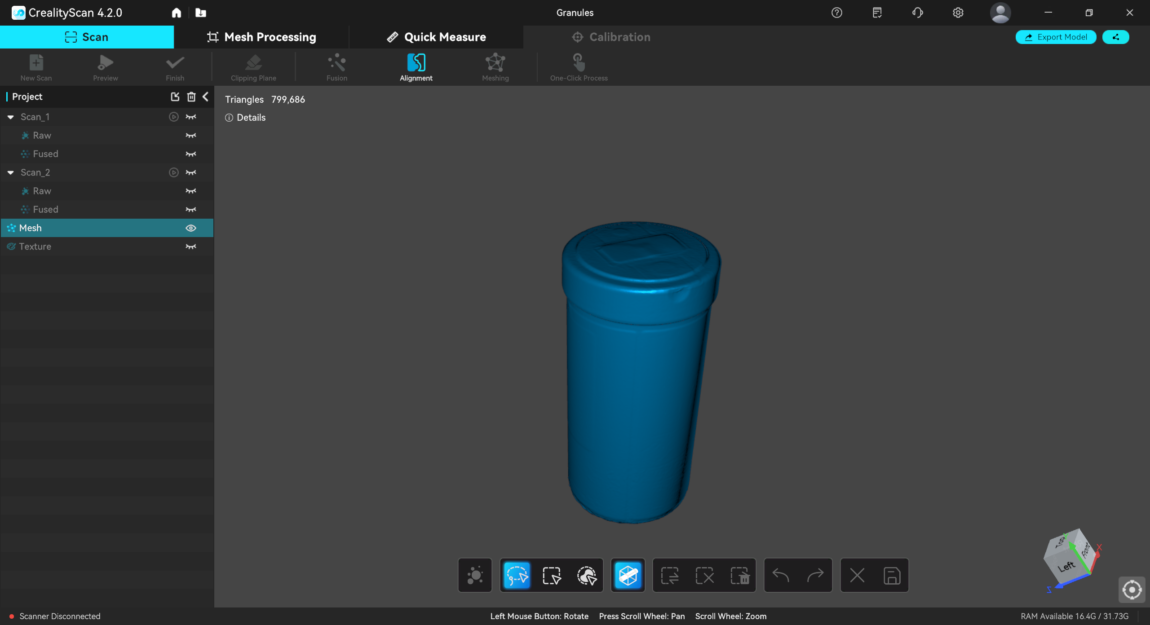
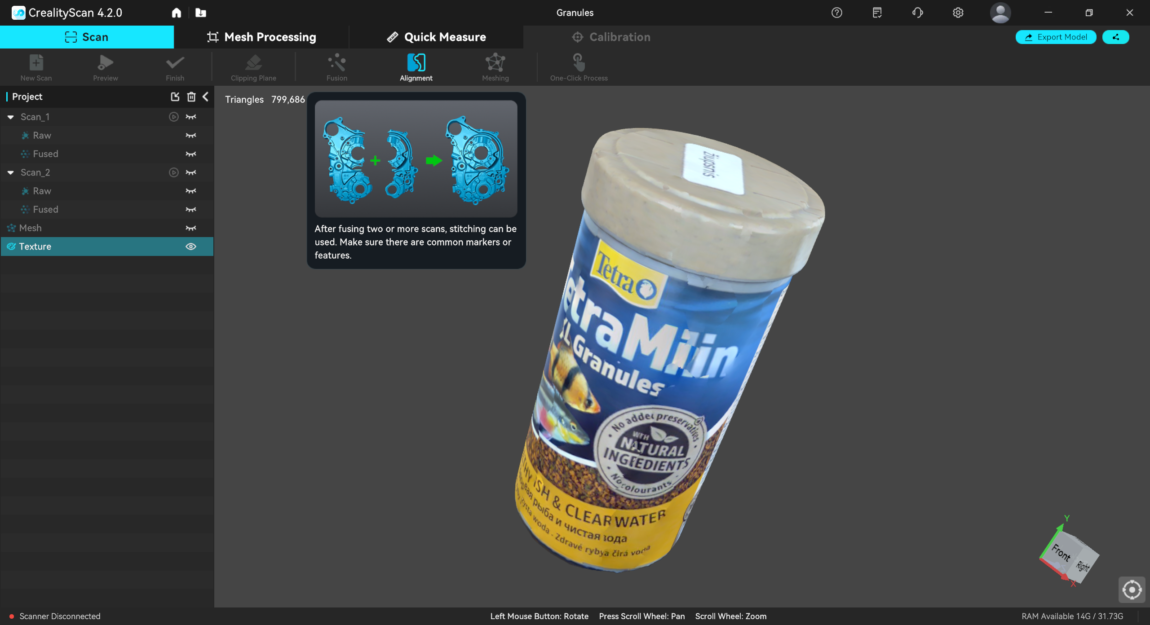
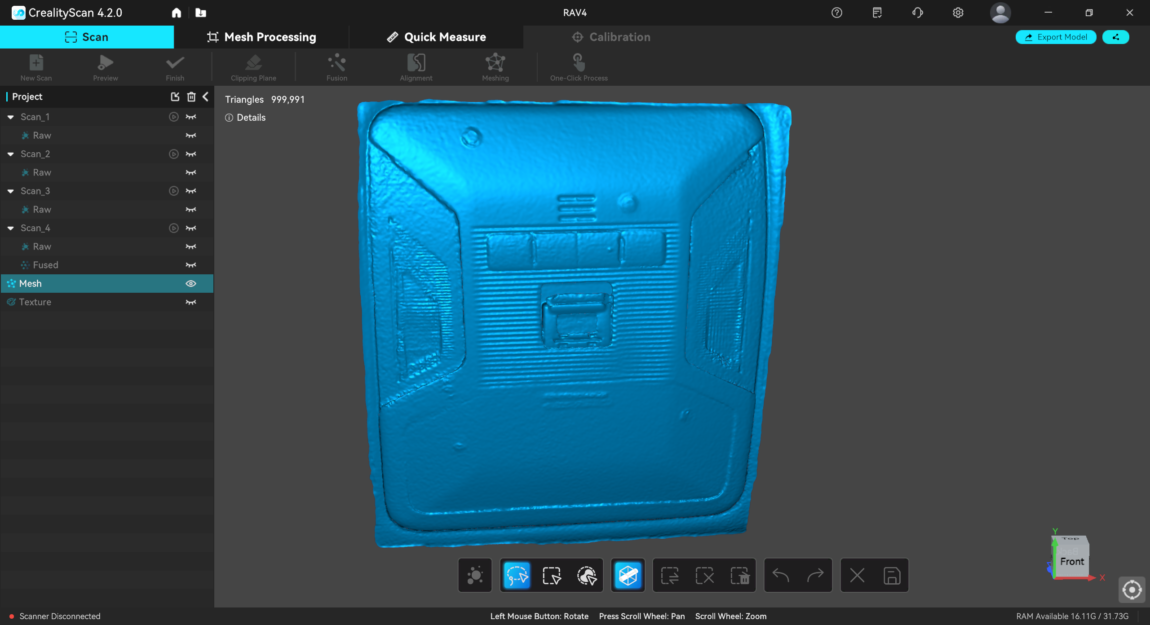
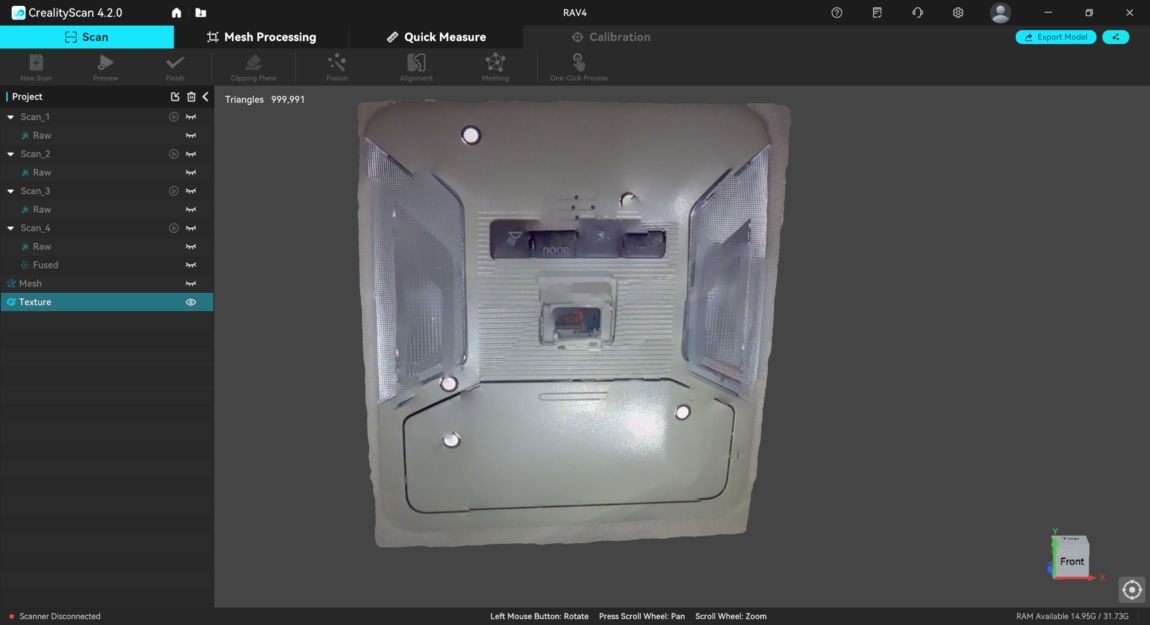
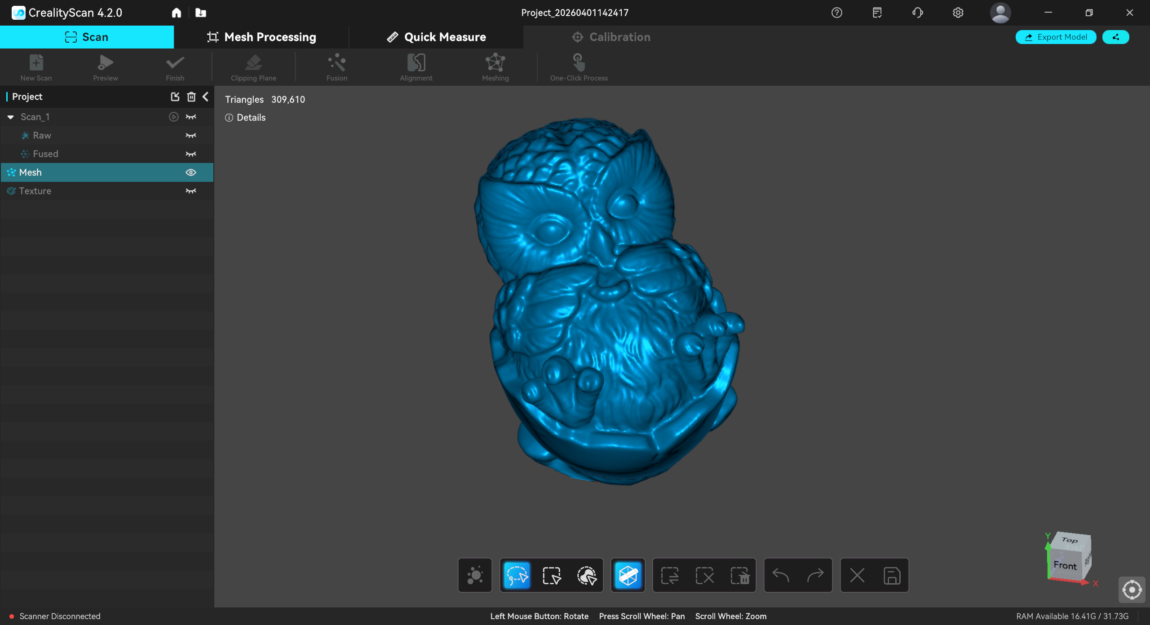
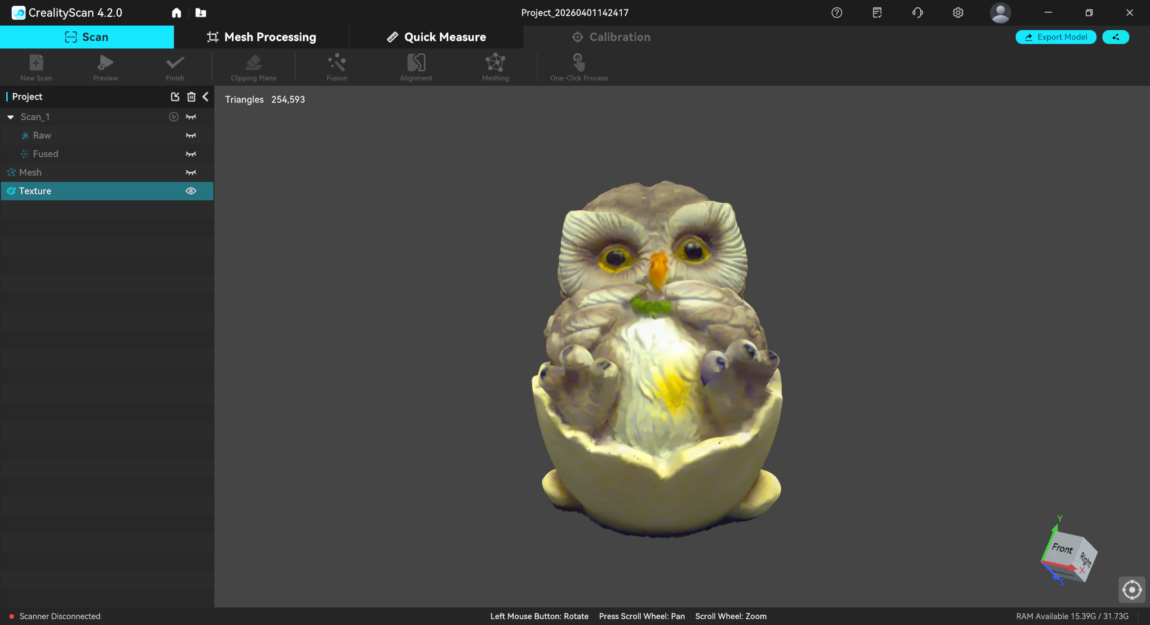
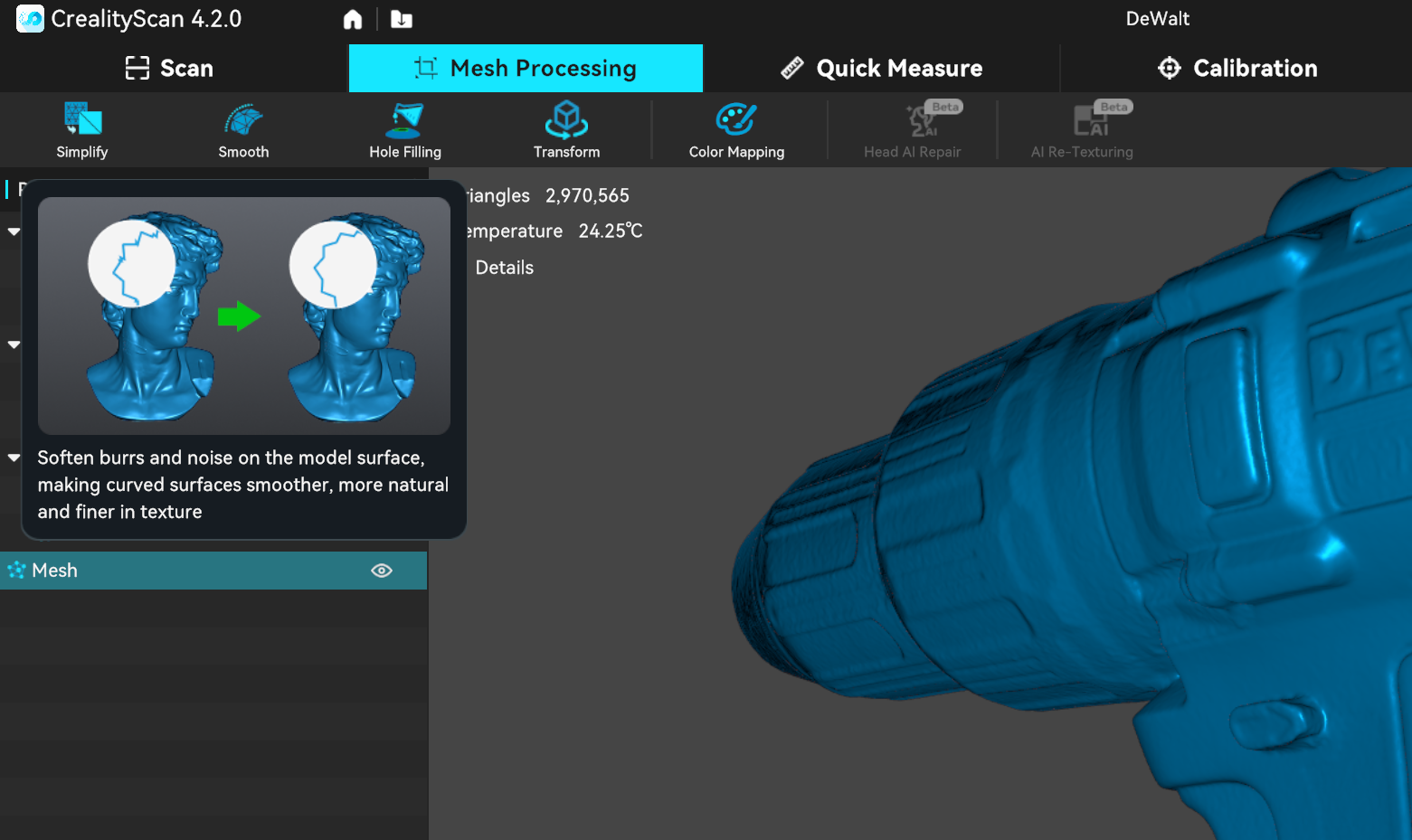
Scanning medium-sized objects was much better. It took one attempt and three scans from all sides to get a detailed model of the screwdriver. True, the latter has bright colors, which really helps. Other, shiny metal or just black models require markers, otherwise tracking is constantly lost during scanning and the model is damaged.
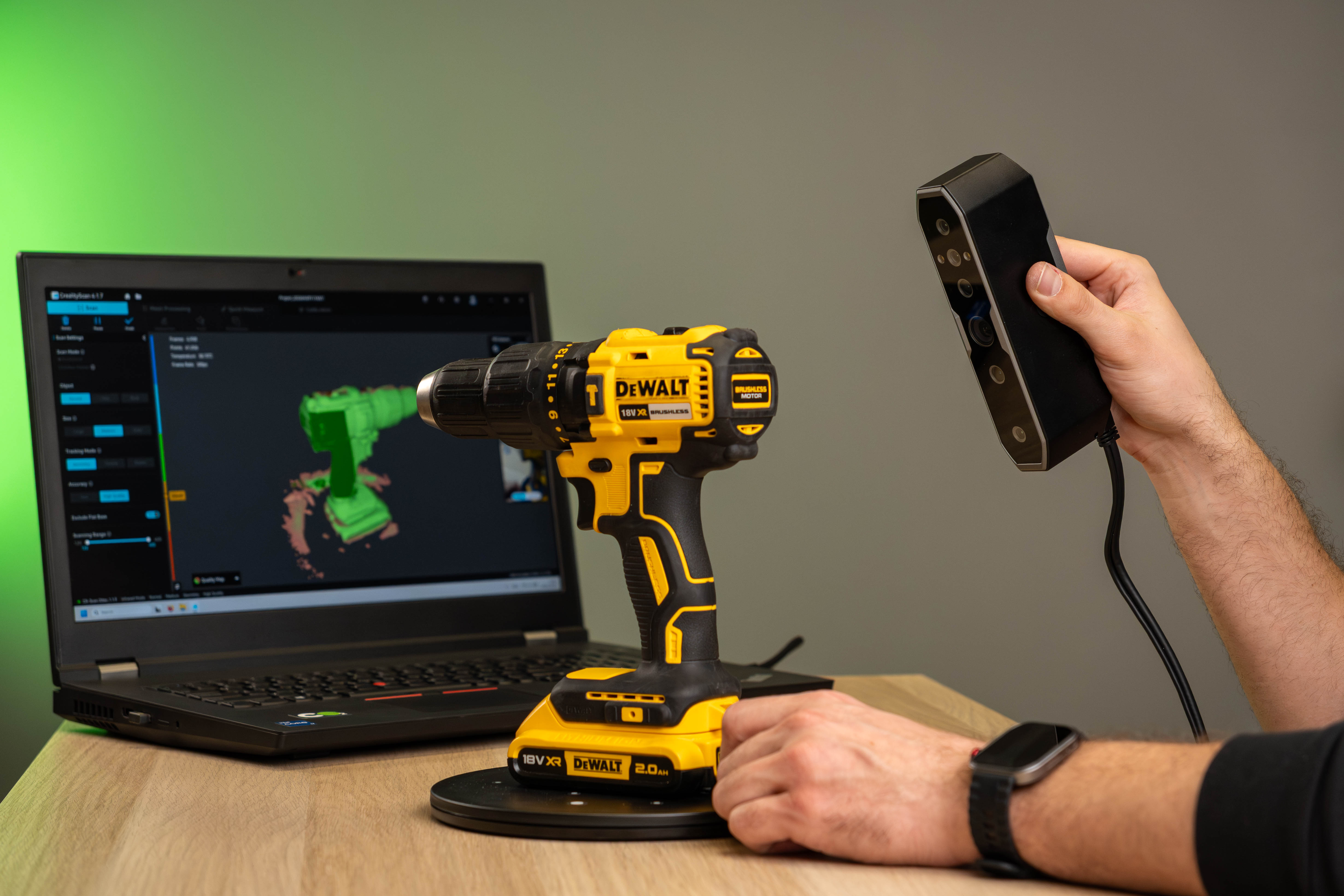
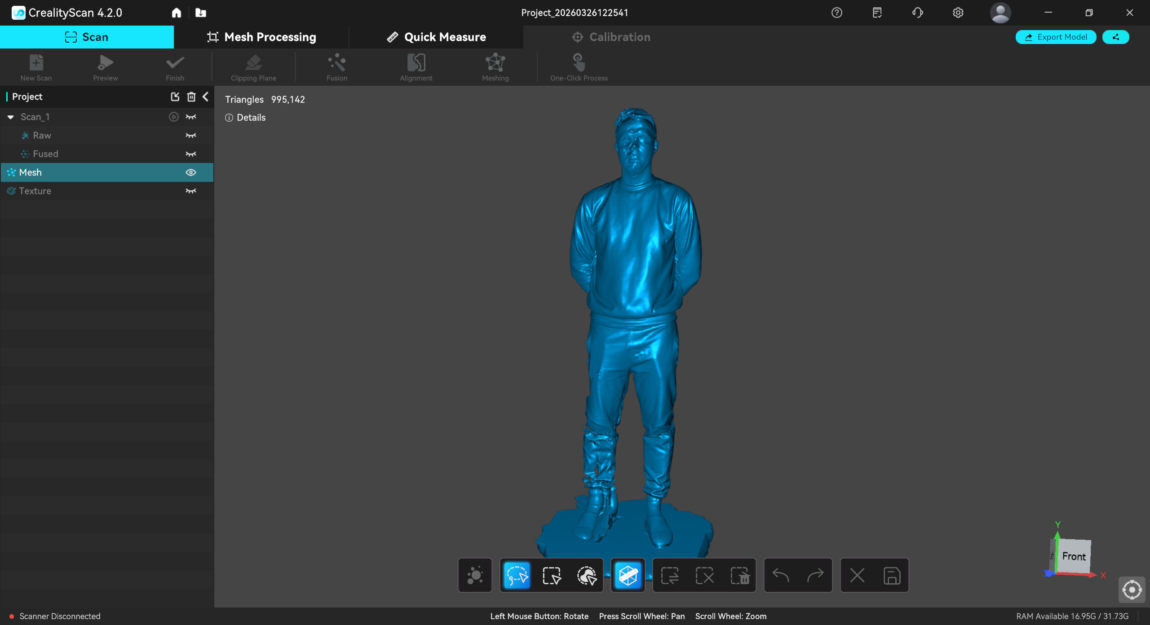
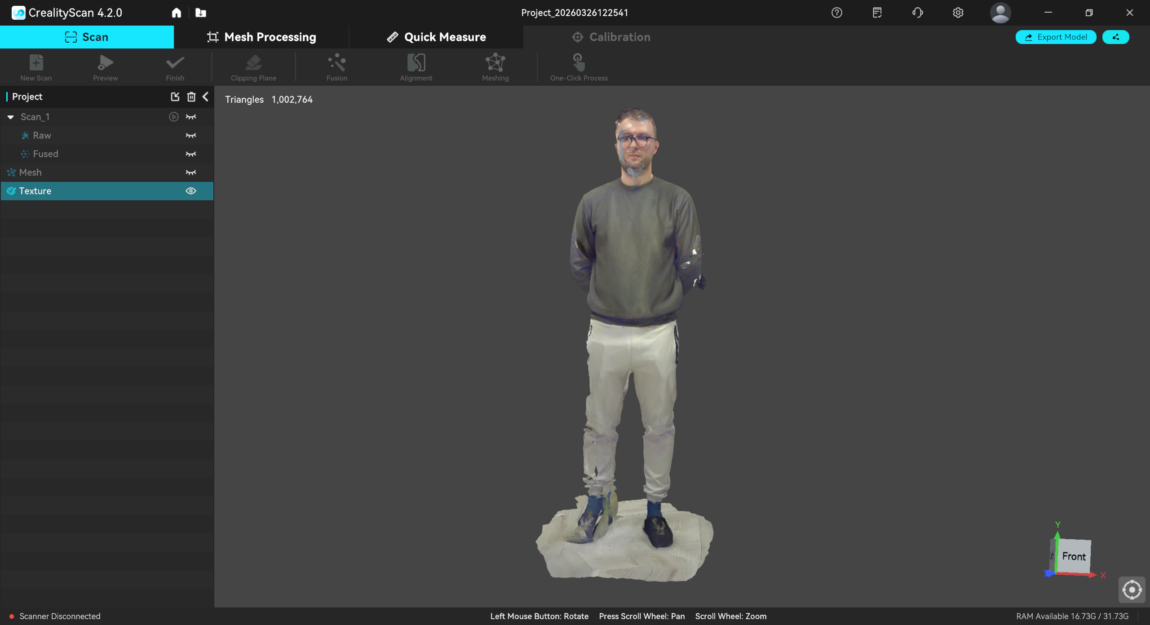
With larger objects the situation is a little better than with small ones, but even here not everything is ideal. When trying to scan a person, the process itself takes up to 10 minutes until the entire model becomes „green“. According to the logic of the program, this means that the surface has been scanned, but the result is not satisfactory everywhere.
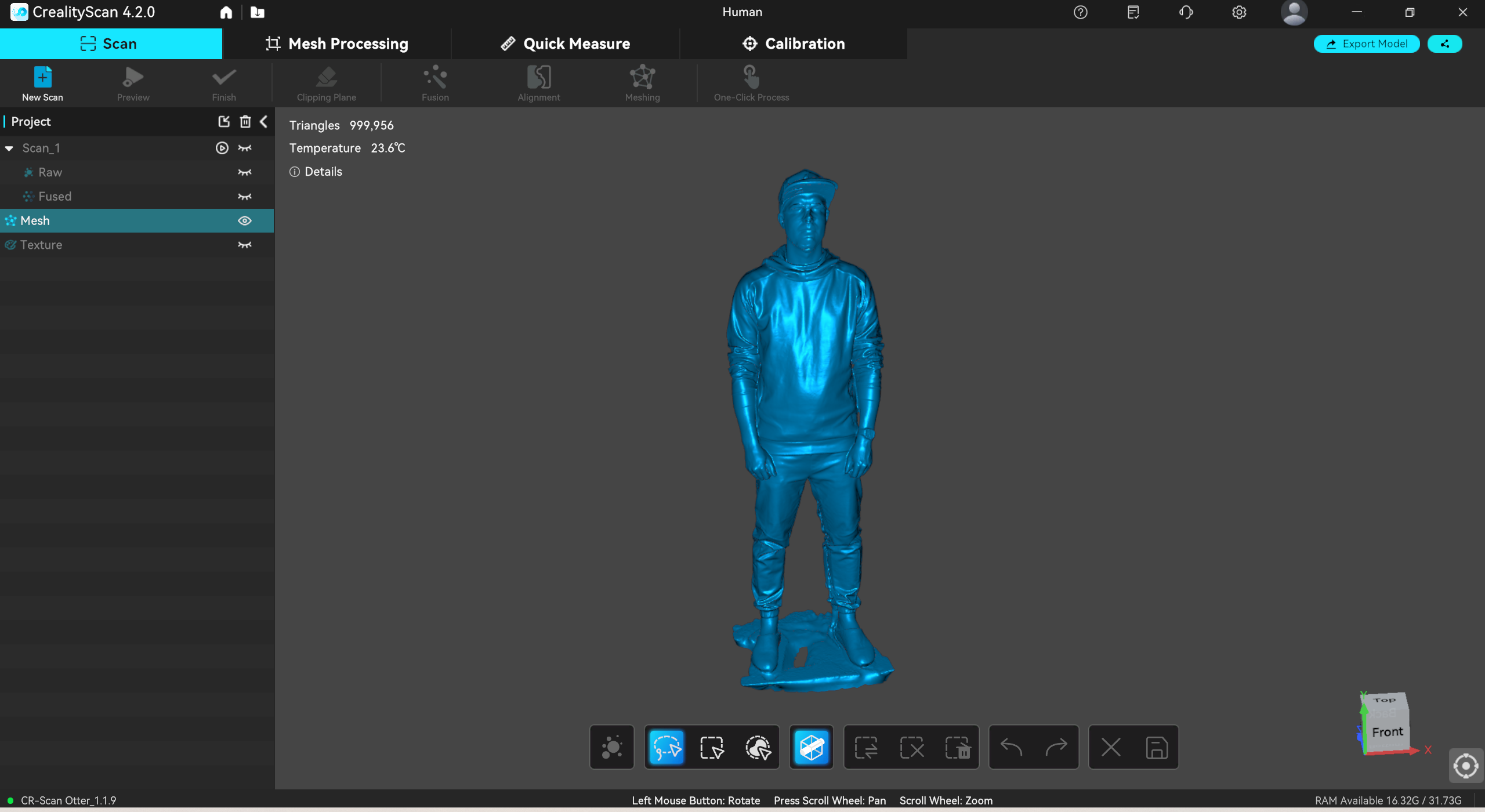
Most of the model is usually scanned correctly, but the most problems arise with the more complex areas, especially the face. Glasses merge with the skin, additional textures appear, and finer details lose their shape. The result is usable, but it is still far from an exact copy.
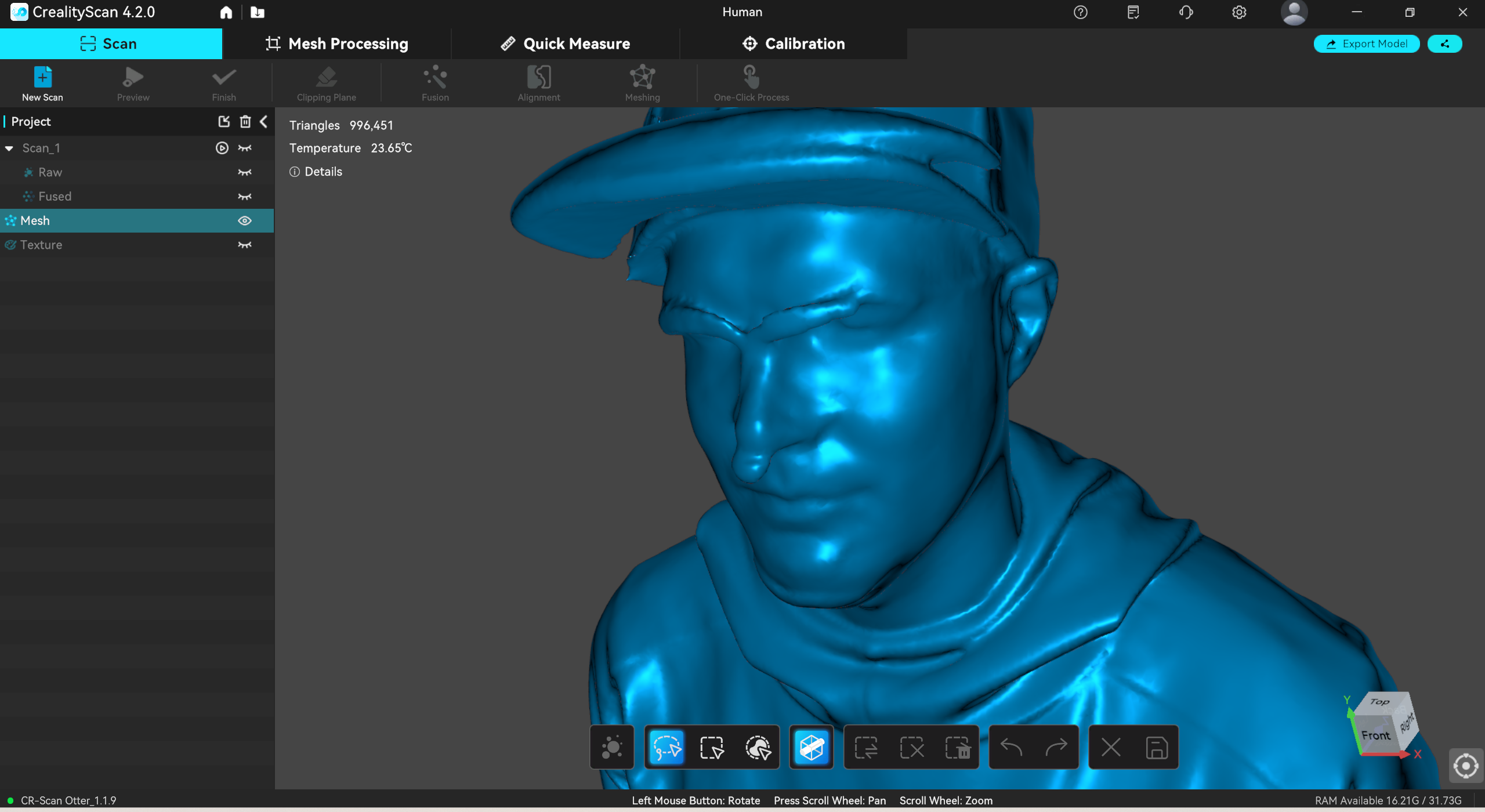
When scanning only the face, the most difficult part was the hair representation. This area usually has empty areas or inaccurately formed geometry. The skin also has a lot of artifacts and inconsistencies, which later require additional processing. Meanwhile, the color information copes much better with the beard and allows for more visual detail to be retained.

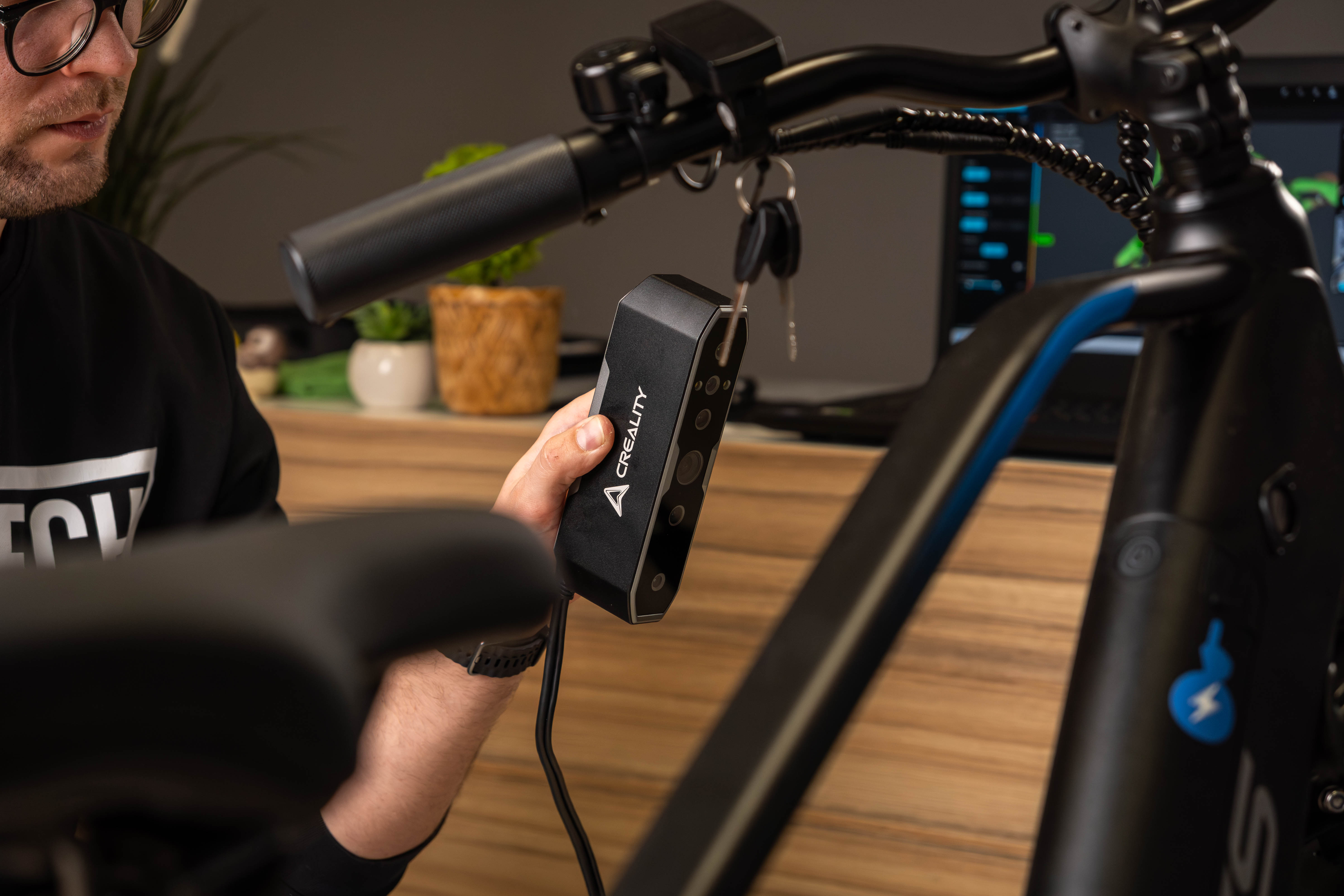
I also tried to scan the bike, but I couldn't even achieve a satisfactory result here. While the bike frame is still somewhat understandable, the wheel spokes, rack, and cables turned out to be too complex to scan.
Model processing
At first glance, the scanning results may seem disappointing, but it is worth remembering that this is not a professional scanner, so some compromises are inevitable. Practically every model requires additional processing - noise removal, hole filling or surface smoothing. This is a separate process that requires additional knowledge and time.
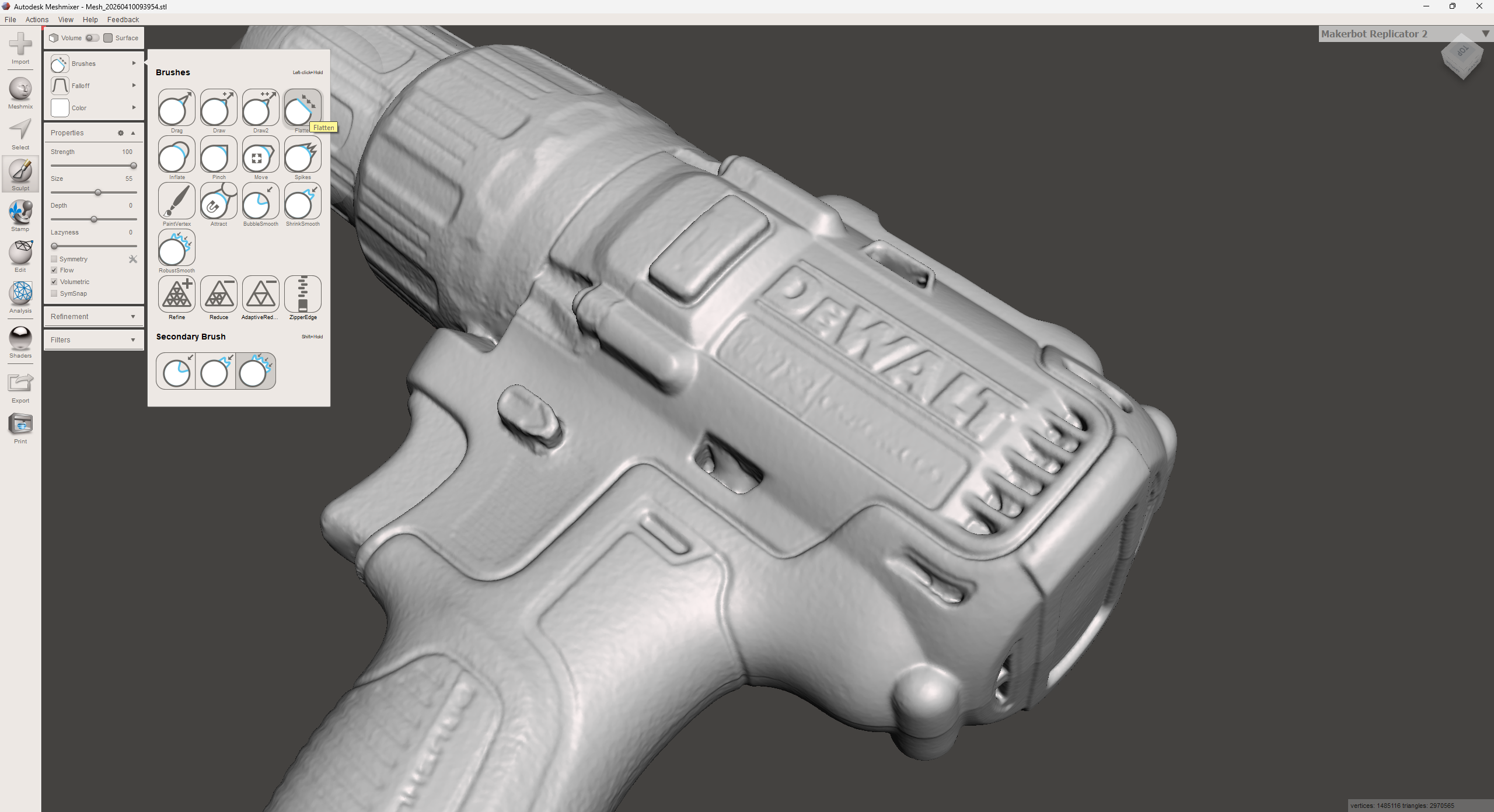
The Creality Scan program also offers some processing, but it is quite minimal. It can remove artifacts, automatically smooth the surface a little, or close holes, but this is not enough for more serious corrections. To fully clean up the model or remove, for example, bumps left by markers, you will need an additional program such as Blender or Meshmixer.
Verdict
Creality Otter, in my opinion, is a strong hardware solution that is quite limited by its software. The scanner itself is able to capture objects and in most cases does it quite well, but the time to achieve the final result depends heavily on the Creality Scan program.
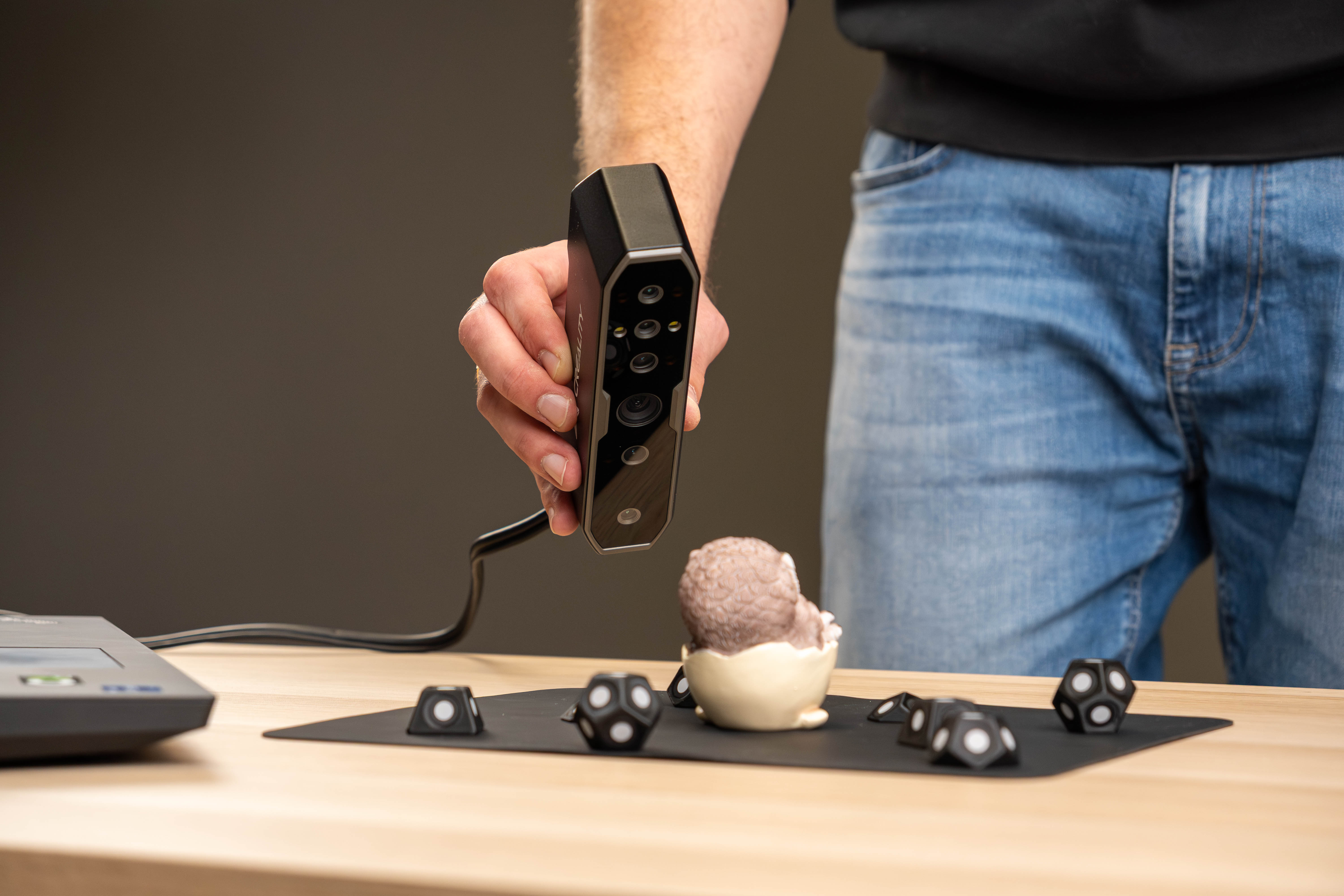
Practically every scan requires preparation - lighting, markers, etc. After my tests, manufacturer's statements such as 0.02 mm accuracy, scanning black and glossy objects without spray or, seem quite optimistic.
If the software was more mature and stable, much of the preparation work could be avoided. At the moment, the final result depends heavily not only on the device, but also on the patience and experience of the user. If you are willing to spend time and delve into the process a little, Otter can be a useful tool, but for those looking for a hassle-free solution, it is probably not the best choice.