

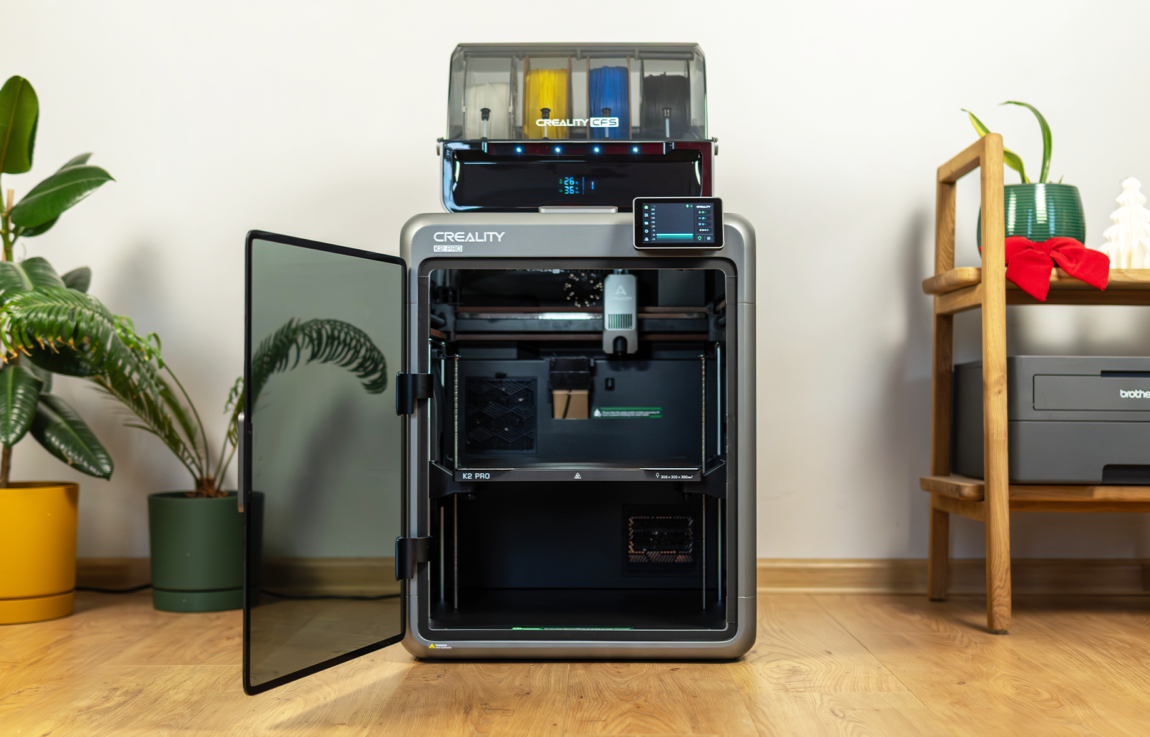
Creality has been making 3D printers for over a decade. The Ender 3, released in 2018, is considered one of the first printers to make 3D printing accessible to everyone's home. Often priced at under €200, the model was praised for its reliability, ease of use, and good quality.
CREALITY K2 PRO COMBO
Assessment:
What did we like?
What didn't we like?
After 7 years, the Creality product catalog has expanded rapidly and covers practically all segments of this production (plastic and resin printers, laser engravers, etc.). The Creality K2 Pro Combo that fell into our hands is full of features and ambitions, and should suit not only hobbyists, but also those who want to squeeze the most out of 3D printing. So what is it really like? Is it high-quality? Is it worth choosing? Let's try to answer all these questions together.
Unpacking
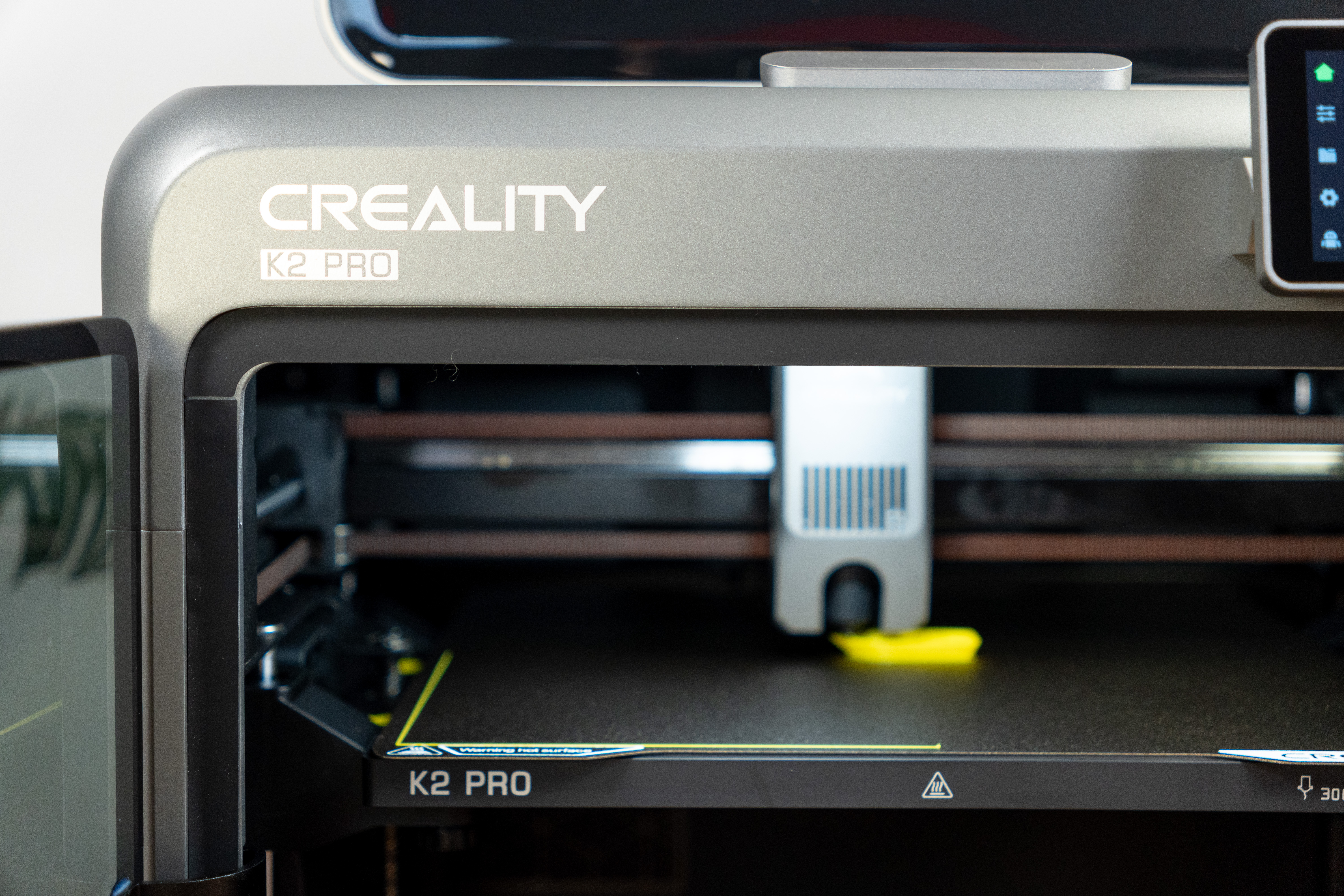
I warn you - it's better to bring this printer home with two people, because it's definitely not lacking in weight. The box itself doesn't stand out too much, but everything inside is packed perfectly. This time, let's skip the photos and move on to the unboxing video:
The K2 Pro comes with a CFS module, a set of accessories (tweezers, wrenches, glue, wires, tubes, etc.), instructions, and some white PLA plastic. Everything is really neatly arranged, and what I liked most was the drawings on the packaging of each wire or tube showing where those parts should be attached. In fact, it makes assembly so much easier that you don't even need to use the video instructions on the Creality website. I would give the packaging and convenience the highest marks.
Assembly and construction quality
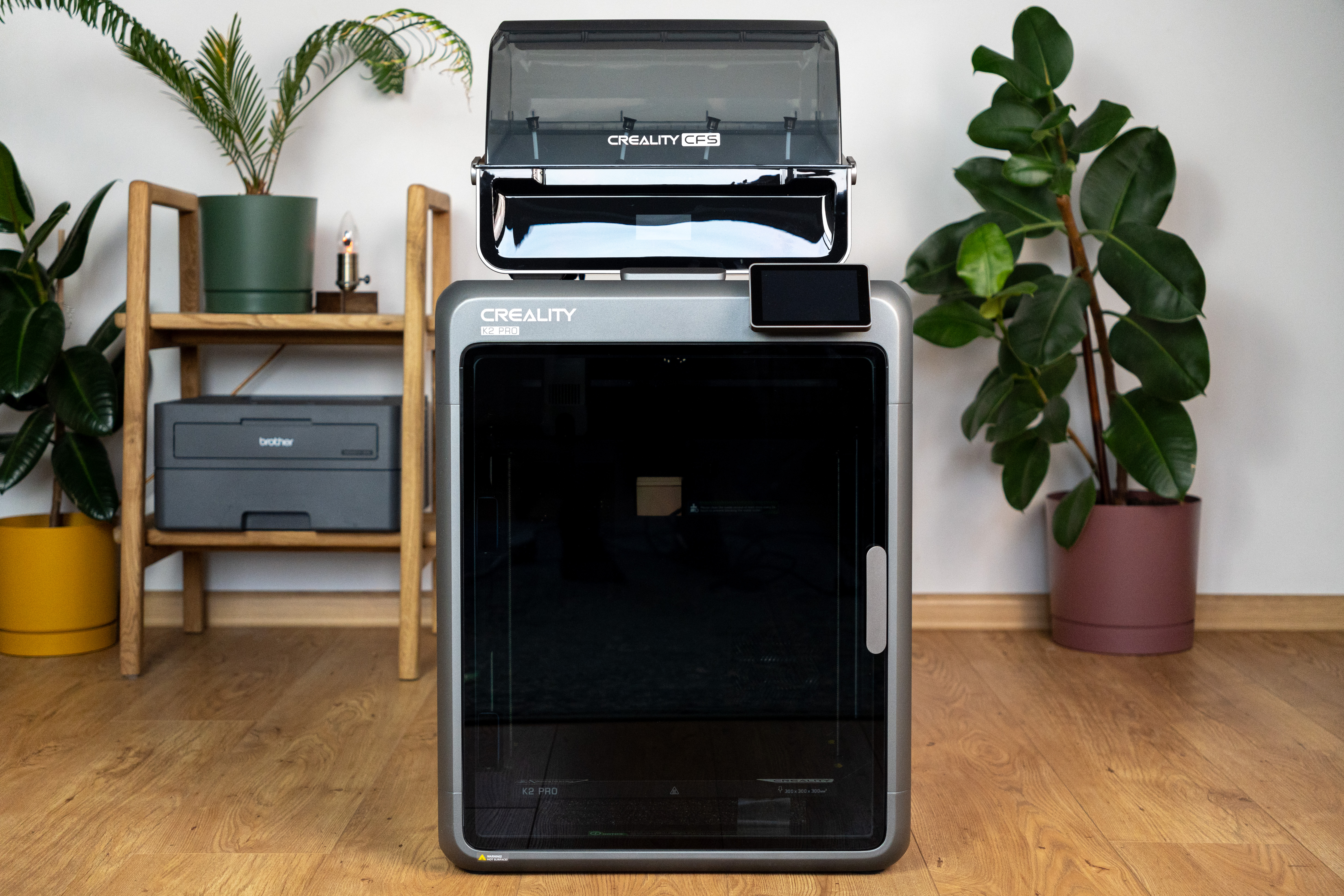
The K2 Pro frame is made of aluminum, the front door and top are made of glass. Since these are the parts we touch most often, the feel is very good: nothing sticks or creaks even when moving the entire printer. Such a design is especially important when printing at higher speeds, as vibrations directly affect the quality of the results.
The X-axis uses a steel rail for durability and more precise print head movement. The extruder nozzle is made of steel, and it is extremely easy to replace with the included wrench.
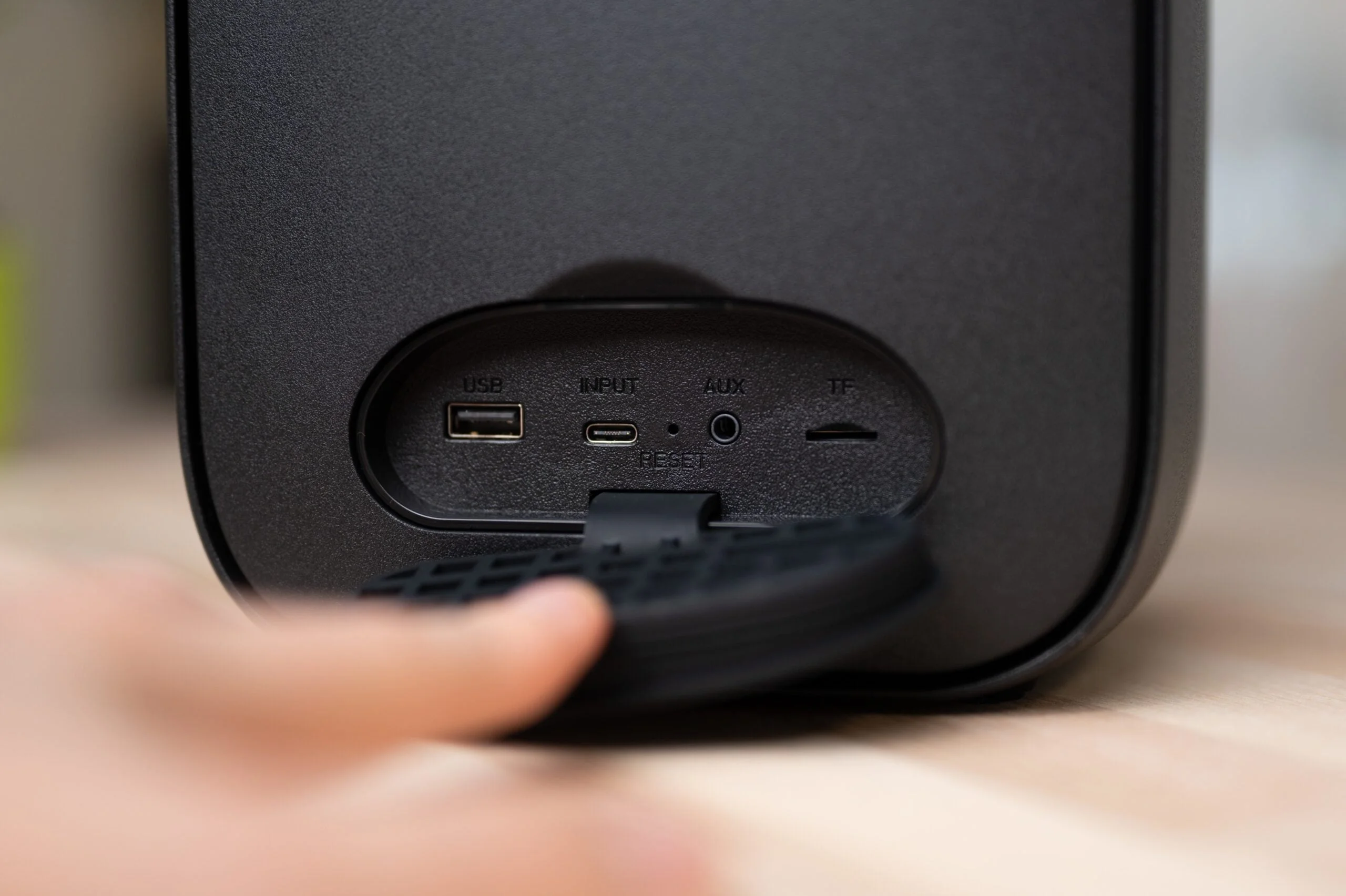
Is there anything to complain about? Not much, but as always, you can find little things. The door and top are made of glass, but the sides are made of acrylic. This does not affect the print quality in any way, but the "premium" feeling is a little diluted here. The USB port is on the side, so you won't be able to put the printer against the wall. The power switch is only on the back, which can also cause inconvenience.
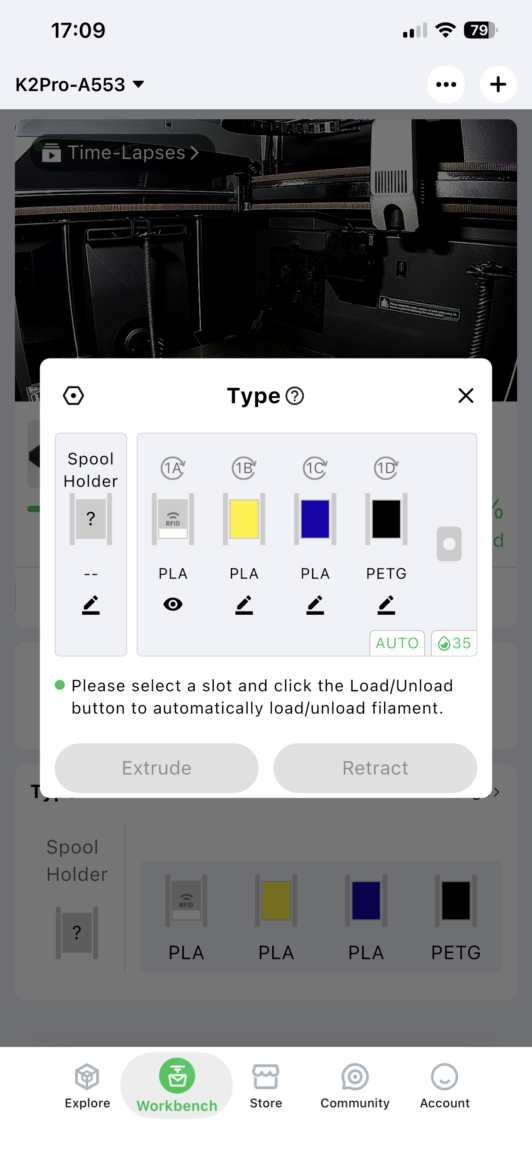
The CFS (Creality Filament System) module is designed for 4 plastic spools, and up to four such modules can be connected at the same time - a total of 16 colors. The system is sealed, displays temperature and humidity, helps keep the plastic dry, but there is no active drying here.
Creality Cloud and Creality Slicer
Creality has 2 systems that allow you to use this (and other) printer:
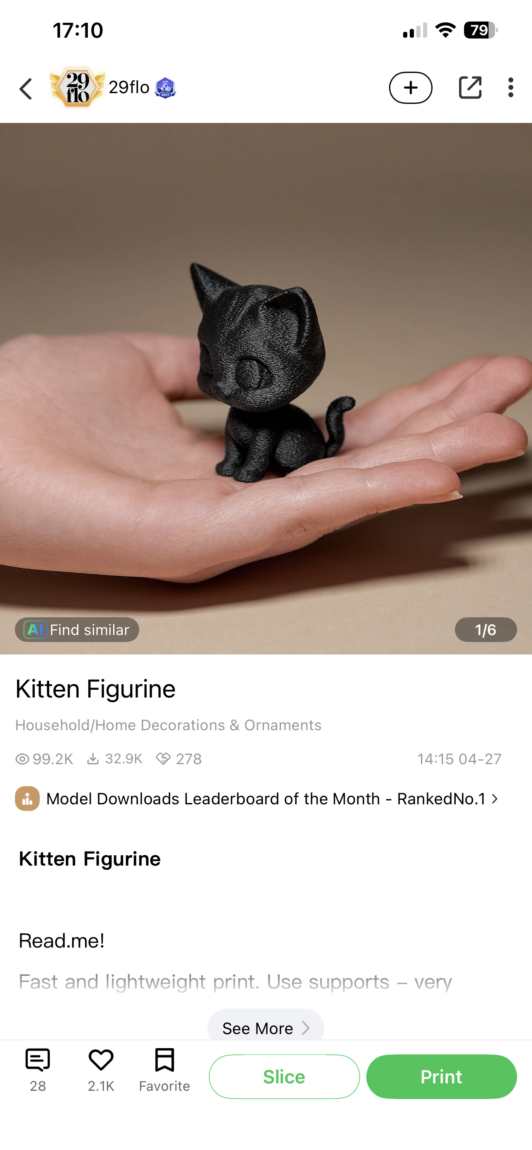
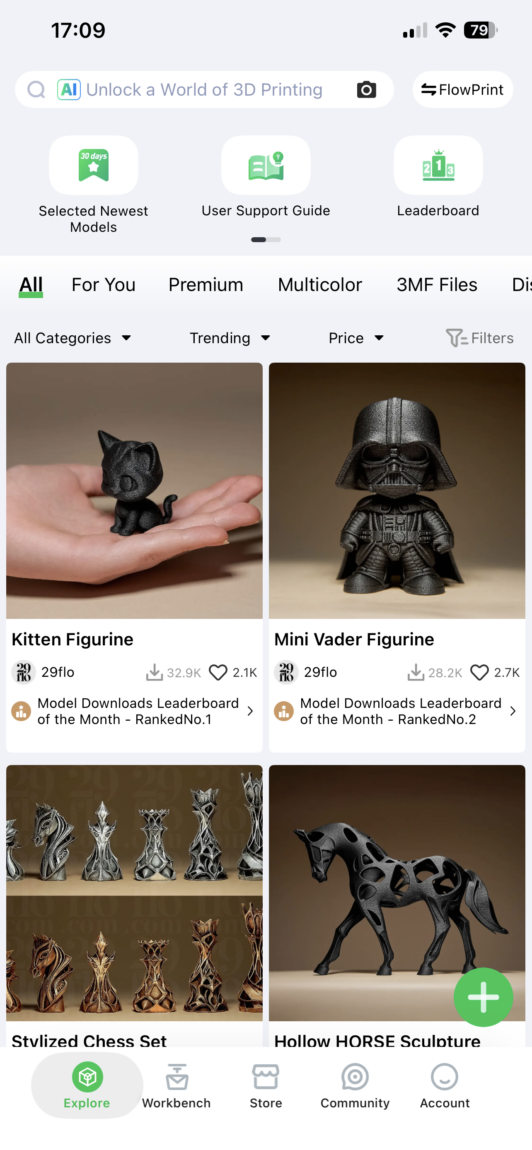
Creality Cloud This is an entire ecosystem where you can find a library of models - 3D models shared by developers, community changes, suggestions, and feedback about them.
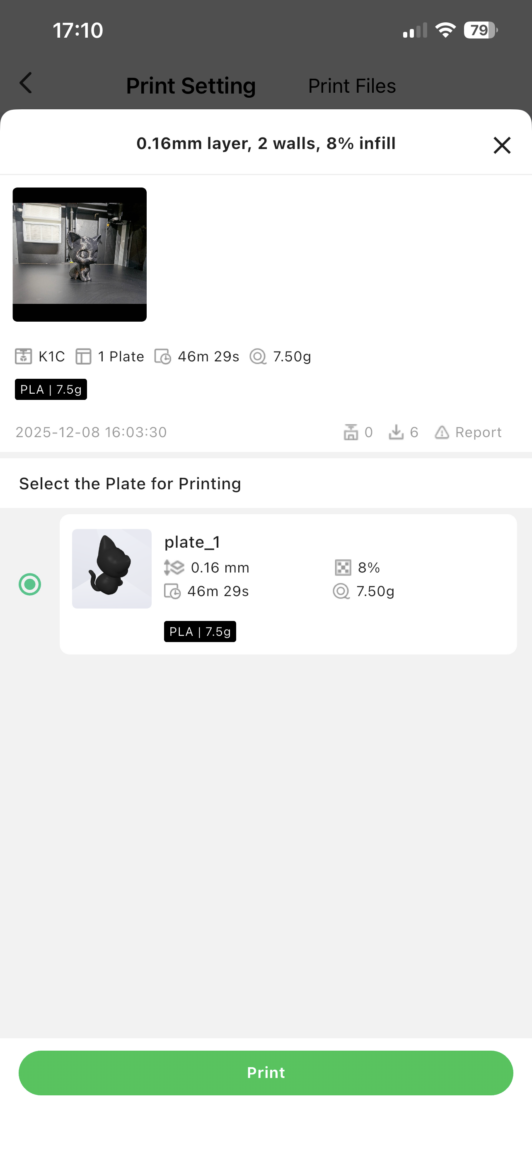
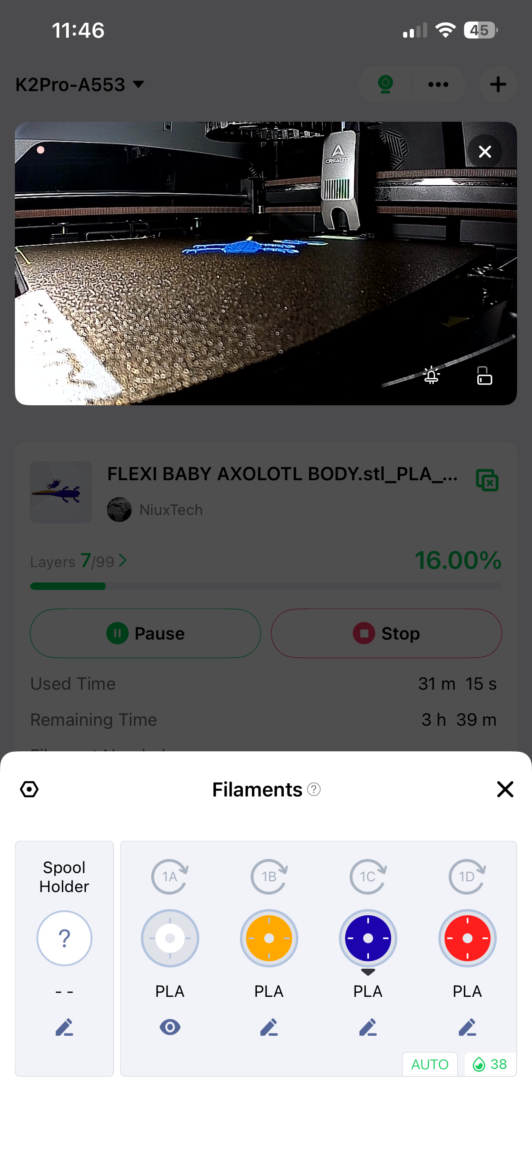
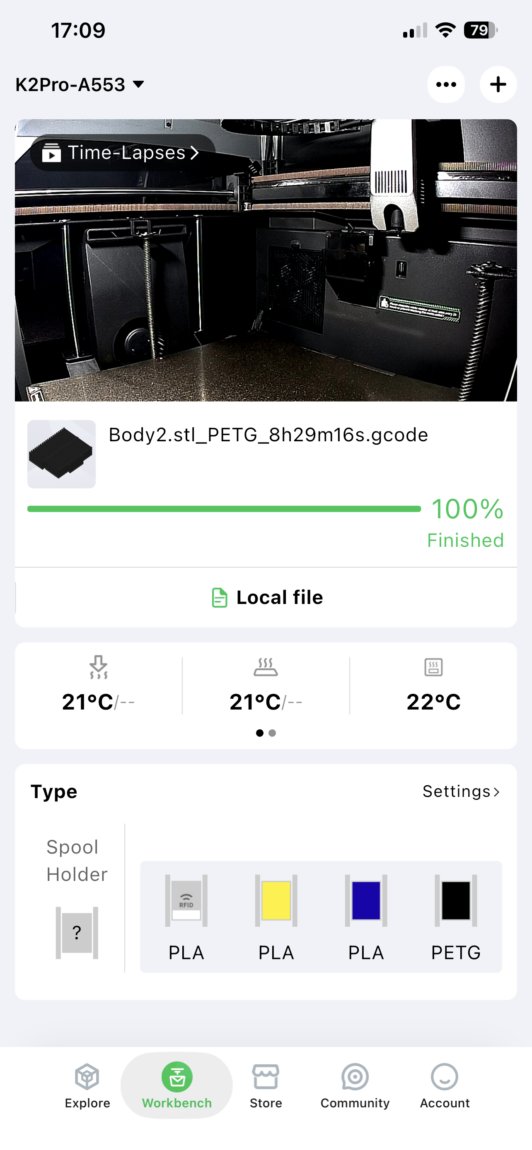
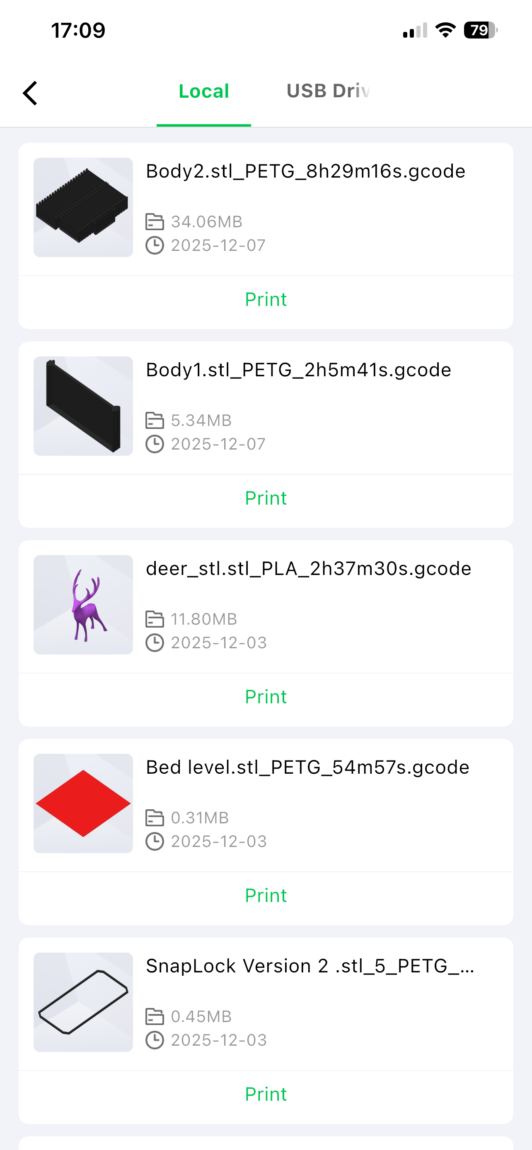
The cloud feature allows you to send models directly to the printer and start printing. If you use a file not from this page, you can "cut" the model directly in the browser or in the app on your phone (although to a limited extent). Also, thanks to the cloud, you can directly control the printer itself, and monitor what is currently happening through the camera.
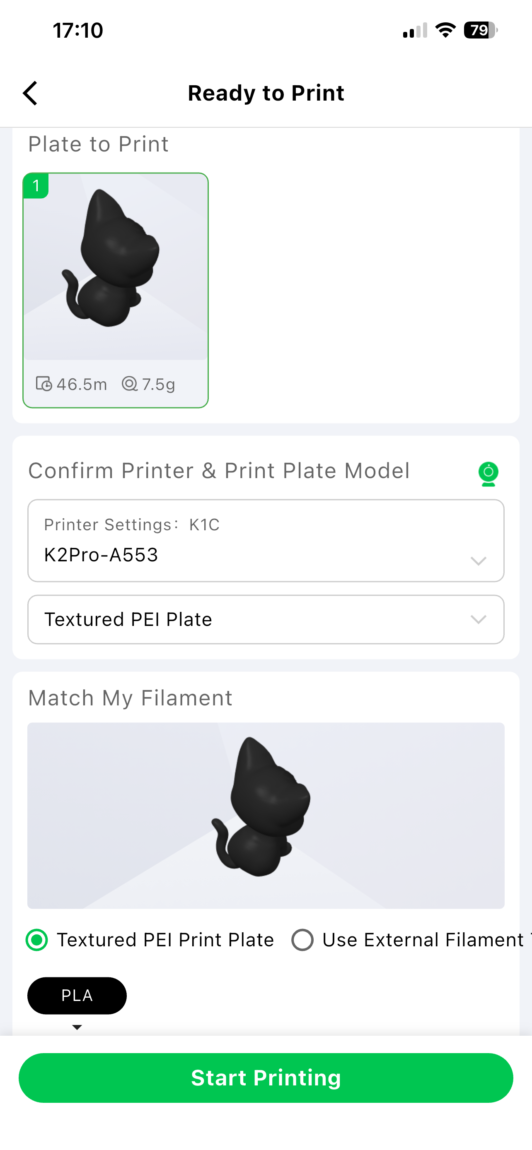
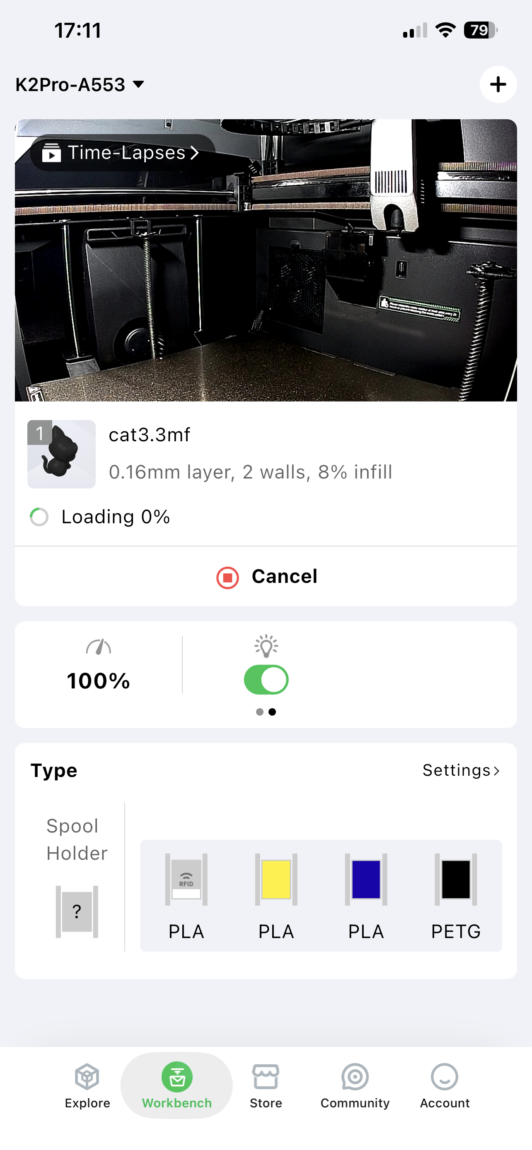
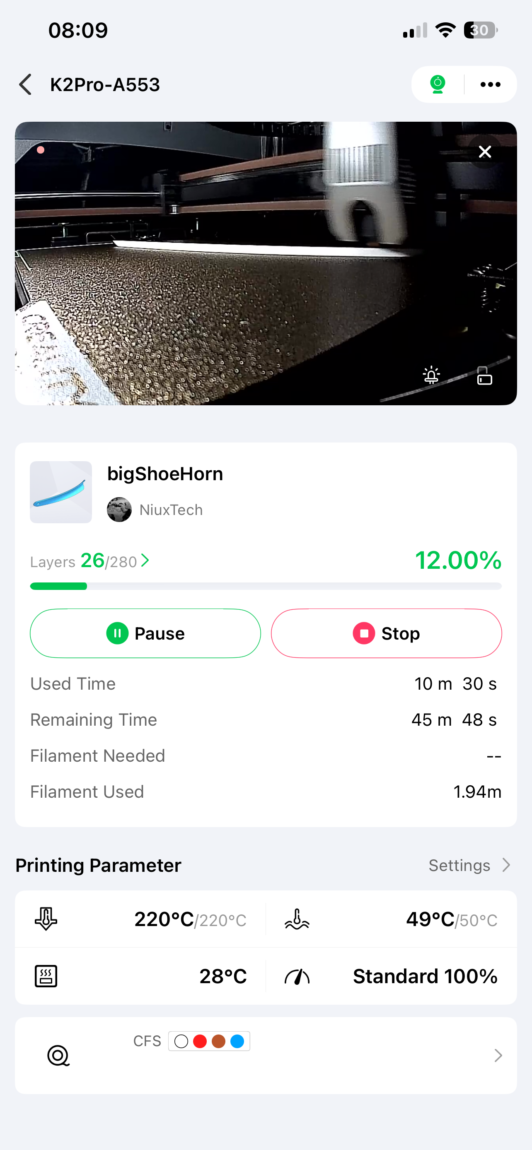
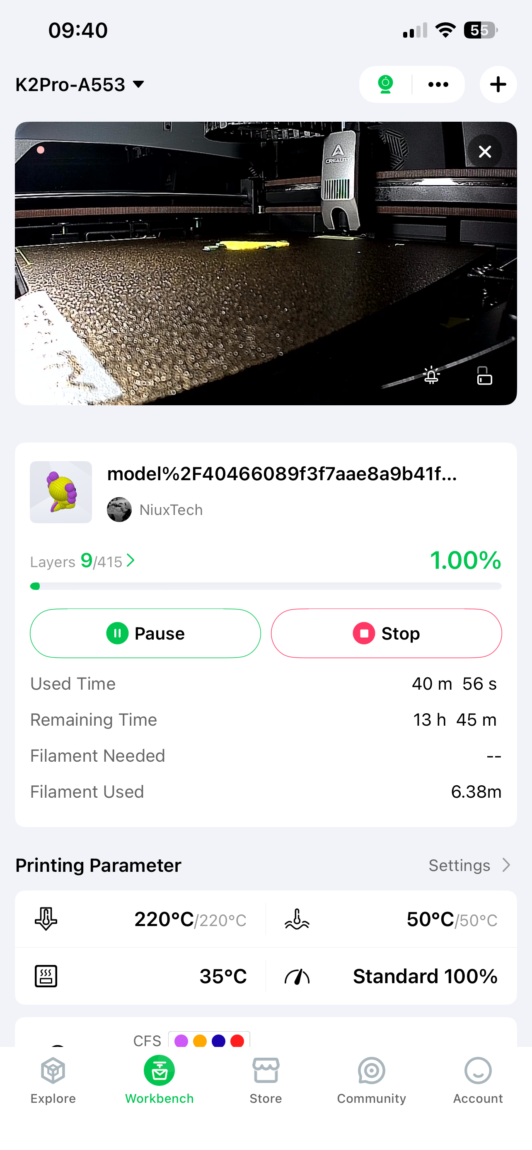
Creality Slicer This is official software installed on computers to mediate between 3D models and the printer. It converts the model into G-code, or simply instructions that the printer understands.
If you have used at least one slicer program from another manufacturer, you will feel right at home here. The settings, options and overall design are very similar (Anycubic Next, Orca, Cura, Bambu Studio). There are plenty of factory profiles with pre-selected settings, so you can start printing even without understanding much.
In summary, I liked both systems. All the functions work and most importantly, they do it smoothly. I would single out two drawbacks - model download is very slow, and the Creality Cloud factory user settings skip adult content (grayed out until you confirm that you are 18+). So if you allow children to search for a model, I would recommend changing this setting immediately.
Print quality
The whole beauty of 3D printers is their modification. It's not just the "hardware", but also the software, where we can change practically everything - print speed, infill, layer thickness and width, temperatures and countless other settings, which can fundamentally change the quality of the printed model. For all tests, I used only standard profiles (0.16mm or 0.20mm) changing only the amount of infill for strength and surface smoothing for a smoother surface.
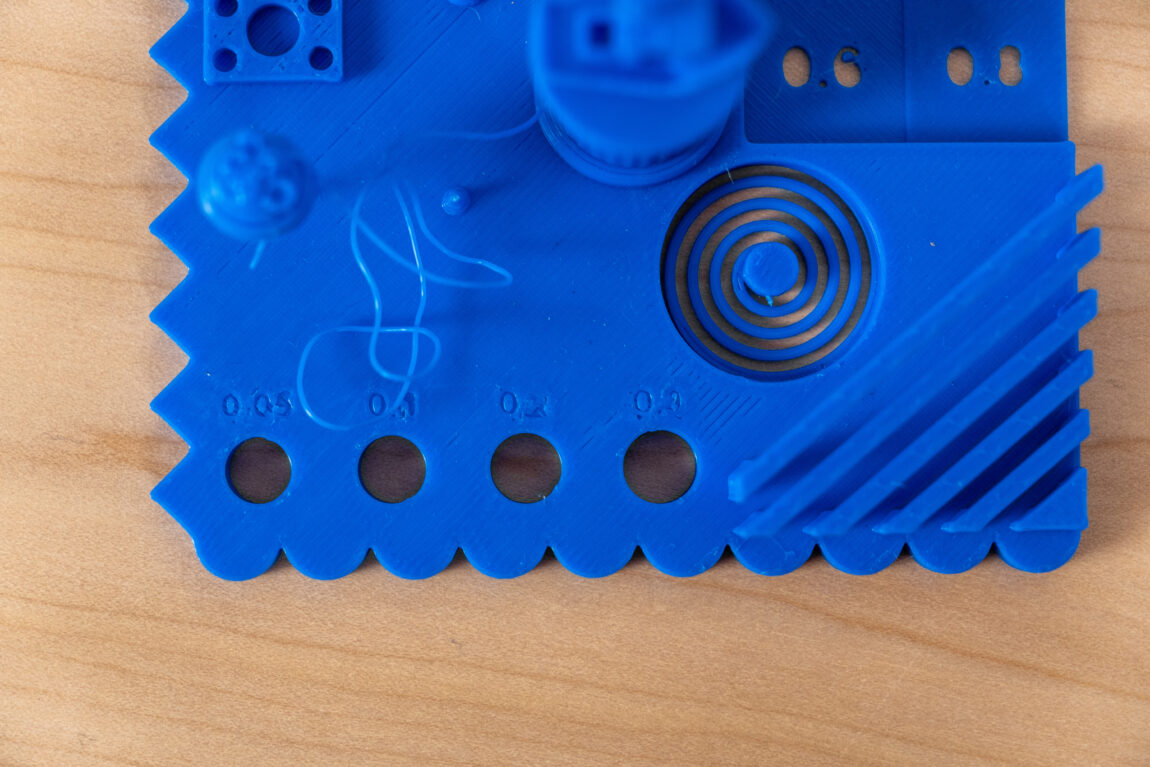
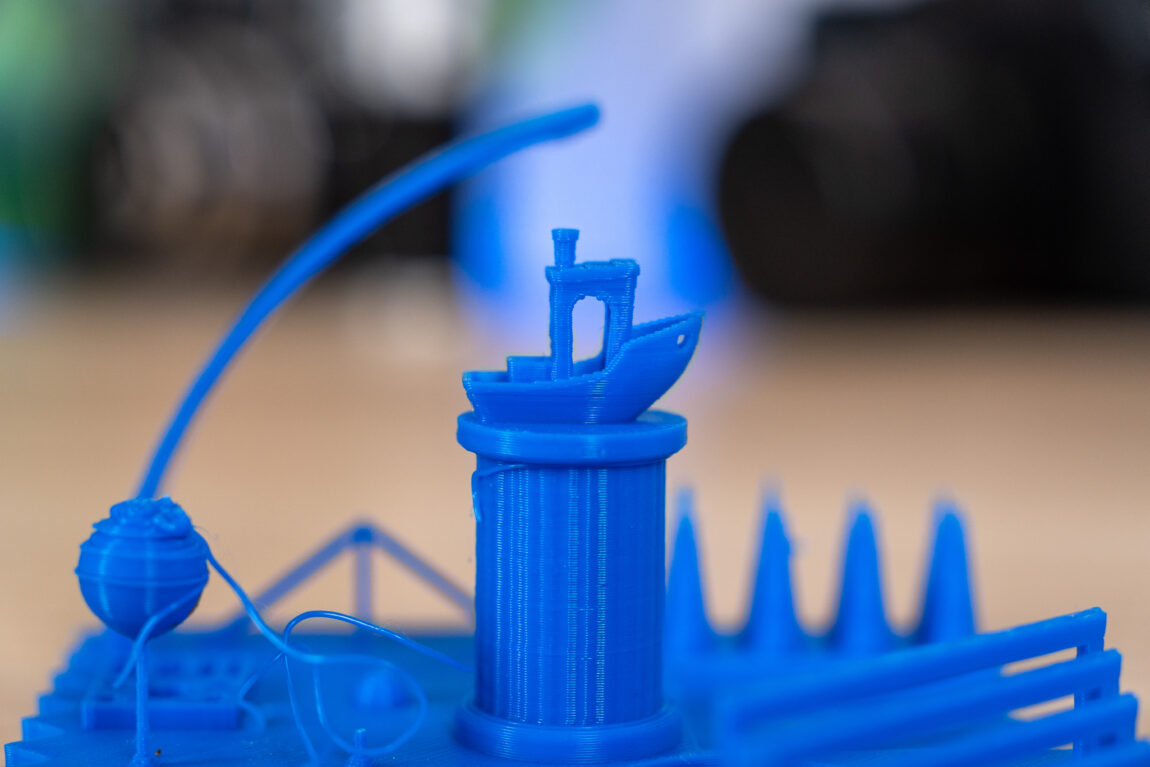
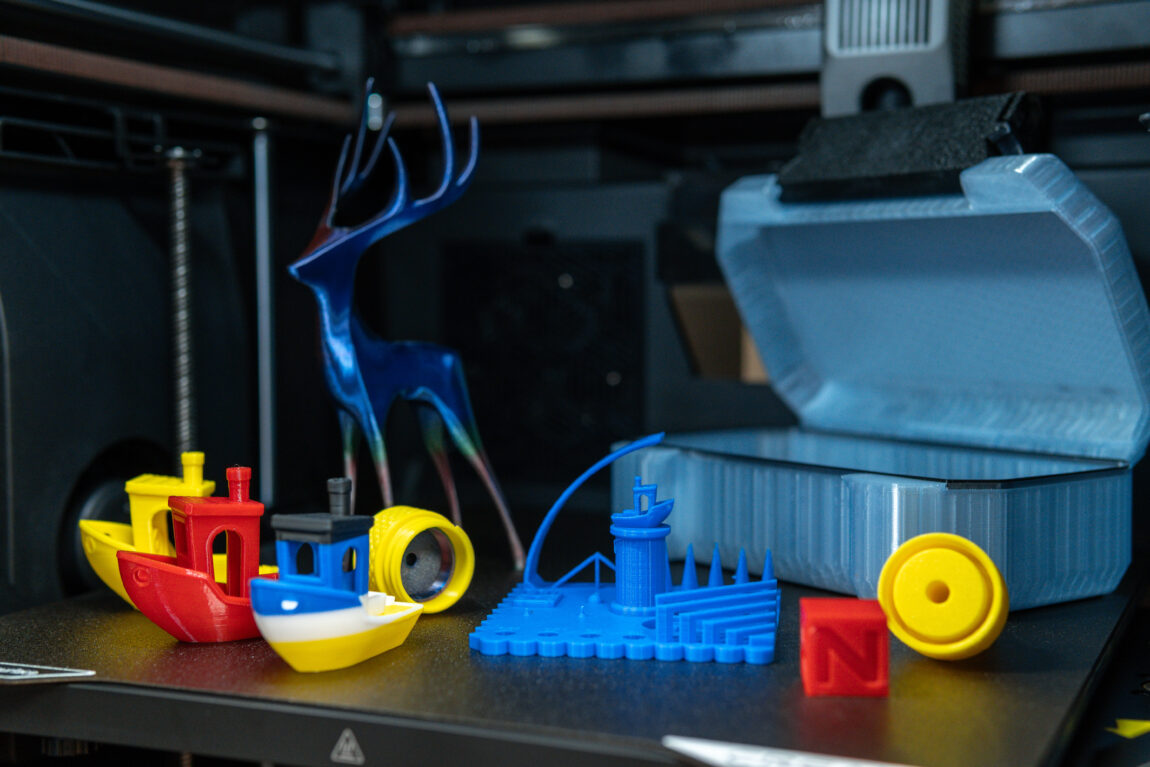
The first model is, of course, Benchy. This is probably the standard test for 3D printers, showing the capabilities of the printer. The PLA version with calibration was printed in 32 min 51 s, PETG – in 51 min 25 s. The results are good: the lines are clear, nothing has fallen off, only a few filaments in the PLA model are hairy.
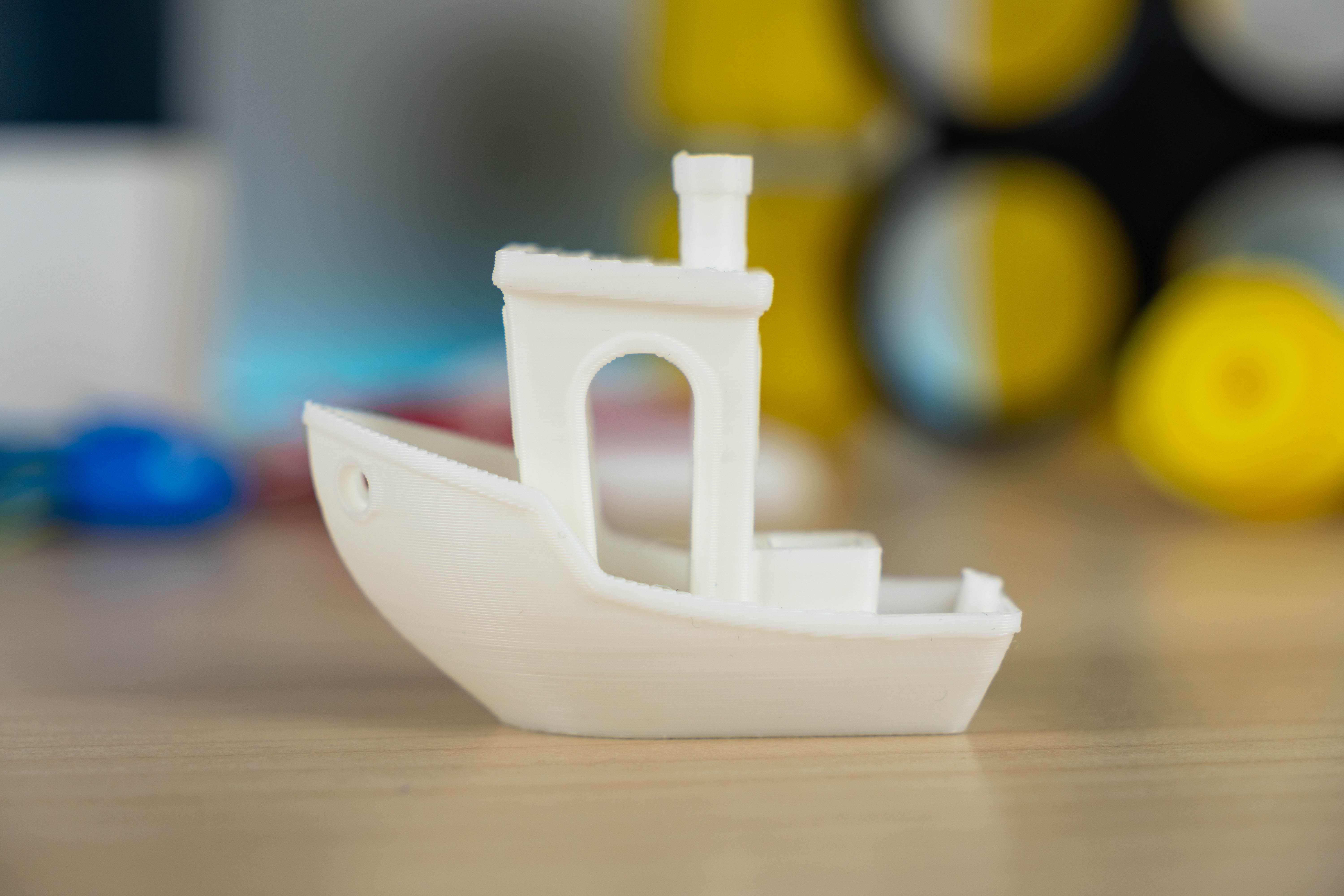
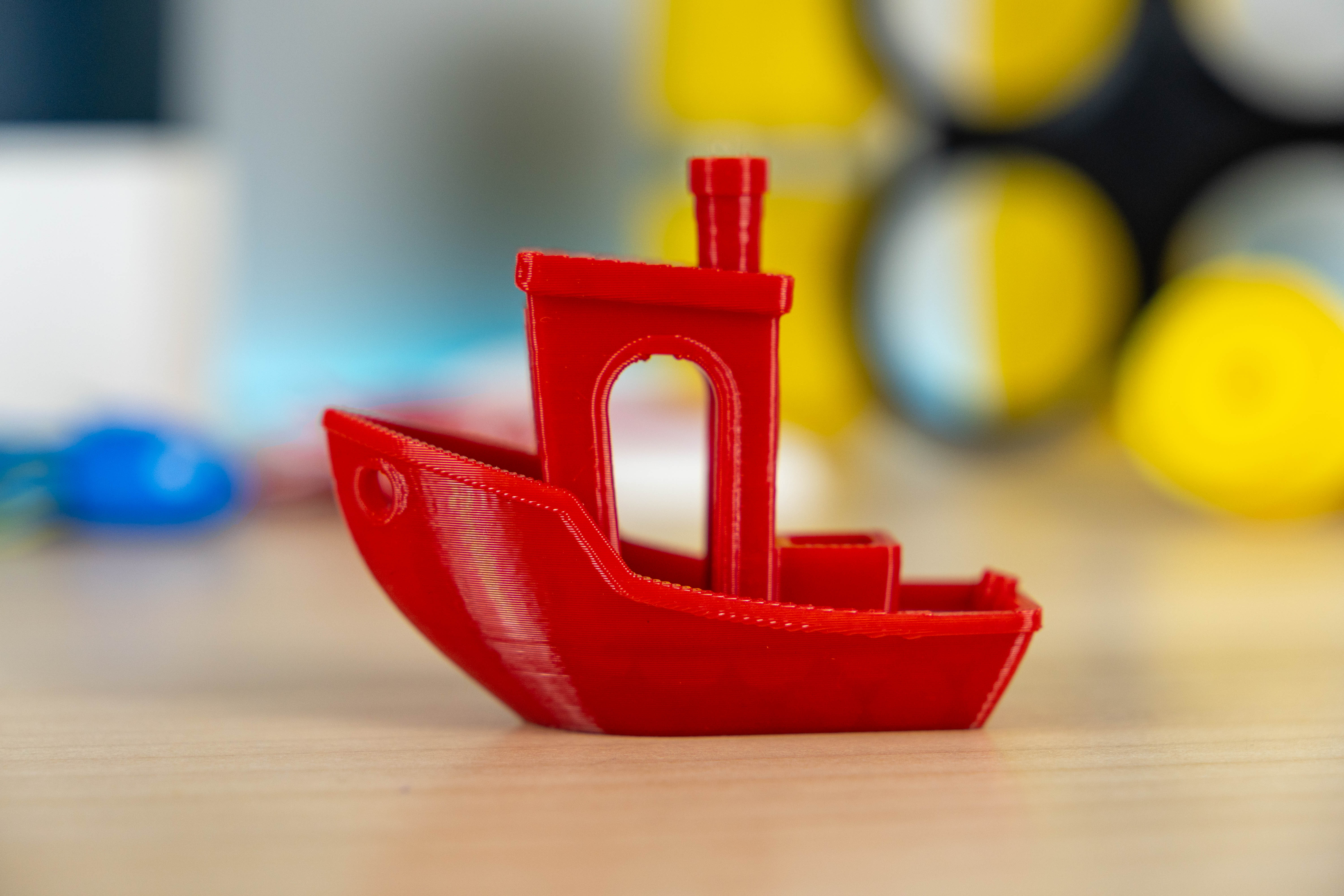
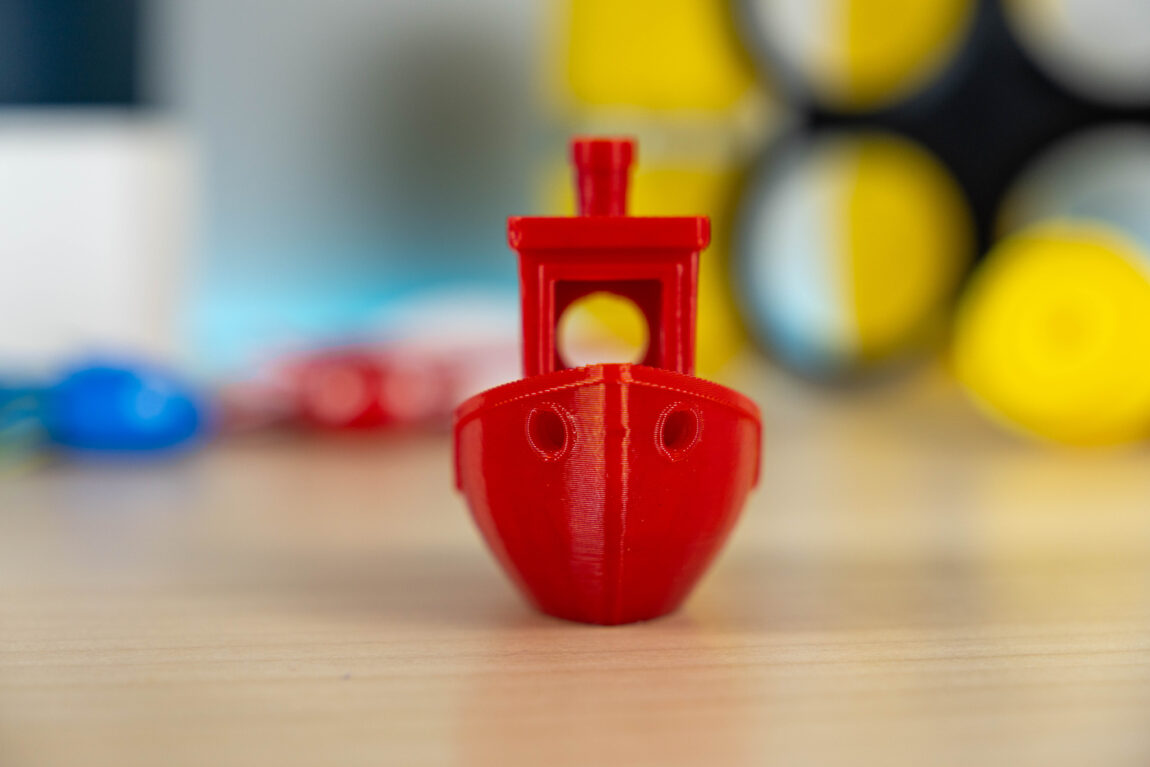
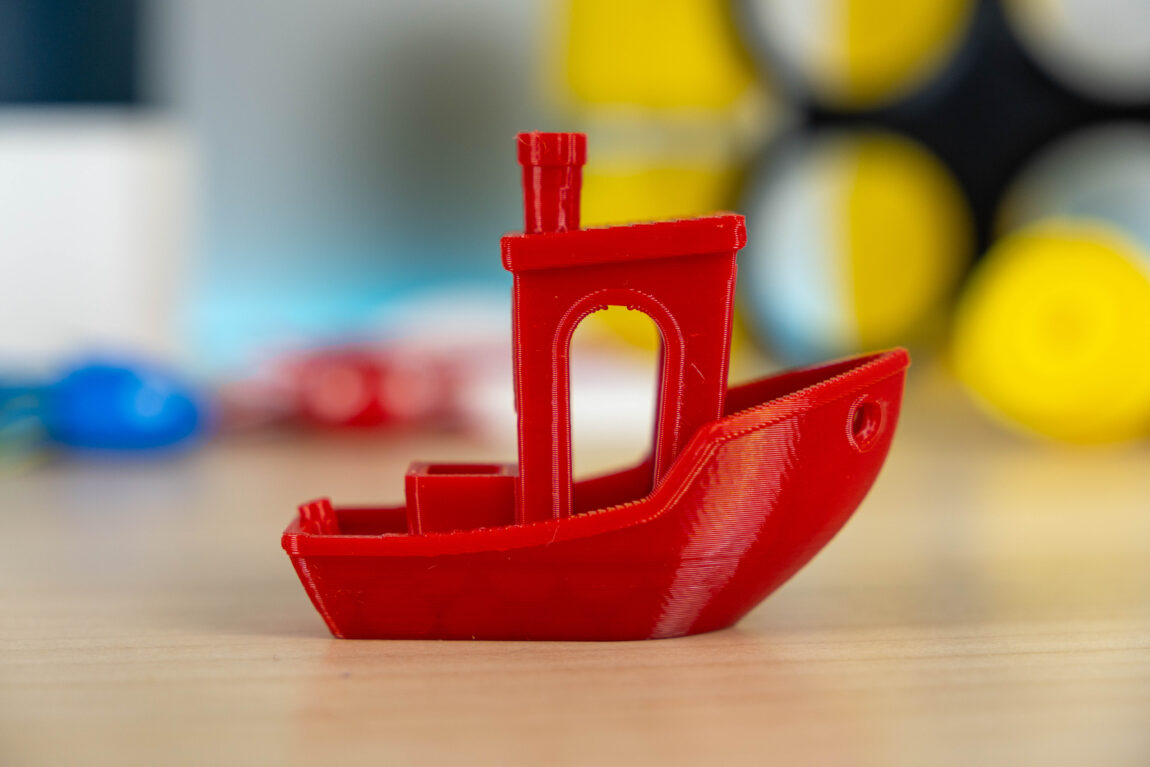
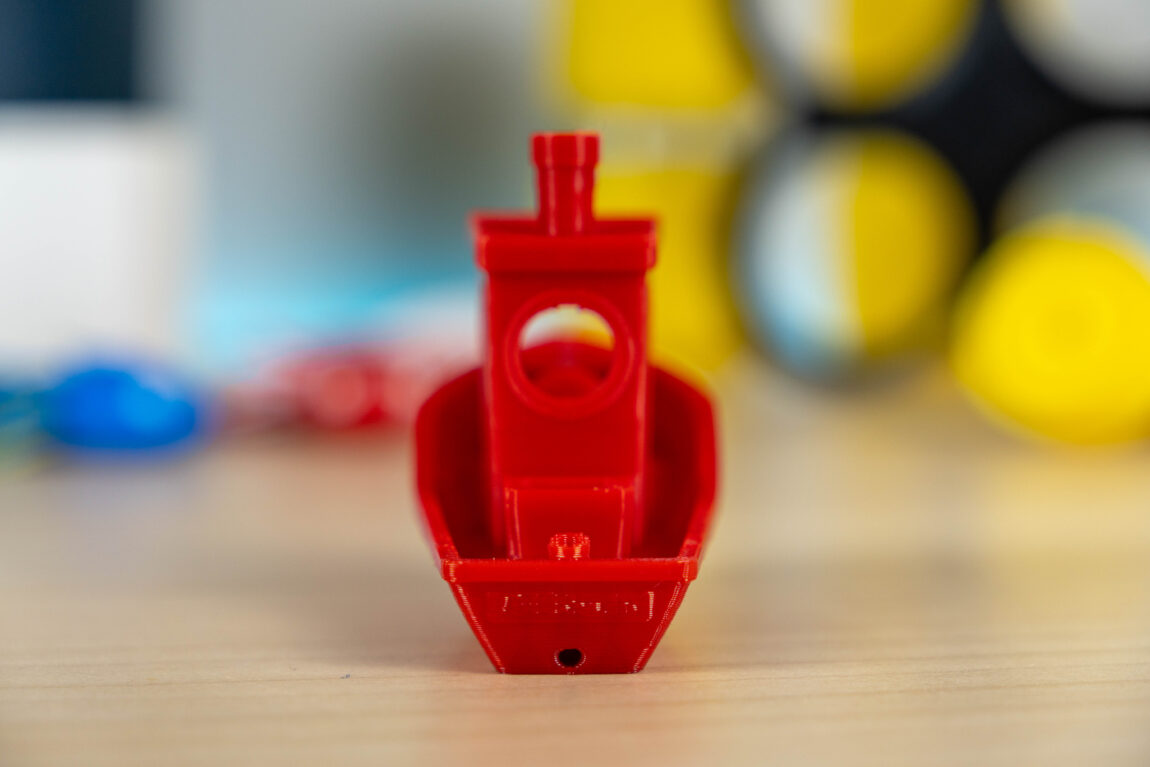
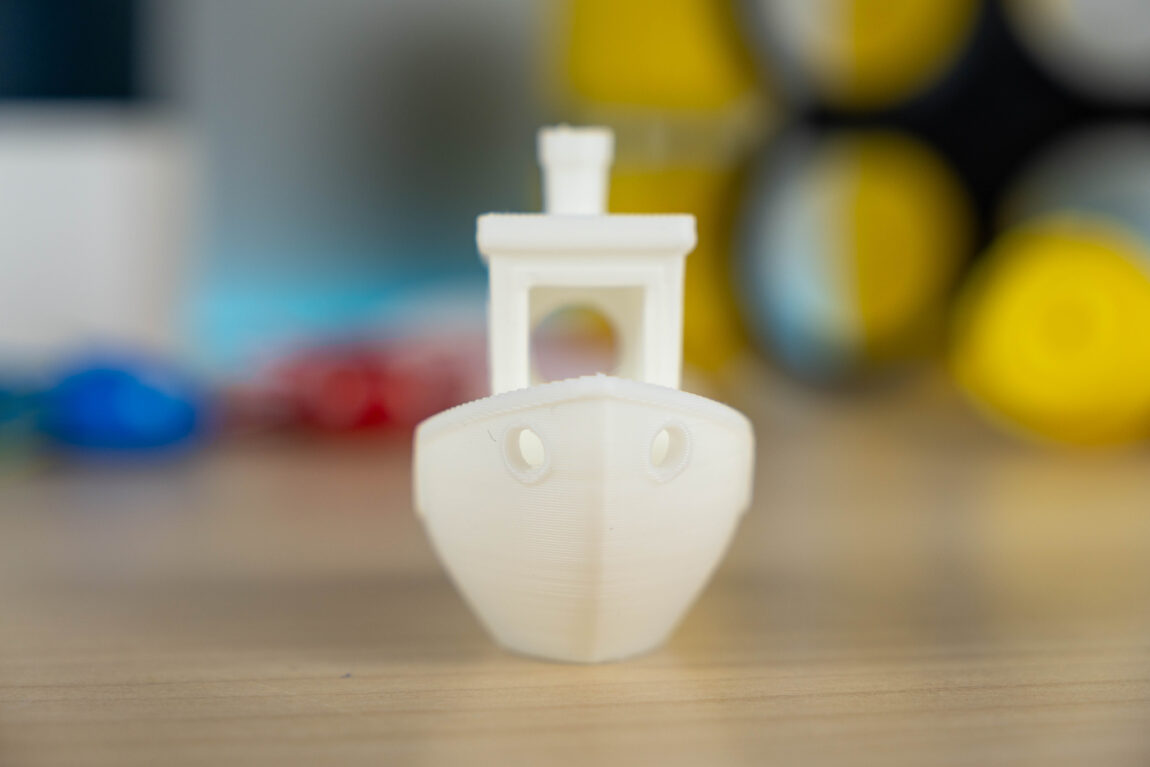
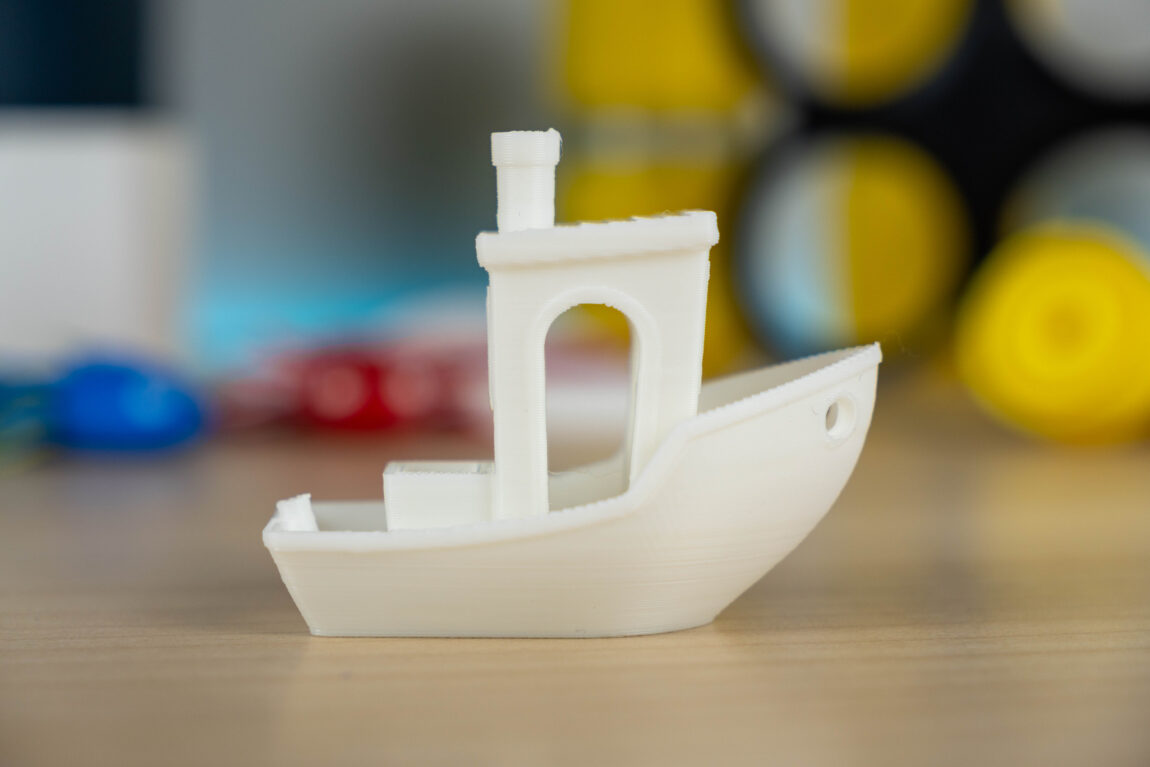
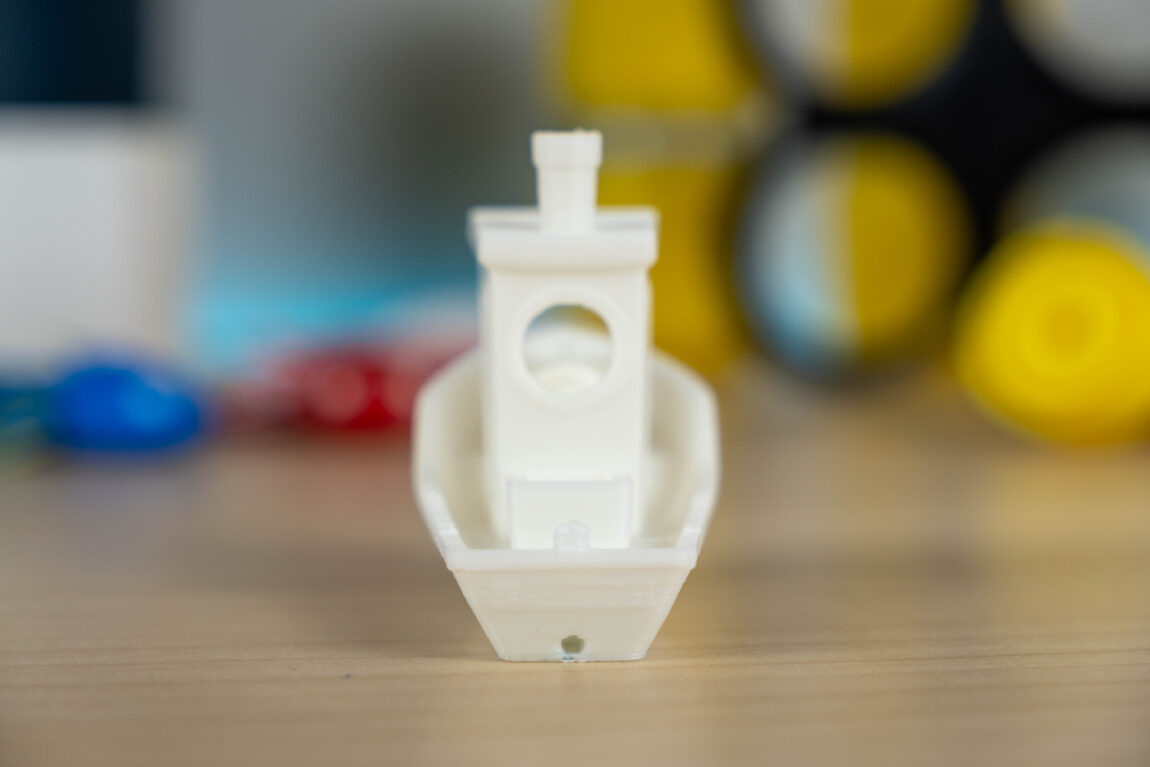
I also tried the flow rate test, and the best results were achieved with the factory settings, i.e. without changing anything. The K2 Pro has automatic flow calibration using a camera in the head - the printer itself checks the extruded plastic before starting work.
At the time of writing this review, the print time of the K2 Pro under test reached 3d. 6h 41m. During this period, I managed to print more than one model, and only a few errors occurred. Several irregularities on a large plane, one model printed with Silk PLA (the latter is known for its problems) was damaged.
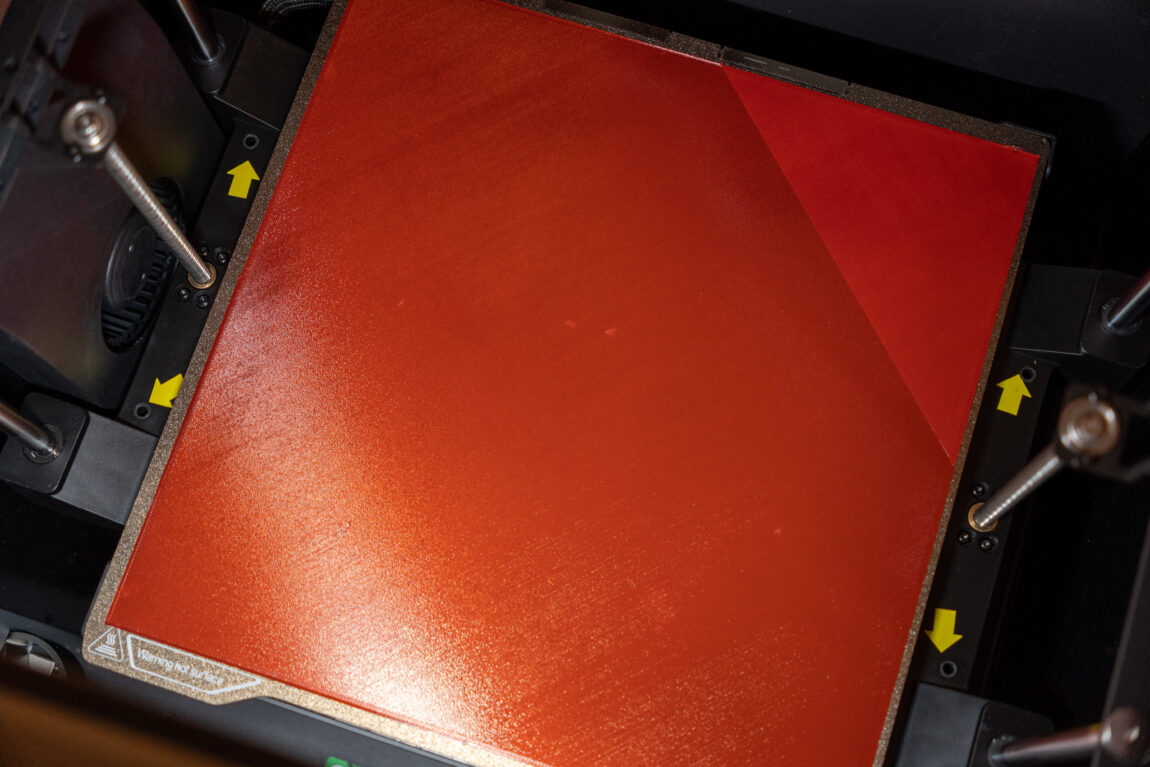
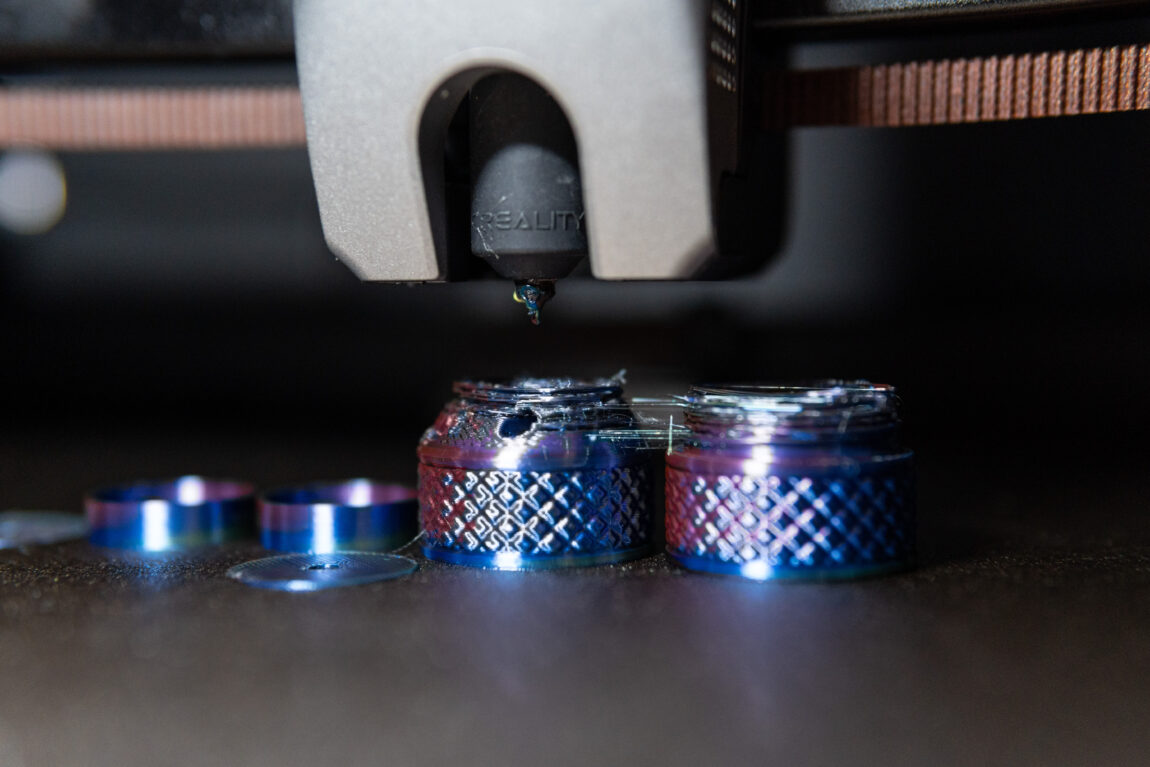
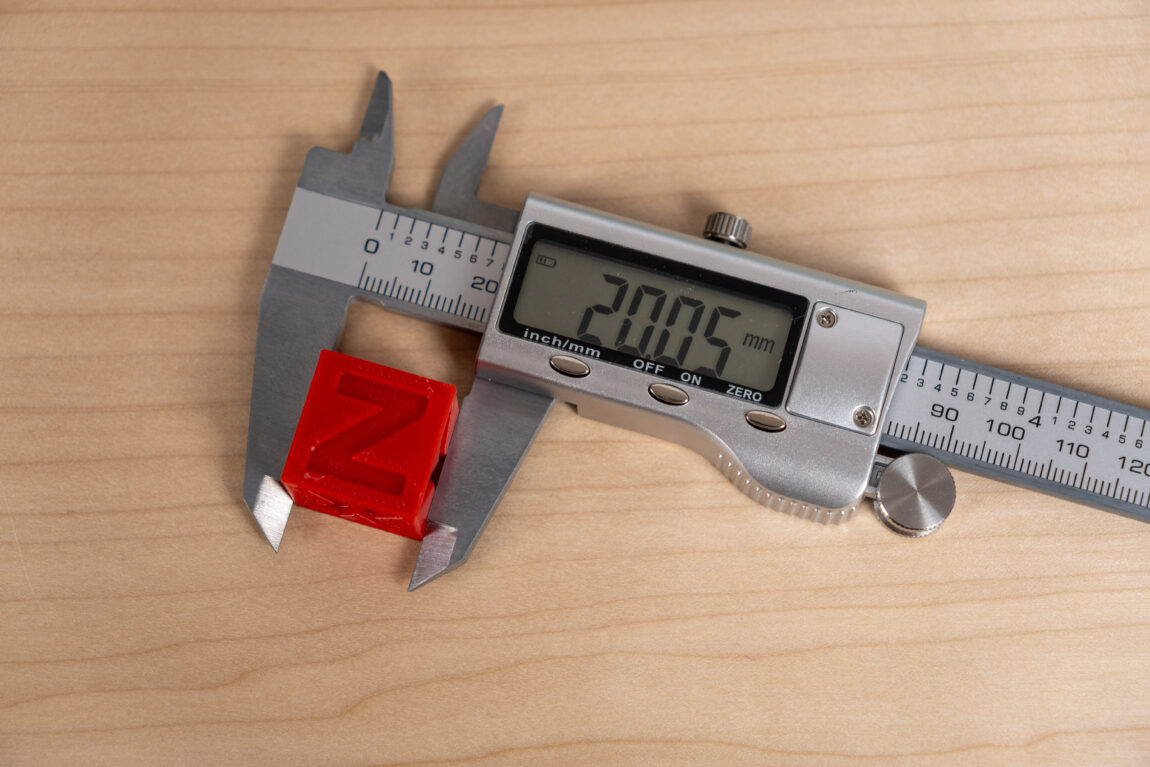
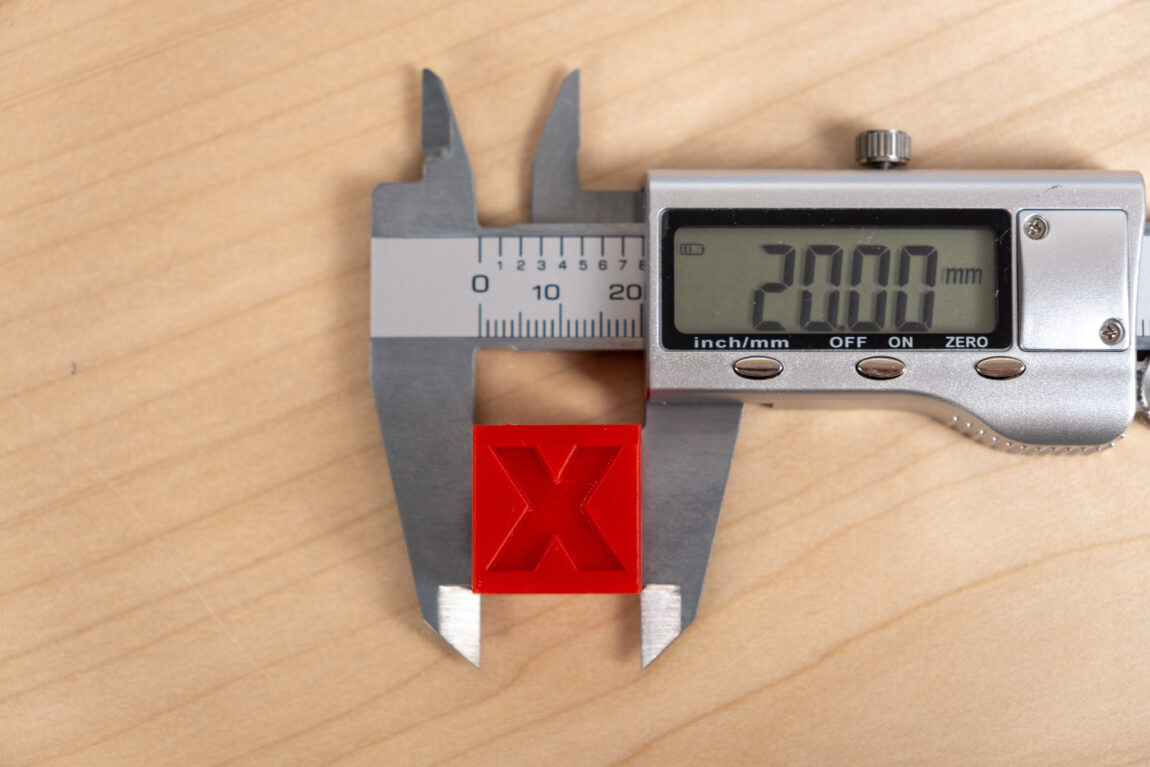
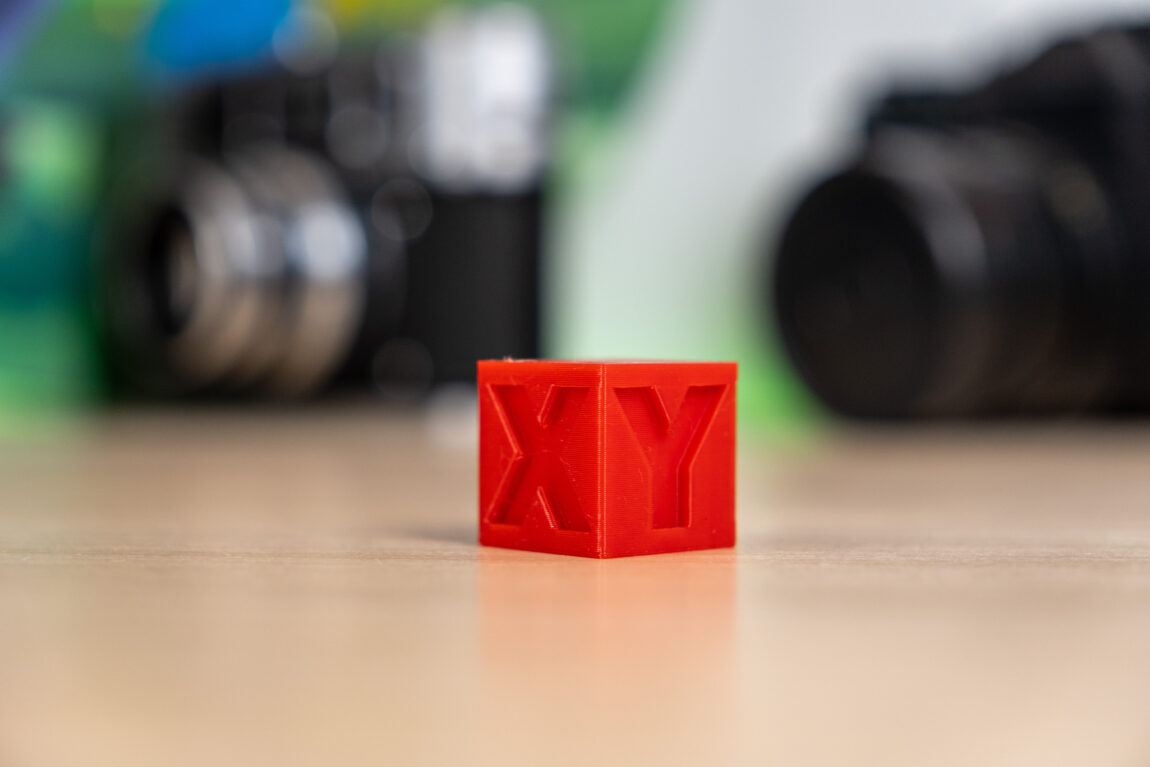
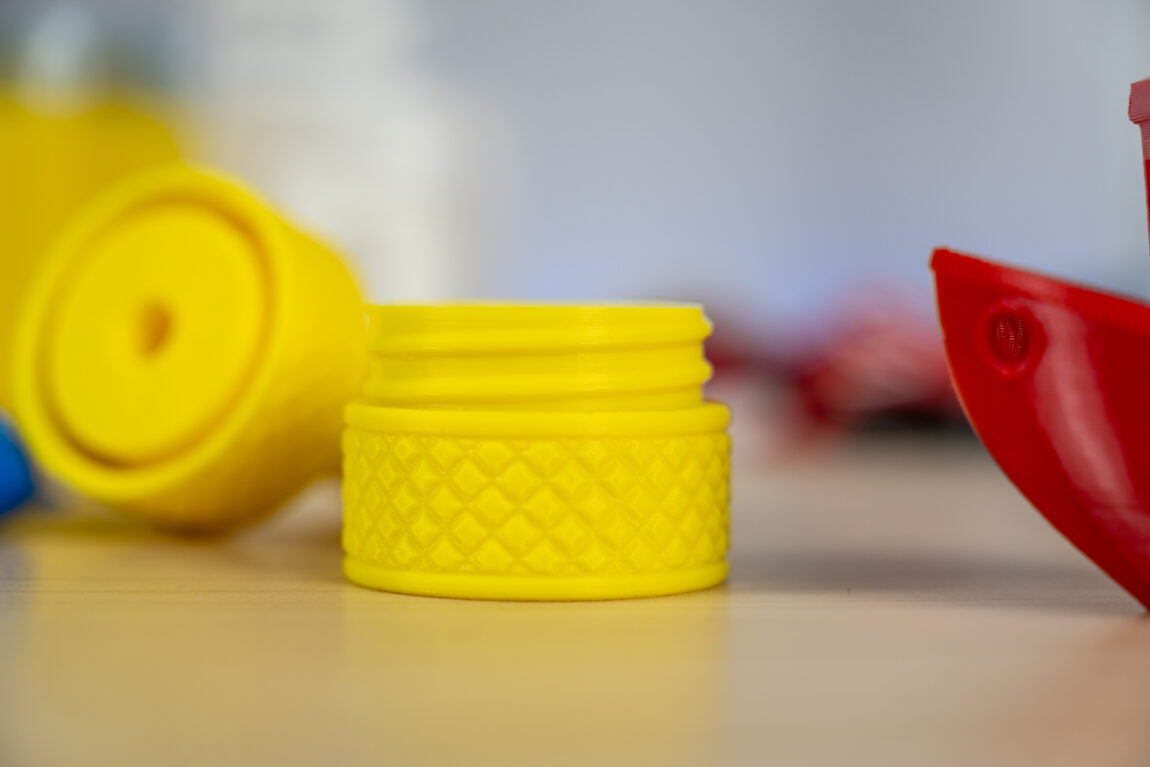
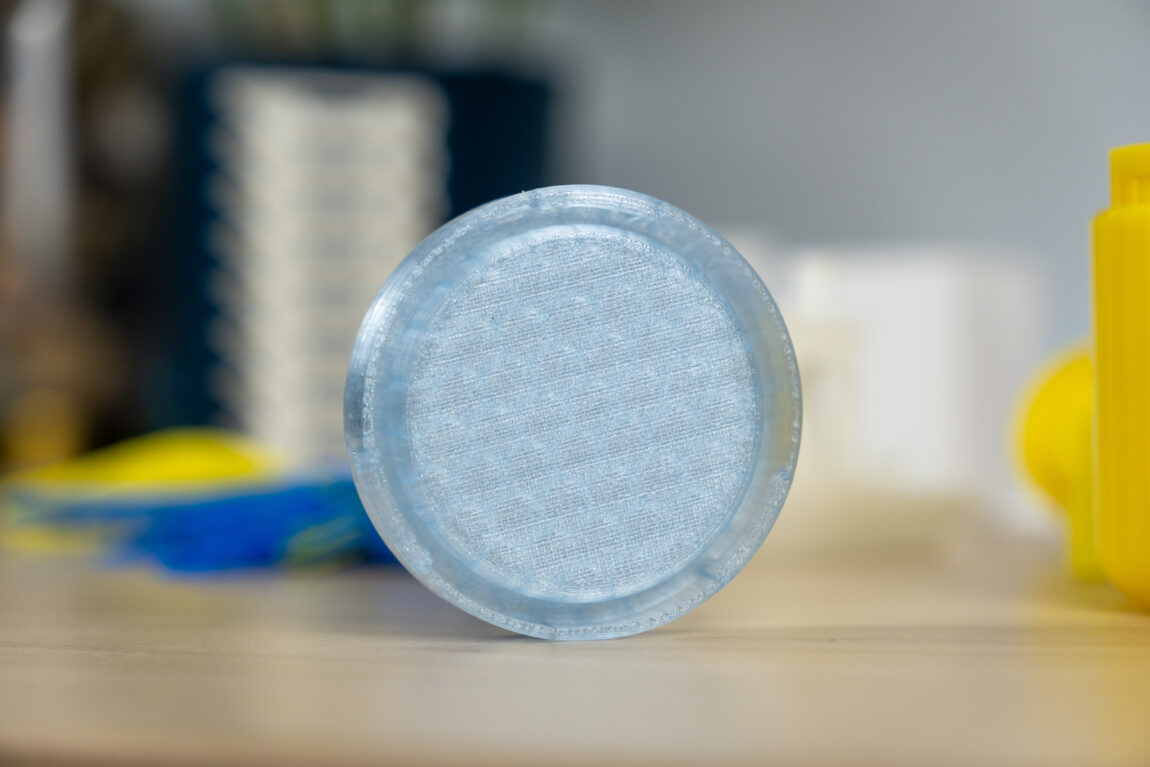
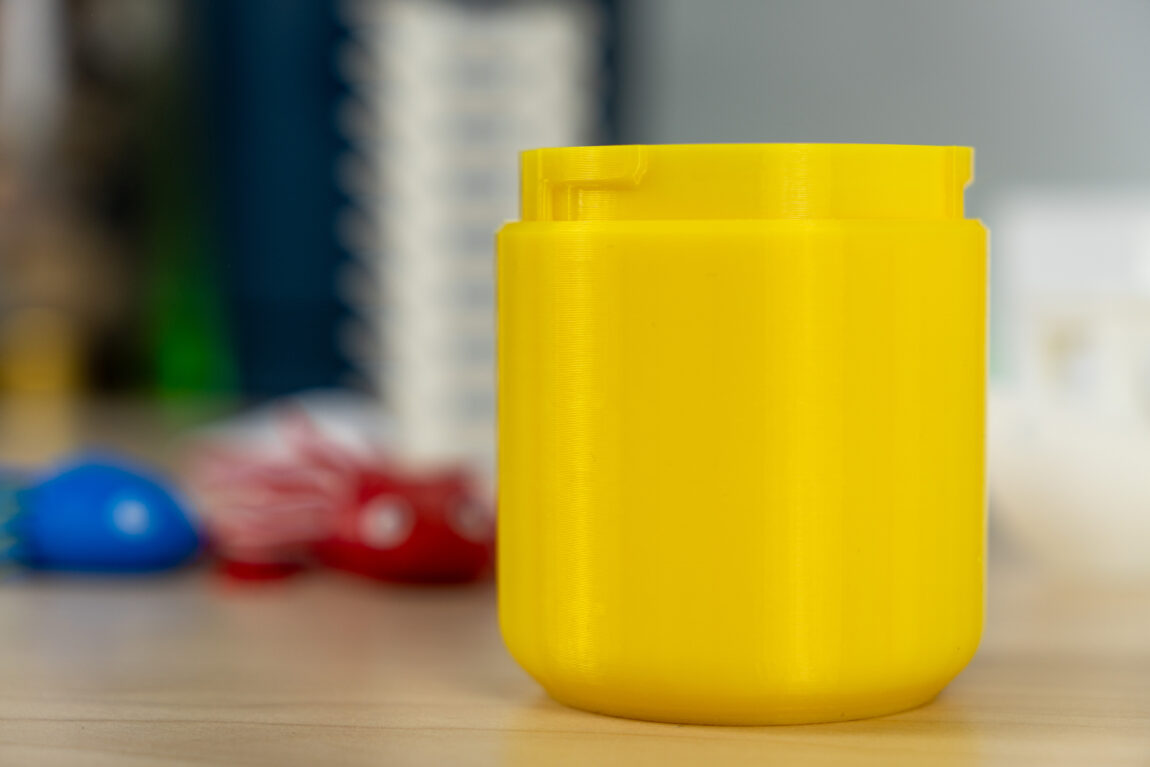
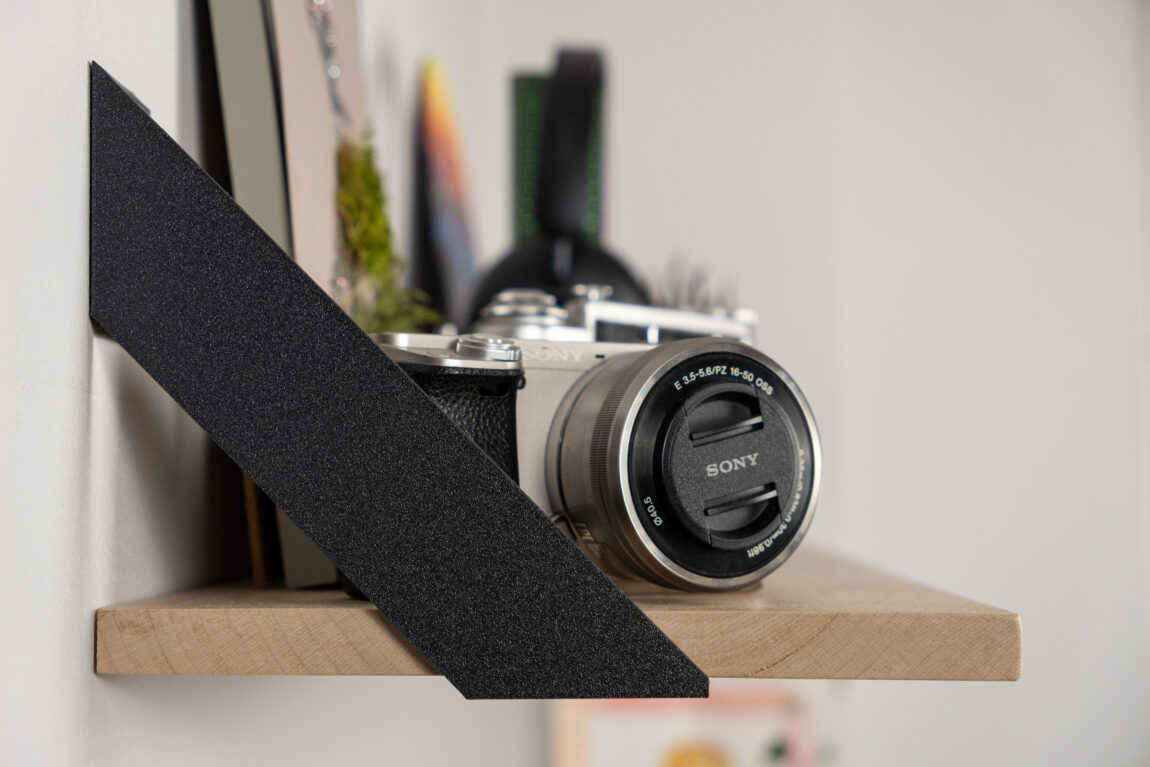
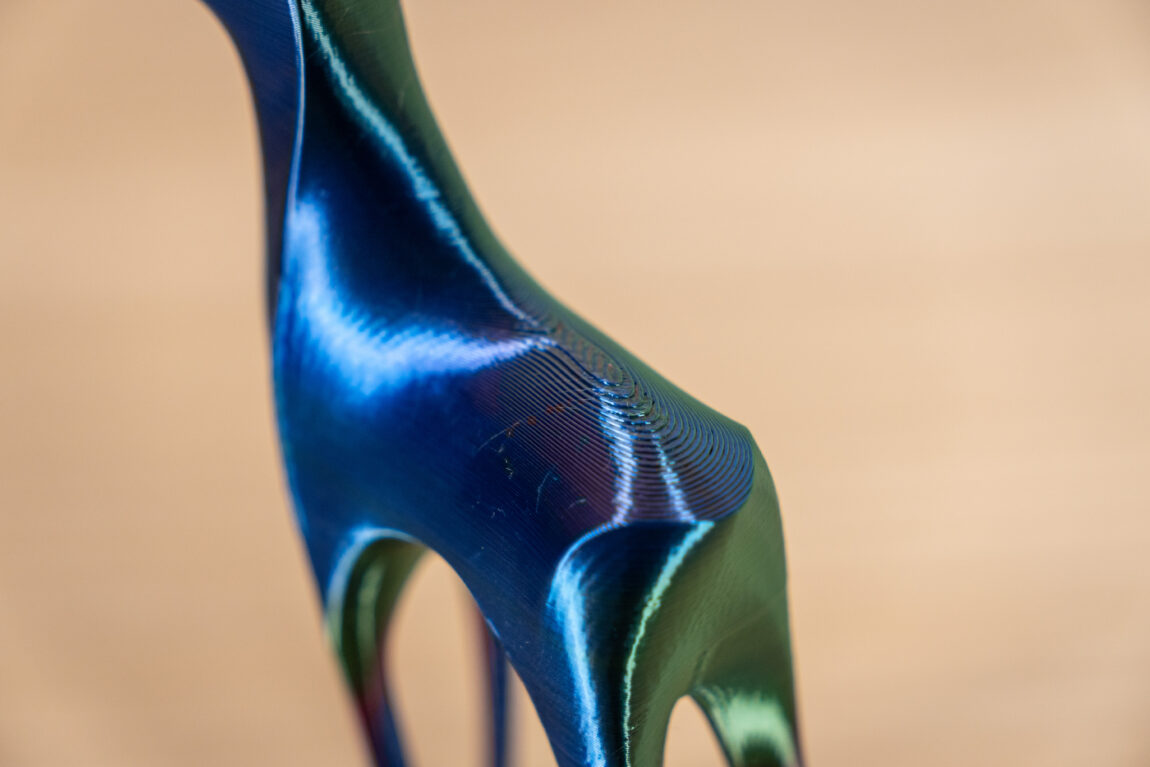
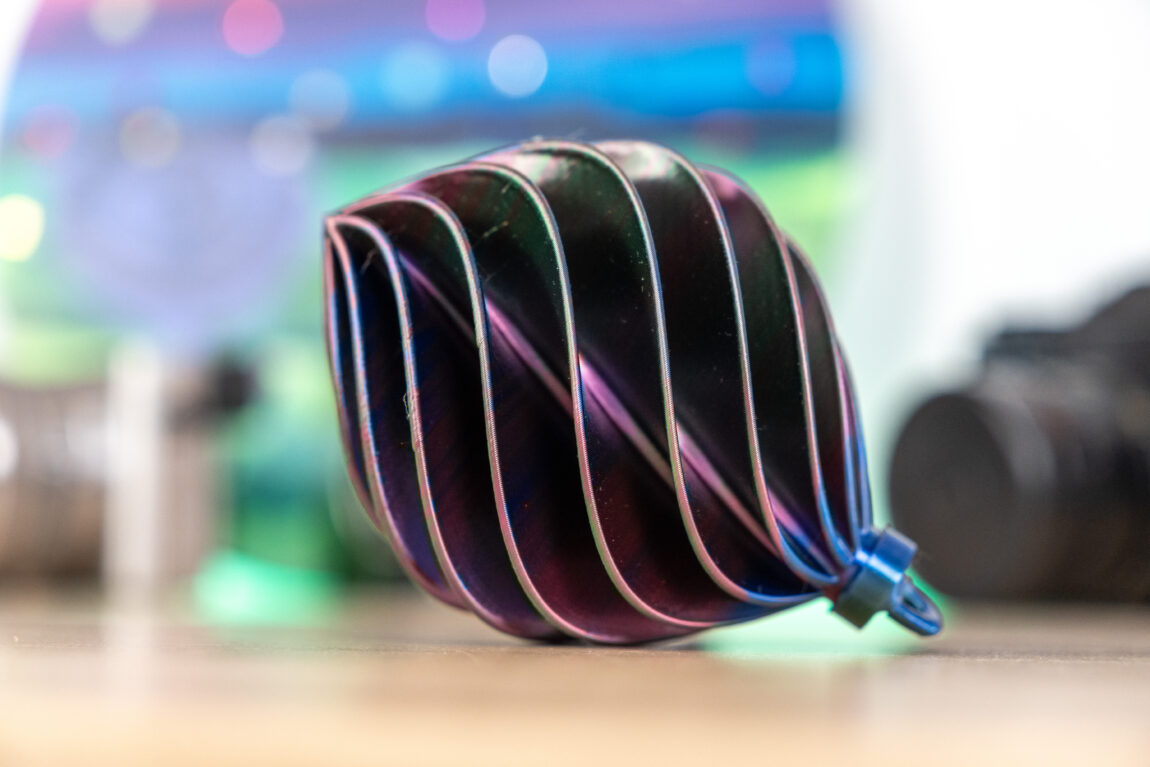
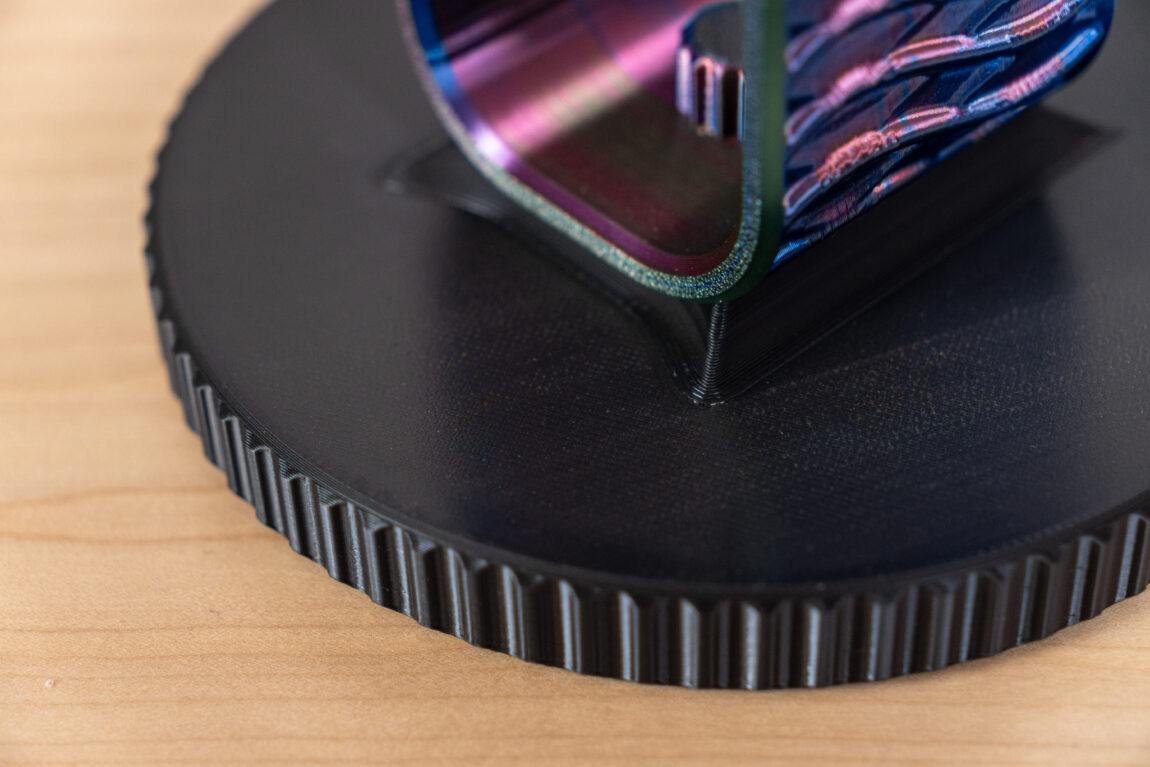
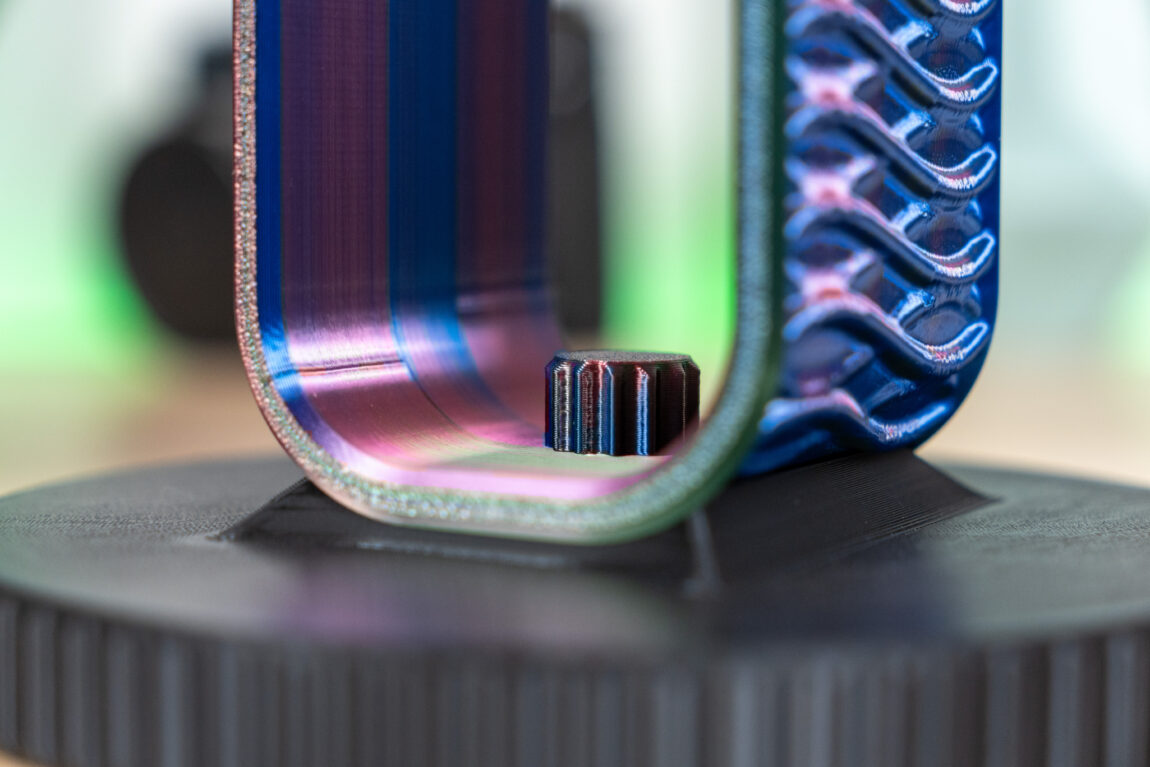
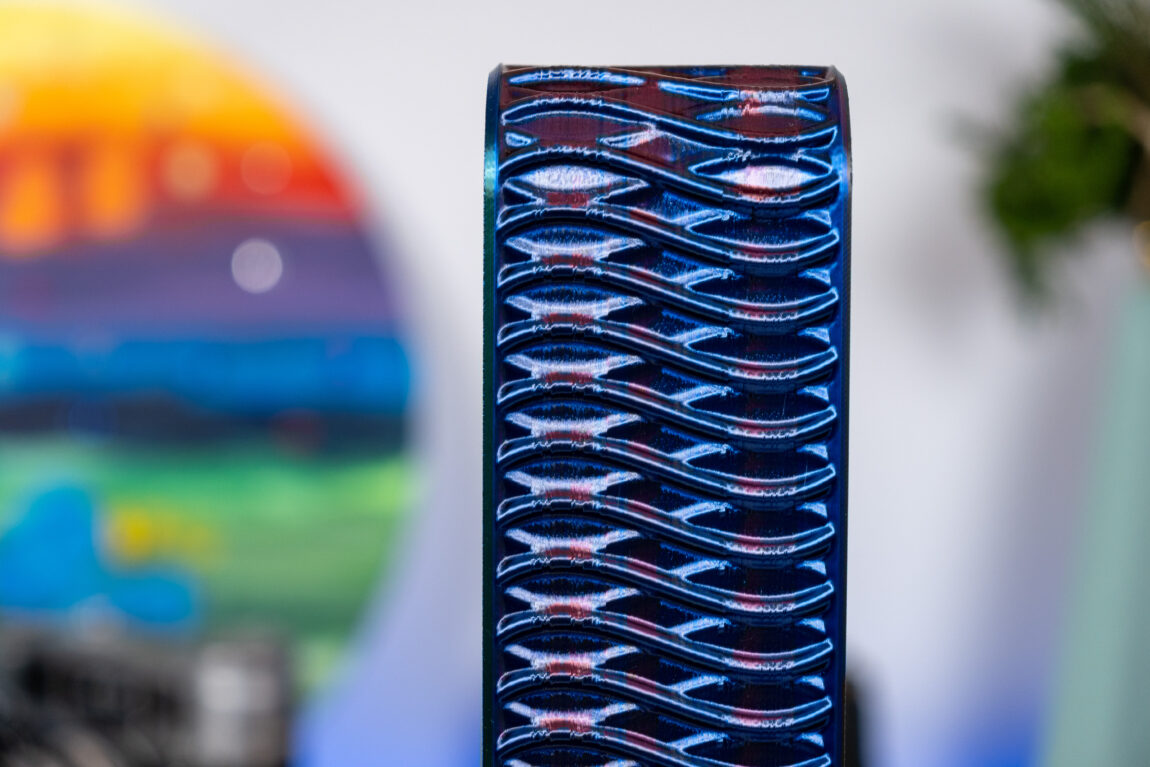
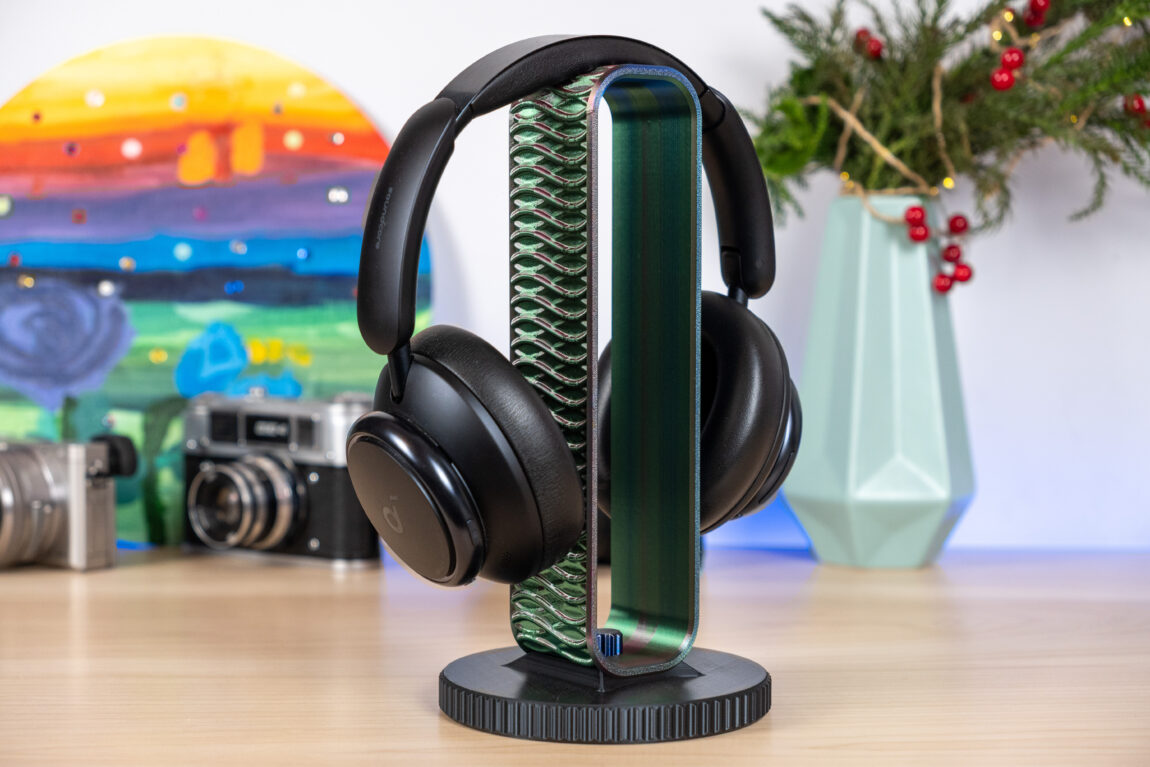
Of course, during that time, we managed to print quite a few ideas and tests. If you're interested, I invite you to take a look at the photo gallery.

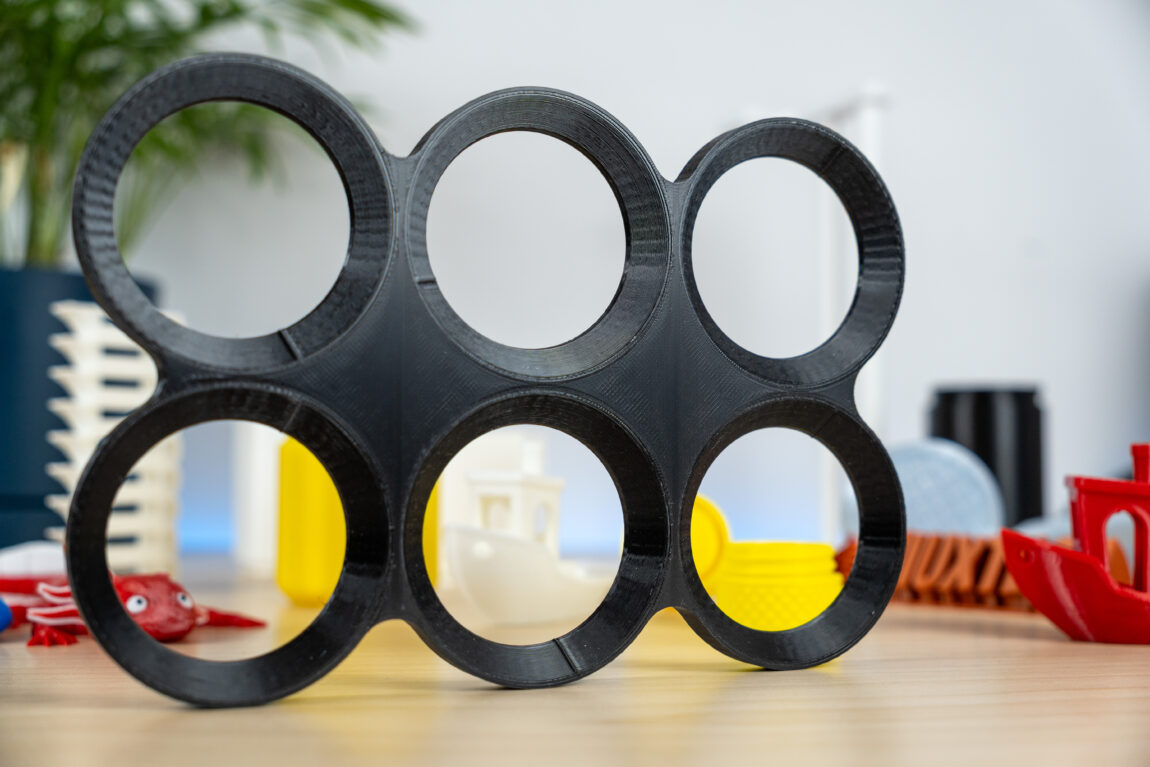
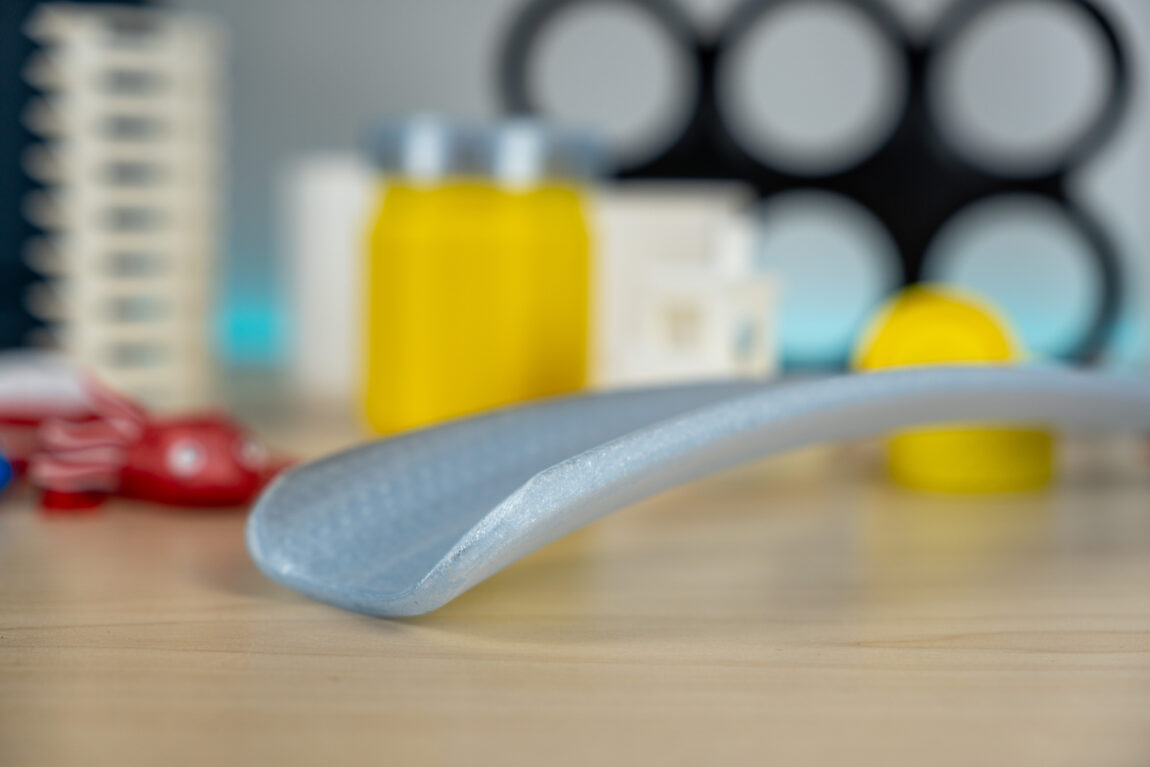
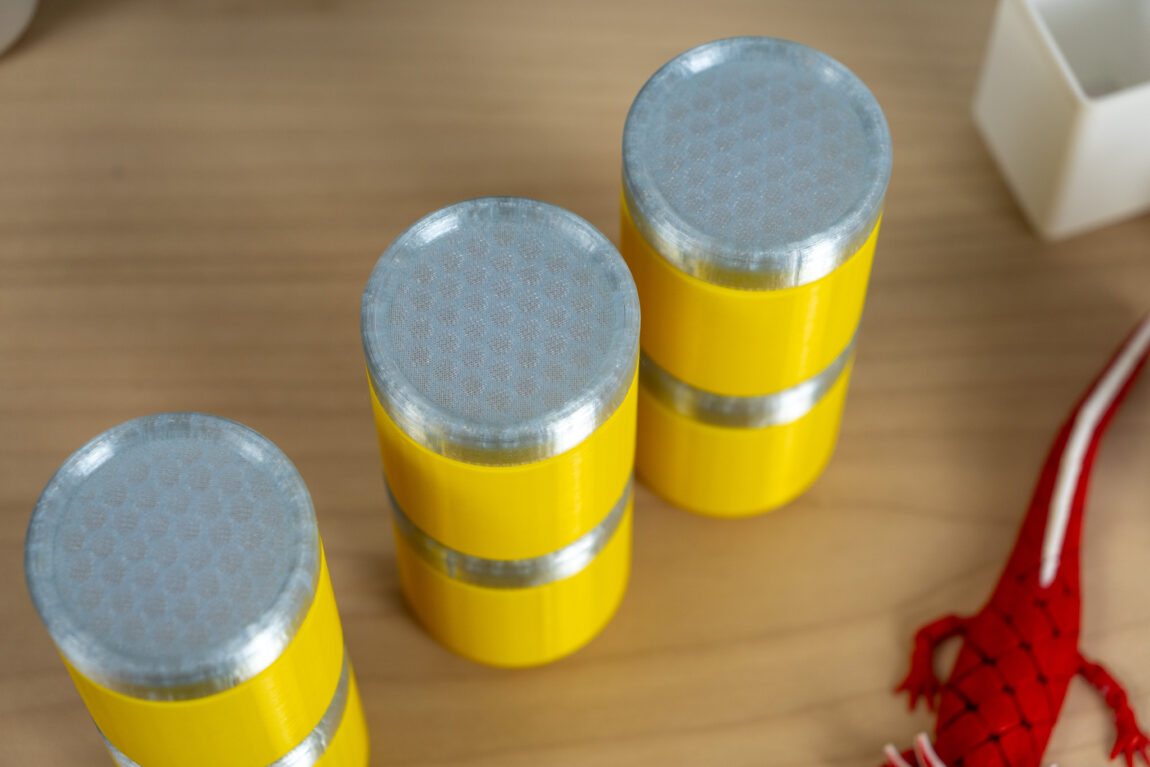
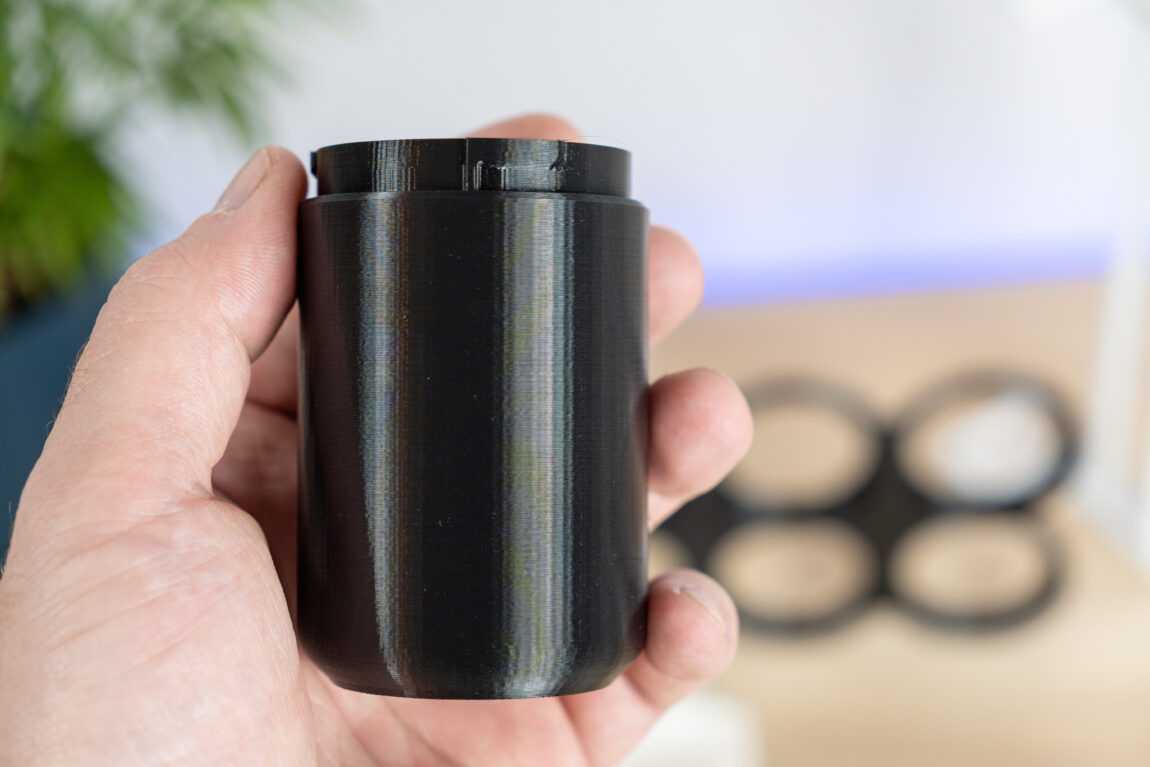
Multi-color printing
The advantage of CFS is the ability to print 4-color models at the same time. The system automatically changes the plastic to another, without the user having to intervene in the entire process. The change is very fast (compared to the Anycubic Ace Pro, it seems at least several times faster), but there are also disadvantages that are typical of these systems, regardless of the manufacturer.
When changing colors, the old residue must be flushed from the print head, the new color must be pushed out, and a purge tower must be built nearby. Although the amount of waste can be controlled, it is inevitable, and this waste plastic is generated in large quantities. For example, this 17g model produced as much as 117g of waste.
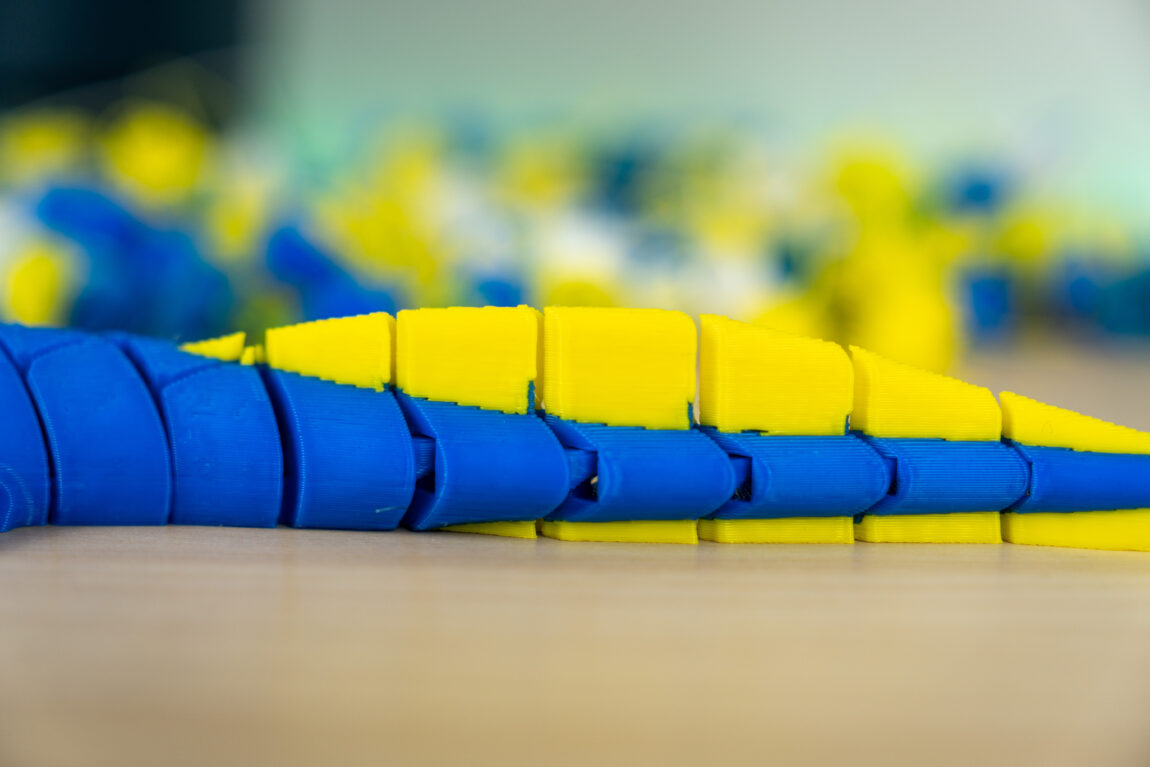
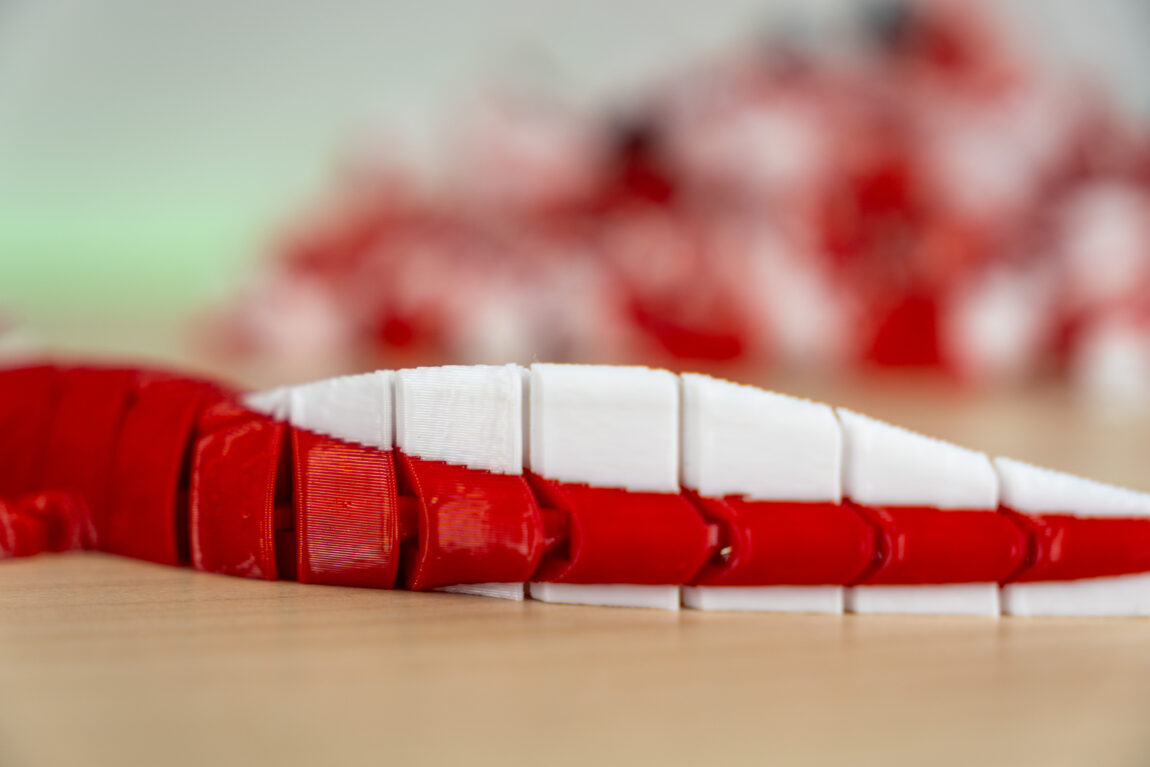
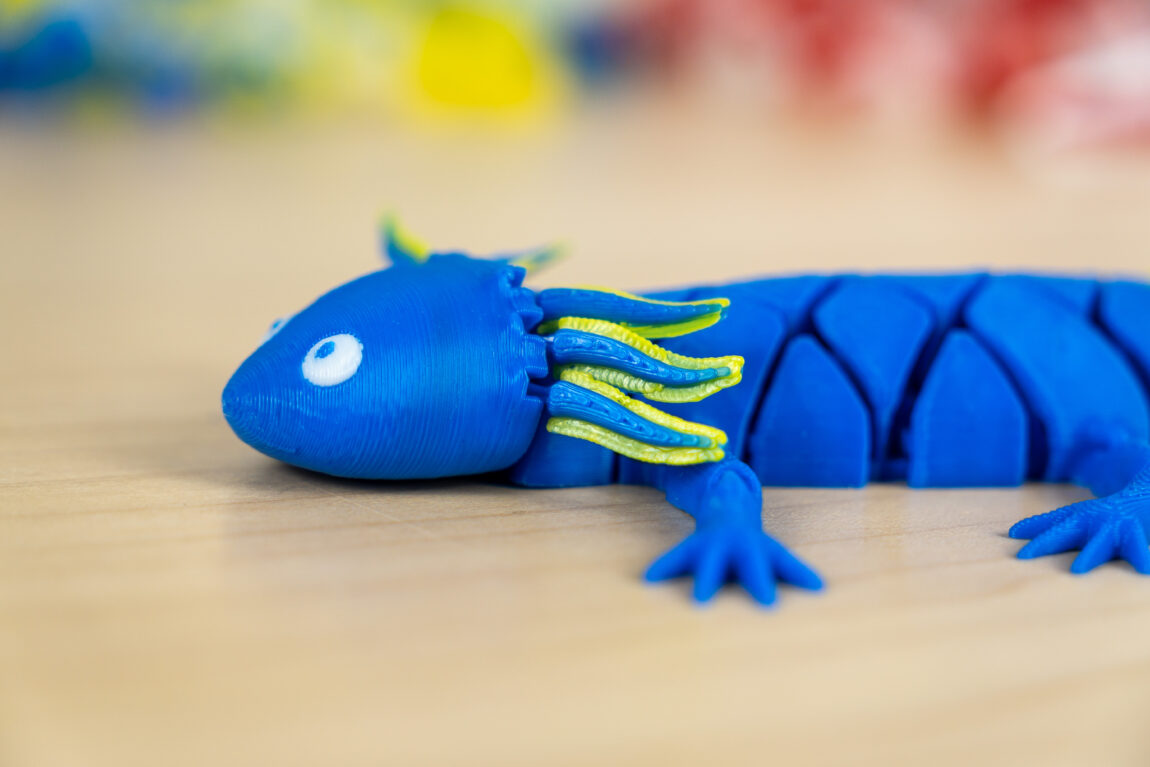
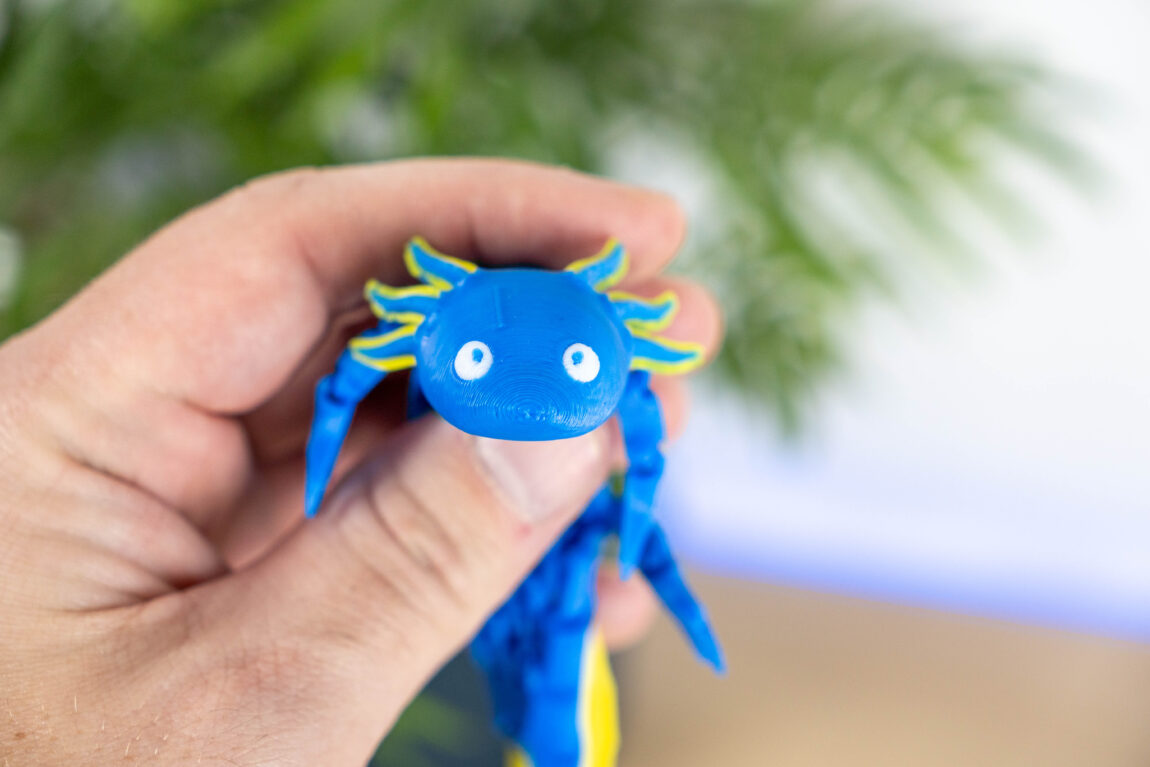
One of the most important ingredients for a good print is dry plastic. Having gotten used to my Anycubic Ace Pro module, I also expected Creality to have the ability to dry the plastic in the module itself. However, this CFS does not have that - it is just a passive, monitoring system.
What failed to print?
I tried Hyper PLA, PETG, ABS and PETG-GF (with fiberglass). PLA and PETG print perfectly. ABS, which requires a heated, closed chamber, also printed without any problems.
PETG-GF is a different story. Although the nozzle is steel, it clogged during the first layers. Fortunately, the fault detection was triggered and the print was automatically stopped. Upon closer inspection, at least a 0.6mm hardened steel nozzle is recommended for this plastic. However, this is human error, not the printer itself.
What did we like?
After the nozzle clogging, I realized that I really appreciate the wealth of useful information about this printer. Creality's Youtube account has a variety of maintenance and repair videos, and the discussion forums are full of other people's experiences and thoughts. Just by opening the print head cover, I find a sticker with instructions on which screws to remove in what order. When I remember the assembly instructions, I give Creality a big thumbs up for these things.
Maintenance is simple, and if such a blockage occurs, it is very easy to deal with. The nozzle rotates easily, so for those who like to switch to a smaller or larger diameter, this will definitely make life easier.
I've seen various information about the Creality K2 series (not just the Pro) on forums. Some buyers were unlucky, the models were defective or had some kind of problems. Our model worked flawlessly during all tests (except for my fault).
It is worth noting the printing platform, which is 300x300x300mm in size. This is considered one of the larger ones. The platform itself is smooth around the entire perimeter, and the first layer always adheres well.
What we didn't like?
One of the things I dislike the most about printing is the noise. No, it's not the movement of the print head itself, but the chamber fan. It's so loud that it's uncomfortable to be in the same room with it. When I try to turn it off via the slicer, it still turns on while printing. This is very strange, because the K2 Pro is advertised as a quiet printer.
The quality of the camera inside is very poor. When viewing the image directly through the apps, it is quite difficult to understand what is happening. The lighting is also quite poor. A strip running along the entire body would really help here, and the solution would not seem to add much to the additional costs.
The screen bends at a certain angle, but when the printer is standing on the ground, there is no rotation angle for comfortable viewing. There is also no software shutdown - a physical button on the back of the printer. Of course, such a power outage is provided by the manufacturer and does not harm the printer, but it is very unusual when looking at other electronic devices.
CFS allows you to play with different colors and materials at the same time. However, you need to be prepared that the amount of plastic waste can be enormous. I hope that Creality will also introduce a CFS that can actively dry the plastic at the same time.
Verdict
I think the Creality K2 Pro Combo is one of the most interesting and successful 3D printers of 2025. It is a model that can be used by everyone, regardless of technical knowledge. A fast, high-quality and well-assembled printer, backed by a huge amount of information - video guides, explanations, a large and active community. Printing never resembles a slot machine, because the result is always as expected.


