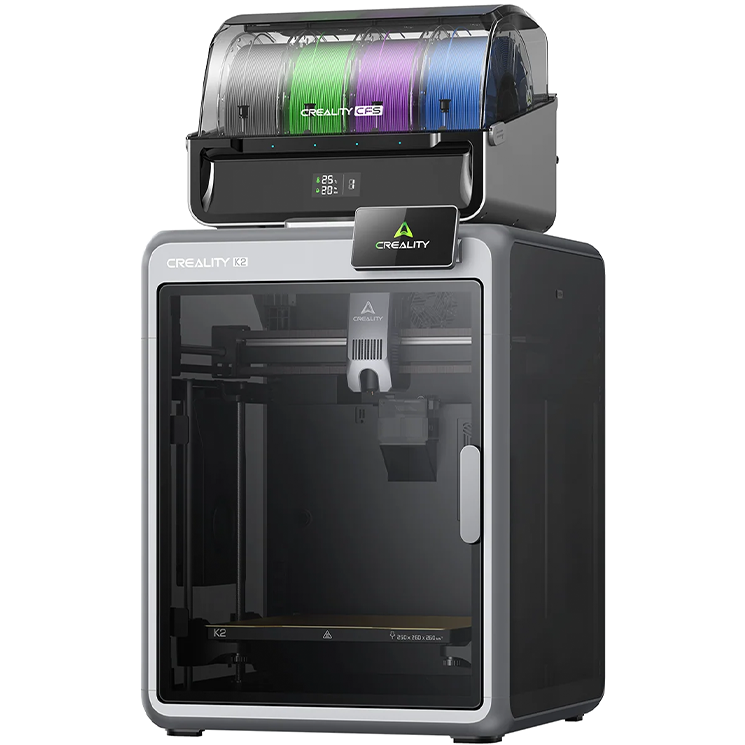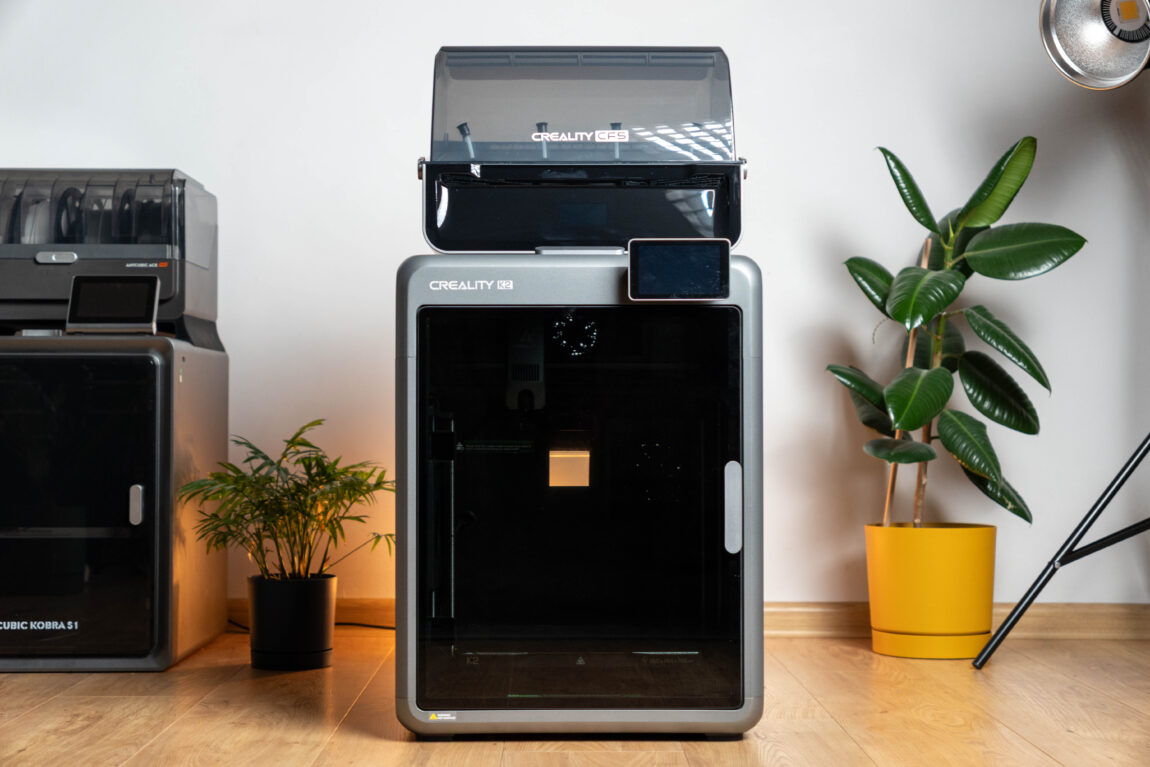
The recently tested Creality K2 Pro left a great impression, but it is a printer aimed at advanced users. Some users are simply looking for a reliable tool that would print quickly, qualitatively and without constant headaches. The Creality K2 offers exactly that. It is a model aimed more at hobbyists and enthusiasts with smaller needs, giving up some of the ambitions of the „Pro“ class, but retaining what is most important for everyday use. The combo version with the CFS system further strengthens the attractiveness of this printer.
CREALITY K2 COMBO
Assessment:
What did we like?
What didn't we like?
After 7 years, the Creality product catalog has expanded rapidly and covers practically all segments of this production (plastic and resin printers, laser engravers, etc.). The Creality K2 Pro Combo that fell into our hands is full of features and ambitions, and should suit not only hobbyists, but also those who want to squeeze the most out of 3D printing. So what is it really like? Is it high-quality? Is it worth choosing? Let's try to answer all these questions together.
Unpacking
I have absolutely no complaints about the packaging. Everything is neatly "wrapped" in foam so that even if the box is turned upside down, nothing inside has a chance to move or break. In the box I find the printer itself, the CFS module and all the necessary accessories without any surprises. Once again, I want to praise Creality for the clearly marked packages of screws and tubes - there are practically no questions about where to connect what. I invite you to join the unpacking and preparation process:
Assembly quality
The K2 is practically the same design as the K2 Pro, so the overall look remains very solid. The metal body together with the glass door gives a sense of solidity, and the acrylic side walls look neat and do not add unnecessary weight - the entire device weighs about 18 kg. The printing platform here is quite standard for this segment - 260 × 260 × 260 mm.
True, when I first turned on the printer, I was unpleasantly disappointed - the screen simply did not work. After a good 20 minutes of testing and brainstorming, it turned out that the cable from the screen was simply not connected to the motherboard. It's hard to believe that such a thing could have happened during transportation, so here's a stone straight into the manufacturer's garden. Fortunately, this was the first and last problem I had to face using the Creality K2.
Printing
I have written more about Creality Cloud, Creality Slicer and the CFS module itself. K2 Pro in review, so I won't repeat myself here and will go straight to the printing results. During all the tests, I used only factory profiles, adjusting only the alignment of the top layer to make the surfaces look more aesthetically pleasing. I printed with PLA, PETG and ABS filaments from several manufacturers - Creality, Mecpow, Anycubic and Eryone.
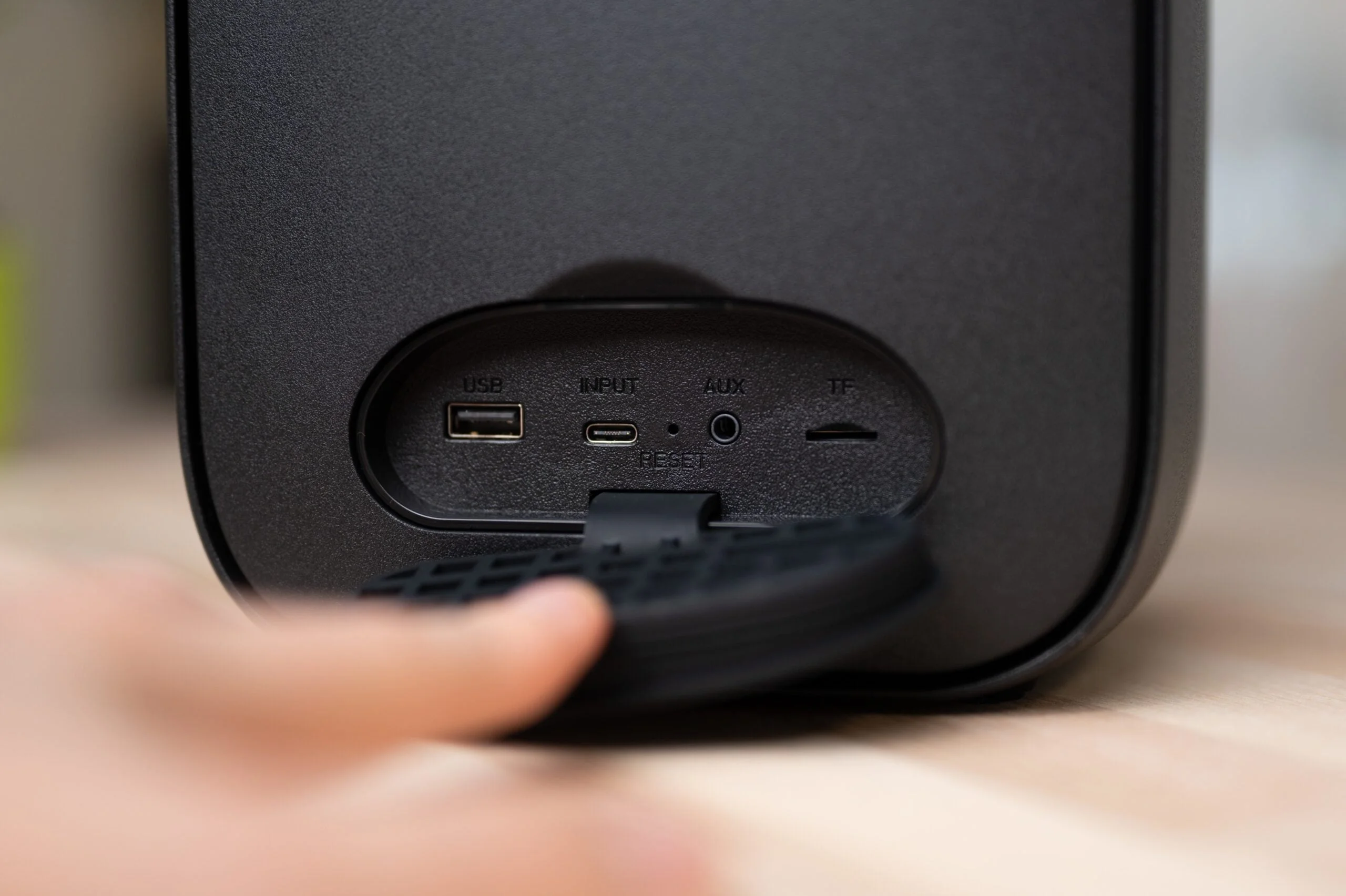
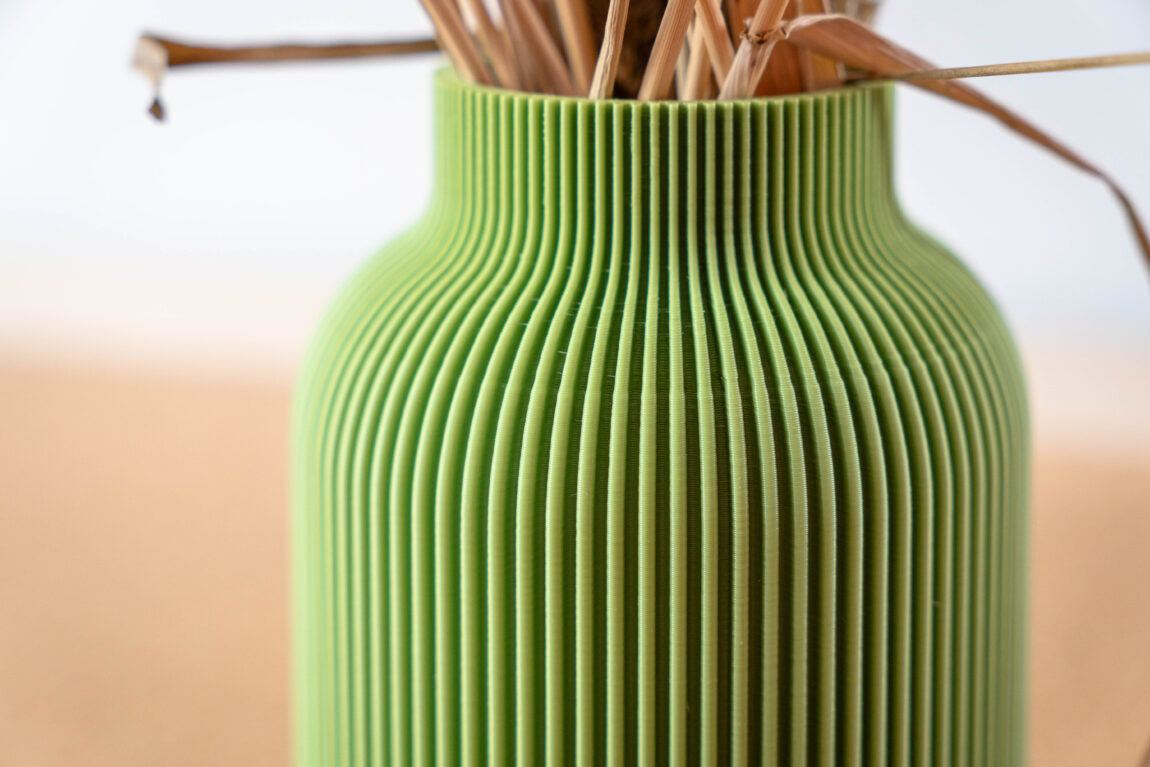
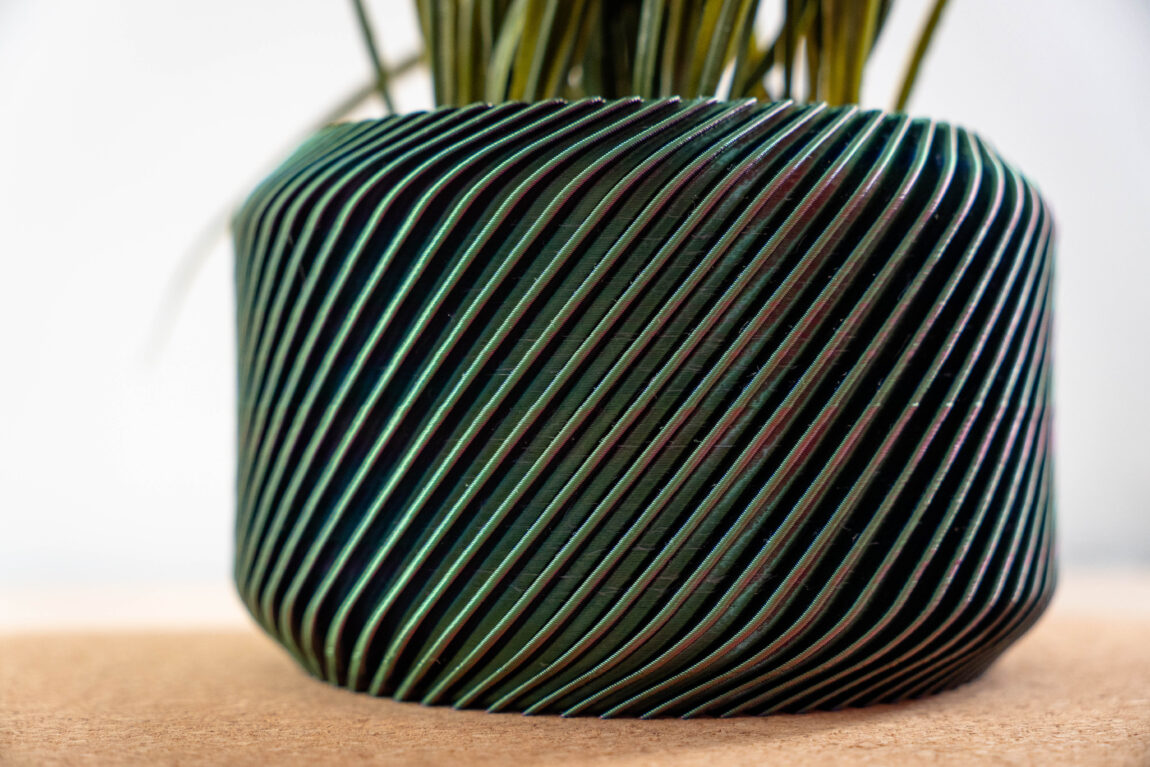
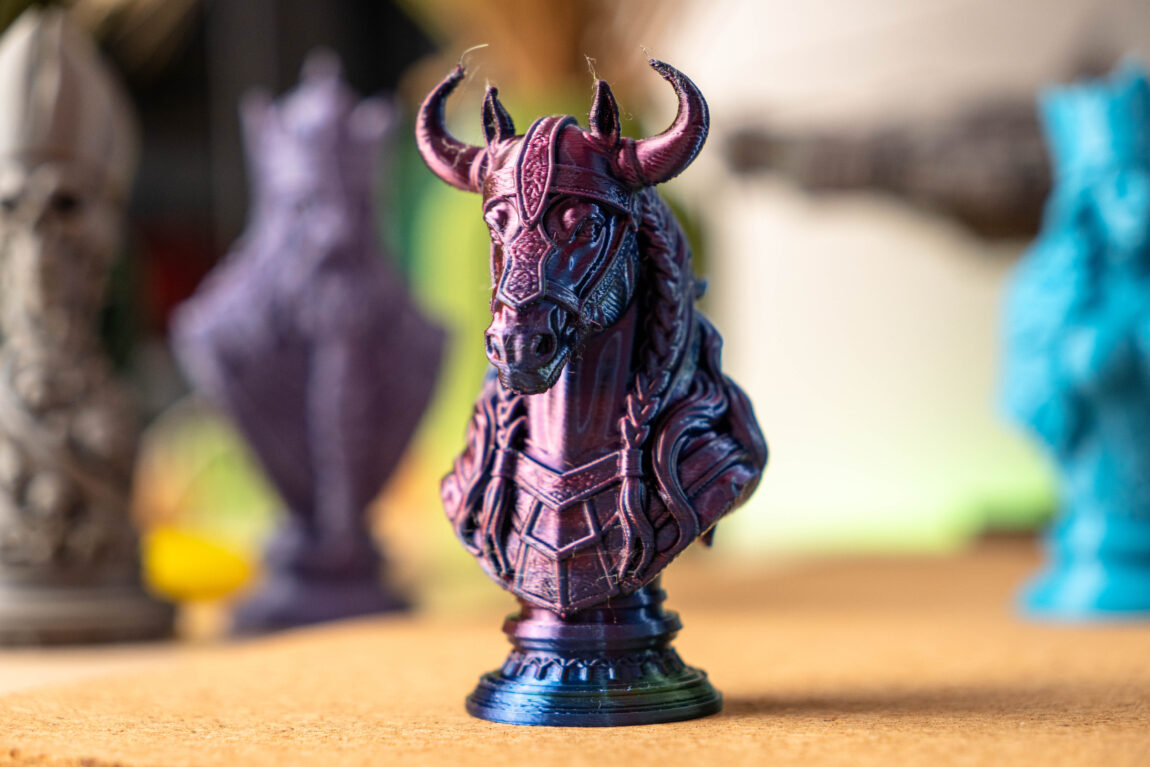
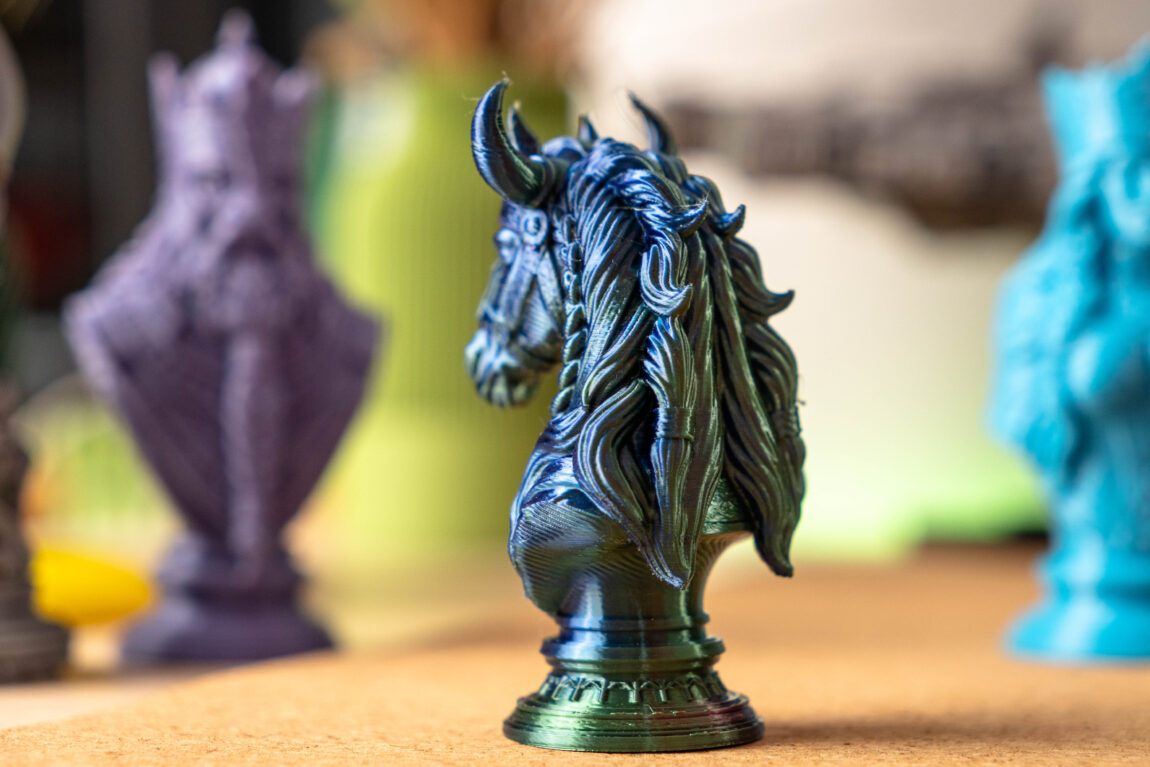
The first prints left a very good impression again. The classic Benchy came out neat, with the same standard model problems that are common to almost all printers. I didn’t see anything here that would cause serious concern or make me look for the source of the problem. In general, the layers of all printed models stick together nicely, the surfaces look smooth, and the small details remain sharp. The design allows for high speeds, and although the printer itself vibrates noticeably in this mode, this had absolutely no negative effect on the final models.
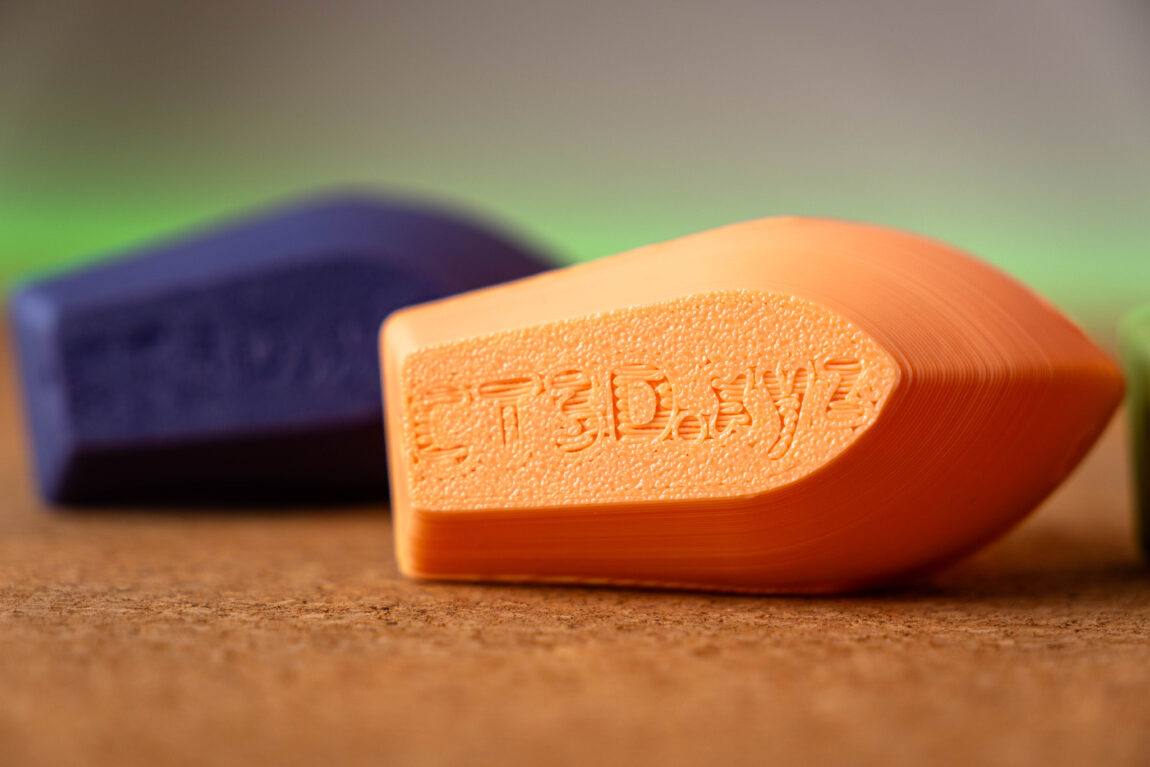

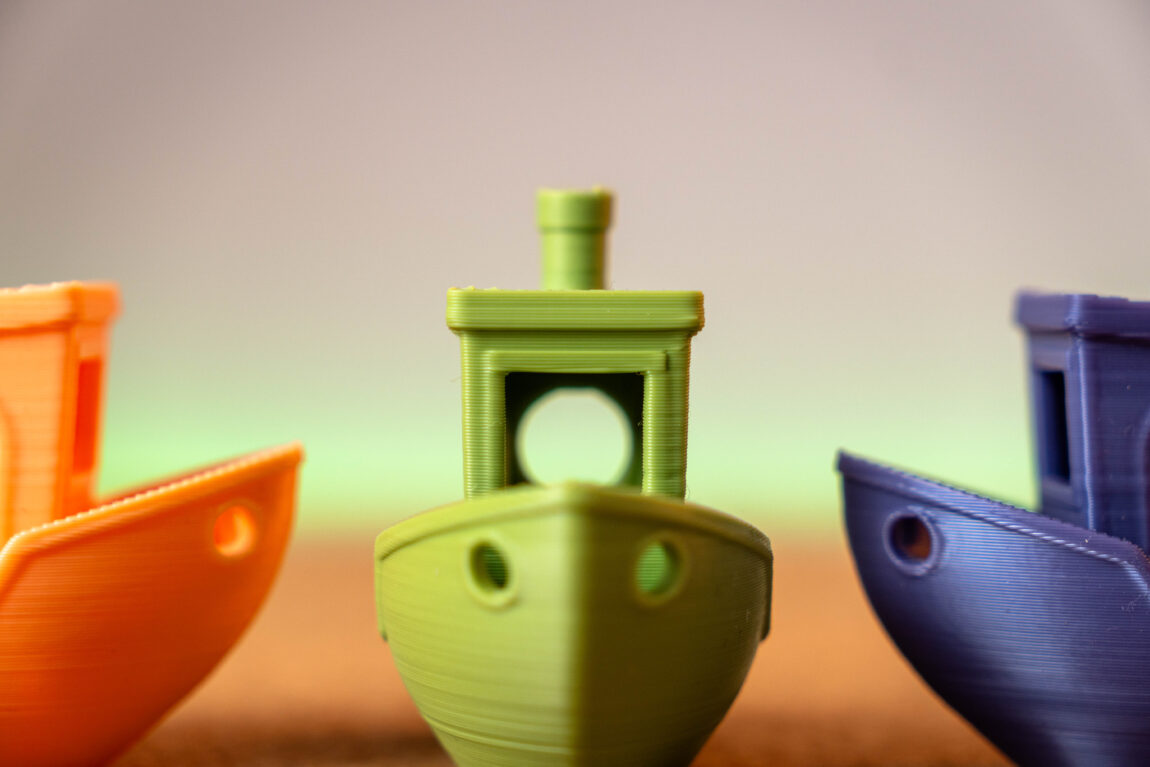
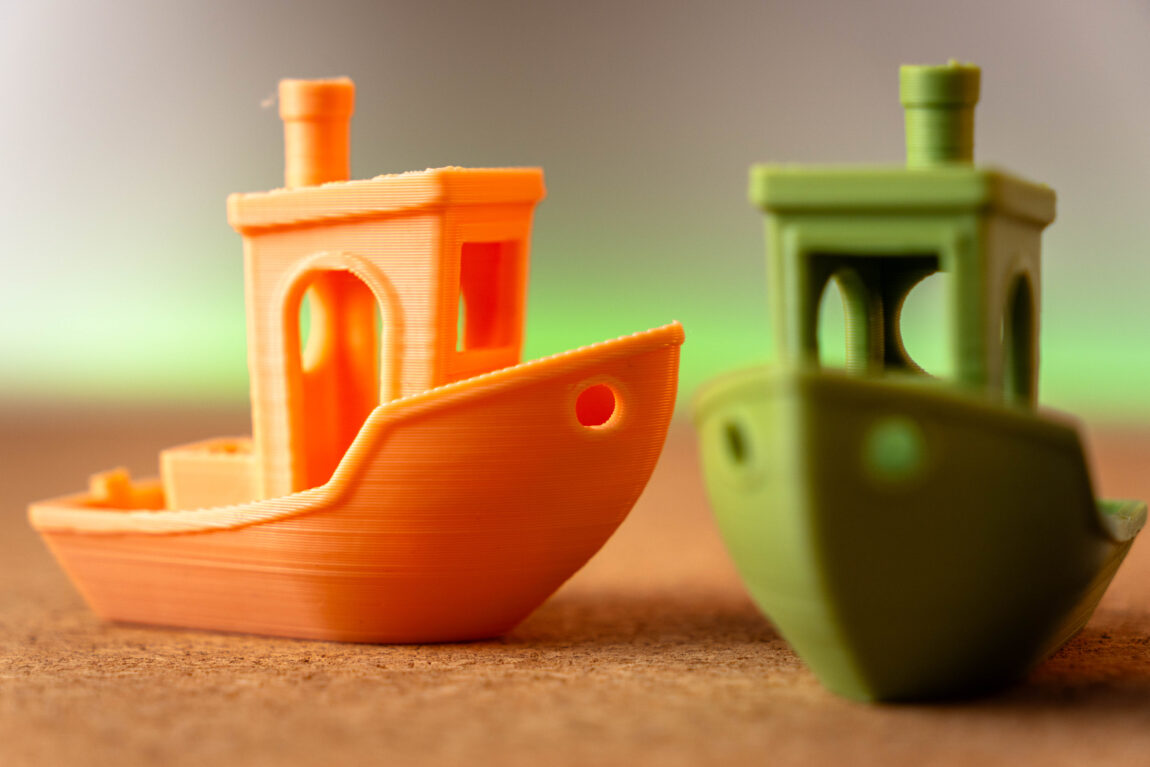
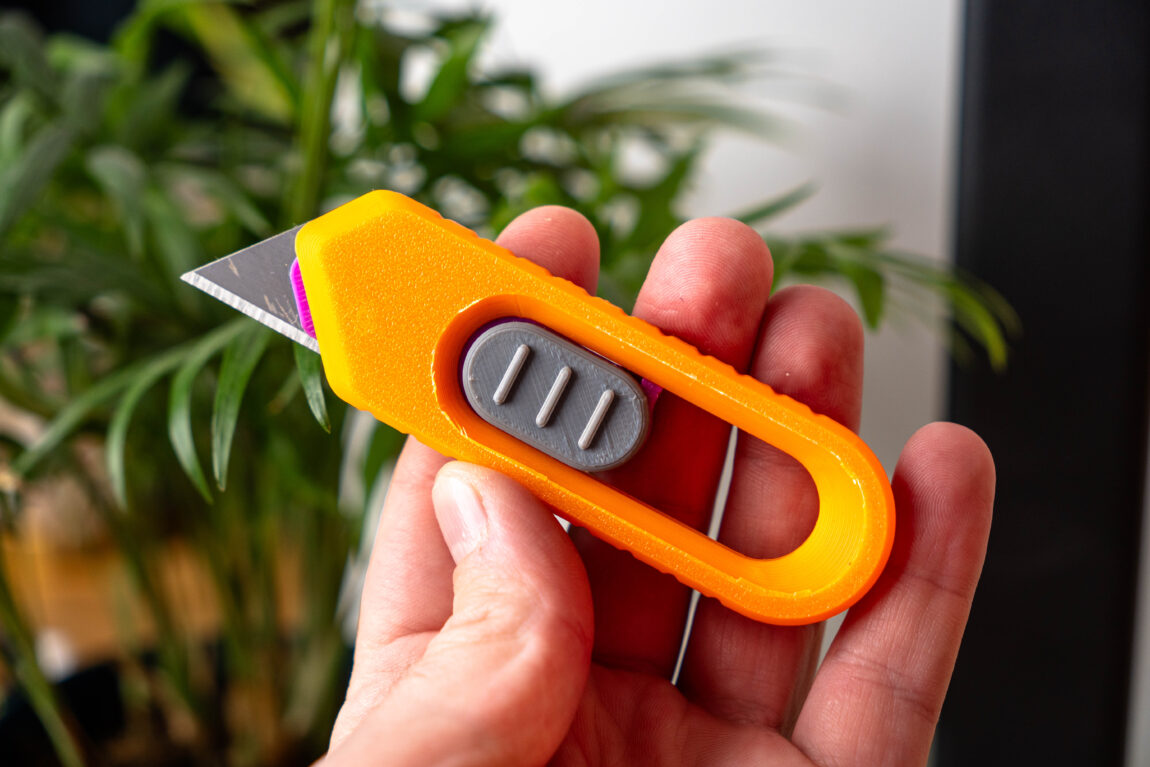
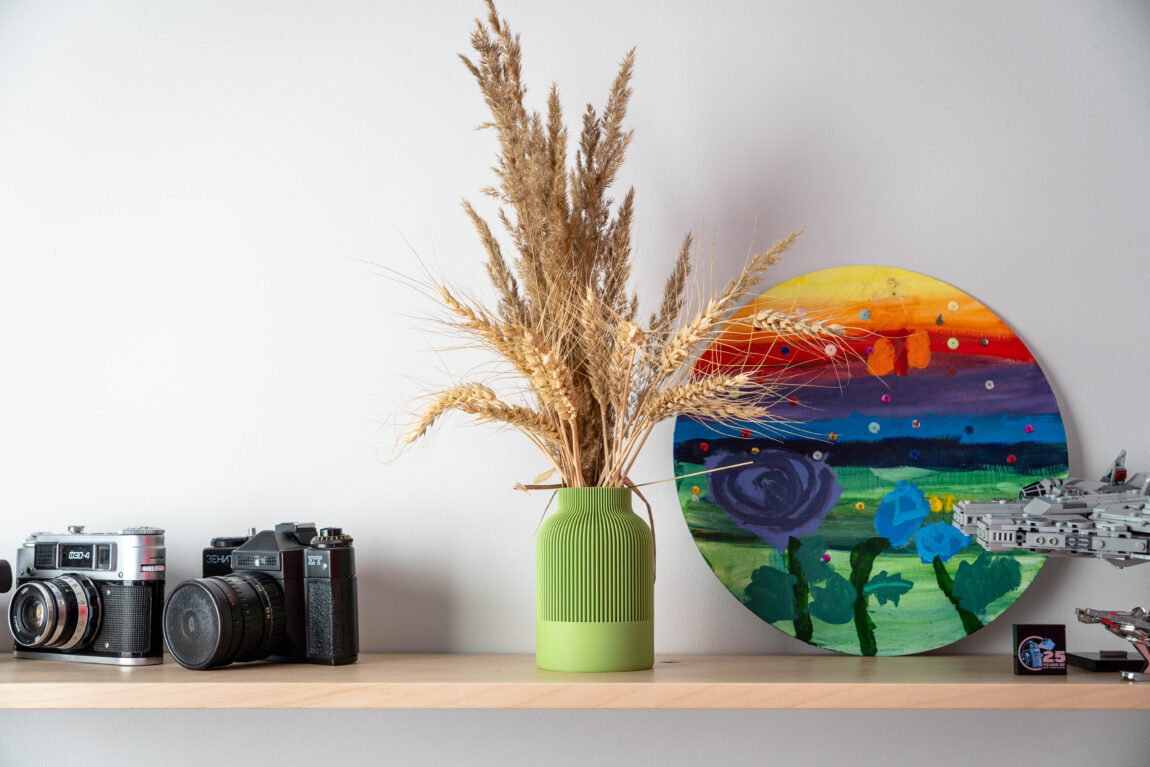
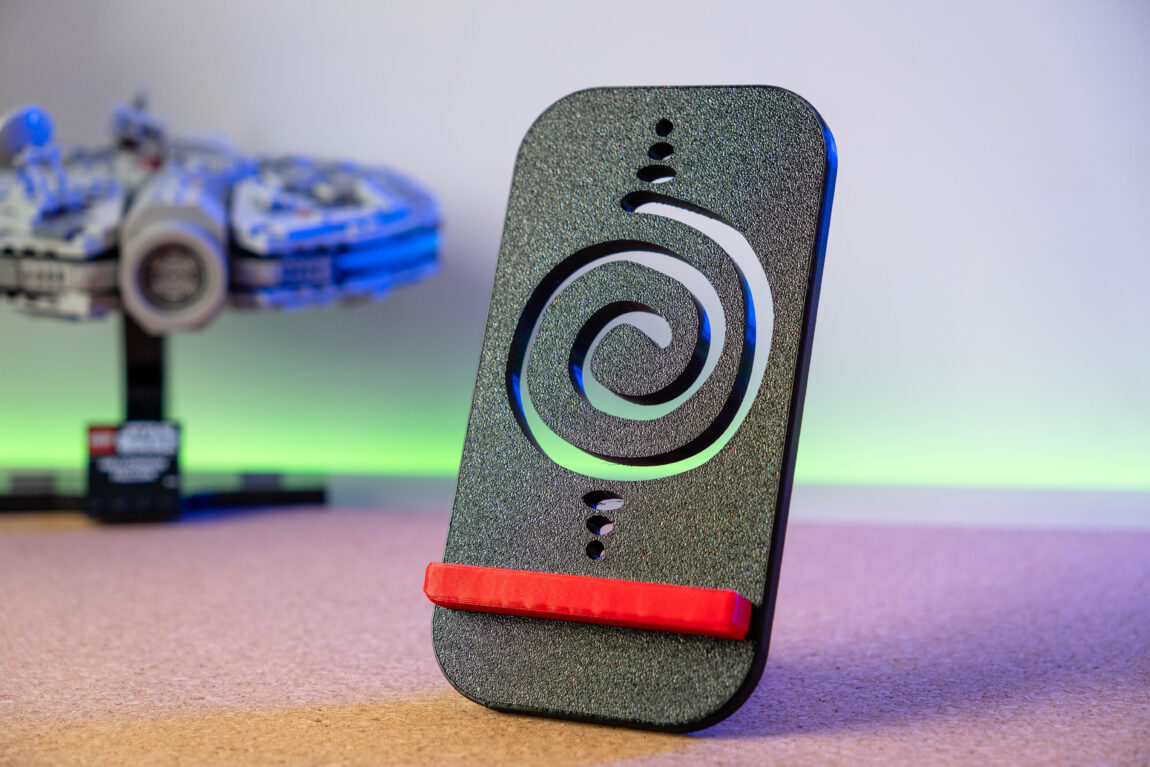
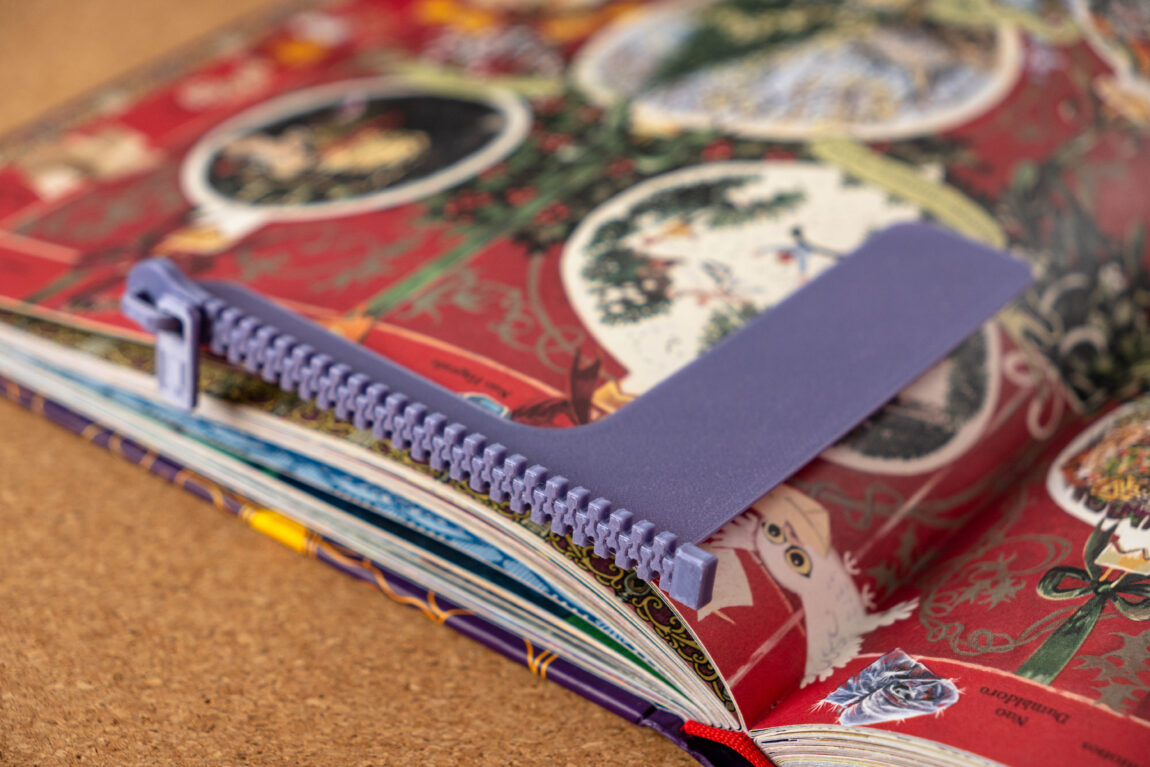
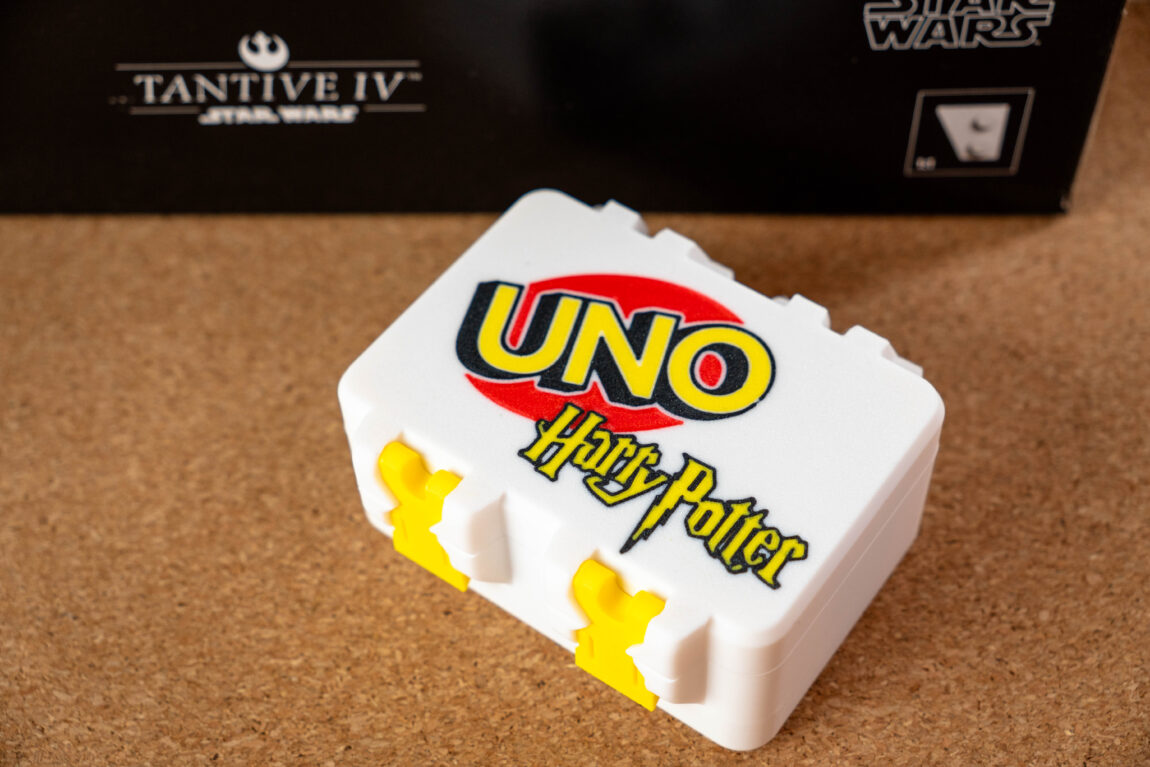
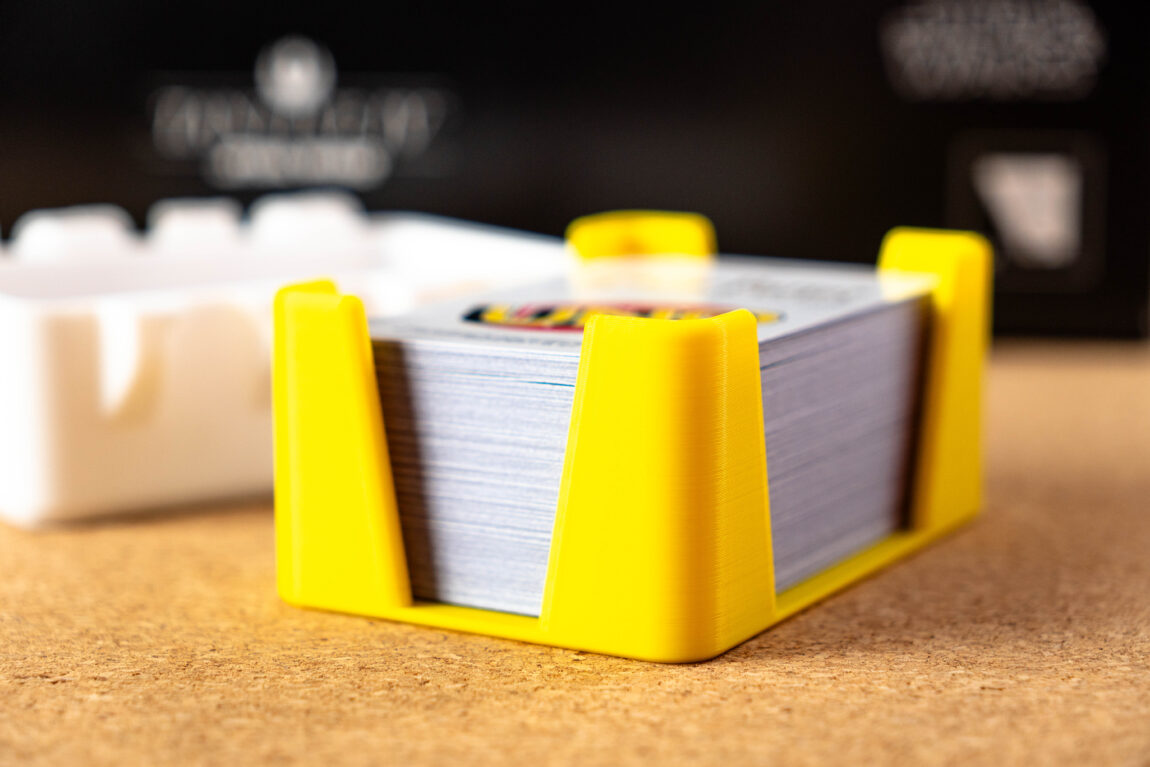
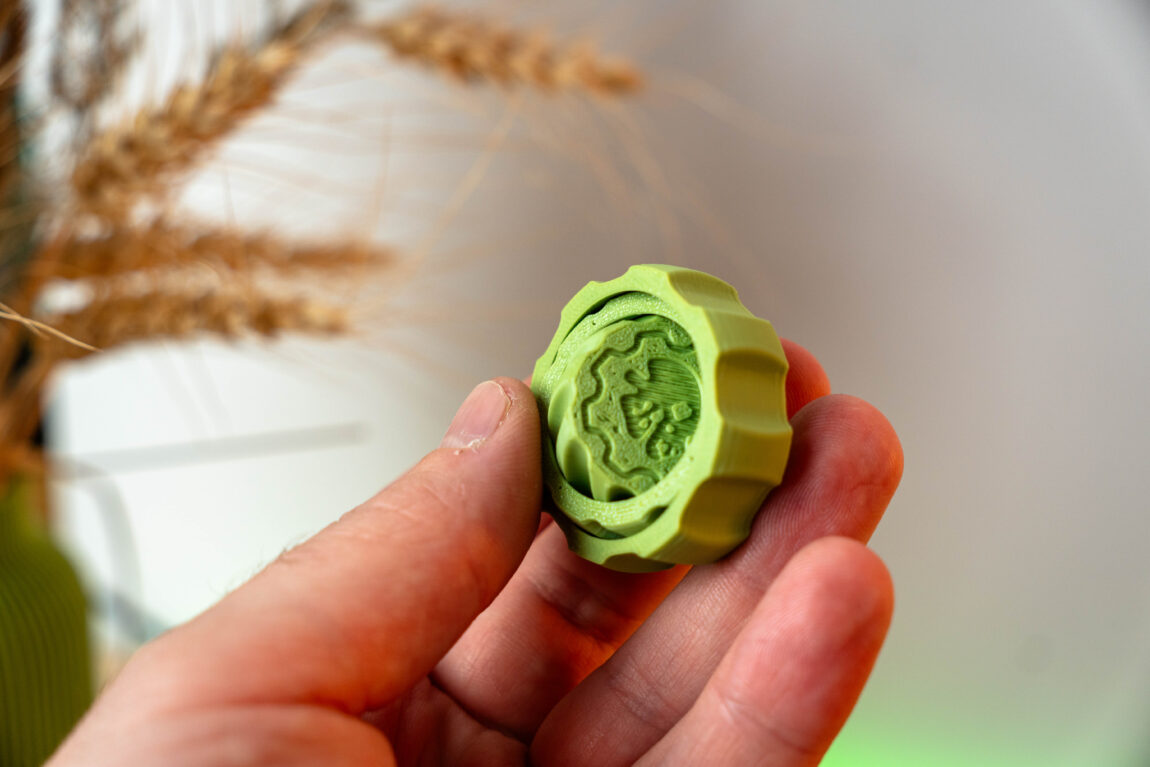
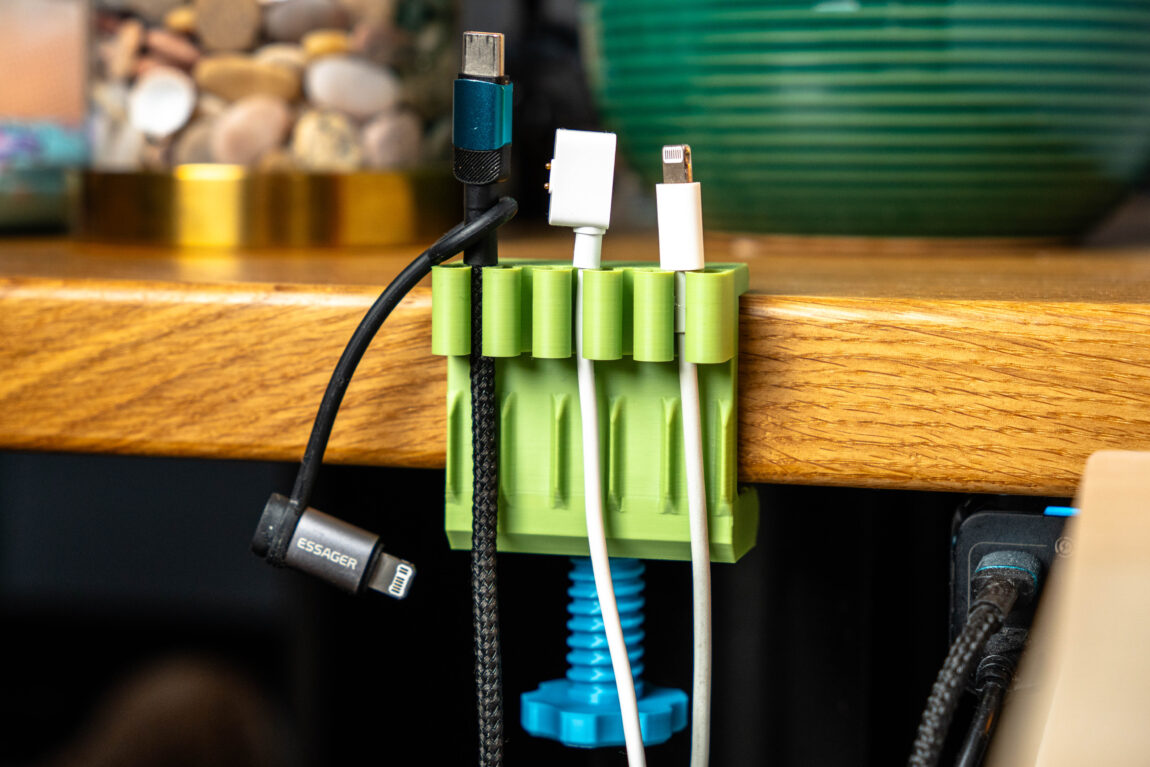
During the entire testing period, I had to print a wide variety of models - vases, chess pieces, blanks for working with wood, replacement parts for broken items, boxes and all sorts of other little things. After a few days of use, it became clear that there is simply no reason to worry about whether the print will work or not. Not a single model was damaged, and the results in all cases corresponded to what I expected.
Even knowing the biggest drawback of the CFS system - the relatively large amount of plastic that is thrown away when changing colors - I still think it is a very successful addition. By cleverly dividing the model or breaking it into separate parts by color, CFS allows you to use up to four colors at a time, and with additional modules - up to sixteen, without any manual intervention. This is extremely convenient and opens up many creative possibilities.
Overall, the K2 prints quickly, accurately, and predictably enough to be trusted not only for short test prints, but also for longer projects lasting several or even dozens of hours.






What did we like?
The biggest advantage of the Creality K2 is its very good balance. It is a fast printer that is not afraid of higher accelerations, but at the same time maintains a neat and predictable result. The perfectly functioning automatic platform leveling and smart monitoring functions allow you to worry much less about possible failures, and the device itself operates quietly enough not to interfere with everyday life.
The combo package with the CFS module opens the door to multi-color printing without additional DIY solutions or third-party modifications. When you put everything together, the K2 feels like a well-thought-out, modern printer, rather than a hastily assembled compromise.
What we didn't like?
However, the K2 is not without its flaws. Maybe it's just an isolated incident, but the first launch experience left an aftertaste for generations - the disconnected screen cable is a minor flaw, but it simply shouldn't be in this price segment.
Although the bottom layer looks almost perfect when printing across the entire width of the platform, some irregularities can be observed in the corners of the top layer. Also, when sending models for printing via Wi-Fi, the remaining print time displayed is often inconsistent. It is usually a few minutes shorter, and as the end approaches, the system adds time. I did not notice such a problem when printing from a USB drive.
Maybe it's just a small thing, but what I personally disliked the most was the ability to manually stop the print only after starting the print with the platform calibration. Due to distractions in the models, I often forget to add supports, change the infill density or other settings, but after pressing "stop" I always have to wait for the K2 to complete the entire preparation "ritual", which takes about five minutes.
Verdict
The Creality K2 is a printer that lets you forget about constant tuning and just print. It's fast, stable, and predictable enough to be relied upon for everyday projects. The Combo version with CFS adds extra value and creative freedom, making the K2 Combo one of the stronger choices in its class.
K2 or K2 Pro?
The Creality K2 perfectly conveys simplicity and reliability. It does not require deep technical preparation or constant "fumbling" in the settings, so it is perfect for hobbyists and enthusiasts who want to just print and get a predictable result. The K2 feels very user-friendly in this area - cheaper, without superfluous features, but with everything you need for everyday use.
The K2 Pro, meanwhile, goes a step further. A larger platform and heated chamber give you more freedom - both in terms of size and materials. This doesn't mean it's only for professionals, but the Pro version is clearly more geared towards those who want to have the reserves for more complex projects. In short, the K2 is a quiet everyday worker, and K2 Pro - a versatile partner capable of performing both light and more difficult tasks.