Smart tags are no longer a technological novelty. They are small devices that we attach to our keys or throw in our backpacks so that we don't have to panic when we can't find them. For Apple users, AirTags have long been the only logical choice, but third-party manufacturers are increasingly bold in the market.
Ugreen CM816 and CM919
Assessment:
What did we like?
What didn't we like?
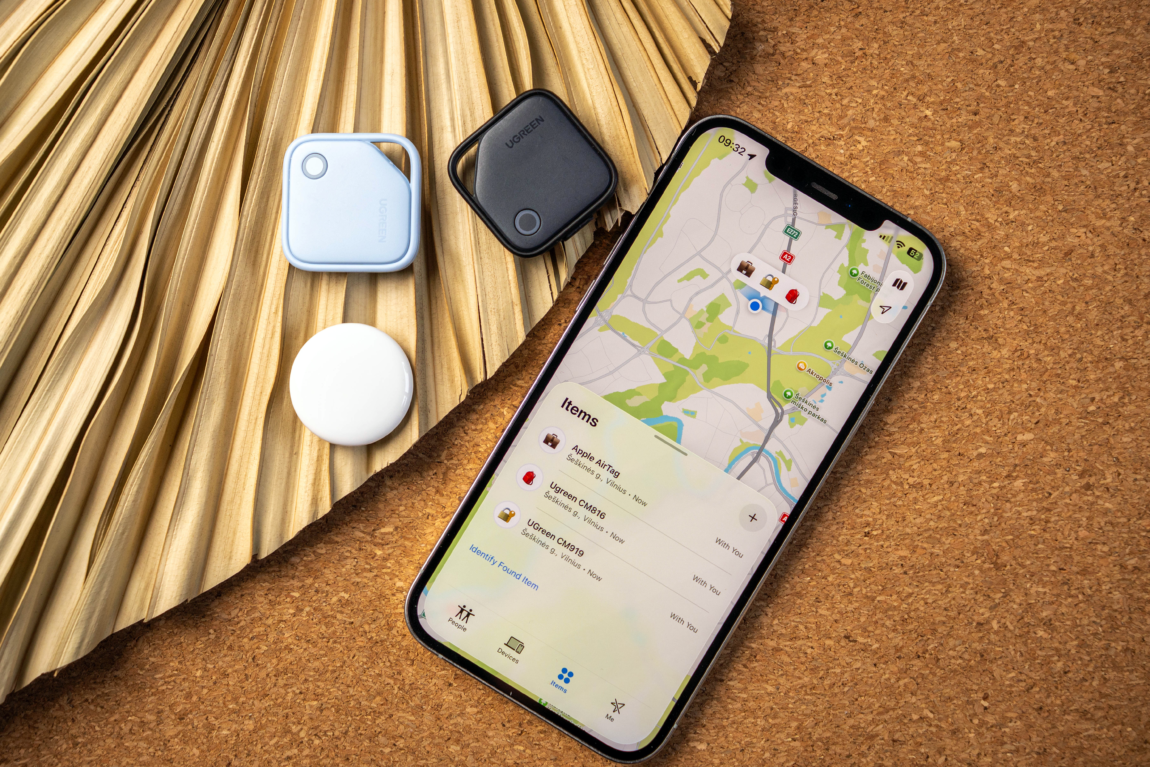
Today on my desk - the first-generation Apple AirTag will face the Ugreen CM816 and CM919. The latter cost almost half as much as the original Apple tracker, but support the same Find My network. Is this a smart saving, or is the price of the AirTag based on more than just the logo? Let's take a look!
What's in the boxes?
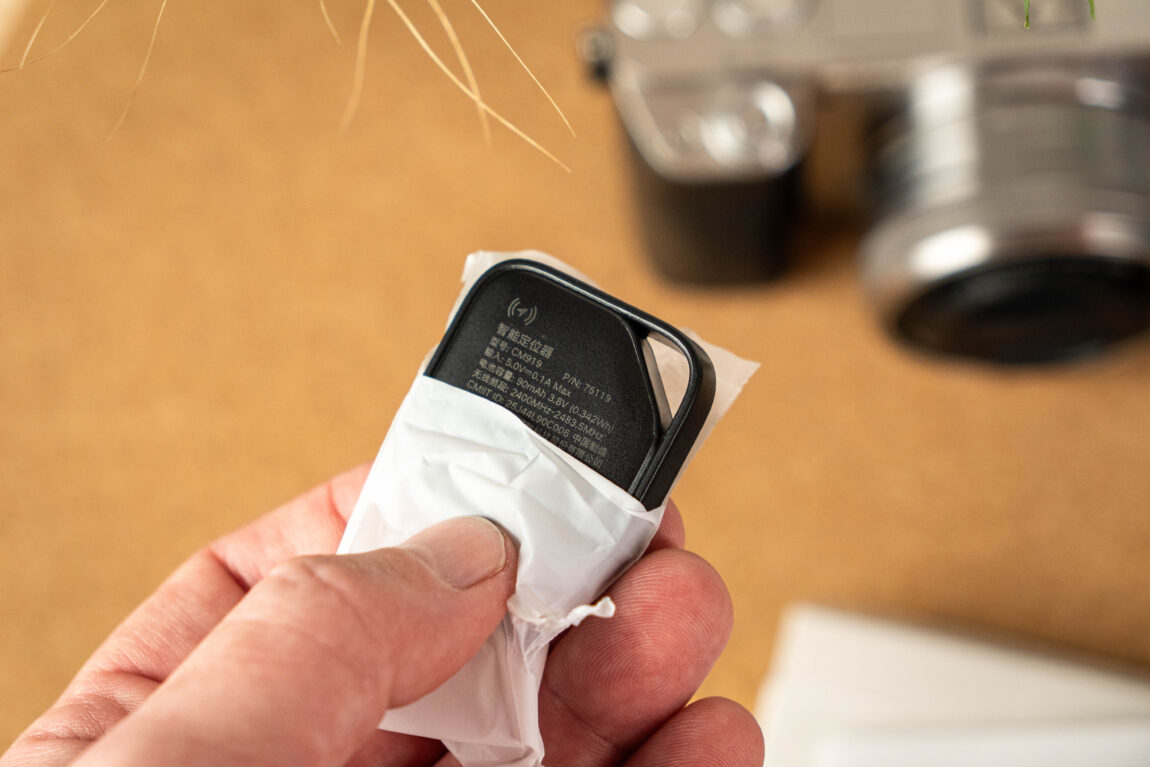
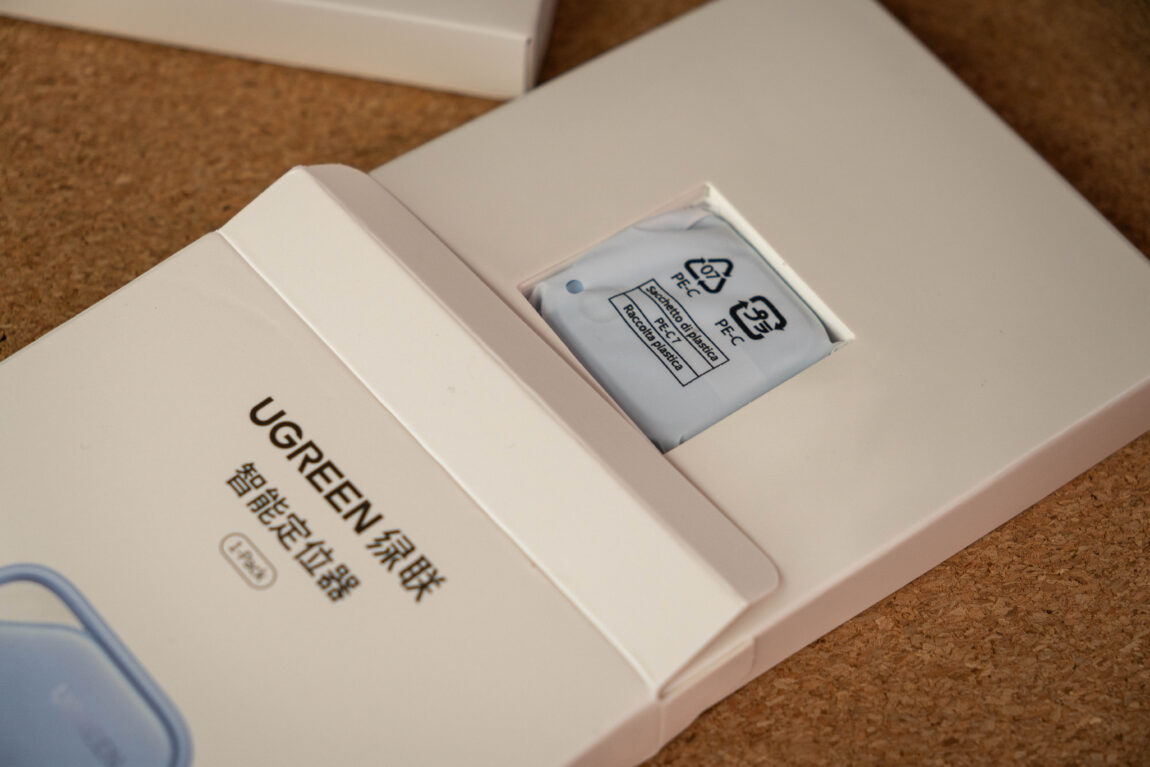
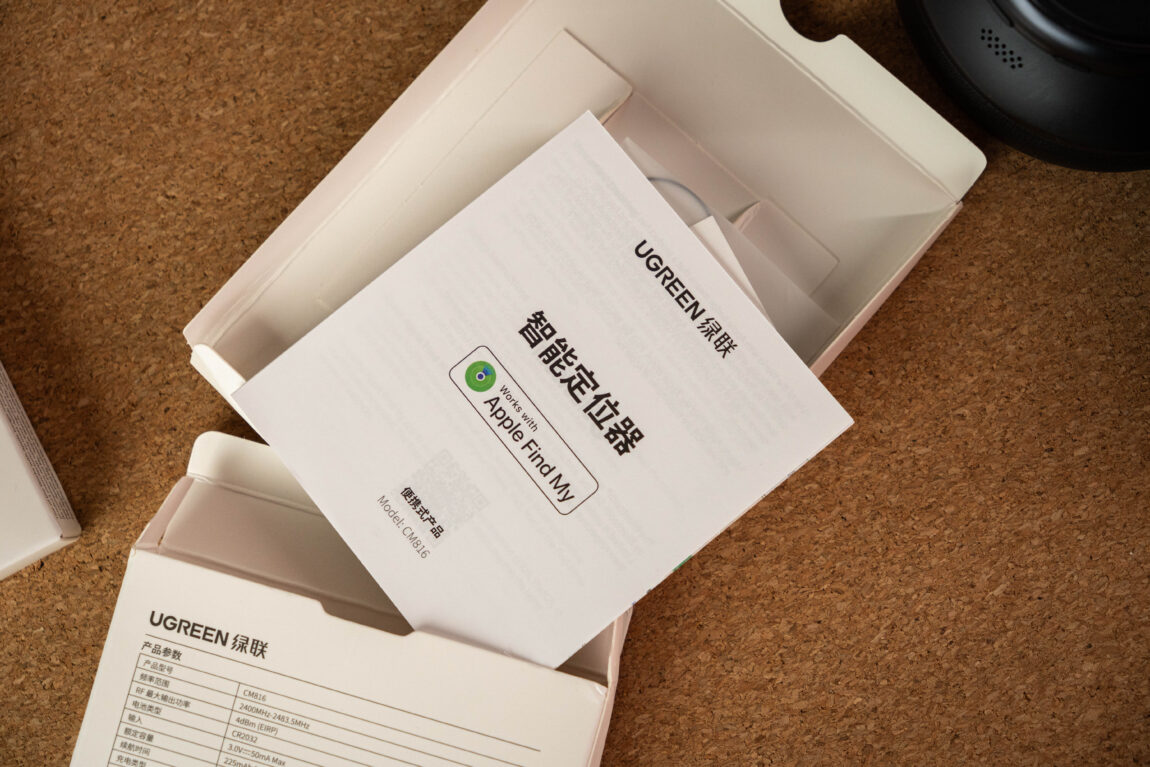
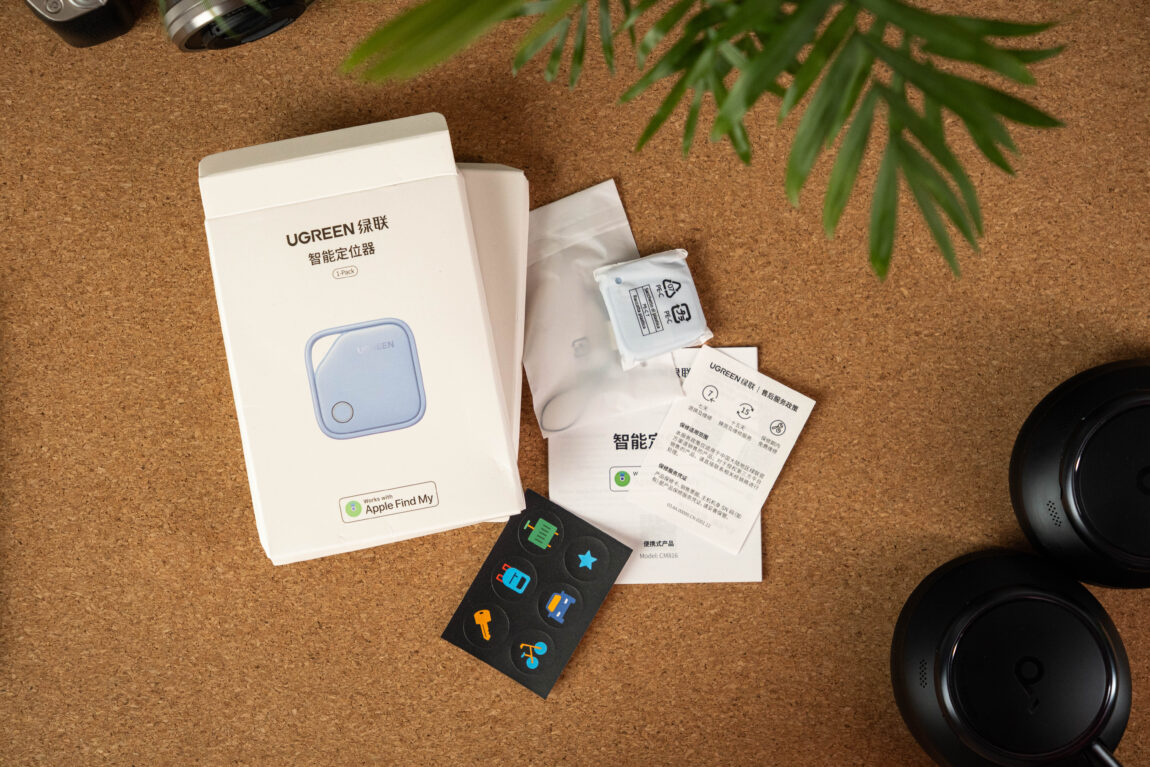
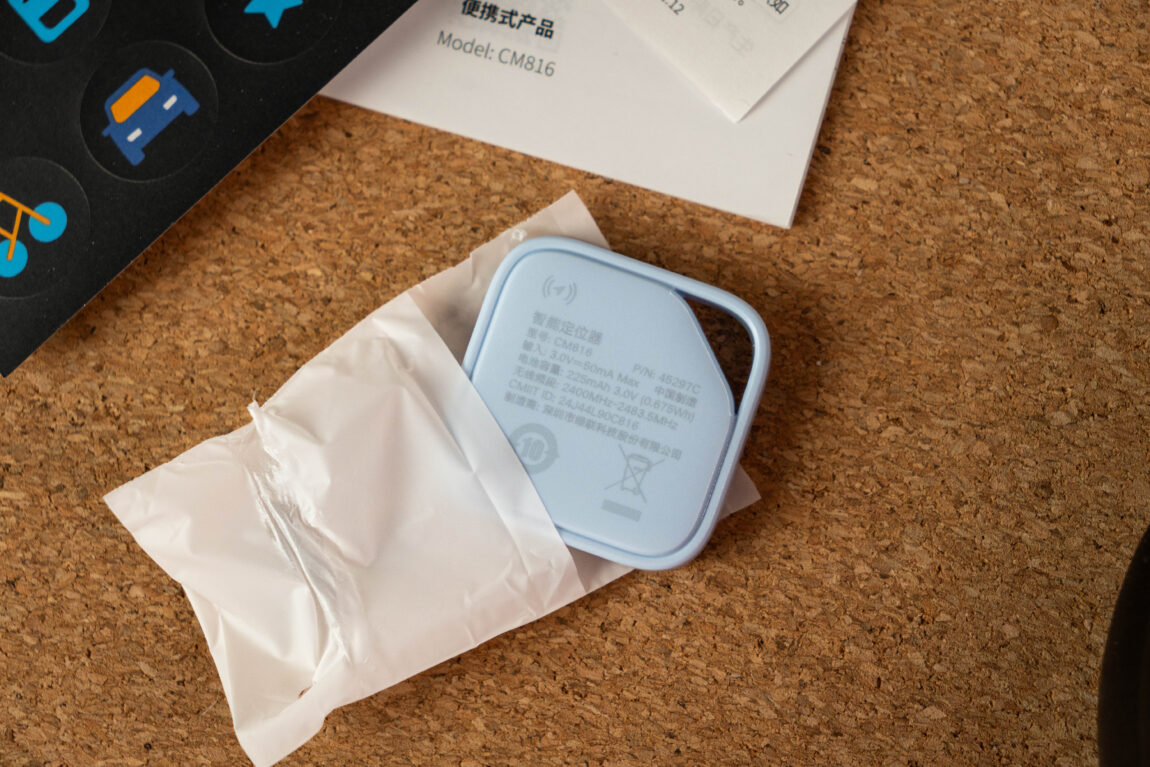
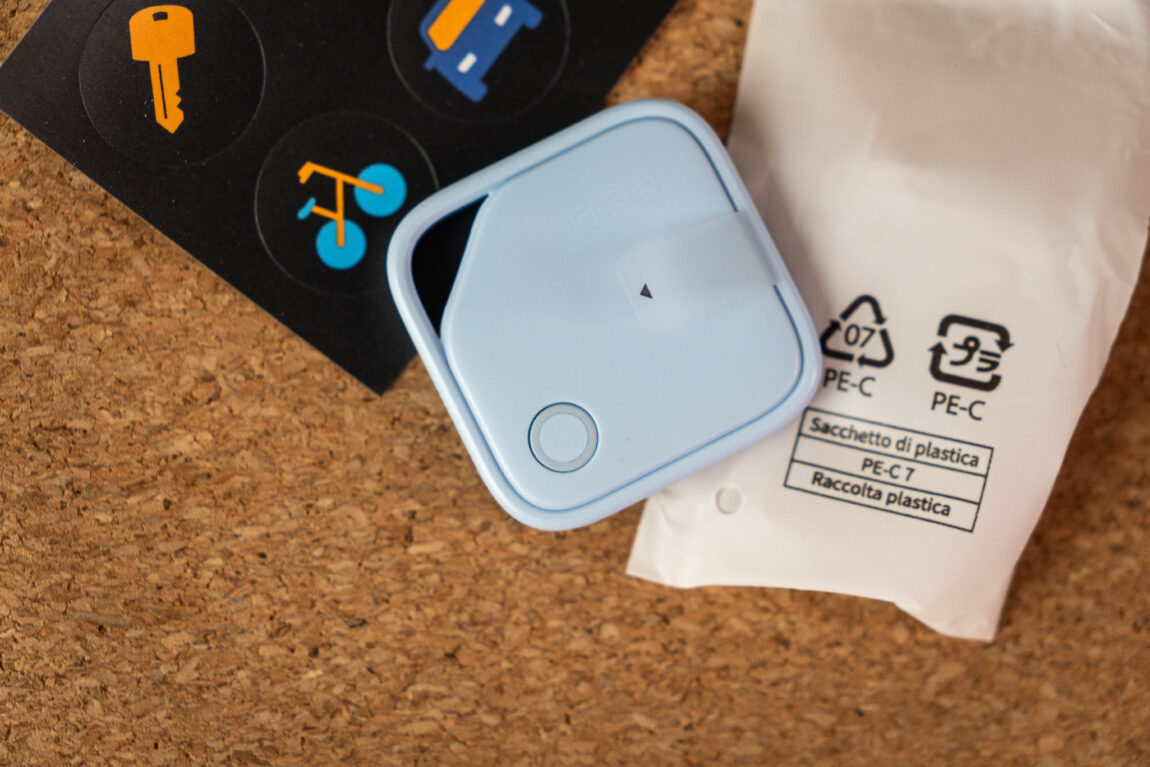
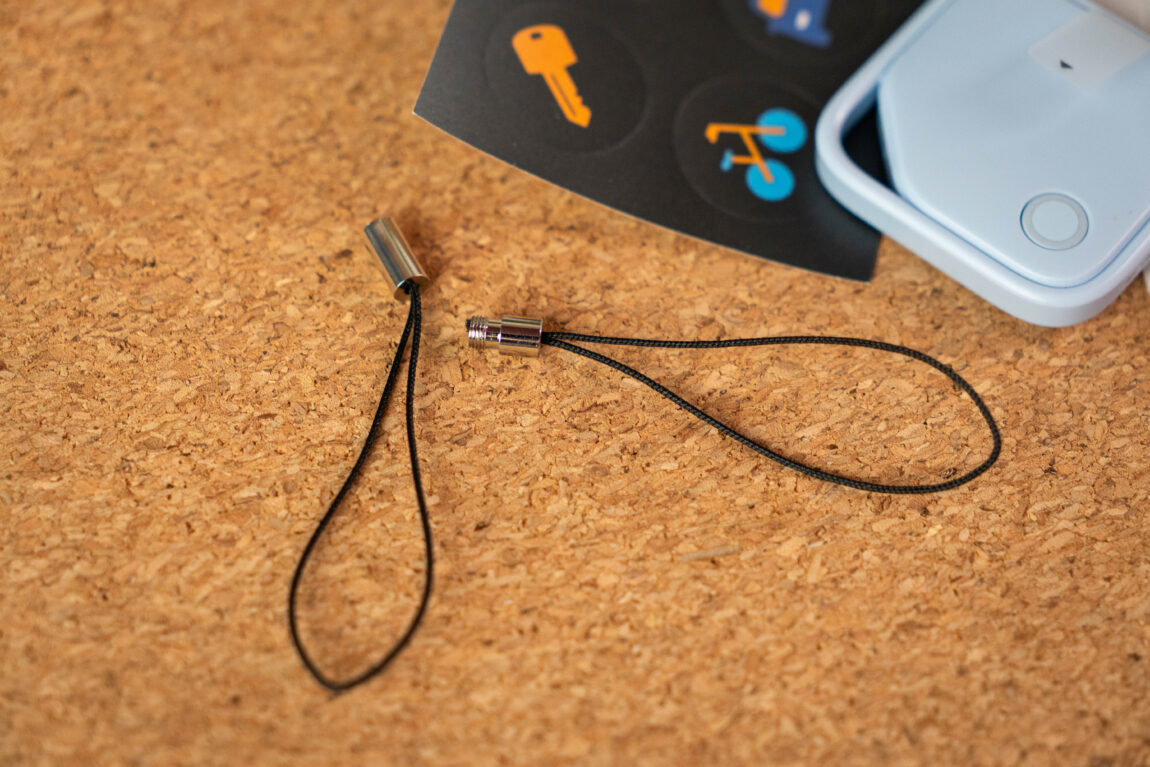
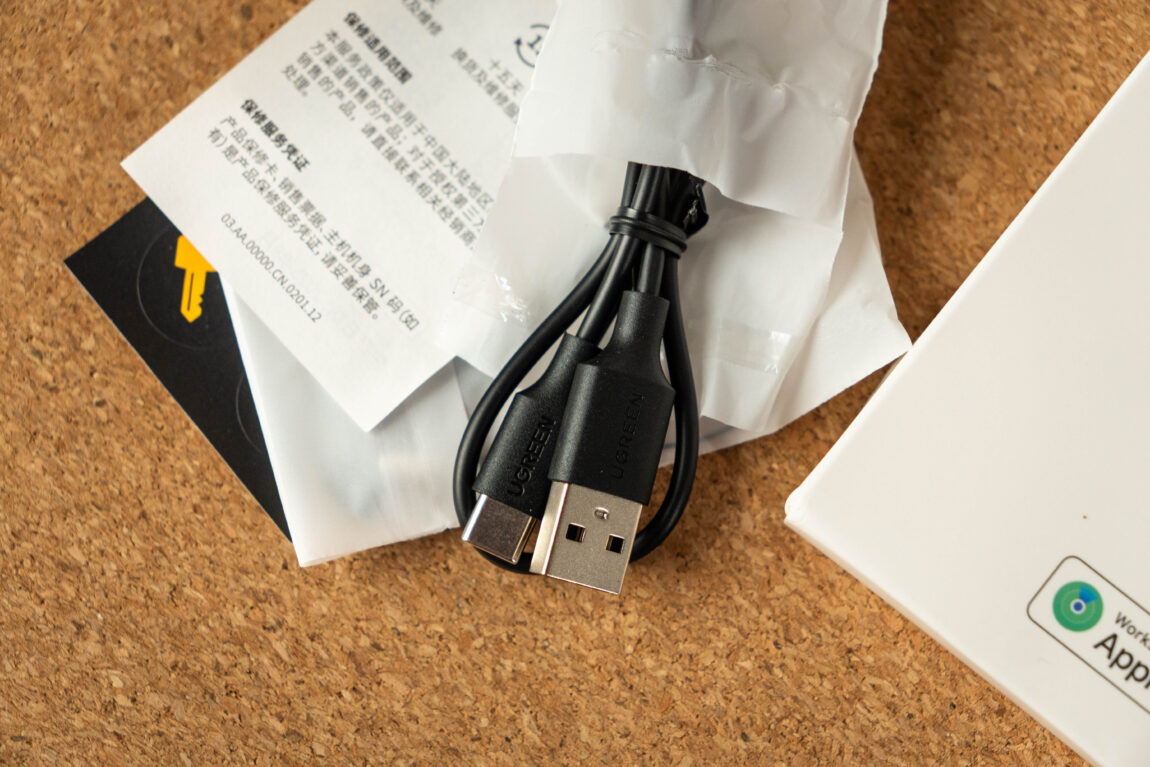
Apple remains a true classic - inside there is only the AirTag itself and a stack of papers. Ugreen's package is more generous. The rechargeable CM919 model comes with a USB-C cable, a spare connector cover, a lanyard and even stickers for personalization. The CM816 (operating with a replaceable CR2032 battery) has an identical package, only without a cable.
Assembly quality
Small but quite heavy (11 g), the combination of metal and shiny plastic gives the Apple AirTag a real premium feel. However, it has one big drawback - it doesn't have a hole. Want to attach it to your keys? Prepare another 5-15 EUR for a case.
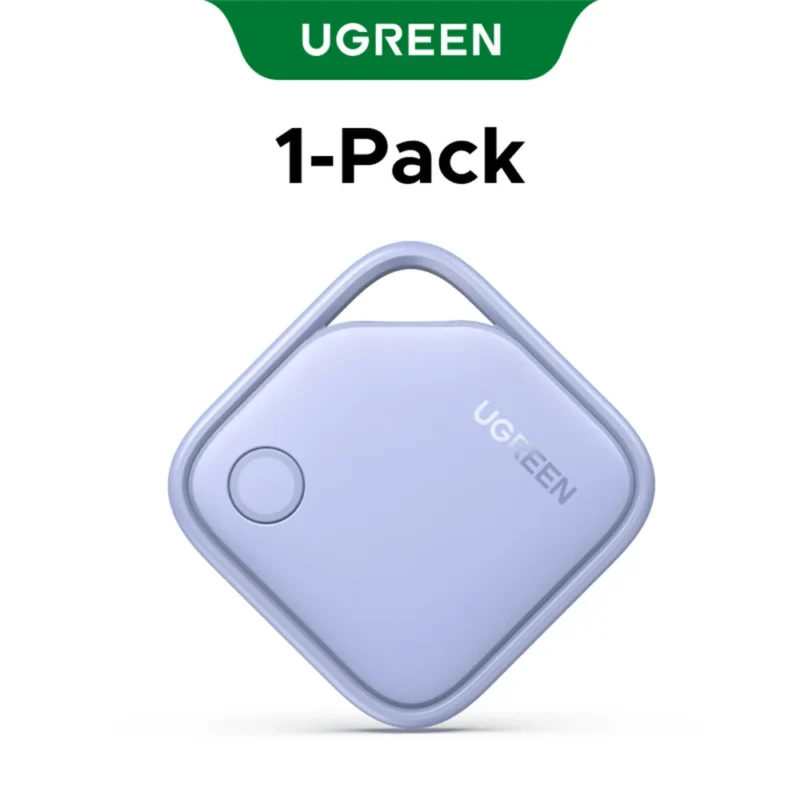
Ugreen models are square, made of a slightly simpler plastic, but have an integrated hole. This is a huge practical advantage.
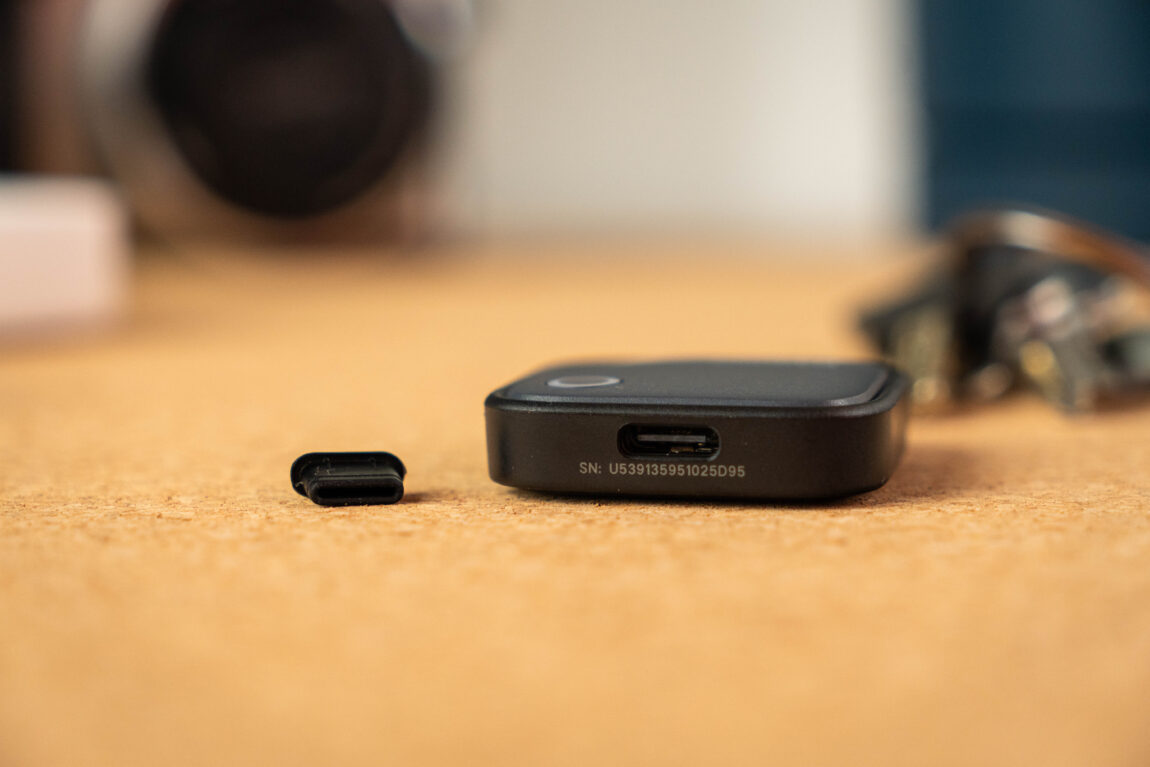
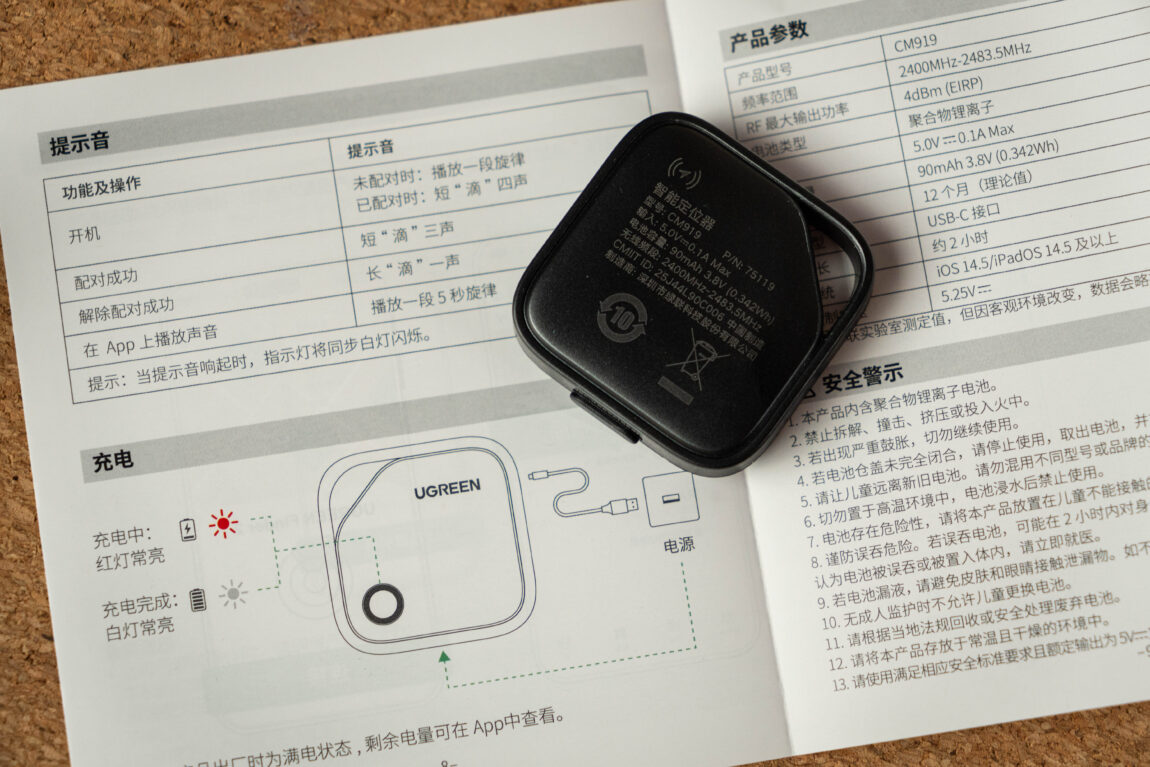
CM919 (rechargeable): Slightly thicker, has a USB-C connector under a silicone cover. Although the cover is not attached to the case, it did not fall off during the testing period.
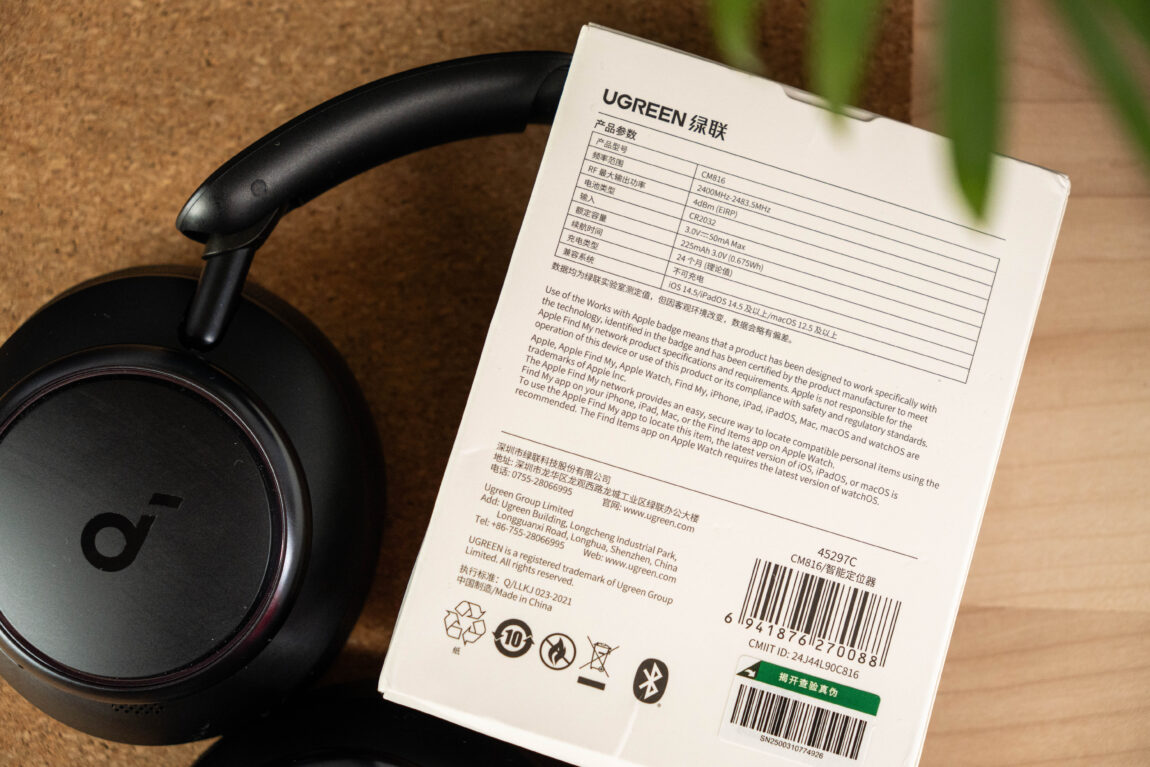
CM816 (with battery): Slimmer, more reminiscent of a classic tracker.
One of the stronger arguments in favor of the AirTag is its IP67 water resistance rating. Ugreen models do not have an official rating. While snow or being in a glass of water did not harm them during testing, they may not survive a swimming pool.
Connection and how does it work?
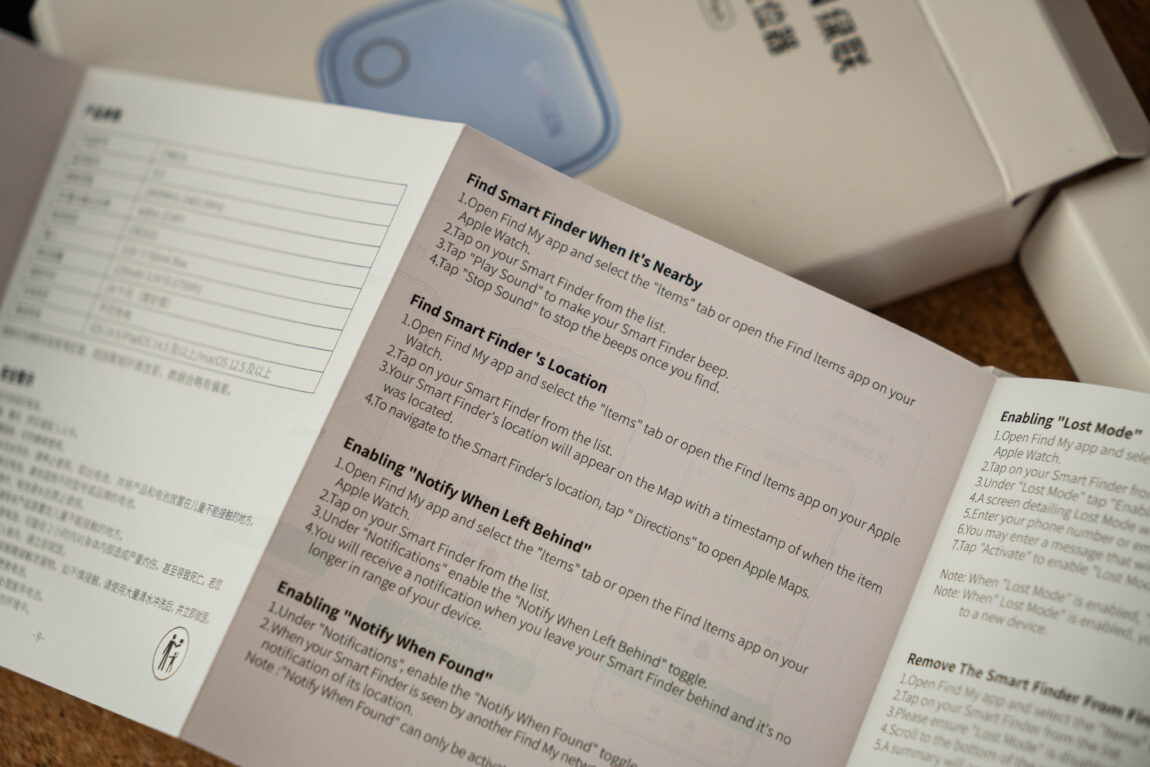
Connecting to the iPhone is done through the same Find My app. Apple wins points for elegance here: when you add an AirTag to your phone, a nice connection window immediately pops up. In the case of Ugreen, you have to press a button and add the device manually. It takes just a few seconds longer - nothing terrible, but Apple wins here.
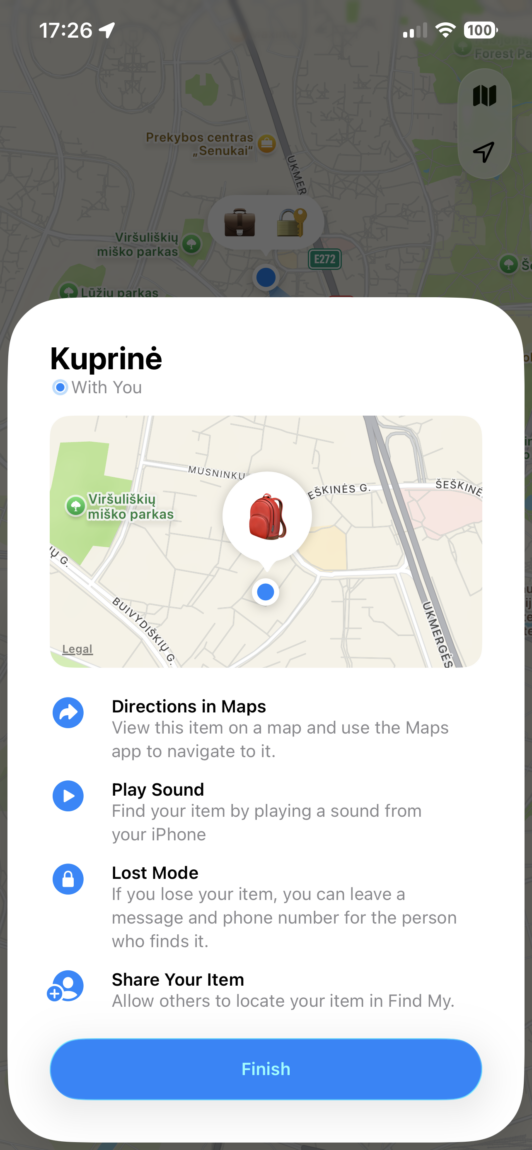
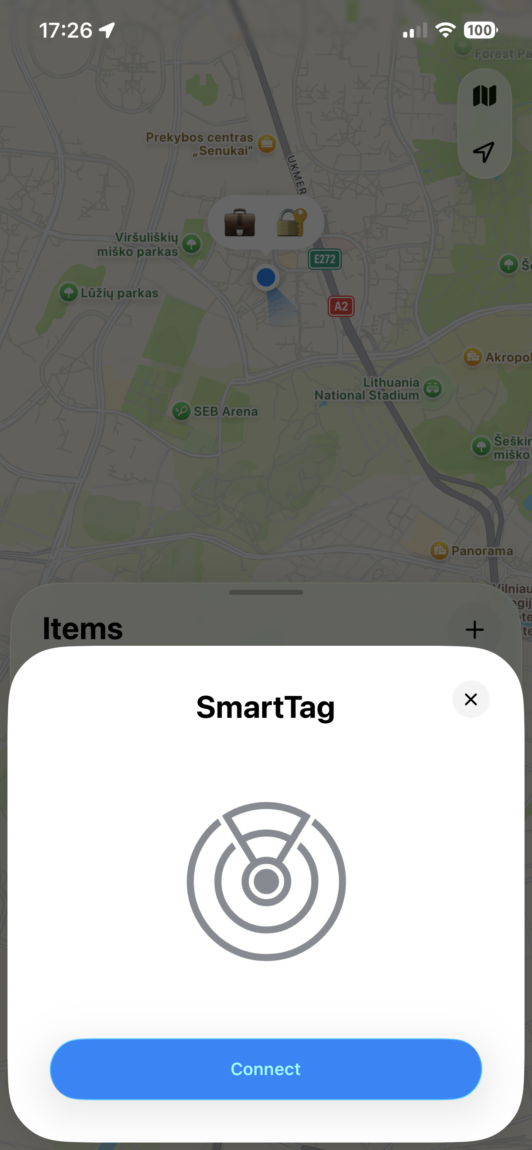
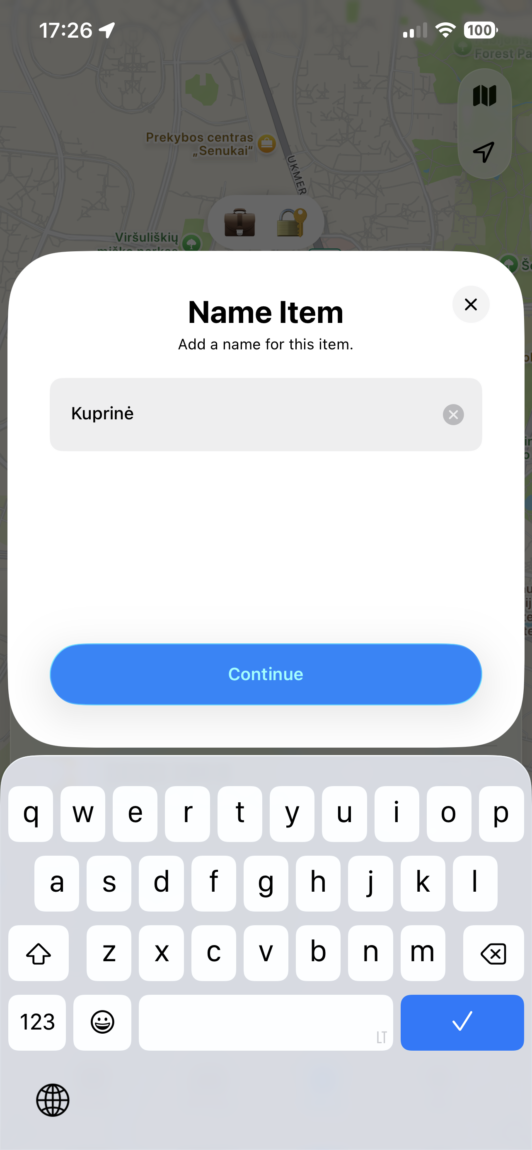
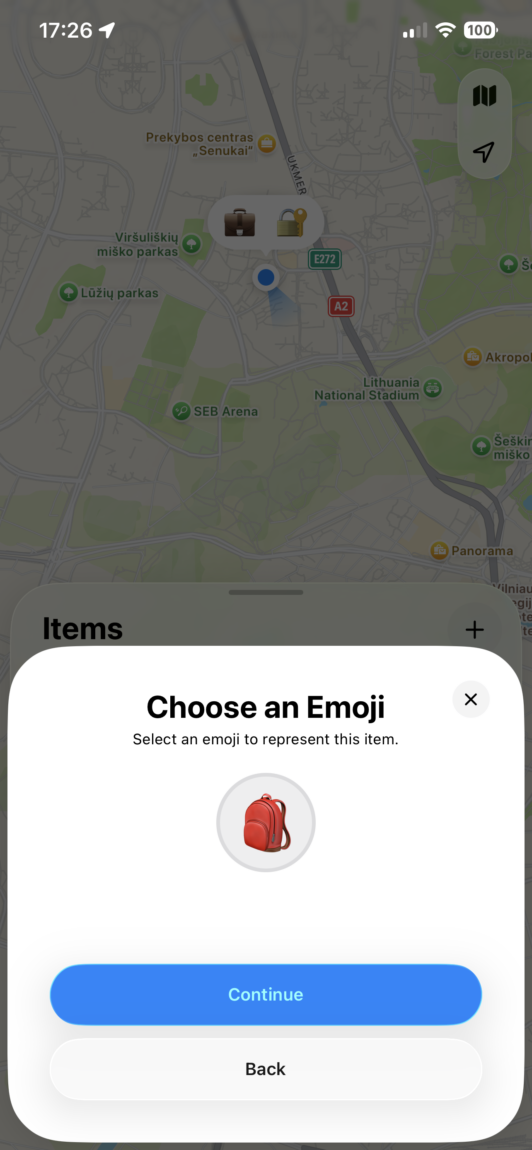
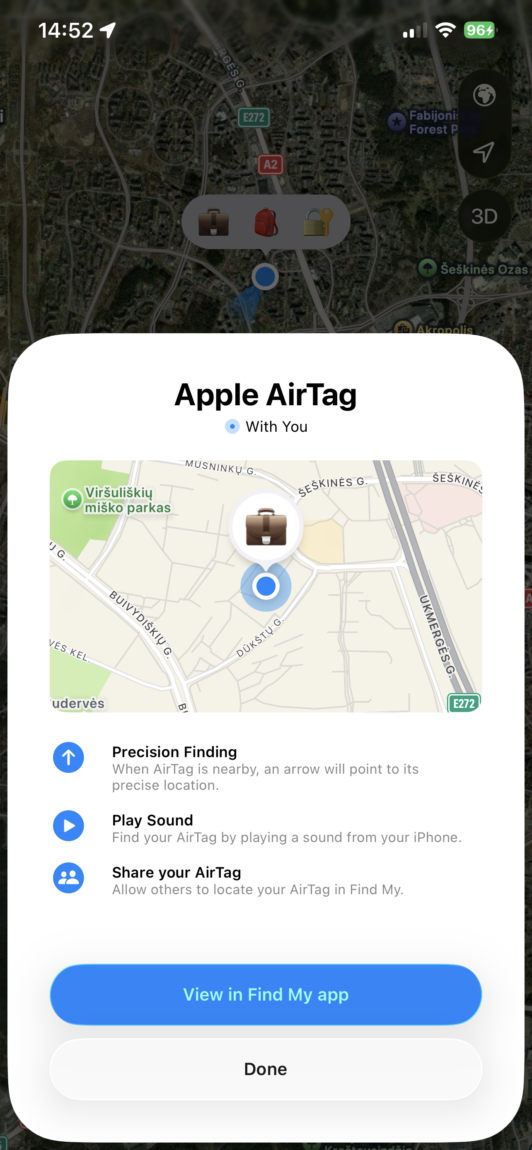
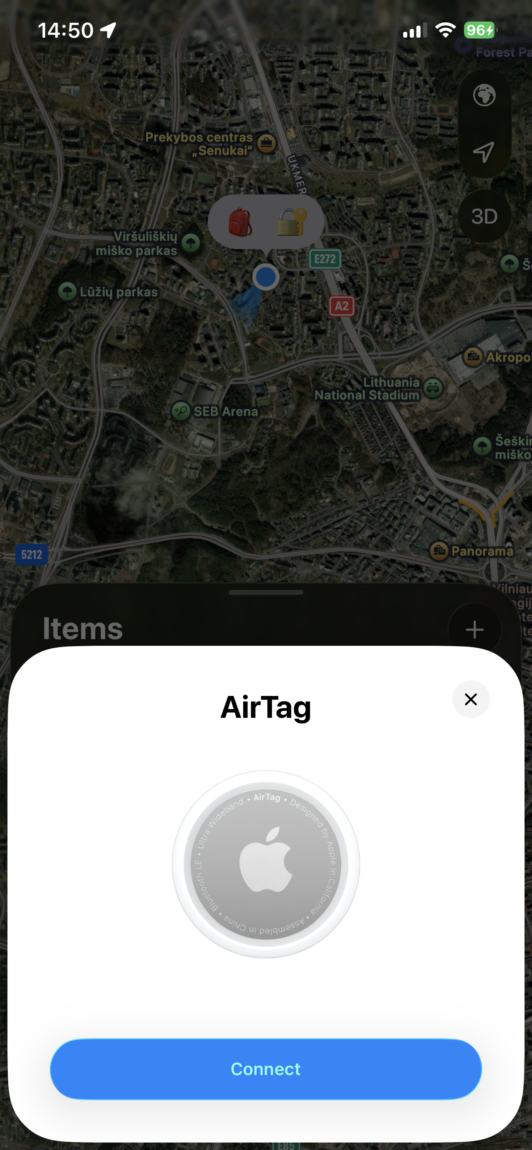
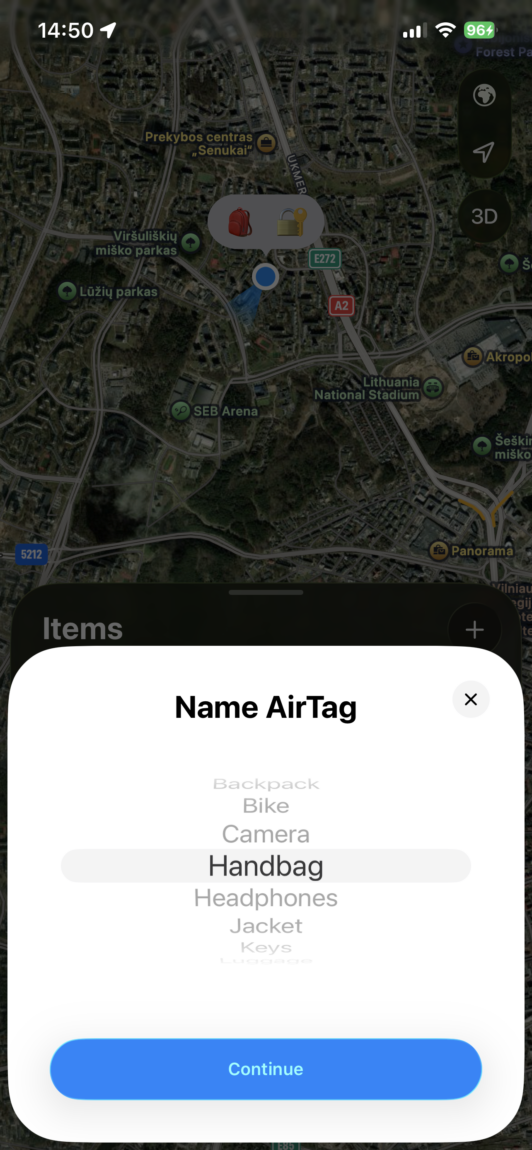
The operating logic is identical. While the tracker is nearby, a Bluetooth connection is used: the approximate location is visible on the map (Apple Maps) and a sound signal can be played. When it is far away, the entire Find My network is used - any Apple device moving past transmits the tracker's location anonymously and encrypted. Theoretically, this allows you to track the tracker all over the world, but in practice everything depends on the Apple devices around.
Nearby activity
The biggest difference between these devices becomes apparent when trying to find them inside a house or other enclosed space. Apple AirTag has a UWB chip, which allows you to use the Precision Finding function - the phone shows an arrow on the screen and the distance with an accuracy of centimeters. Ugreen trackers do not have this magic, so you will have to rely on the approximate location on the map or the sound signal to find them. By the way, the sound emitted by Ugreen is a little higher in pitch, so in a noisy environment it was a little easier for me to hear it than AirTag.
In open space, all three models remain reachable up to 50 meters away, but Apple AirTag establishes a connection with the phone a little faster. The rechargeable CM919 model thinks a couple of seconds longer from 25 meters before the app allows you to activate the sound (the CM816 was only slightly behind the AirTag). This delay is not critical and is barely noticeable in everyday life, especially if you are looking for an item more than every five minutes.
Operation on the Find My network
When you're away from your phone, all trackers become dependent on nearby iPhones, which anonymously report their location to the system. Tests have shown that all three models update their location at a similar rate, depending on the amount of people passing by. The essence of the Find My network is to help you find an item when it's not in direct Bluetooth range, and Ugreen has proven to be surprisingly solid here. Below are some specific observations from my testing.
1st attempt: I left the trackers in the car in the yard overnight (outside temperature about -20°C), about 15 meters from the house (not reachable via Bluetooth). When I checked before lunch, the location of all three remained unchanged, and the last updates were about 40 minutes ago, when someone with an iPhone passed nearby.
2nd attempt: Trackers in a child's backpack, at school. Here, updates were more frequent, at least every half hour. However, there was a location error on the map, which did not exceed a radius of 30 meters.
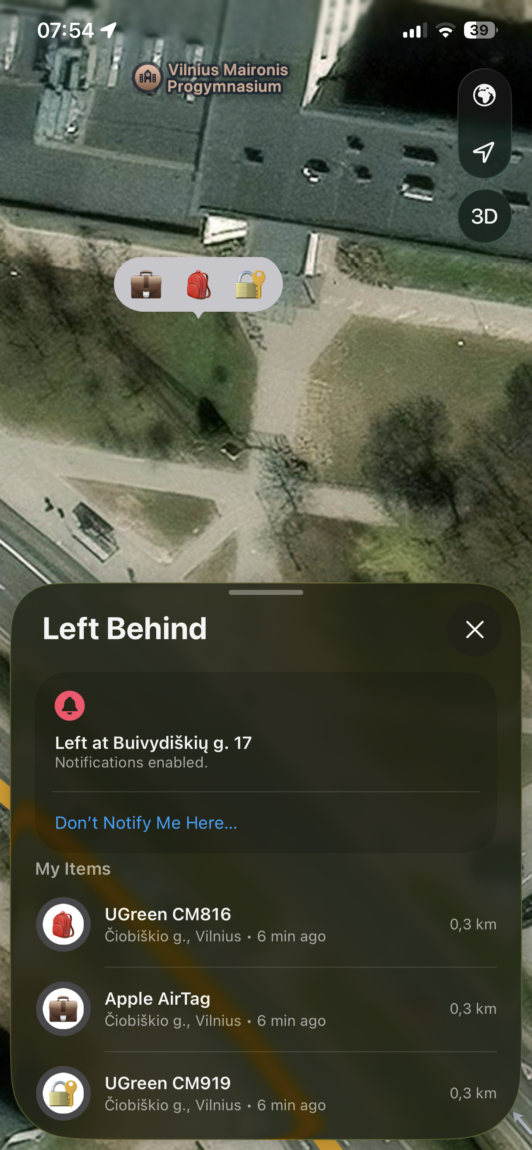
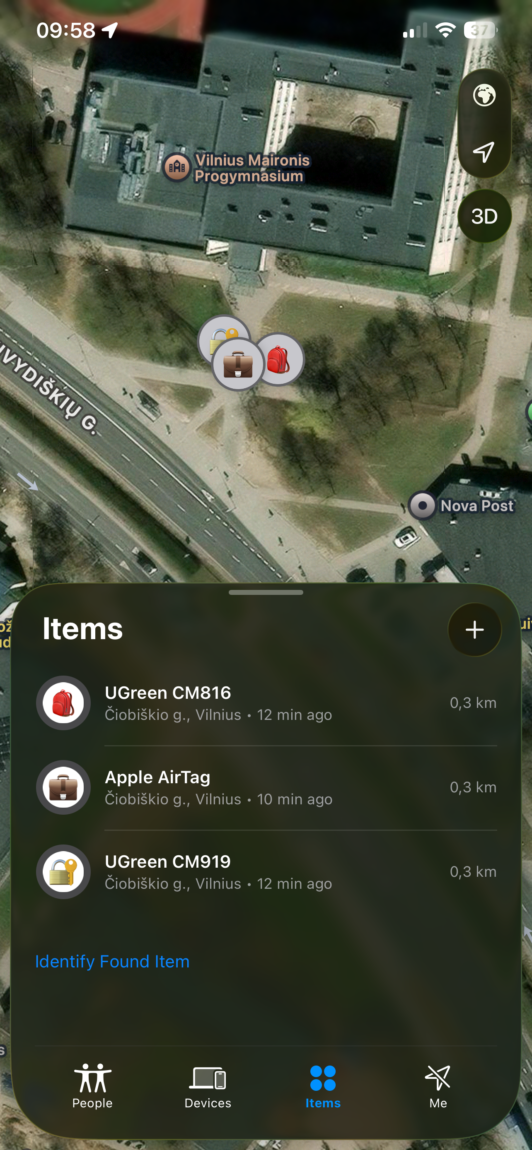
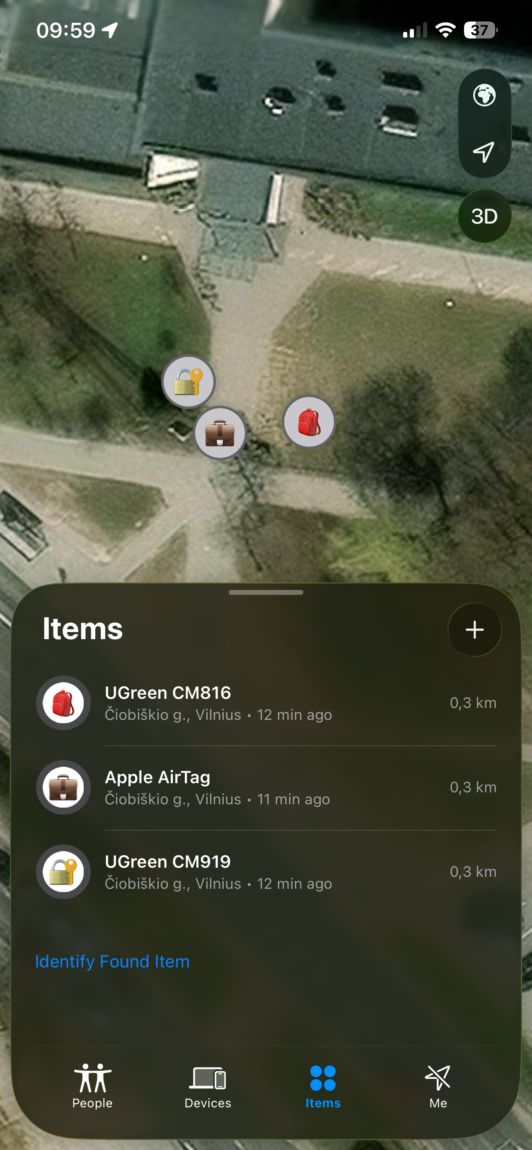
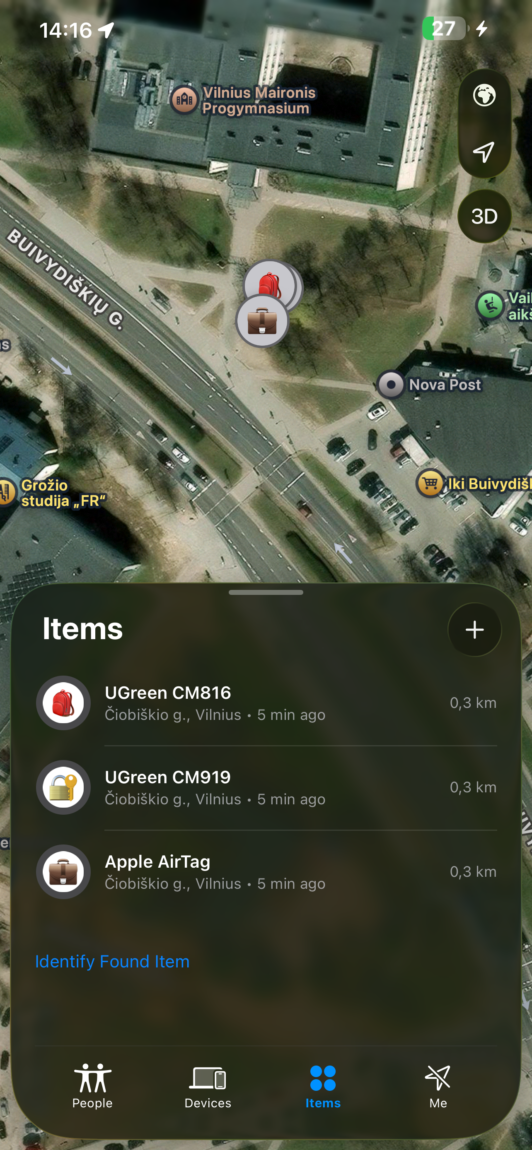
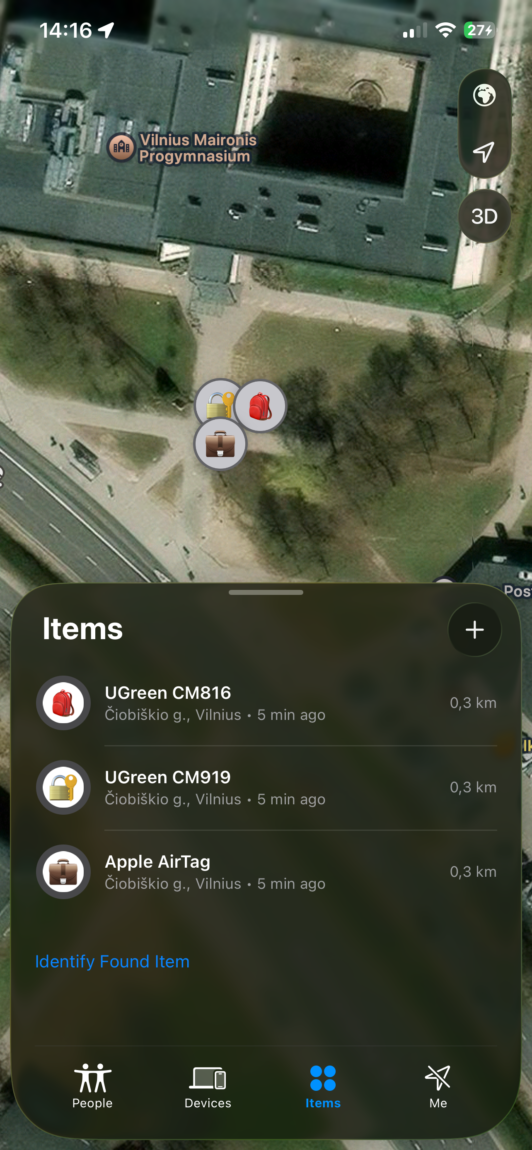
3rd attempt: In the parking lot of a multi-story shopping center, the Apple AirTag stood out for its accuracy, while both Ugreen models "threw" the location about 5-10 meters away from the actual position.
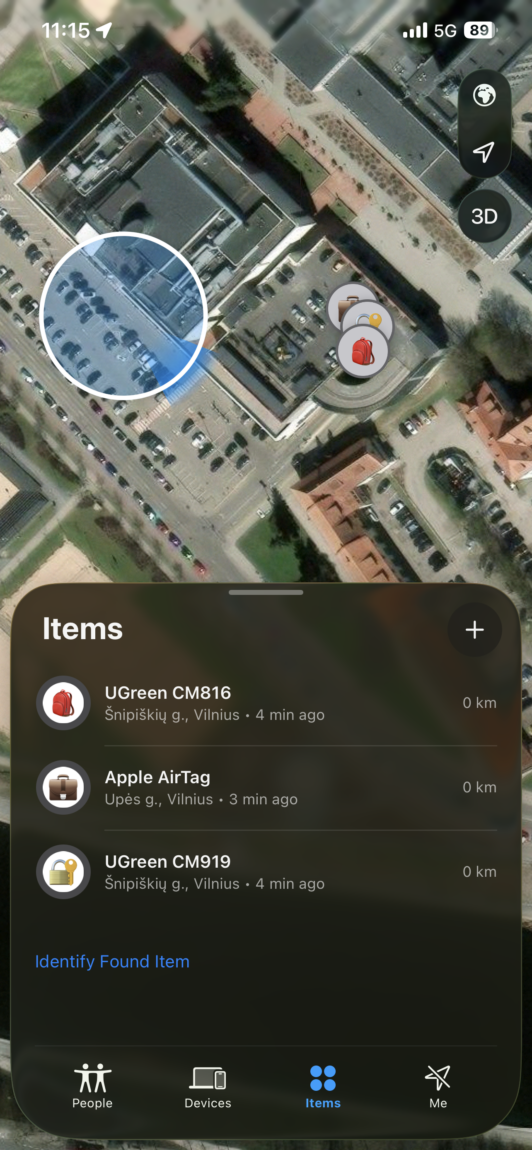
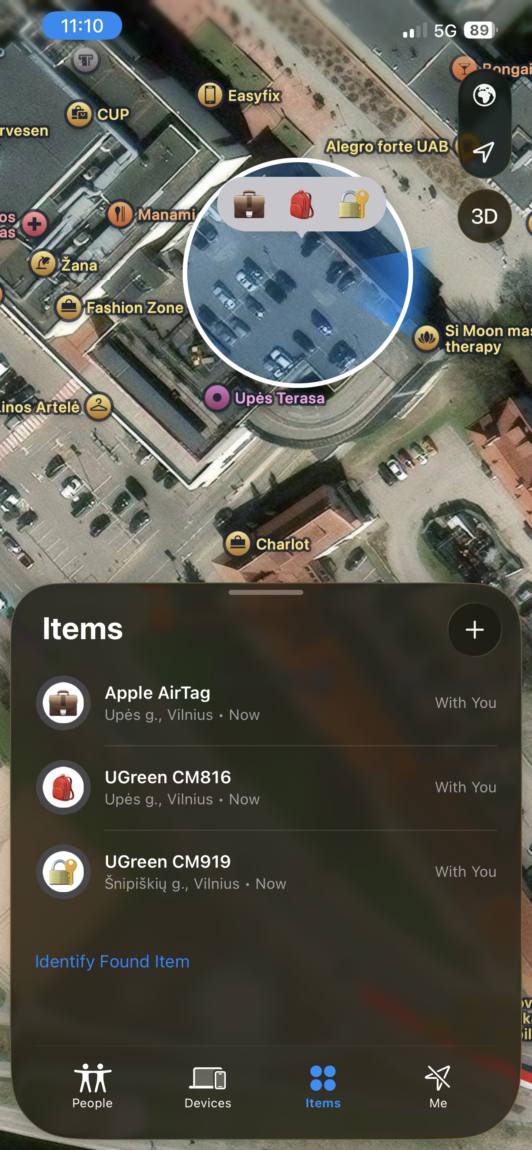
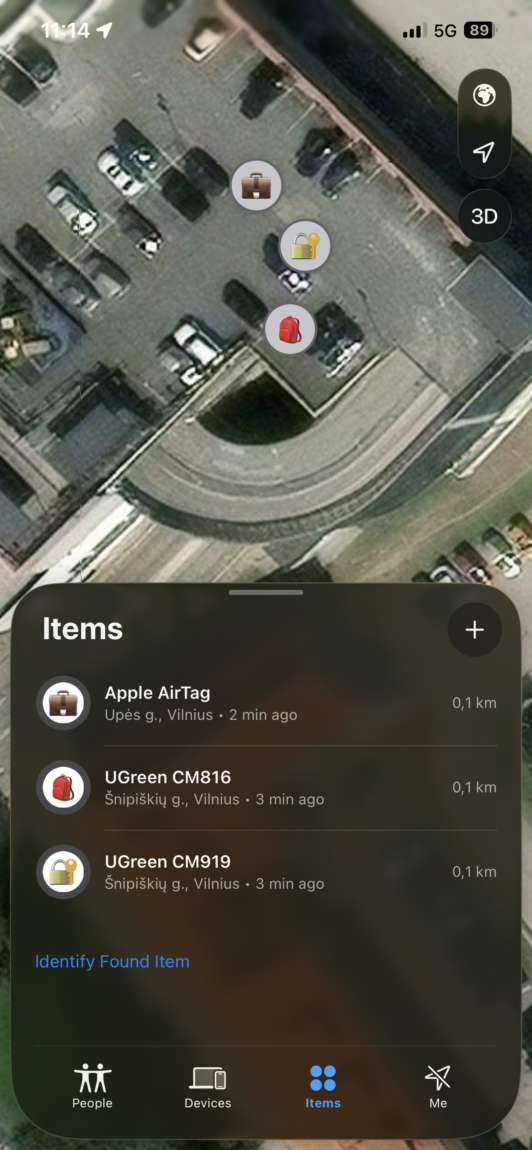
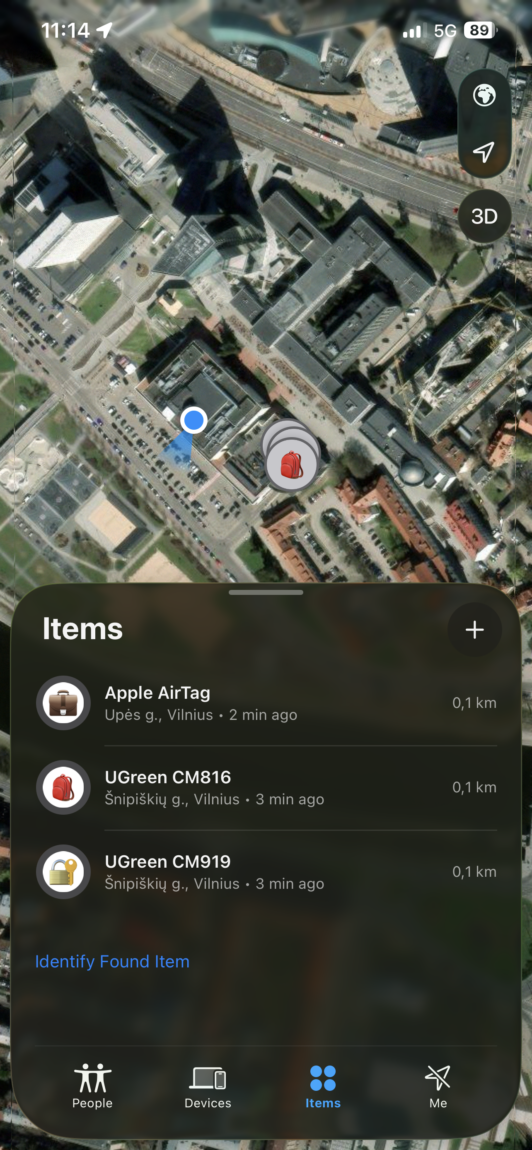
4th attempt: I left the trackers and backed away until they were out of reach, then quickly walked past. The Apple AirTag and CM816 changed their location (about 50 meters) to the side I passed, while the CM919 didn't have time to "catch" the passing phone and remained in the old location on the map.
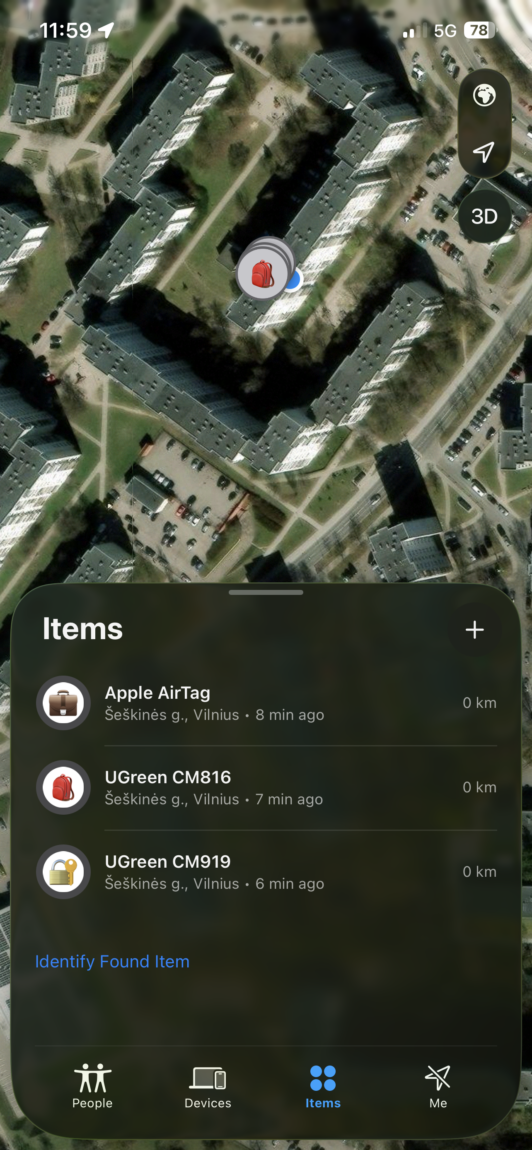
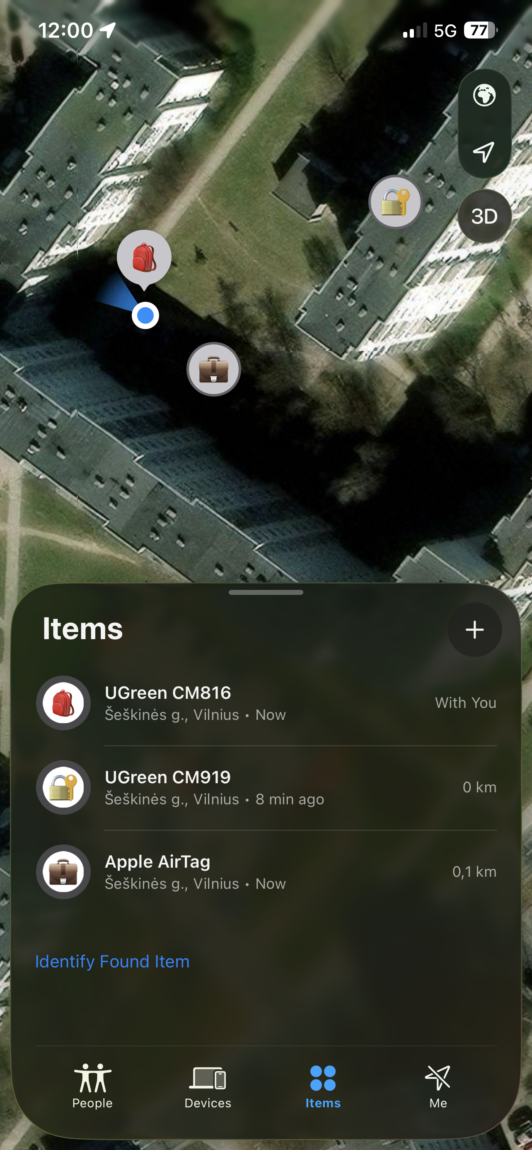
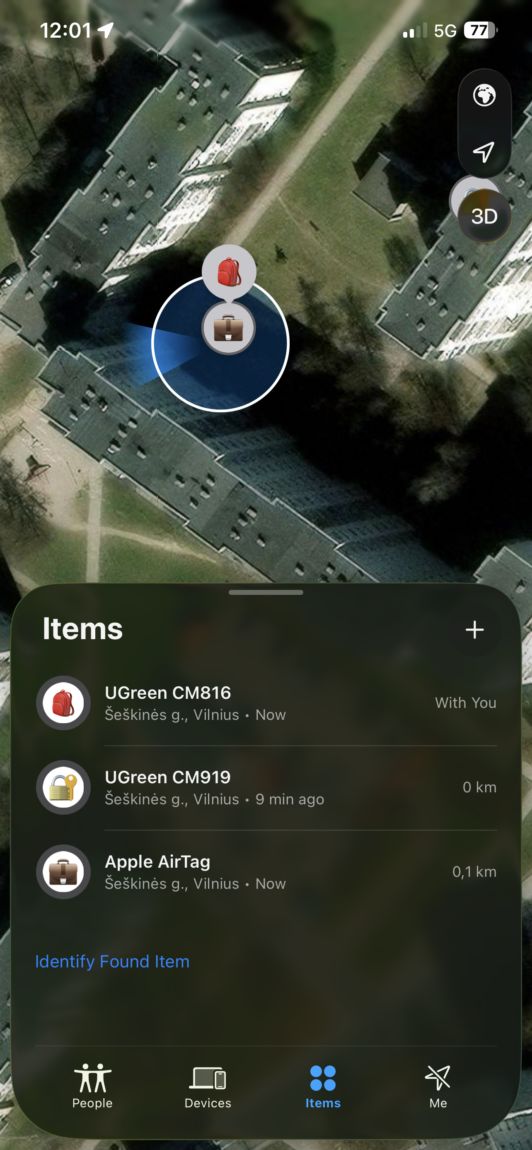
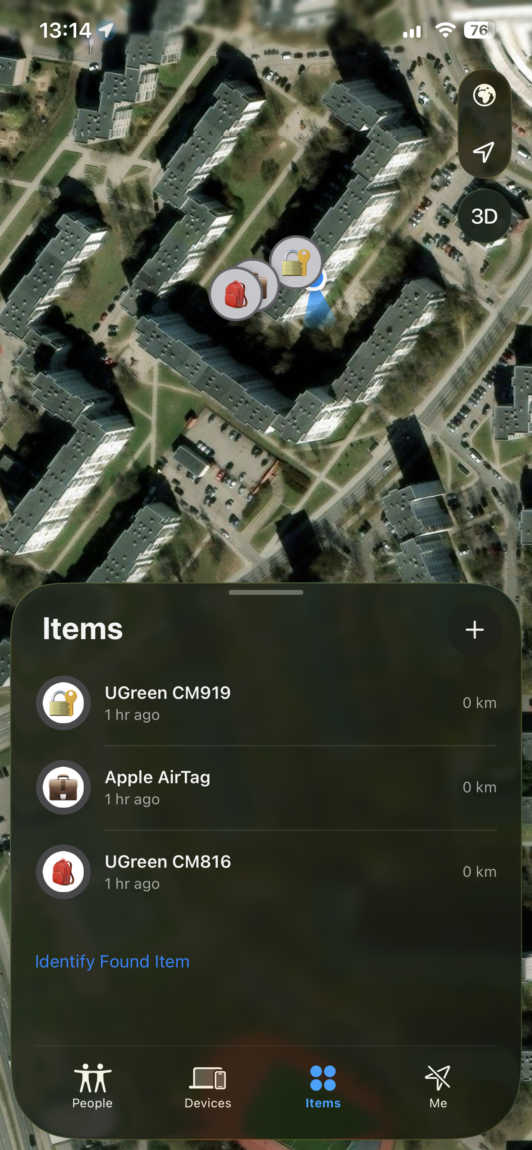
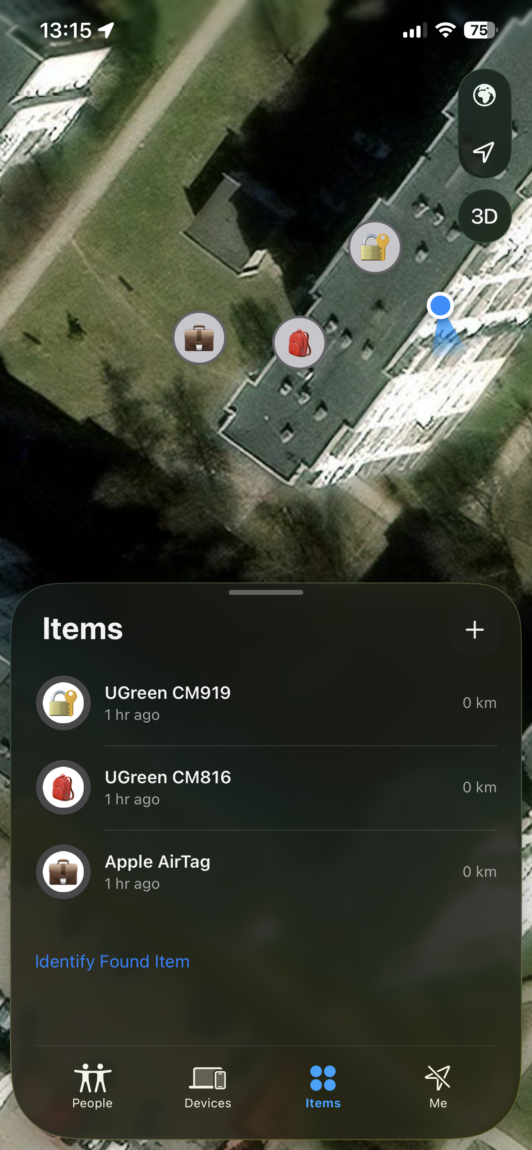
In summary, all trackers perform their main task, but the rechargeable CM919 model is a little slower to detect and takes longer to establish a connection. A common drawback of all models is that the location can be "stretched" when moving around, which can later be a bit difficult to find an item in the field.
Other features
Additional features, such as notifications when the tracker is left or showing contact information to the person who found it, work smoothly in all three models. These functions are directly controlled by the iOS operating system, so Ugreen is in no way inferior to Apple's product here. A notification about abandoned trackers usually arrives on the phone after about 10 minutes. All trackers also allow you to conveniently see the remaining battery in the Find My app, so there should be no surprises due to unexpected discharge.
Verdict
The final answer to the question of which one to choose depends on your needs and how often you tend to lose things. Despite the slightly better Ugreen voice search, the Apple AirTag remains the best choice for finding small objects at home due to its precise detection function and higher assembly quality. However, if you need a tracker for a bicycle, scooter or suitcase, the Ugreen CM816 or CM919 will offer almost the same functionality for half the price. The integrated lanyard hole in the Ugreen case is a huge practical plus that immediately saves you the extra euros that would be needed for an Apple AirTag case.
Personally, I would choose the Ugreen CM816 model for those items whose location I want to see on a map without a big headache and additional investment. Although it does not have Apple's magic with arrows on the phone screen, the money saved seems like a very fair deal to me. I would save the Apple AirTag only for those keys that constantly hide in the deepest corners of a jacket or under the sofa, where every centimeter becomes critically important. It is simply a rational choice when you do not have to pay for a brand name where its functions are not vitally necessary.